Free trial
New users get 100 free credits with no credit card required and can cancel anytime. The homepage lists a free trial question in its FAQ without detailing the terms.
Learn moreAI thumbnail generator, face swap and style recreation for YouTubers
Own ThumbnailMakerr? Verify ownership to get a dofollow link

ThumbnailMakerr is a web app that generates YouTube thumbnails from text prompts, with face swap, style recreation, product promotion layouts and a free preview tool. Paid plans start at $15 a month, and new accounts get 100 free credits.
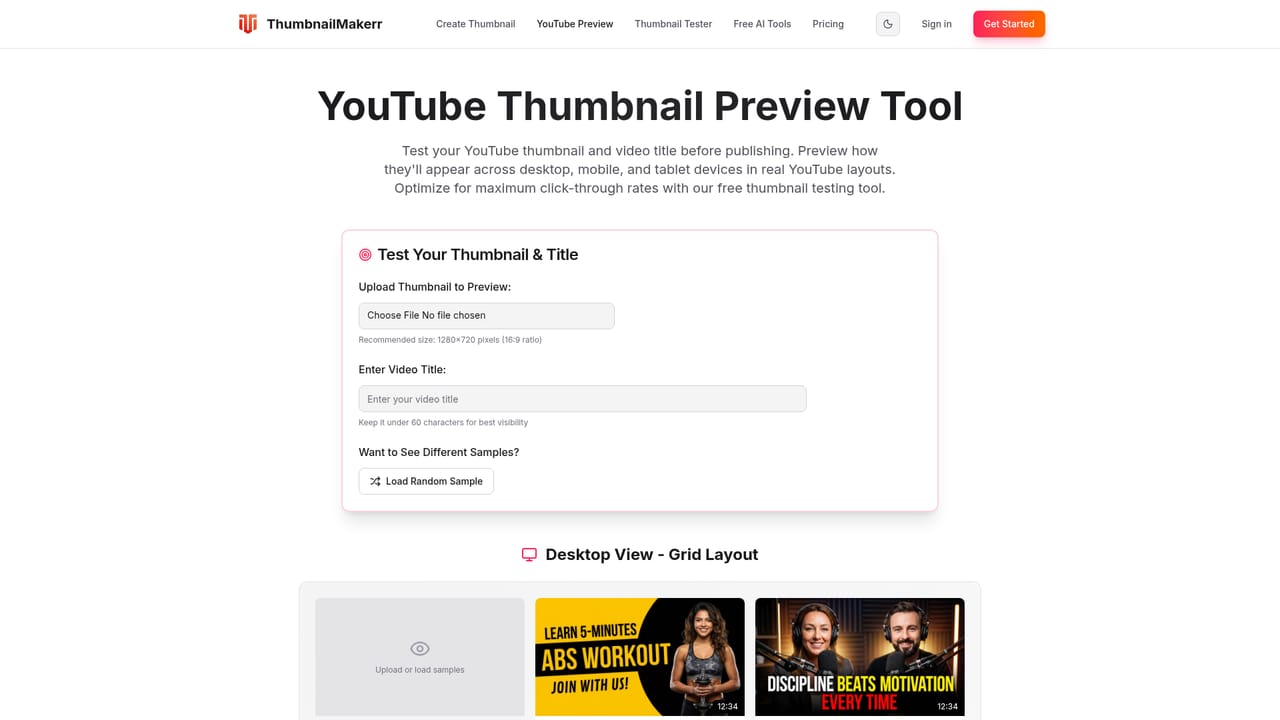
ThumbnailMakerr is a web-based AI thumbnail maker built around a single job: producing click-oriented YouTube thumbnails quickly. Instead of a general design canvas, it offers four focused tools: a text-to-thumbnail generator, face swap, style recreation and a product promotion mode. The audience is YouTube creators of all sizes, along with editors and agencies who need to turn out cover images for many videos without opening a layout editor each time. In practice the workflow is short. A user describes the thumbnail they want in plain language, including text, images, backgrounds and effects, or pastes a YouTube URL so the system can recreate that video's style. The AI returns several variations, and the user picks one, downloads it in HD and uploads it to YouTube. Face swap replaces faces in an existing design, which suits reaction videos and collaborations. Style recreation is aimed at series, where a channel wants visual consistency, and it can also imitate the look of well-known channels. The product promotion mode takes a product image and a person and assembles a comparison or promotional layout. Saved styles and templates are meant to keep colors and fonts consistent across a channel. A separate free preview tool shows how a thumbnail and title appear in YouTube-style layouts on desktop, tablet and mobile, which helps check readability at real size before publishing. Generation is metered in credits: the three paid plans grant 1,200, 3,600 or 9,000 credits a month, equal to 60, 180 or 450 thumbnails, and new accounts start with 100 free credits and no card. Among alternatives, ThumbnailMakerr sits between general AI image generators, which need careful prompting and manual text work, and full design suites such as template-based editors, which offer more control but demand more effort. Its narrow YouTube focus makes it a practical pick for creators who publish often and value speed over pixel-level editing. The testimonials and CTR figures on the homepage are the vendor's own claims and have not been independently verified.

New users get 100 free credits with no credit card required and can cancel anytime. The homepage lists a free trial question in its FAQ without detailing the terms.
Learn moreSubscription plans: Standard $15/month (1,200 credits, 60 thumbnails), Pro $39/month (3,600 credits, 180 thumbnails) and Ultimate $79/month (9,000 credits, 450 thumbnails). Monthly and annual billing toggles are shown. All plans include generator, recreation, face swap and edit.
Learn moreAI thumbnail generator from text prompts, face swap, style recreation from a YouTube URL or famous channel styles, product promotion layouts, thumbnail editing, saved styles for brand consistency, HD downloads and a free preview tool for desktop, tablet and mobile.


