Free trial
No time-limited trial is described. Instead, search and fetch are free on every plan and new accounts receive $8 in starting credit to test paid agent and browser usage.
Learn moreWeb infrastructure that lets AI agents search, fetch, browse and act

TinyFish is an AI search tool. TinyFish gives AI agents a hosted web stack: live structured search, URL-to-content fetching, cloud browser sessions and a goal-driven agent that can log into portals, all under one API key, aimed at developers building web automation into LLM workflows.
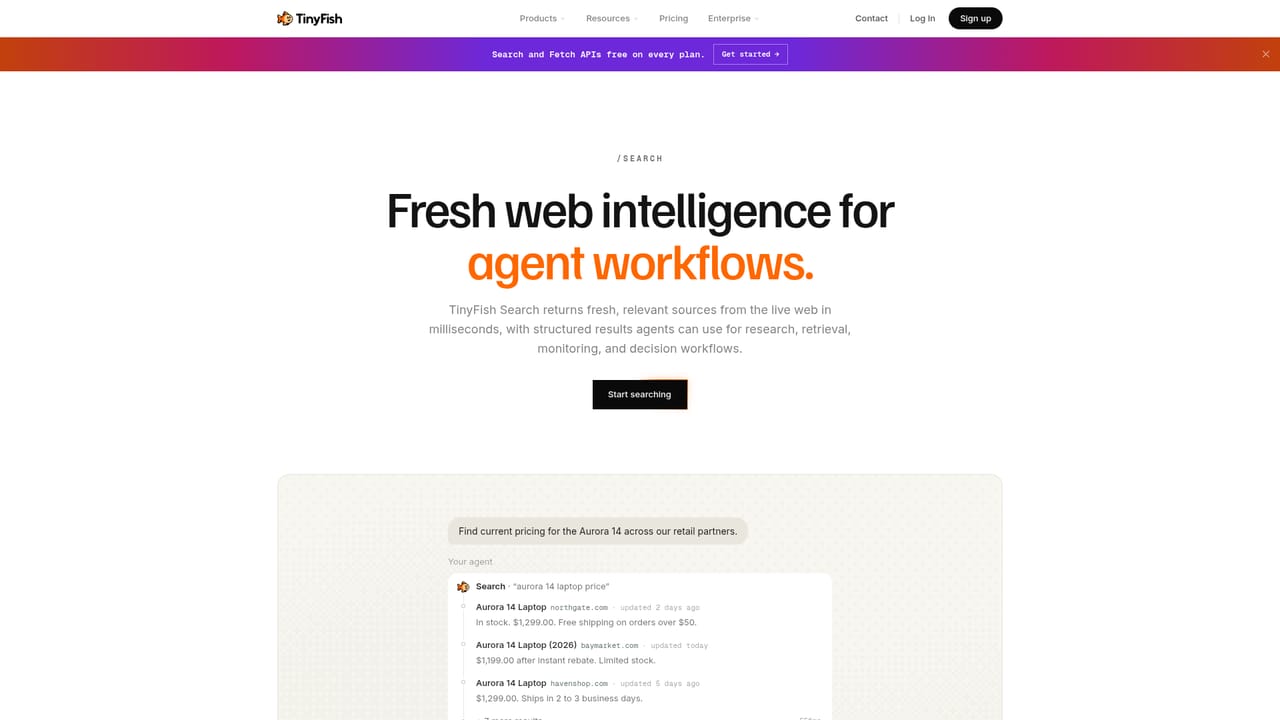
TinyFish is a web infrastructure layer built for AI agents rather than for people clicking around a browser. It bundles four products behind a single API key and a single billing wallet: TinySearch returns fresh, browser-rendered search results as structured JSON, TinyFetch turns any URL into clean Markdown, JSON or HTML, TinyBrowser provides a cloud browser session driven with Playwright, Puppeteer or CDP, and TinyAgent takes a goal written in plain English and executes it against a live site. The target user is a developer or data team wiring an LLM into real web work. The homepage positions TinyFish as usable from ChatGPT, Claude, Cursor, Grok, OpenClaw, Hermes or your own code, with nine further integrations implied. Typical jobs listed are monitoring pages for price or filing changes, enriching CRM records against the live web, research questions answered with linked sources, and automating third-party portals that sit behind a login. That last case is where the product gets more specific than a scraping API. TinyVault connects to 1Password or Bitwarden so a run receives only the credentials it needs and the model never sees them. TinyProfiles store a signed-in session so later runs start authenticated, and each run is recorded step by step for review. TinyAgent reports 89.9 percent on the Online-Mind2Web benchmark, with 81.9 percent on hard tasks, and the runs are published for independent checking. Alternatives usually cover one slice: a search endpoint, a headless browser, or a scraper. TinyFish argues the combined platform is the differentiator, which matters if you would otherwise stitch three vendors and three billing relationships together. The tradeoff is coupling: you are buying into a hosted execution layer, and the pricing model is usage-based per step, per minute and per check rather than a flat seat. Named customers include DoorDash, ClassPass, Grubhub, Amazon and The Zebra.
No time-limited trial is described. Instead, search and fetch are free on every plan and new accounts receive $8 in starting credit to test paid agent and browser usage.
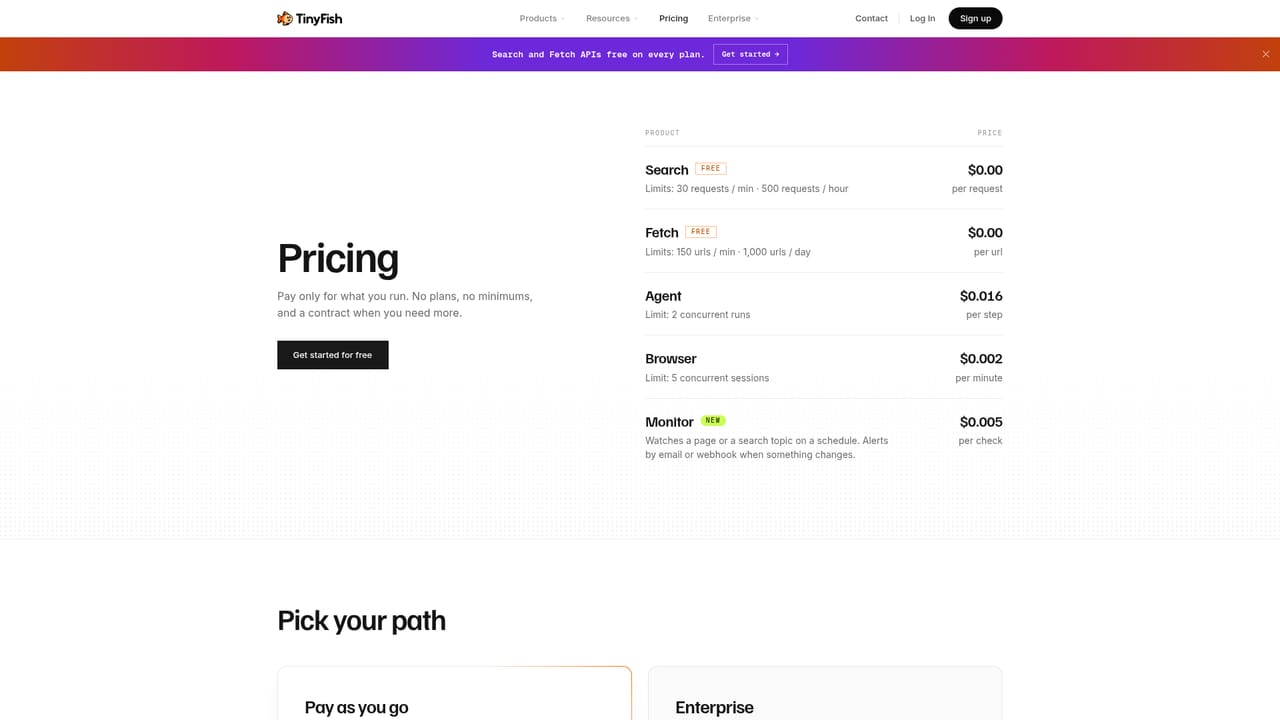
Learn moreFree for TinySearch and TinyFetch on every plan. Usage rates listed are $0.016 per TinyAgent step, $0.002 per TinyBrowser minute and $0.005 per TinyMonitor check, with a Wallet billing model and $8 of starting credit. Enterprise terms are quoted separately.
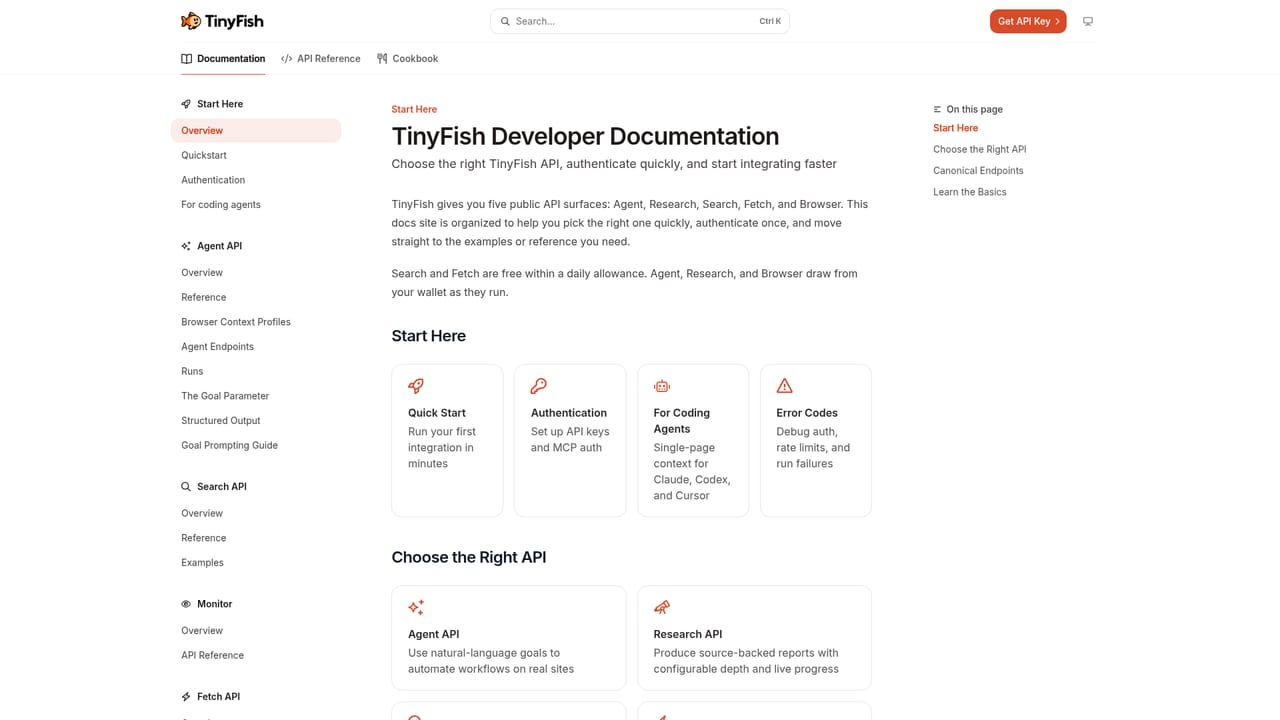
Learn moreDocumentation with API reference and guides is public. Enterprise buyers can contact sales, and there is a partner programme alongside customer stories and benchmark write-ups.
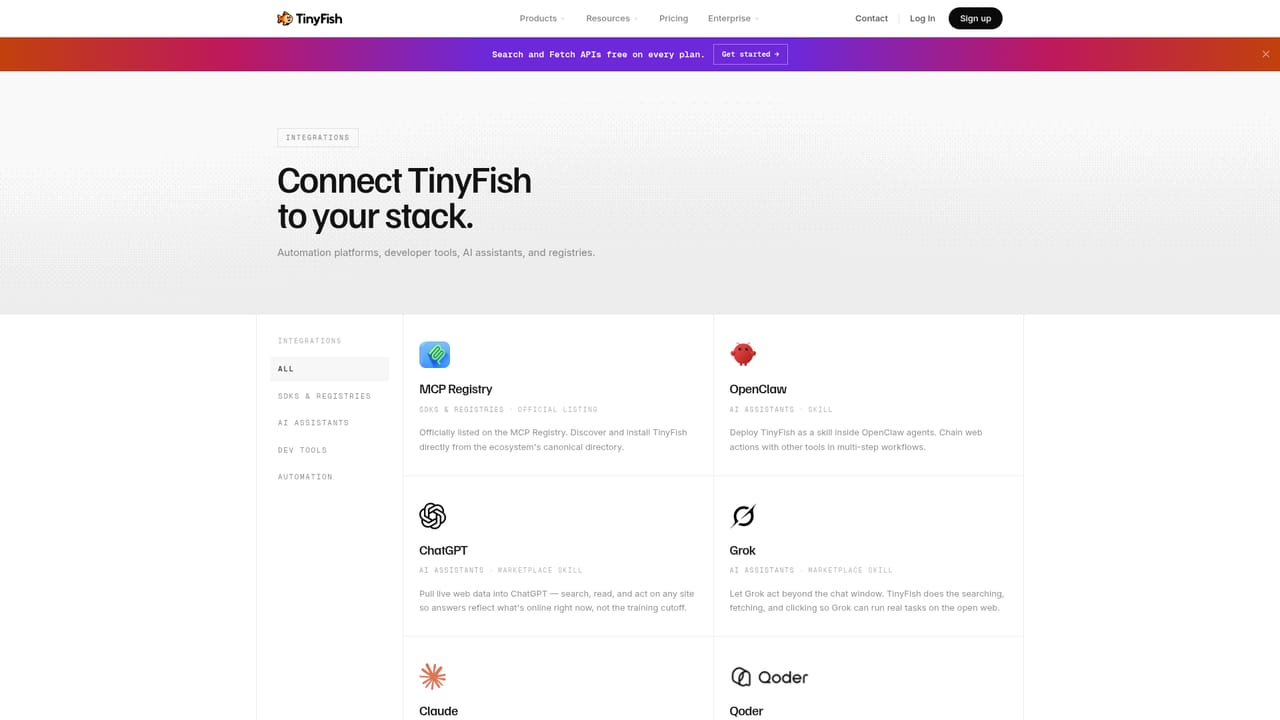
Learn moreWorks with ChatGPT, Claude, Cursor, Grok, OpenClaw and Hermes, plus custom code through the API and MCP. TinyVault links 1Password or Bitwarden for credentials, and a cookbook of open-source examples is on GitHub.
Learn moreFour products under one key: TinySearch for live browser-rendered results as structured JSON, TinyFetch for converting any URL into clean Markdown, JSON or HTML, TinyBrowser for cloud sessions driven by Playwright, Puppeteer or CDP with persistent state, and TinyAgent for plain-English multi-step automation with form filling and authentication.
Learn more AI Angels400+ customizable AI girlfriends for NSFW chat, voice calls, and roleplay
 Candy AIExperience the future of companionship with AI friends who chat, role-play, and connect with you on a human level.
 ourdream.aiA vast AI roleplay platform with millions of characters for chat, images, video and voiceAI Angels400+ customizable AI girlfriends for NSFW chat, voice calls, and roleplayCandy AIExperience the future of companionship with AI friends who chat, role-play, and connect with you on a human level.ourdream.aiA vast AI roleplay platform with millions of characters for chat, images, video and voice


