Pricing
Ramble is part of Todoist and is available on all Todoist plans, with a usage limit applied to Free plans. For seat prices and what each tier includes, the homepage points to the Todoist pricing page rather than quoting figures.
Learn moreSpeak your tasks out loud and Ramble files them into Todoist
Own Todoist Ramble? Verify ownership to get a dofollow link

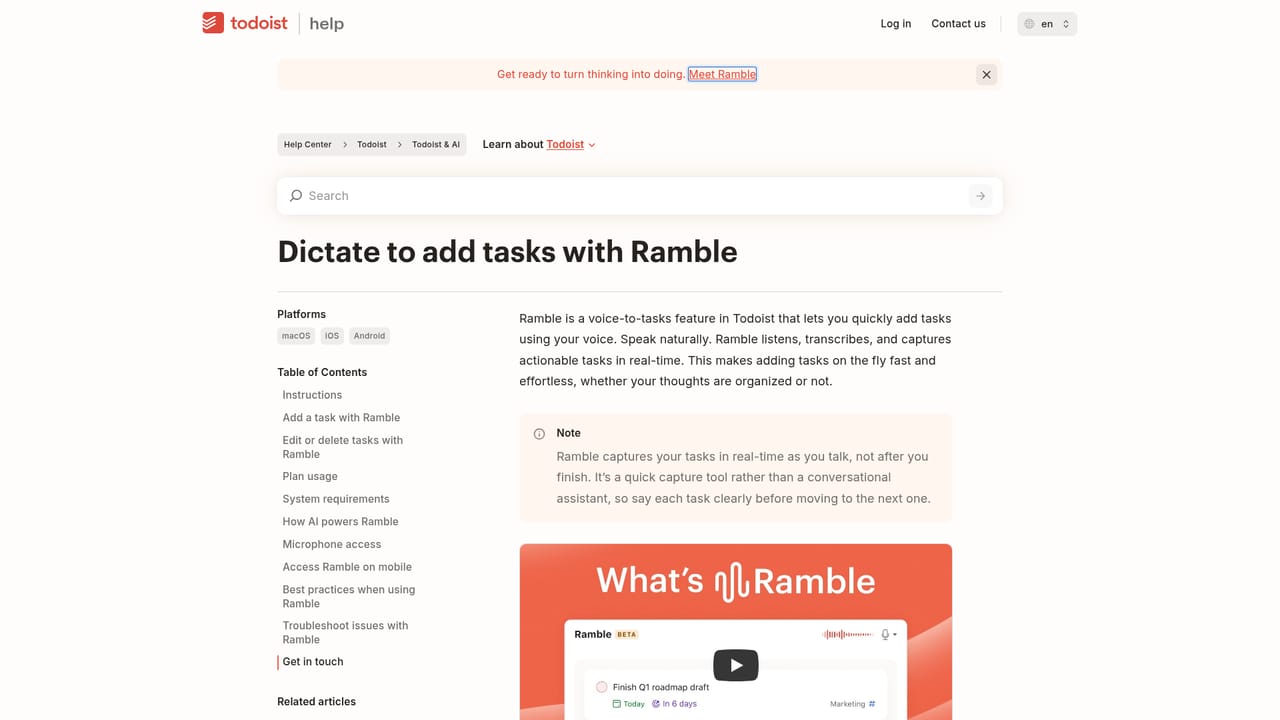
Todoist Ramble is an AI task generator tool that speaks your tasks out loud and Ramble files them into Todoist. Voice-first task capture inside Todoist: speak naturally and Ramble transcribes your speech, then extracts tasks with dates, deadlines, priorities, labels, projects and durations.
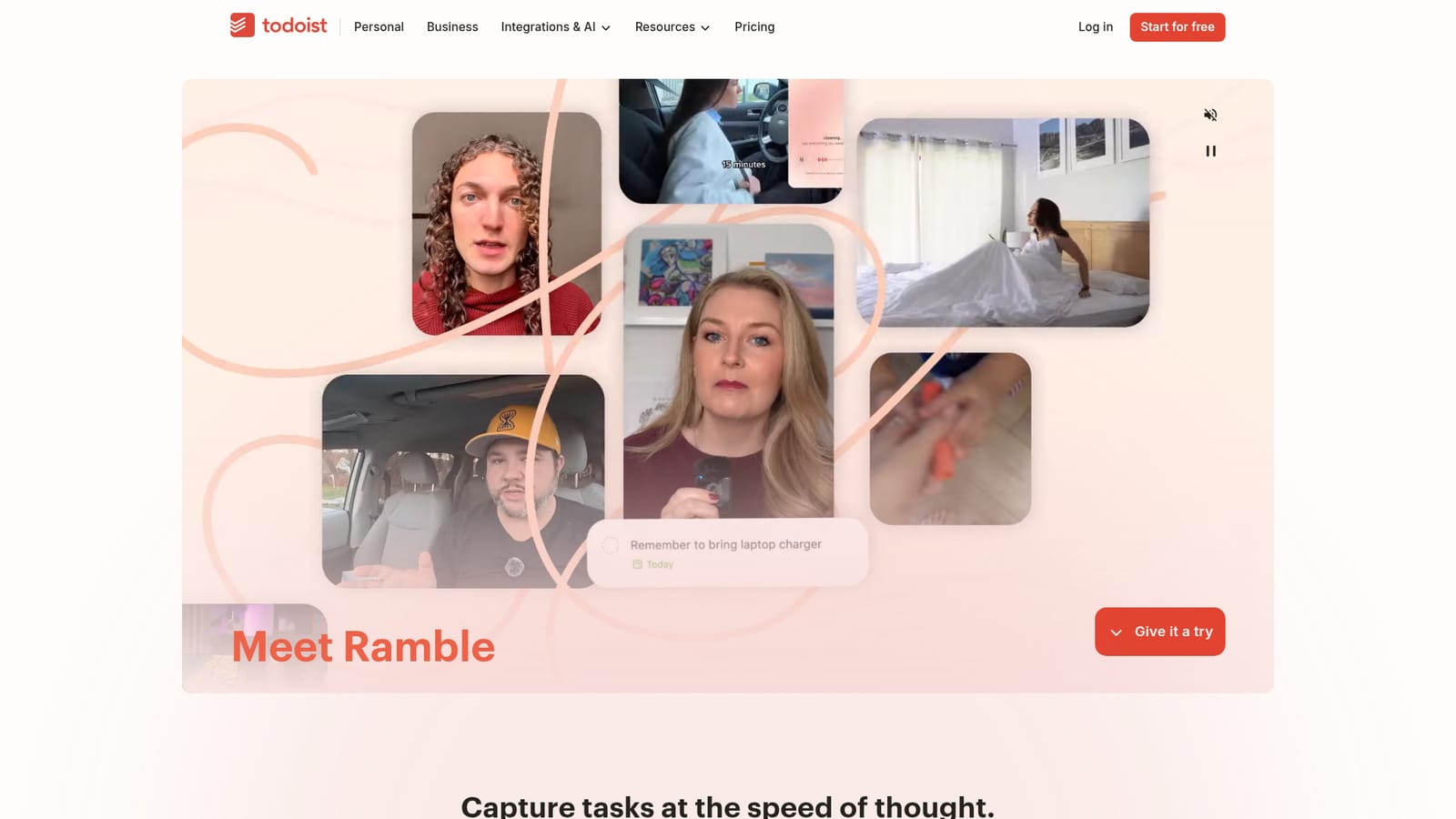
Todoist Ramble is a voice capture layer inside Todoist, the task manager that The New York Times Wirecutter, PCMag and The Verge have each ranked at the top of the to do list category. Instead of typing a task name, picking a project and setting a due date by hand, you press Ramble, talk the way you would to a colleague, and the tool transcribes the recording, works out what you actually meant and creates structured tasks from it. Project names, dates, times, priorities, labels and even task duration get pulled out of ordinary speech. Ramble is not a standalone app. It sits on top of Todoist Assist, the AI toolkit built into the task manager, and it runs on the same account and projects you already use. The workflow is deliberately low friction: there is a demo on the Ramble page, and once you are signed in a keyboard shortcut starts a capture from wherever you happen to be working, which is the part heavy users tend to cite most. You can talk for under a minute and come away with a short queue of dated tasks rather than a messy note. The obvious audience is anyone who loses tasks because typing them feels like overhead: people in meetings, developers mid flow, parents juggling errands, or anyone switching between laptop and phone all day. Ramble understands natural speech in 40 languages and can switch languages mid session, which makes it more useful than most English-only voice capture tools for international teams. Compared with transcription utilities that dump raw text into a document, Ramble ends with items already scheduled inside a mature task manager that also has templates, a public API and a large integration catalogue. The tradeoffs are the ones any dictation tool carries: it is a convenience feature inside a paid ecosystem, the free tier caps usage, and accuracy still depends on speaking clearly enough for the model to parse.
Ramble is part of Todoist and is available on all Todoist plans, with a usage limit applied to Free plans. For seat prices and what each tier includes, the homepage points to the Todoist pricing page rather than quoting figures.
Learn moreTodoist maintains a help center with dedicated articles on using Ramble and on Todoist Assist, covering supported languages and how the feature works.
Learn moreRamble sits inside Todoist, which publishes its own integrations directory and AI agents category, and offers a developer API for building on top of the platform.
Learn moreVoice capture that transcribes speech and converts it into Todoist tasks, with automatic detection of project names, dates, times, deadlines, priorities, labels and task duration. Supports 40 languages with mid-session switching, launches from a keyboard shortcut, and is built on Todoist Assist, the AI toolkit inside Todoist.
Learn more AI Angels400+ customizable AI girlfriends for NSFW chat, voice calls, and roleplay
 Candy AIExperience the future of companionship with AI friends who chat, role-play, and connect with you on a human level.
 ourdream.aiA vast AI roleplay platform with millions of characters for chat, images, video and voiceAI Angels400+ customizable AI girlfriends for NSFW chat, voice calls, and roleplayCandy AIExperience the future of companionship with AI friends who chat, role-play, and connect with you on a human level.ourdream.aiA vast AI roleplay platform with millions of characters for chat, images, video and voice


