Support
Help starts inside the product by sending the word settings to Toki, with a Discord community for reaching the engineering team and a contact page for direct enquiries.
Learn moreAn AI schedule agent that books meetings, plans your day and chases the follow-ups.

Toki AI is a proactive AI assistant tool. Toki is a conversational AI schedule agent for iOS, Android, Mac and the web. It books meetings on your behalf, merges Google, iCloud and Outlook calendars, resolves conflicts, sends escalating reminders up to phone calls, and watches for conditions you ask it to track.
Toki is an AI scheduling assistant built around a chat interface rather than a grid of time slots. Instead of dragging events around a calendar view, you send it a request in plain language, by text, voice note, screenshot or email, and it turns the request into a scheduled plan with reminders attached. The product describes itself as an AI schedule agent: it captures the input, places it on the calendar, reminds you at the right moment, flags overlaps and reviews how your time was spent at the end of the day or week. Meeting coordination is the piece that separates it from a simple reminder bot. Toki reaches out to attendees to find a slot that works for everyone, so the organiser does not have to run the back-and-forth manually, and it also offers scheduling links in the style of Calendly. A multi-calendar sync layer pulls Google Calendar, iCloud and Outlook together, while conflict resolution suggestions step in when events overlap. Triggers extend the assistant into a watch service: you name a condition (a price, a release date, a deadline) and Toki keeps checking and pings you when the condition is met. The daily planning layer is more opinionated. Toki architects a schedule around your priorities, weighing deep work against urgent demands, and it keeps a personal memory of how you plan and what you prefer so suggestions sharpen over time. Reminders can arrive as push notifications, iOS alarms or an escalating phone call for things that genuinely cannot be missed. The tool ships as a mobile app for iPhone, iPad, Apple Watch, Mac and Android, with a web app as well, and it also works through Siri and a browser. It suits executives, founders and freelancers with dense calendars, and small teams or families coordinating shared plans. Compared with Motion and Reclaim, Toki leans harder on conversation and coordination than on automatic block planning, and compared with Google Calendar or Calendly it adds memory, follow-up and proactive research. WhatsApp access has been discontinued under that platform's business terms, so the mobile app is now the main surface.
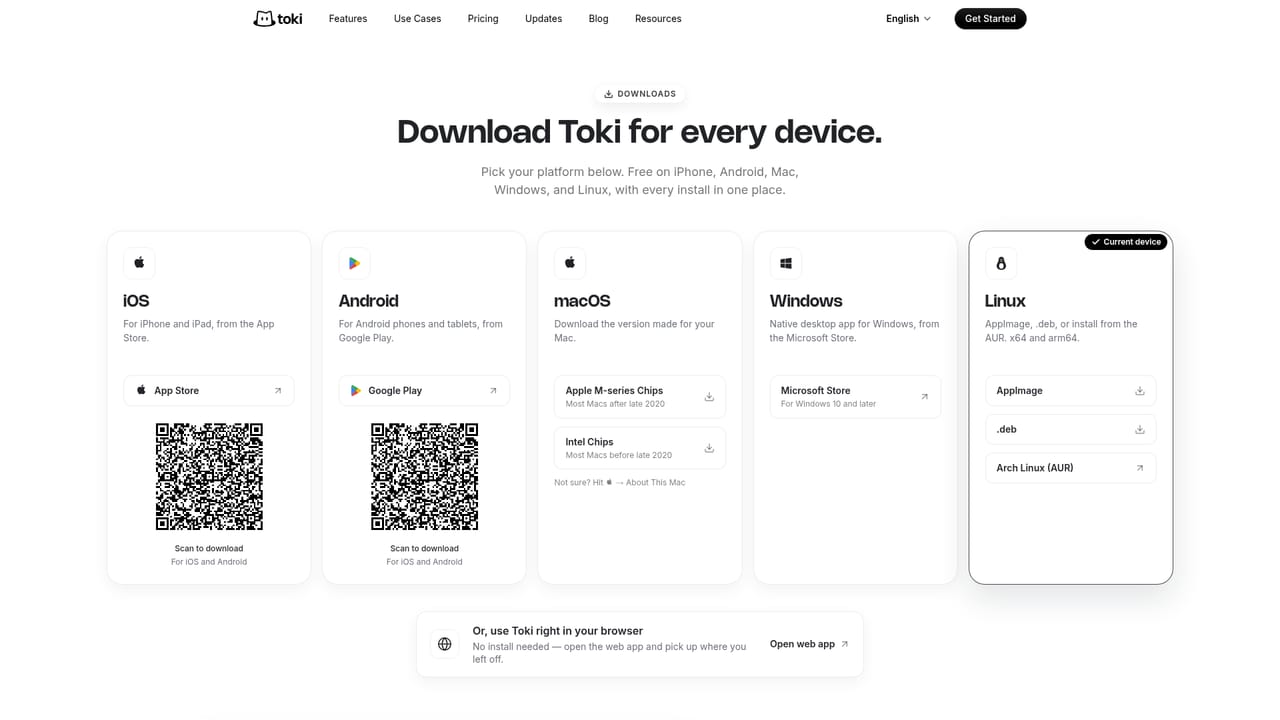
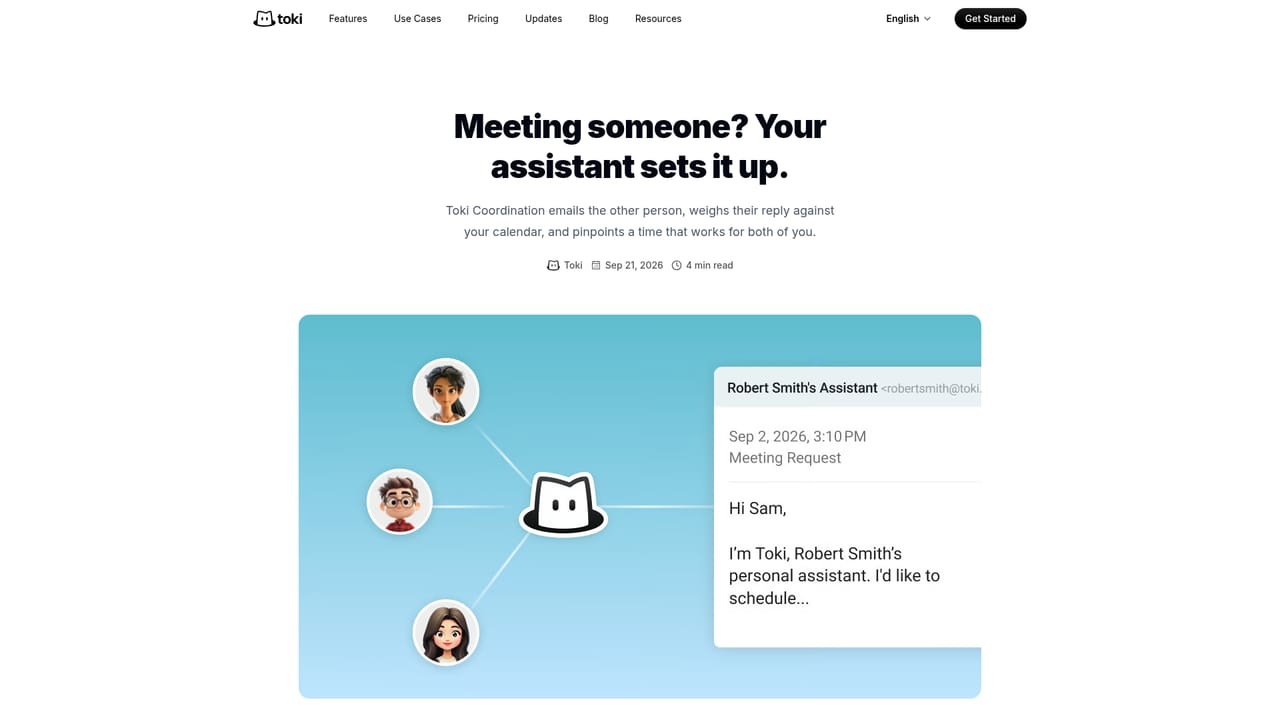

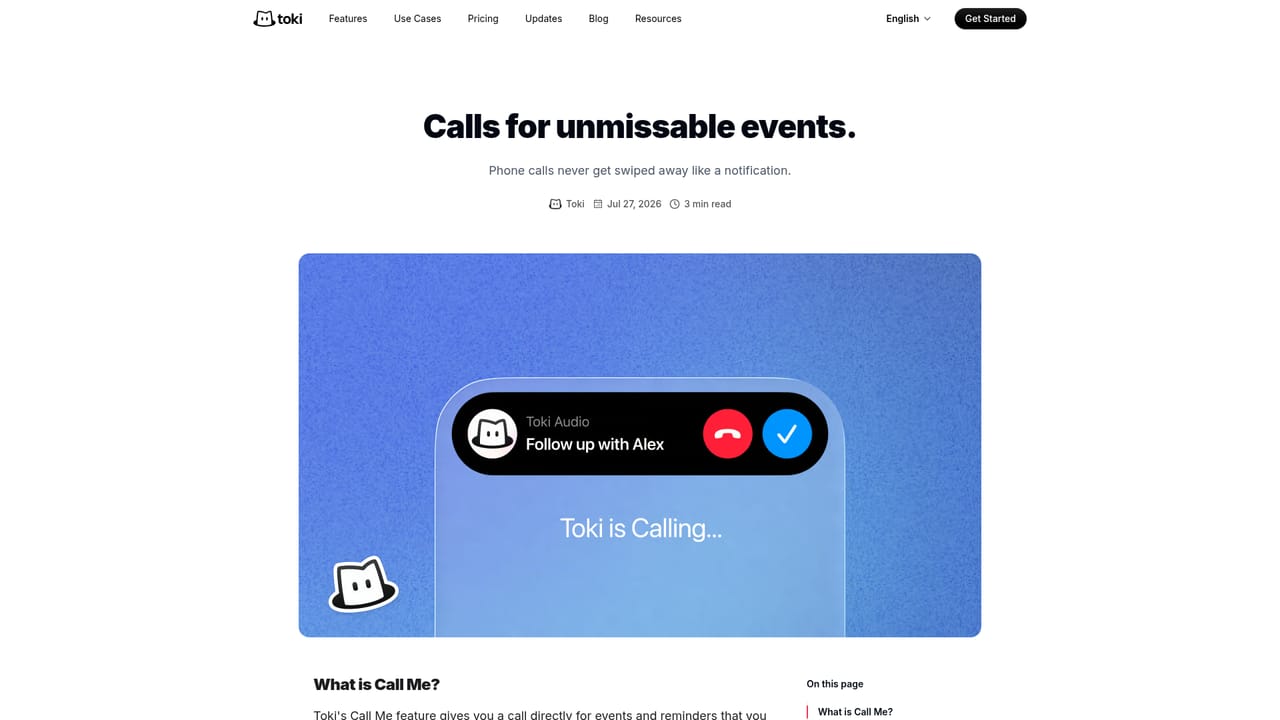
Help starts inside the product by sending the word settings to Toki, with a Discord community for reaching the engineering team and a contact page for direct enquiries.
Learn moreConnects to Google Calendar, iCloud and Outlook for calendar sync, works with Apple Watch and Siri, and runs in a browser alongside the iOS, iPad, Mac and Android apps.
Learn moreCore features include meeting coordination where Toki contacts attendees on your behalf, scheduling links, proactive daily planning that balances deep work against urgent tasks, multi-modal capture of texts, voice notes, images and emails, personal memory of your preferences, triggers that monitor conditions you name, conflict resolution suggestions, multi-calendar sync, to-do tracking and escalating reminders via push, iOS alarms and phone calls.
Learn more AI Angels400+ customizable AI girlfriends for NSFW chat, voice calls, and roleplay
 Candy AIExperience the future of companionship with AI friends who chat, role-play, and connect with you on a human level.
 ourdream.aiA vast AI roleplay platform with millions of characters for chat, images, video and voiceAI Angels400+ customizable AI girlfriends for NSFW chat, voice calls, and roleplayCandy AIExperience the future of companionship with AI friends who chat, role-play, and connect with you on a human level.ourdream.aiA vast AI roleplay platform with millions of characters for chat, images, video and voice


