Free trial
The homepage promotes a two week trial for new users. Exact terms, eligibility and any card requirements are not stated on the homepage and need confirming on the pricing page.
Learn moreOptions flow, AI signals and market sentiment for retail traders

TradeUI is a news analyzer tool. TradeUI combines options flow, unusual premium tracking, AI signals and news sentiment for retail stock and options traders, with a call heatmap, alerts, a trading bot, a desktop app and an Android app.
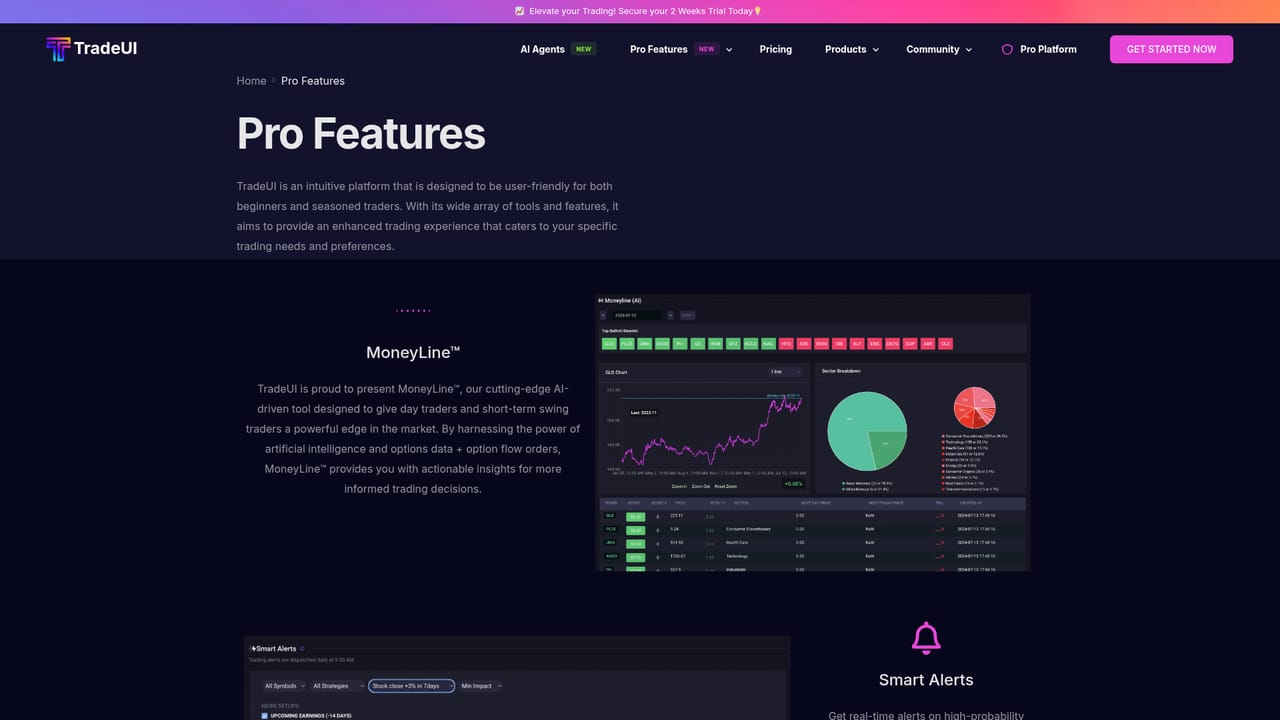
TradeUI is a stock and options research platform aimed at retail traders who want to see where large money is moving before they commit a position. The core product is an options flow monitor that surfaces unusual premium activity and net premium money flow, both across the whole market and broken down by individual ticker. A call heatmap gives a visual read on where positioning is concentrated, so a trader can scan for crowded strikes without digging through a chain manually. On top of the flow data, TradeUI layers several AI features: signals, sentiment scoring drawn from financial news, and pattern detection. The site frames these as a fusion of signals and data rather than a single indicator, and the stated audience is retail traders rather than institutions. A trading bot, a market cycle view, embeddable site widgets and a desktop application sit alongside the main web platform, along with a mobile app for Android. There is also a community layer with market news and a social feed, plus an affiliate program and a platform token. In practice the workflow is a top-down scan: check broad flow for overall bullish or bearish tone, drill into a ticker's flow and unusual premium to judge conviction, then cross-check against AI sentiment and the heatmap before sizing a trade. Traders who already use flow scanners from larger brokers will find the layout familiar, and the AI sentiment layer is the main differentiator versus raw flow tools. Beginners get a more guided entry point than institutional terminals offer, though the output still assumes comfort with options terminology. Alerts, the bot and the desktop build are the natural next steps once the basic flow reading becomes routine.
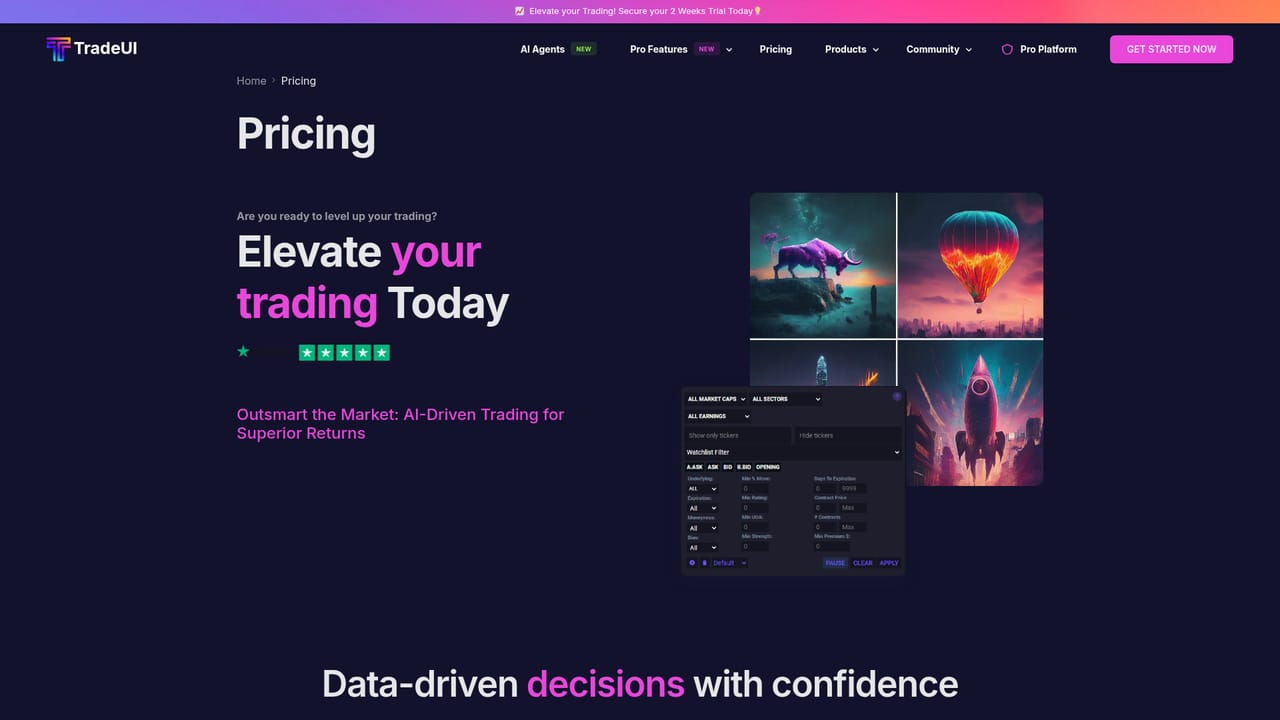

The homepage promotes a two week trial for new users. Exact terms, eligibility and any card requirements are not stated on the homepage and need confirming on the pricing page.
Learn moreA FAQ page is linked from the main navigation and a guest community area is available. No dedicated help centre or live support channel is described on the homepage.
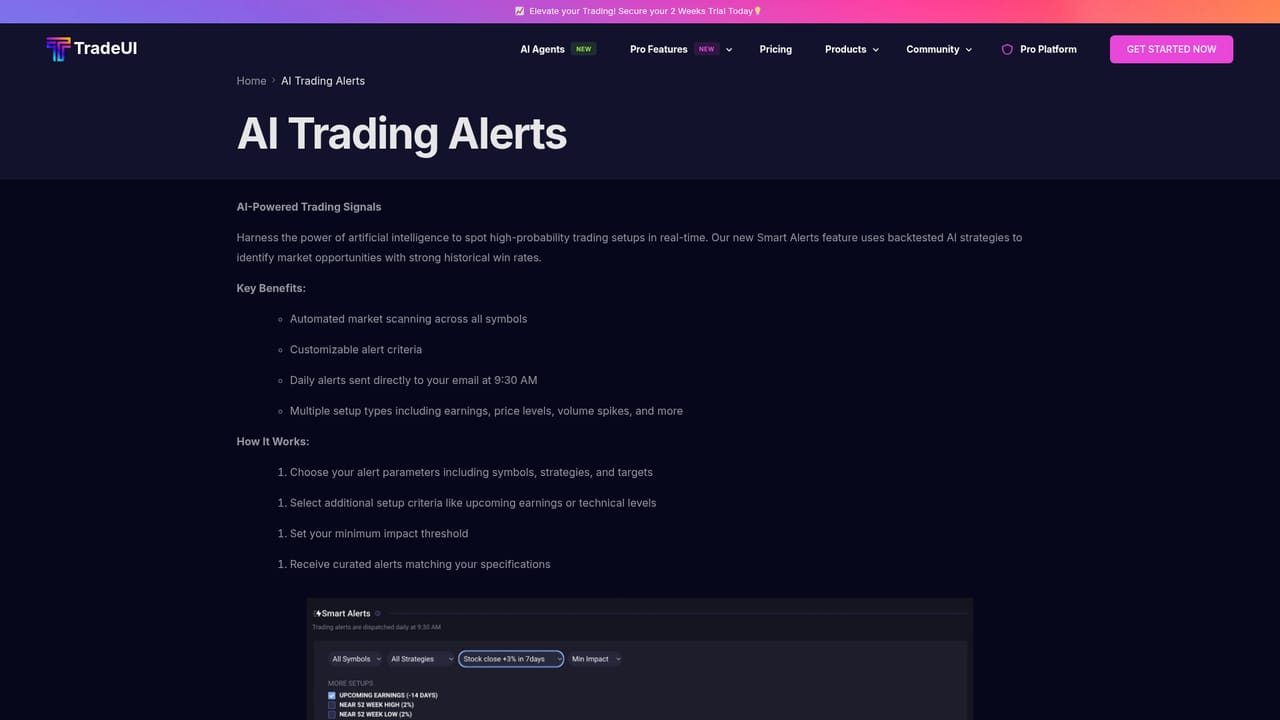
Learn moreOptions flow across the market and by ticker, unusual premium and net premium money flow, a call heatmap, AI signals, AI sentiment on financial news and AI pattern detection. The wider product set includes smart alerts, a trading bot, market cycle analysis, embeddable site widgets, a desktop application, an Android app and community news and feed pages.
Learn more AI Angels400+ customizable AI girlfriends for NSFW chat, voice calls, and roleplay
 Candy AIExperience the future of companionship with AI friends who chat, role-play, and connect with you on a human level.
 ourdream.aiA vast AI roleplay platform with millions of characters for chat, images, video and voiceAI Angels400+ customizable AI girlfriends for NSFW chat, voice calls, and roleplayCandy AIExperience the future of companionship with AI friends who chat, role-play, and connect with you on a human level.ourdream.aiA vast AI roleplay platform with millions of characters for chat, images, video and voice


