Pricing
The homepage states that Transcribe Video AI is currently completely free, with no cost or payment and no sign up required to convert a video to text. No paid tiers, credits or subscription plans are described.
Learn moreFree video to text conversion with transcripts, subtitles and summaries
Own Transcribe Video AI? Verify ownership to get a dofollow link
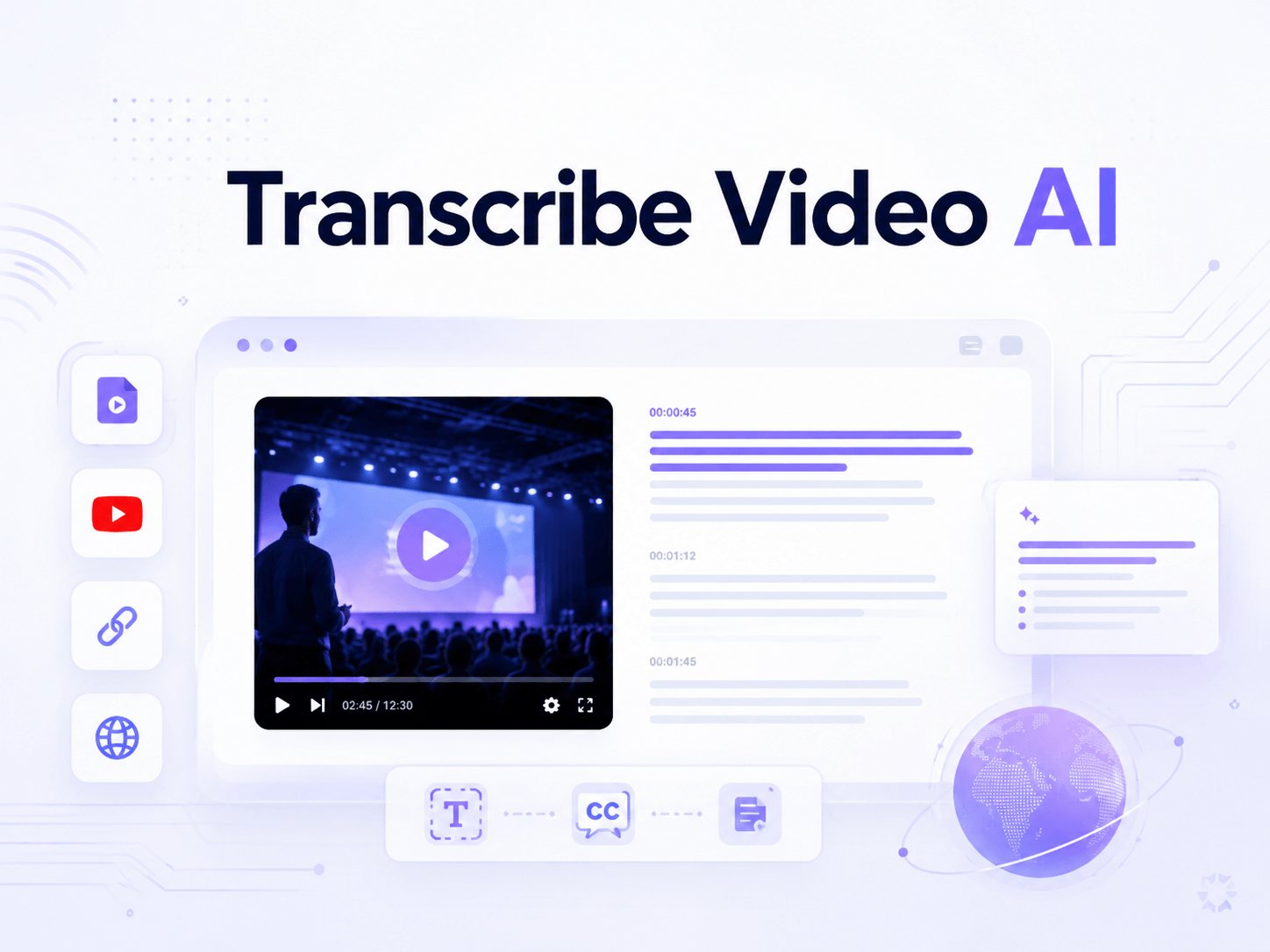
Transcribe Video AI is an AI transcriber tool. A free, no sign up web converter that turns YouTube, TikTok and Instagram links or uploaded video and audio files into transcripts, timestamped subtitles and summaries in over 100 languages, with optional speaker diarization and files up to 1 GB.
Transcribe Video AI is a browser based converter that turns video and audio into text without an account. Users either paste a link from YouTube, TikTok or Instagram or upload a local file, pick an output language, optionally switch on speaker diarization, and receive a transcript within minutes. The service also generates timestamped subtitles and condensed summaries from the same source, so a single pass through a long recording can yield captions, readable notes and a shorter digest. The tool is pitched at people who work with spoken content rather than written files: students reviewing lectures, operations staff cleaning up Zoom calls, and video creators who need captions in more than one language. Language coverage is broad, with input accepted in over 100 languages and the resulting transcript translatable afterward. The site claims accuracy of roughly 98 percent in most cases and notes that results depend on source audio quality. In practice the workflow is deliberately short. A conversion begins on the homepage playground, where the source is submitted and processed in the cloud; the vendor states that files up to 1 GB are accepted and that even long talks finish in minutes. Exports are offered in several formats, and the output can be pushed further into a summary, a mind map or a translation rather than stopping at raw text. Where it fits: this is a lightweight, single purpose utility rather than an editor. It competes with transcription suites that bundle editing timelines and team libraries, and it wins on friction, since there is no sign up wall and no payment step. It is a sensible first stop for one off captioning or note extraction, and a less obvious fit for teams that need persistent archives, collaboration or managed billing.
The homepage states that Transcribe Video AI is currently completely free, with no cost or payment and no sign up required to convert a video to text. No paid tiers, credits or subscription plans are described.
Learn moreThe FAQ invites users to email the team with transcription problems, feedback or suggestions. No chat, phone or help centre is mentioned on the homepage.
Transcripts, timestamped subtitle generation and automatic summaries from one source. Accepts MP4, MOV and AVI uploads plus YouTube, TikTok and Instagram links. Over 100 input languages, optional speaker diarization, post transcription translation, mind map output, several export formats and a 1 GB file ceiling.
Learn more AI Angels400+ customizable AI girlfriends for NSFW chat, voice calls, and roleplay
 Candy AIExperience the future of companionship with AI friends who chat, role-play, and connect with you on a human level.
 ourdream.aiA vast AI roleplay platform with millions of characters for chat, images, video and voiceAI Angels400+ customizable AI girlfriends for NSFW chat, voice calls, and roleplayCandy AIExperience the future of companionship with AI friends who chat, role-play, and connect with you on a human level.ourdream.aiA vast AI roleplay platform with millions of characters for chat, images, video and voice







