Free trial
A 7-day free trial is offered, promoted in the site header and hero section as the entry point before purchase. No card or usage limits are described on the homepage.
Learn moreOne-click AI image tools for edits, not prompt engineering

ArtSpace is an AI image platform with 311+ one-click tools for editing, retouching and remixing photos, plus an infinite canvas for text to image, inpainting, outpainting, background removal and 4K upscaling. It targets users who want preset edits over prompt writing, with a free 7-day trial and a lifetime purchase option.
ArtSpace is an AI image platform built around a library of 311+ one-click tools rather than a single prompt box. Each tool handles a specific job: restoring an old photo, colorizing a black and white shot, changing clothing, swapping a hairstyle, moving a character into a new scene, or applying makeup. The pitch is deliberately aimed at people who do not want to learn prompt syntax. You pick a tool, drop in an image, and get the result back without configuring anything. For users who do want hands-on control, an infinite canvas adds the more conventional generation and editing suite: text to image, inpainting for removing unwanted objects, outpainting to extend a frame beyond its original edges, background removal, and upscaling to a maximum resolution of 4096x4096px. Two studio modules extend the character editing idea further. Camera Studio resamples one photo from 8 camera directions and 4 heights, while Pose Studio offers 46 ready-made poses or accepts a reference photo of a pose, keeping face, outfit and background fixed. The tool set leans heavily toward portrait and people photography: body reshaping, expression transfer, tan previews, age changes, teeth whitening, combining up to three people into one image, and wedding suit or bouquet try-ons. That makes it a reasonable fit for retouchers, hobbyists tidying family archives, artists building references, and small studios that need fast variations without a subscription stack. Against general purpose generators such as Midjourney, ArtSpace competes on breadth of preset edits and on a one-time purchase option, not on raw model flexibility. The tradeoff is that results follow the tool definitions rather than a custom prompt, so unusual requests may fall outside what the library covers. Marketing claims 21,357+ creators and a 4.9/5 Trustpilot rating, with reviewers repeatedly citing the lifetime license and direct access to the founder. The site does not publish model names, API access, or third party integration details.
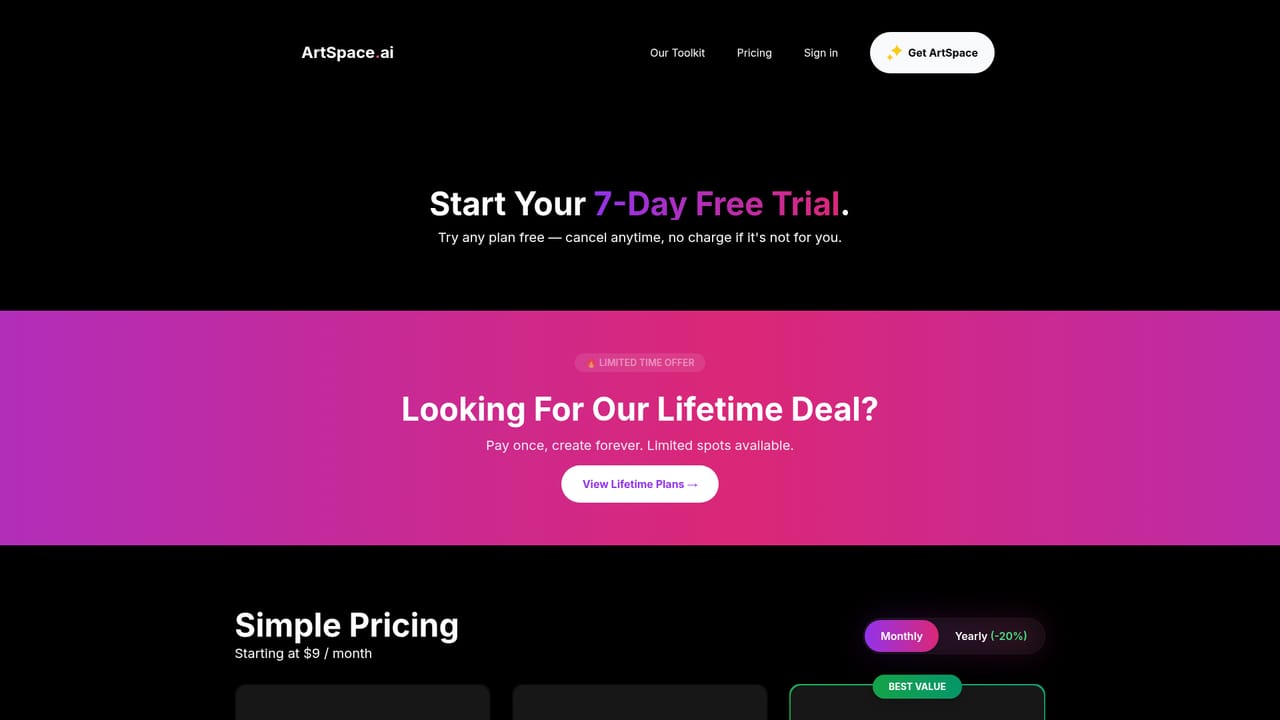
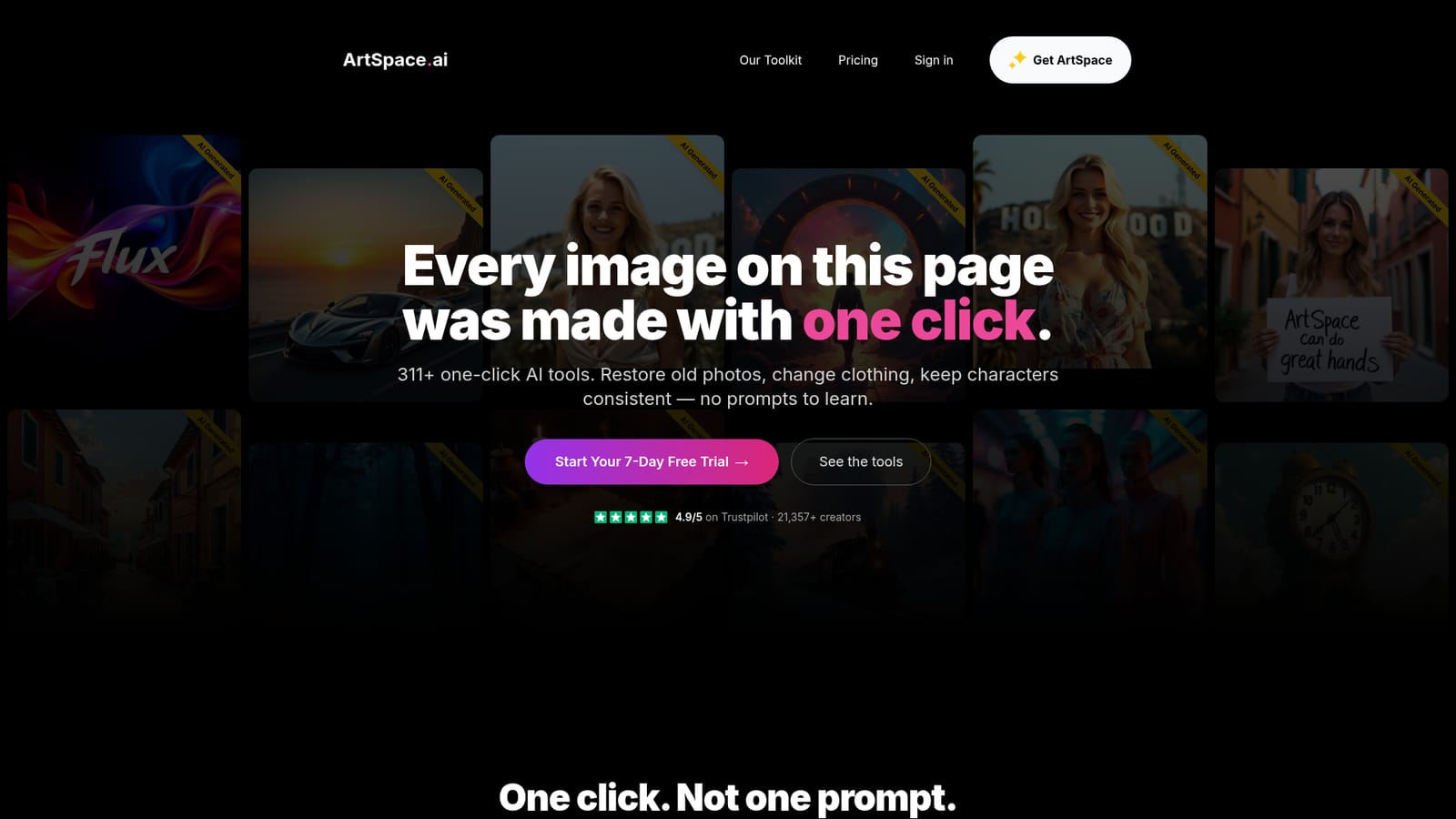
A 7-day free trial is offered, promoted in the site header and hero section as the entry point before purchase. No card or usage limits are described on the homepage.
Learn moreThe homepage promotes a 7-day free trial and references a lifetime purchase in customer reviews, described as a one-time payment with free updates. No current price points, tier limits or credit allowances are stated on the homepage, so plan details must be checked on the pricing page.
Learn moreCustomer reviews on the homepage describe direct, responsive help from the founder, including refunds and upgrade handling. No formal help centre, documentation or support channel details are listed on the site pages provided.
Library of 311+ one-click tools for photo restoration, colorizing, clothing and hairstyle changes, scene moves, expression and pose edits, body reshaping and accessory additions. An infinite canvas supports text to image, inpainting, outpainting, background removal and upscaling to 4096x4096px. Camera Studio resamples from 8 directions and 4 heights; Pose Studio applies 46 preset poses or a reference pose photo.
 AI Angels400+ customizable AI girlfriends for NSFW chat, voice calls, and roleplay
 Candy AIExperience the future of companionship with AI friends who chat, role-play, and connect with you on a human level.
 ourdream.aiA vast AI roleplay platform with millions of characters for chat, images, video and voiceAI Angels400+ customizable AI girlfriends for NSFW chat, voice calls, and roleplayCandy AIExperience the future of companionship with AI friends who chat, role-play, and connect with you on a human level.ourdream.aiA vast AI roleplay platform with millions of characters for chat, images, video and voice








