Free trial
The homepage offers 10 or more trends for free after a brief call with the company's experts. This is a sample rather than a self serve trial of the full platform.
Learn moreAI trend intelligence covering 20,000+ emerging technologies and megatrends.

TrendFeedr is a news analyzer tool. A data driven trend and technology discovery platform with over 20,000 trends, 200+ megatrends and millions of linked high growth companies. Users cluster, compare and export trends across 28 signal metrics for market intelligence and foresight work.
TrendFeedr is a trend analysis platform built around a proprietary Trend Intelligence Graph that tracks more than 200 megatrends and over 20,000 emerging trends across 1.37 million topics worldwide. The system gathers real time data from a very large pool of verified sources (the site cites 457 million) and uses automated analysis to surface technologies, business models, startups and scaleups before they become obvious. Each trend is connected to a network of high growth companies, which the company counts at more than 4 million. In practice the product works as a research and foresight workspace. Users browse trend overview cards, group topics into collections and clusters, and open detailed trend pages that show how a subject has developed over time. Every trend and cluster can be scored and compared across 28 core signal metrics such as size, maturity, growth, revenue, funding, news coverage and a hype indicator. Scouting and landscaping tools extend this to technology landscapes, startup identification and competitor mapping, and the recommendation system suggests related trends worth investigating. Comparisons and visualizations can be exported along with trend and company lists. The main audience is business leaders, strategy teams, innovation and foresight groups, market researchers and analysts who need defensible evidence rather than social media noise. The vendor names Kyocera, Bayer Foundation, Samsung, Nestle, Lufthansa Cargo and Techstars among its users, which points to enterprise and corporate innovation settings. It sits closer to market intelligence suites than to consumer trend blogs: the value comes from structured metrics, daily updates and clustering rather than editorial commentary. The homepage does not publish subscription tiers or prices, and access is arranged through a demo request, with a free offer of ten or more trends attached to a short expert call. Teams that only need occasional headline scanning may find the model heavier than required, while organizations doing regular landscaping and portfolio work are the clearer fit.
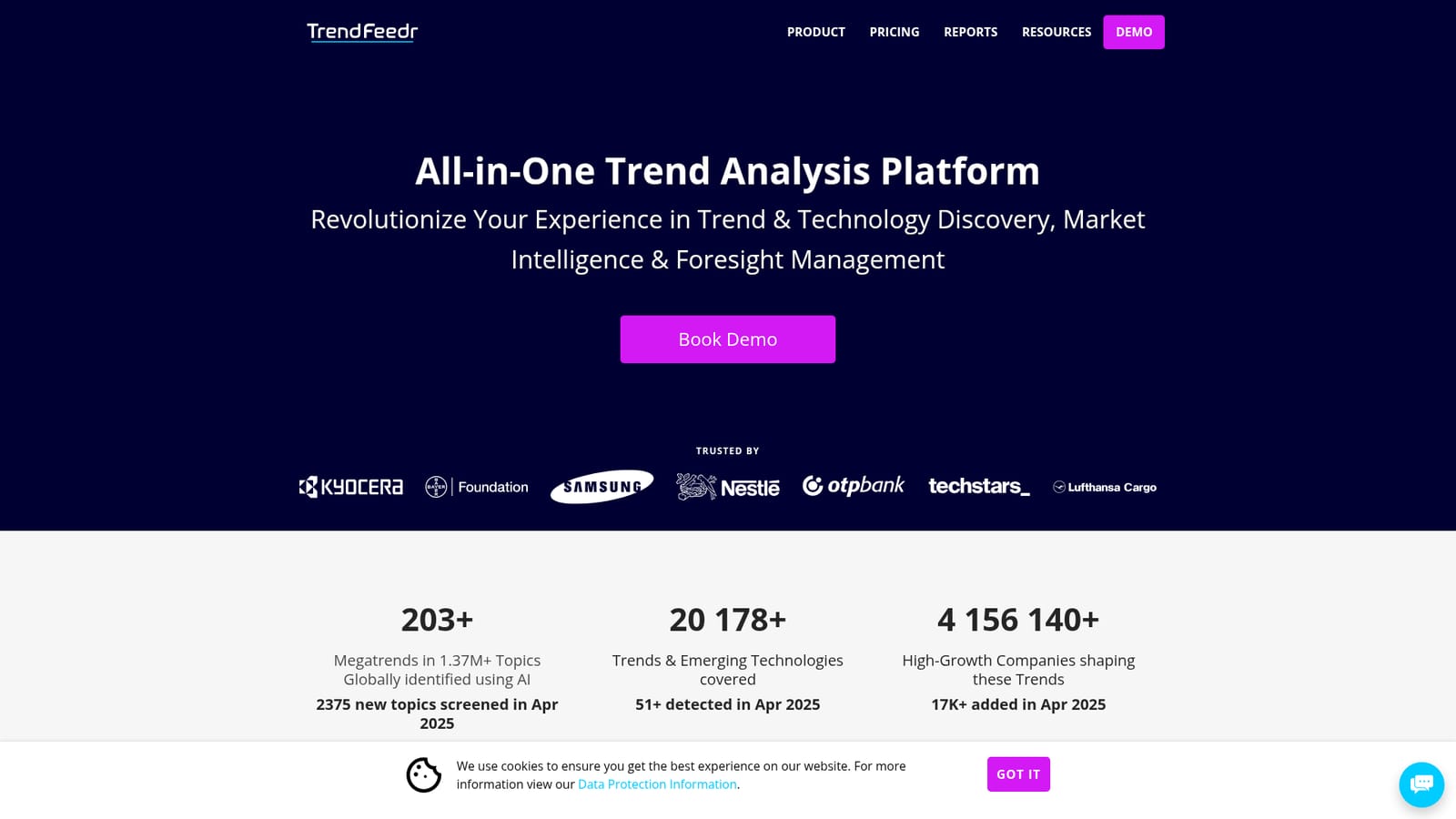
The homepage offers 10 or more trends for free after a brief call with the company's experts. This is a sample rather than a self serve trial of the full platform.
Learn moreSupport is handled through an on site contact form and a demo booking flow. The homepage does not describe response times, documentation or account level support plans.
Learn moreTrend discovery across 20,000+ trends and 200+ megatrends, a Trend Intelligence Graph linking 4M+ high growth companies, clustering and collections, 28 core trend signal metrics, scouting and landscaping for technologies, startups and competitors, trend comparison over time, a recommendation system, and export of trends, companies, comparisons and visualizations.
 AI Angels400+ customizable AI girlfriends for NSFW chat, voice calls, and roleplay
 Candy AIExperience the future of companionship with AI friends who chat, role-play, and connect with you on a human level.
 ourdream.aiA vast AI roleplay platform with millions of characters for chat, images, video and voiceAI Angels400+ customizable AI girlfriends for NSFW chat, voice calls, and roleplayCandy AIExperience the future of companionship with AI friends who chat, role-play, and connect with you on a human level.ourdream.aiA vast AI roleplay platform with millions of characters for chat, images, video and voice


