Support
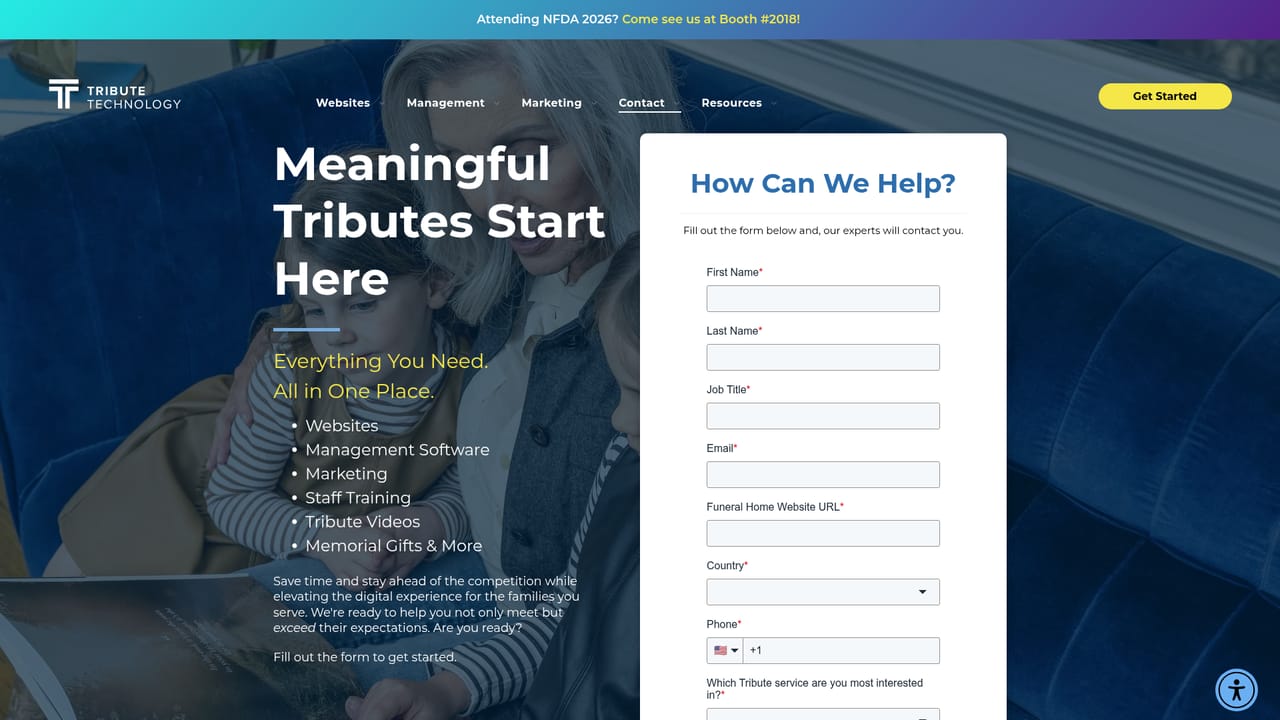
A support page is available on the Tribute Technology site, and the product page includes a contact form plus a Questions section covering setup, intended users and obituary accuracy.
Learn moreAI obituary drafting that lives on the funeral home's own website

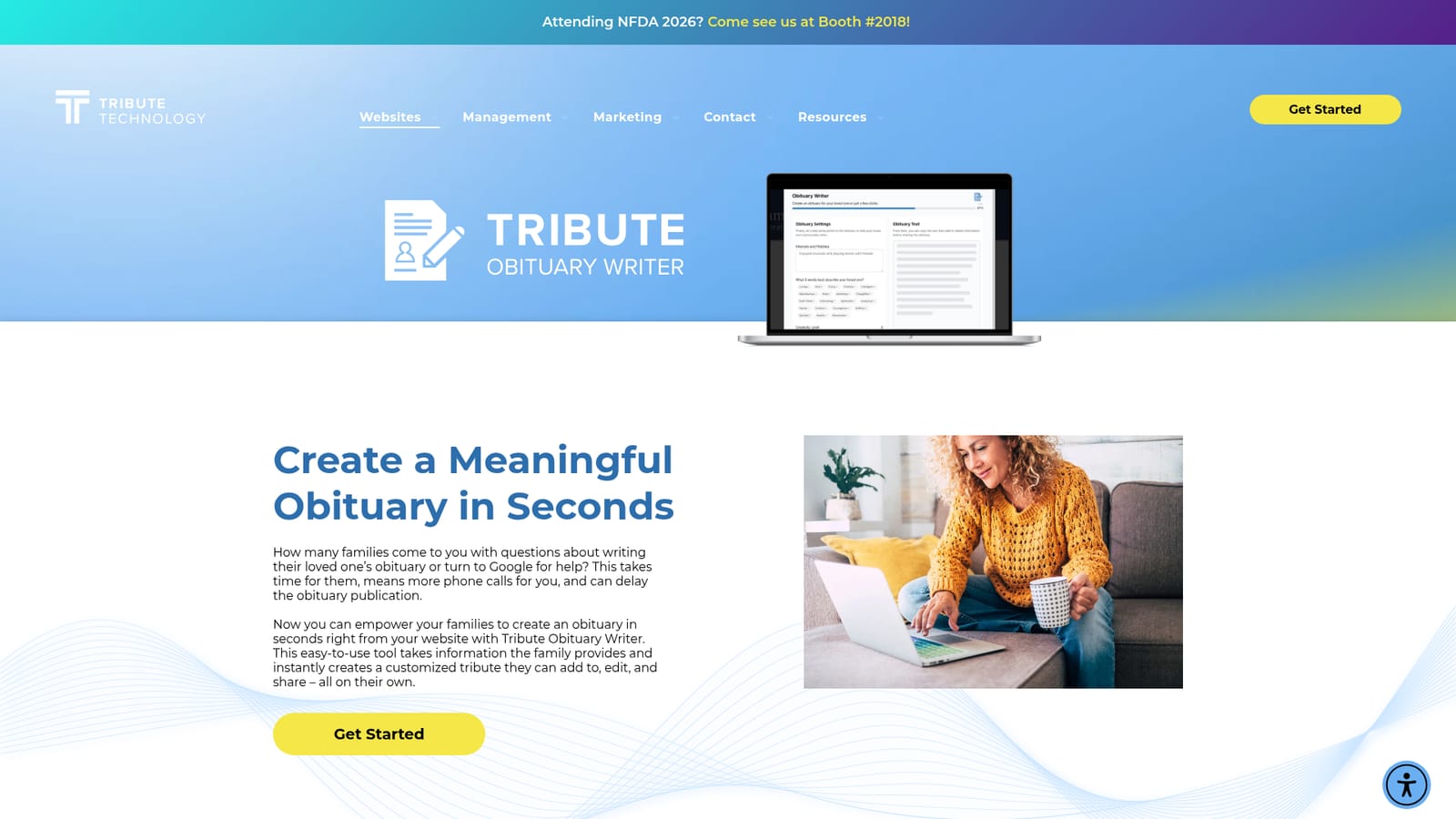
Tributetech is a content writing tool. A white label AI obituary drafting tool that funeral homes add to their own website. Families answer prompts, generate a full draft, switch writing tones with preset buttons, then copy and edit the text before sharing it with the firm.
Tribute Obituary Writer is a white label writing tool from Tribute Technology that funeral homes add to their own website so families can draft a loved one's obituary without leaving the site. Rather than handing families a blank page, it walks them through a series of plain language prompts about the deceased, then generates a complete draft. Staff can use the same tool to speed up their own drafting work. The workflow has three stages. Families answer the questions embedded on the funeral home site, press a button to produce a finished obituary, and then iterate. Preset tone buttons regenerate the text in a different writing style with a few clicks, so a family can compare a warmer version against a more formal one and choose the wording that sounds right. When they are satisfied, they copy the text, make any edits they want, and send it to the funeral home and anyone else who needs it. Tribute does not charge families for the tool, and the company states that families can create as many versions as they like. The realistic use case is arrangements. A family that arrives having already drafted something spends the meeting refining details rather than composing from scratch, which cuts phone calls and back and forth on publication. Tribute positions the tool for both families and funeral home staff, and stresses that the generated text is a starting point: each obituary is built from the details the user supplies and is expected to be reviewed and revised before use. Access is the main differentiator and the main constraint. The tool is distributed through Tribute's Premier Partner network of website providers (Frazer Consultants, MKJ Marketing, FrontRunner Professional and others), so a firm generally cannot sign up and start using it the way it would a standalone AI writer. It sits in a different category from general purpose tools like obituary generators that anyone can open in a browser: the value here is the branded, always available presence on the funeral home site and the way it funnels drafts back to staff. Firms already on a partner platform get the smoothest path; others need to ask about their provider before counting on it.
A support page is available on the Tribute Technology site, and the product page includes a contact form plus a Questions section covering setup, intended users and obituary accuracy.
Learn moreDelivered through Tribute's Premier Partner Network of funeral website providers, including Frazer Consultants, MKJ Marketing, FrontRunner Professional, ASD, SRS Computing and CFS. No other integrations are listed.
Prompt based intake embedded on the funeral home website, one click generation of a full obituary draft, preset tone buttons that rewrite the same obituary in different styles, unlimited versions at no cost to families, staff access to the same tool, and copy and paste output that families can edit before sharing.
 AI Angels400+ customizable AI girlfriends for NSFW chat, voice calls, and roleplay
 Candy AIExperience the future of companionship with AI friends who chat, role-play, and connect with you on a human level.
 ourdream.aiA vast AI roleplay platform with millions of characters for chat, images, video and voiceAI Angels400+ customizable AI girlfriends for NSFW chat, voice calls, and roleplayCandy AIExperience the future of companionship with AI friends who chat, role-play, and connect with you on a human level.ourdream.aiA vast AI roleplay platform with millions of characters for chat, images, video and voice


