TubeMagic

Create viral YouTube scripts and thumbnails with AI.

Beginner
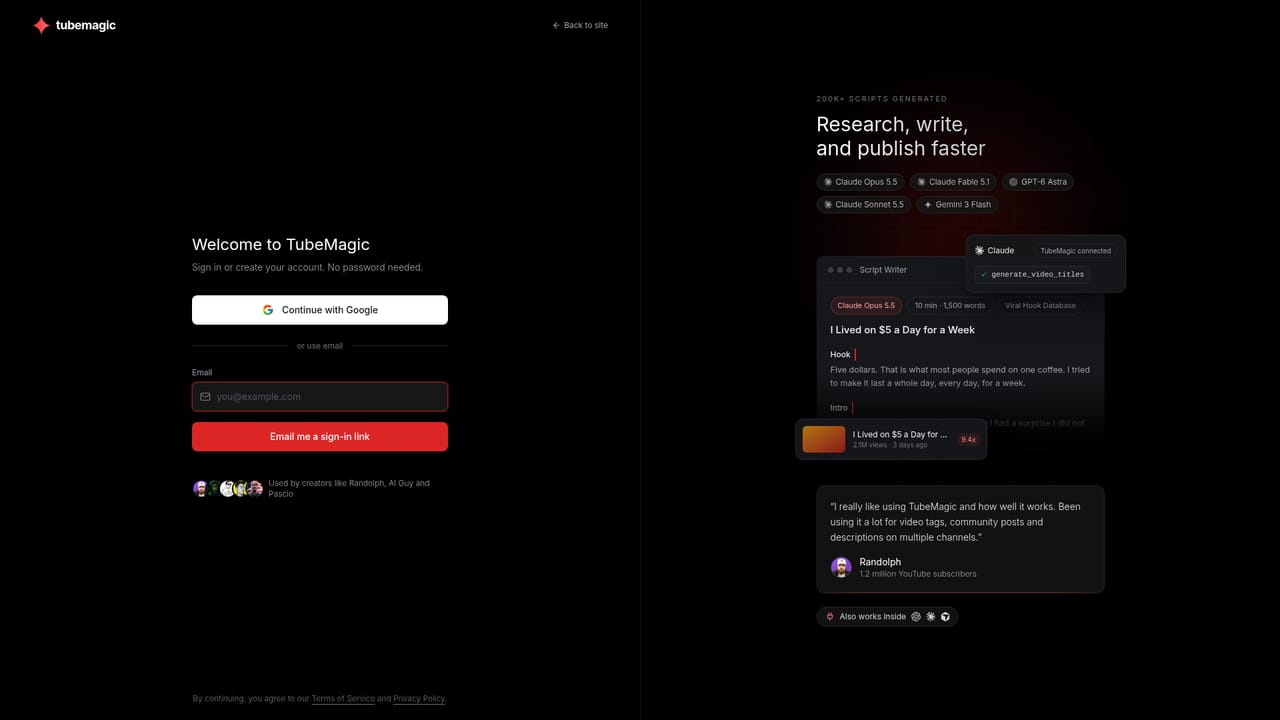
Screenshot of TubeMagic, Create viral YouTube scripts and thumbnails with AI

What is TubeMagic?

TubeMagic is a content writing tool that creates viral YouTube scripts and thumbnails with AI. TubeMagic is an AI-powered toolkit for YouTube creators that automates script writing, research, and SEO. It offers a script writer with multiple frameworks, a thumbnail generator, video research, and channel analytics, helping creators produce viral content faster.

TubeMagic is a specialized AI assistant for YouTube creators, designed to streamline the entire video production process. It combines research tools, a script writer, and a thumbnail generator into one platform. The core value is helping creators move from idea to upload faster by automating repetitive tasks like writing titles, descriptions, and tags, while also providing data-driven insights for topic selection. The script writer is a standout feature, built on ten proven frameworks that shape everything from the opening hook to the outro. Creators can choose from multiple AI models, including premium options like Claude Opus 5.5 and GPT-6 Astra, or included models like Claude Sonnet 5.5. Script length is adjustable from short-form 100-word clips to long-form 3,000-word pieces. You can add up to three inspiration videos, articles, or PDFs for context, and the tool generates a unique script. Each script comes with three hook options and the ability to rewrite specific paragraphs with simple instructions. Beyond scripting, TubeMagic offers a suite of research and optimization tools. Video Research identifies outlier videos by comparing views to a channel's average, helping you spot trends. Niche Explorer scores niches out of 100 and estimates RPM, while Keyword Research and SEO tools assist with titles, descriptions, and tags. The Thumbnail Generator lets you create custom thumbnails with face and channel references, and the Ideas Manager helps track content from concept to edit. TubeMagic is ideal for YouTubers of all sizes, from solo creators to multi-channel managers. It stands out from generic AI writing tools by focusing exclusively on YouTube's ecosystem, integrating channel analytics and SEO best practices. While it doesn't replace human creativity, it significantly reduces the time spent on planning and optimization, allowing creators to focus on production.

How do you use TubeMagic?

  1. 1Sign up and connect your YouTube channel
    Create a TubeMagic account and link your YouTube channel to unlock personalized analytics and research tools.
    TubeMagic — Sign up and connect your YouTube channel
  2. 2Research trending topics with Video Research
    Use Video Research to find outlier videos in your niche. Sort by outlier score to identify high-performing content ideas.
    TubeMagic — Research trending topics with Video Research
  3. 3Generate a script with the Script Writer
    Select your AI model, choose script length, and add up to three inspiration videos or documents. The tool writes a complete script with hook options.
    TubeMagic — Generate a script with the Script Writer
  4. 4Create a custom thumbnail
    Describe your thumbnail concept and optionally upload a face reference. Adjust text and design elements within the project.
    TubeMagic — Create a custom thumbnail
  5. 5Optimize titles, descriptions, and tags
    Use the dedicated tools to generate SEO-friendly metadata for your video, improving discoverability.

Pros and cons

Pros

  • Script writer built on ten proven frameworks, with adjustable length and multiple AI models.AI
  • Video Research identifies outlier videos by comparing views to channel average.AI
  • Thumbnail Generator supports face and channel references for personalized designs.AI
  • Integrates with ChatGPT, Claude, and other MCP clients for in-chat assistance.AI
  • Manages up to 10 channels with sorting by views or outlier score.AI

Cons

  • Premium models like Claude Opus 5.5 and GPT-6 Astra require credits, increasing cost.AI
  • No native mobile apps; relies on web interface and MCP integrations.AI
  • Some tools, like Niche Explorer, are gated behind login.AI
  • Limited to YouTube platform; no support for other video sites.AI
  • Script length maxes out at 3,000 words (about 20 minutes), which may be insufficient for longer content.AI

How much does TubeMagic cost?

Pricing

TubeMagic offers a freemium model with paid subscription plans. Standard AI models (Claude Sonnet 5.5, Gemini 3 Flash) are included, while premium models (Claude Opus 5.5, GPT-6 Astra) require credits. Exact plan details are available on the pricing page.

Learn more

Integrations

Integrates with ChatGPT, Claude, Cursor, VS Code, Windsurf, and any MCP client, enabling in-chat research, scripting, and thumbnail generation.

Learn more

Features

TubeMagic includes a script writer with ten frameworks, multiple AI models, adjustable length, and inspiration inputs. It also offers video research, keyword research, niche explorer, thumbnail generator, ideas manager, and channel analytics. MCP integration allows use within ChatGPT, Claude, and other clients.

Frequently asked questions about TubeMagic

  • How much does TubeMagic cost?
    TubeMagic offers a freemium model with paid subscription plans. Standard AI models (Claude Sonnet 5.5, Gemini 3 Flash) are included, while premium models (Claude Opus 5.5, GPT-6 Astra) require credits. Exact plan details are available on the pricing page.
  • How do you use TubeMagic?
    The walkthrough on this page covers 5 steps: 1. Sign up and connect your YouTube channel 2. Research trending topics with Video Research 3. Generate a script with the Script Writer 4. Create a custom thumbnail 5. Optimize titles, descriptions, and tags.
  • What platforms does TubeMagic support?
    TubeMagic is available on Web App.
  • What does TubeMagic integrate with?
    Integrates with ChatGPT, Claude, Cursor, VS Code, Windsurf, and any MCP client, enabling in-chat research, scripting, and thumbnail generation.
  • What are the limitations of TubeMagic?
    Premium models like Claude Opus 5.5 and GPT-6 Astra require credits, increasing cost. No native mobile apps; relies on web interface and MCP integrations. Some tools, like Niche Explorer, are gated behind login.

Status

StatusActive
Views0
Outbound clicks0
Added10/21/2026

Platforms

Web App

Pricing

FreemiumSubscription