Support
Support runs through a demo booking flow and published documentation. Customers quoted on the site describe the team as responsive and note that help continued after onboarding, though no formal support tiers are described.
Learn moreAI verification layer that writes and heals tests from live traffic

Tusk generates and maintains automated tests for API, unit and integration testing, using live production traffic to catch regressions in pull requests. It runs through a CLI with autonomous test iteration and self-healing suites. Note that the company has announced it is sunsetting.
Tusk is an AI verification layer aimed at teams that ship code with coding agents and want a safety net before merge. Its pitch is straightforward: use production traffic and business context to generate test cases that catch real world regressions, rather than relying on synthetic examples that never touch how the product is actually used. The company reports that its generated tests surface issues in 43% of pull requests, and it frames the product as a way to keep agent written code honest without slowing engineers down. In practice the workflow runs through a CLI. A single install command sets Tusk up in the service root, and a setup command configures Drift, the component that works from real API traffic. From there Tusk adds generated tests locally or to an existing branch, runs them locally or in CI, and comments on pull requests with the suites it has produced. The system is described as fully autonomous: when a generated test fails on its own errors, it iterates without a human prompting an AI copilot back and forth. Existing suites are maintained too, with self-healing tests refreshed on every commit so they track current business logic. Coverage is the headline outcome. Tusk positions itself around reaching coverage goals, fixing functional bugs, and detecting regressions in the pull request stage, alongside enforcement of coverage and quality requirements. Published customer accounts describe large jumps: Hamming moving from roughly 2,500 to more than 7,000 tests on a core area within a month, and TeamFeePay attributing about three quarters of a recent coverage increase on a legacy codebase to Tusk. Buyers should note a significant caveat that appears on the site itself: a resources post dated June 2026 announces that Tusk is sunsetting. That makes the listing relevant mainly to teams evaluating the approach or reading the case studies rather than planning a long term rollout. Pricing is not published on the homepage, and evaluation starts through a demo request.
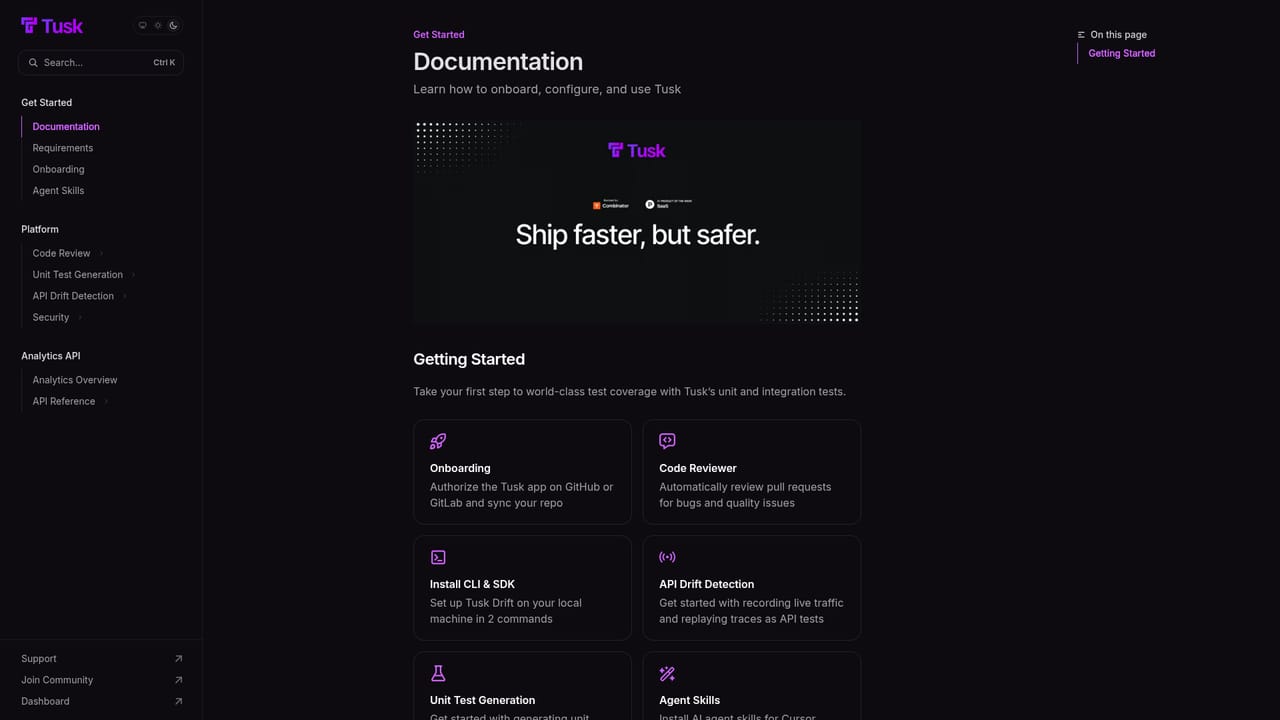
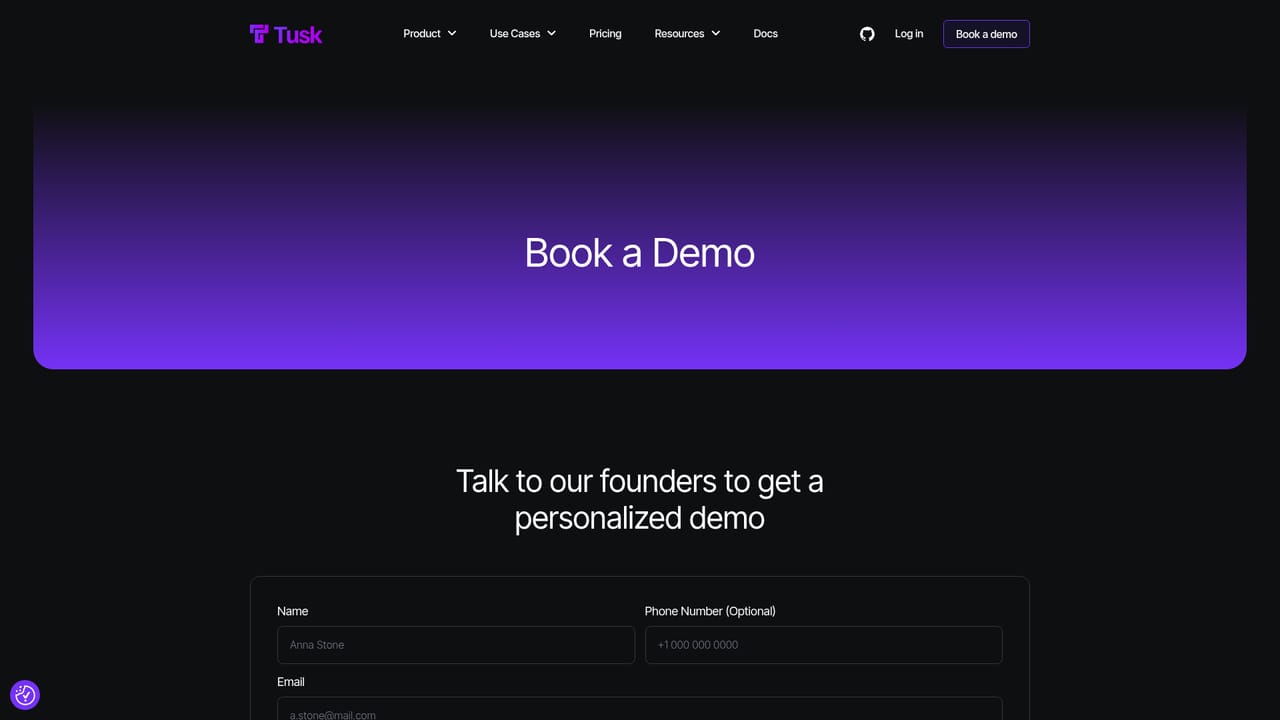
Support runs through a demo booking flow and published documentation. Customers quoted on the site describe the team as responsive and note that help continued after onboarding, though no formal support tiers are described.
Learn moreThe homepage references CI/CD pipelines and pull request workflows, with GitHub style checks shown in the product demo. A Tusk CLI is documented for local and CI use. No named third party integrations are listed on the homepage.
Core capabilities include generation of API, unit and integration tests from live traffic and business context, autonomous self-iteration when generated tests fail, self-healing maintenance of existing suites on every commit, a CLI for setup and local or branch based test runs, pull request checks in CI, and coverage and code quality enforcement. Tusk Drift targets API regressions specifically.
Learn more AI Angels400+ customizable AI girlfriends for NSFW chat, voice calls, and roleplay
 Candy AIExperience the future of companionship with AI friends who chat, role-play, and connect with you on a human level.
 ourdream.aiA vast AI roleplay platform with millions of characters for chat, images, video and voiceAI Angels400+ customizable AI girlfriends for NSFW chat, voice calls, and roleplayCandy AIExperience the future of companionship with AI friends who chat, role-play, and connect with you on a human level.ourdream.aiA vast AI roleplay platform with millions of characters for chat, images, video and voice


