Free trial
No separate trial period. The free Basic plan works as an indefinite trial with 3 generations per day, ads and no card required.
Learn moreTopic in, X post out: a focused AI tweet generator for X.

TweetyAI is a content writing tool. A single purpose web tool that turns a topic and optional hashtags into draft X posts. Free tier allows 3 generations daily with ads; PRO removes ads and the cap. No scheduling, analytics or image support, and no refunds on paid plans.
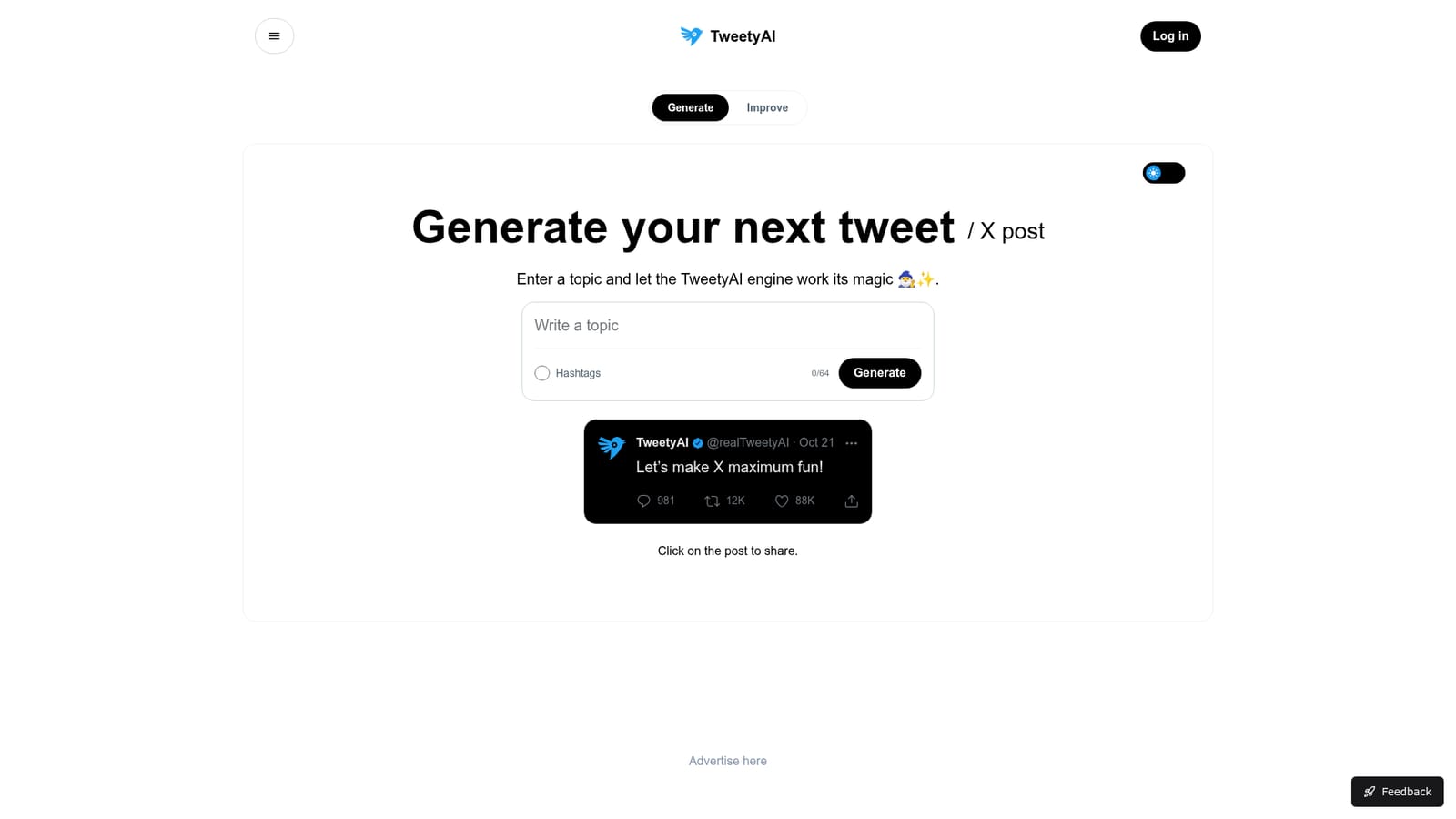
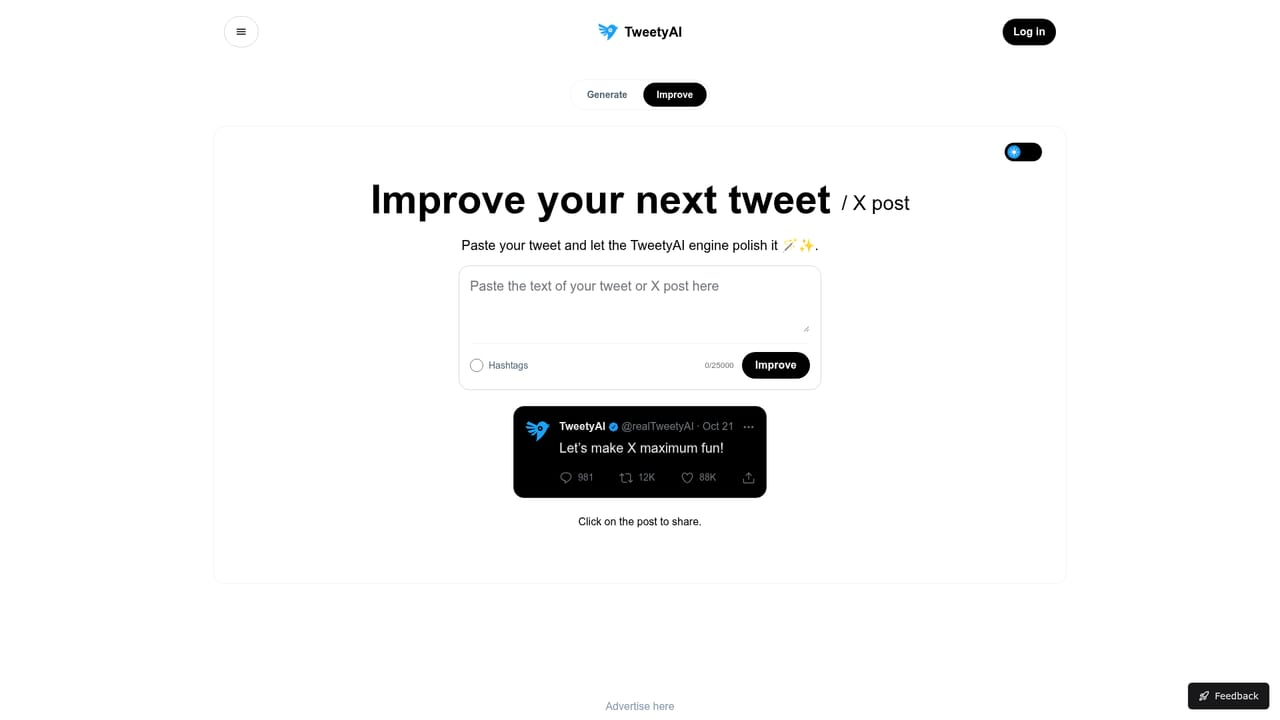
TweetyAI is a narrow, single purpose writing tool built around one job: producing posts for X. You supply a topic, optionally attach hashtags, and the engine returns a ready to publish tweet. The site describes the underlying system as the TweetyAI engine, an in house blend of language models rather than a wrapper around one named provider. There is no workspace, no document editor and no multi channel planner. The product is a text box with a generate button, plus a separate Improve page for reworking copy you already have. In practice the workflow is short. A marketer, founder or social media manager types a topic or niche, watches the 64 character hashtag field if tags are wanted, and reads the output. The FAQ states the engine accepts any subject, so the tool suits people who post across many themes rather than a single vertical. Because it only drafts text, images, scheduling and analytics all stay outside the product. The stated commercial use case is content creation, social media marketing and brand promotion, which places it closest to general purpose chatbots and social schedulers with AI writing bolted on. TweetyAI trades their breadth for speed and a format that already looks like a tweet. The honesty in the FAQ is worth noting. Generated posts may occasionally echo phrasing from training data, and the team says outputs can need human review and verification. TweetyAI also confirms it keeps no refund policy, so a yearly commitment is effectively final. Privacy is described only in general terms: inputs are processed securely and in line with privacy law, with no detail on retention. Third party cookies are used for personalization. For a free tool that is acceptable; for a paid seat, buyers should weigh how much they trust a small operation. Where it fits: use TweetyAI when the bottleneck is the blank page, not the calendar. Teams that need cross platform repurposing, approval flows or performance data will outgrow it quickly and should look at broader social suites.
No separate trial period. The free Basic plan works as an indefinite trial with 3 generations per day, ads and no card required.
Learn moreBasic is free forever with 3 generations per day, ads and access to the generator. PRO monthly costs 3.99 and PRO yearly costs 39.90 (20 percent off), both removing ads and lifting the generation cap, billed on the stated cycle. No credit card is needed for the free plan. The FAQ states no refunds are offered.
Learn moreContact is offered via a link in the site footer and the FAQ invites users to reach out with problems, but no email address, help centre or response time is published.
Topic driven generation of X posts, an optional hashtag field capped at 64 characters, and a separate Improve page for reworking existing copy. The engine is described as an in house blend of language models that accepts any subject and returns ready to publish drafts; outputs may need human checking for accuracy and uniqueness.
 AI Angels400+ customizable AI girlfriends for NSFW chat, voice calls, and roleplay
 Candy AIExperience the future of companionship with AI friends who chat, role-play, and connect with you on a human level.
 ourdream.aiA vast AI roleplay platform with millions of characters for chat, images, video and voiceAI Angels400+ customizable AI girlfriends for NSFW chat, voice calls, and roleplayCandy AIExperience the future of companionship with AI friends who chat, role-play, and connect with you on a human level.ourdream.aiA vast AI roleplay platform with millions of characters for chat, images, video and voice


