Free trial
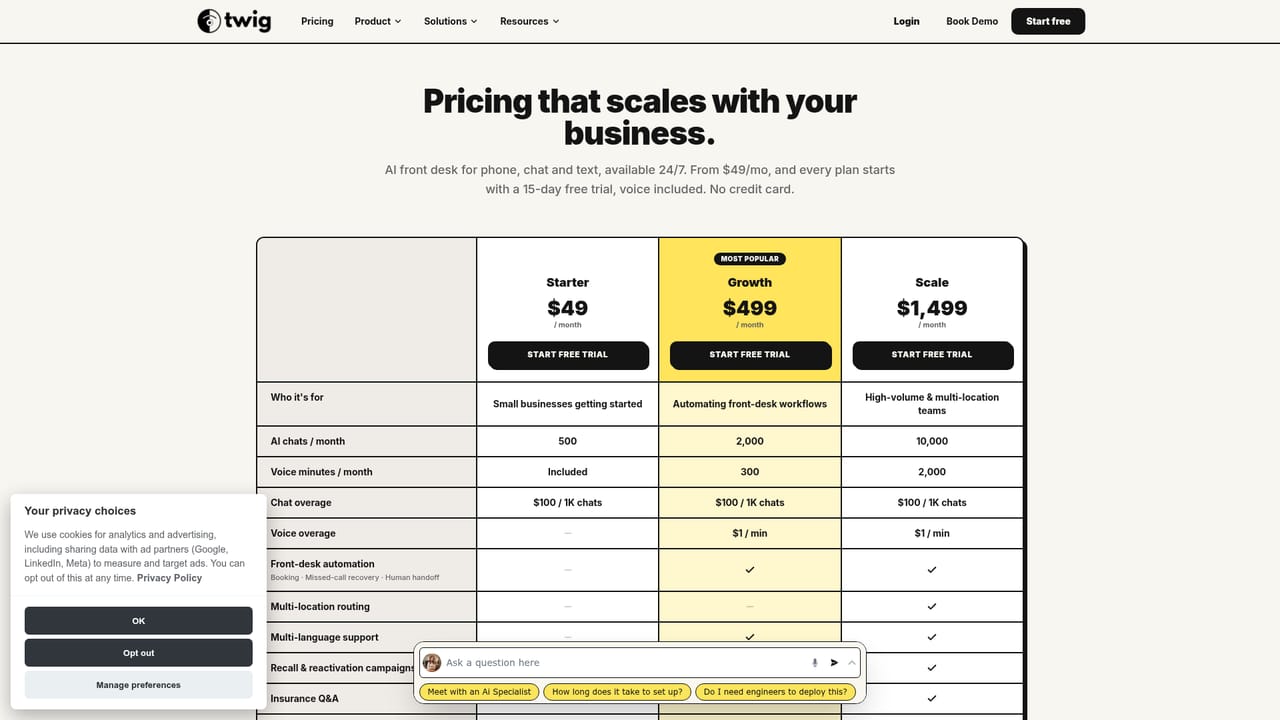
Every plan starts with a 15-day free trial with voice included and no credit card required.
Learn moreSera answers every call, text and chat, then books the appointment.

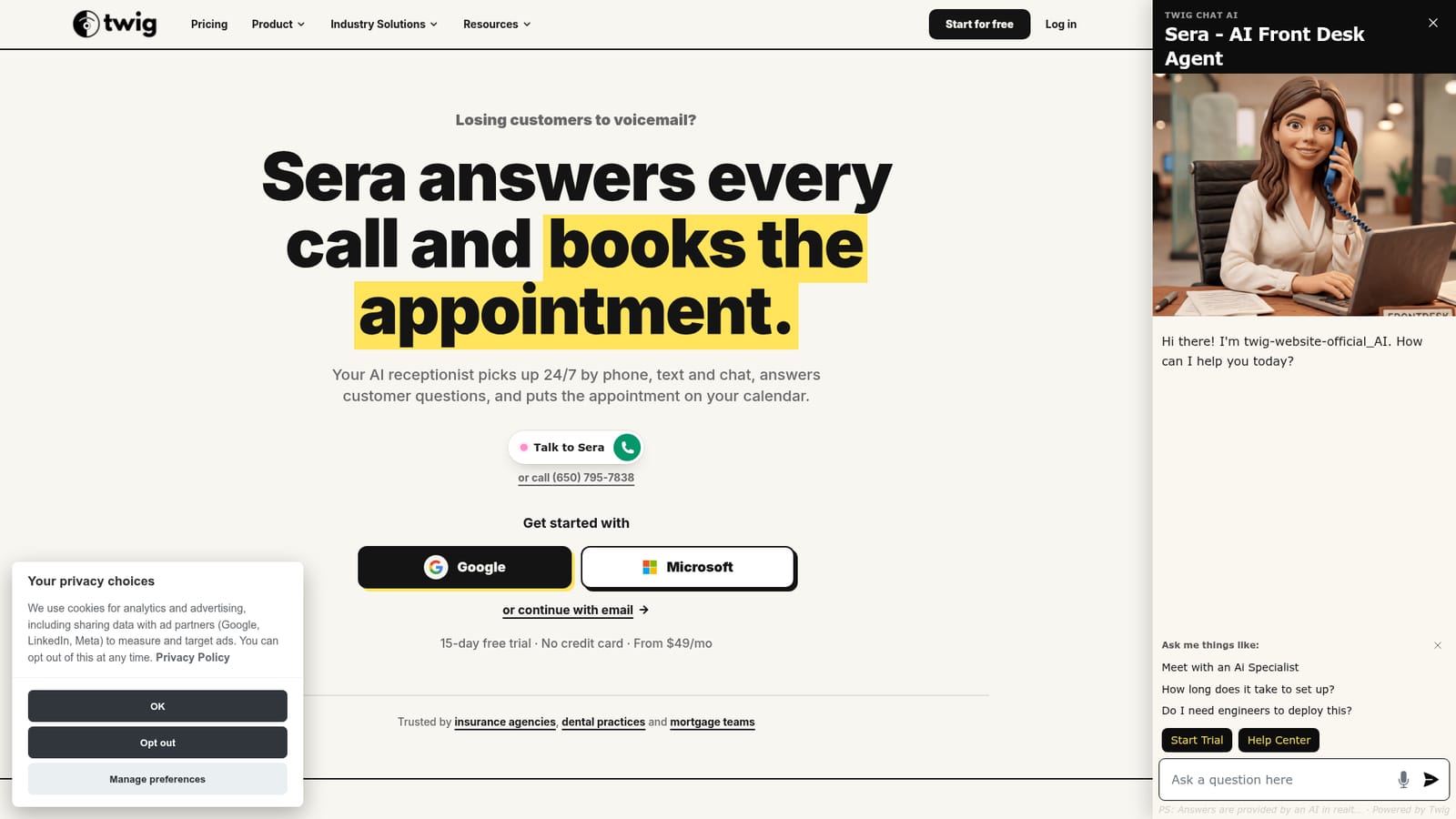
Twig AI is an AI calls tool. Twig AI offers Sera, a 24/7 AI receptionist that answers calls, texts and website chats, qualifies the caller and books appointments on the team calendar. Plans start at $49/mo with a 15-day free trial, and setup is pitched at under 30 minutes by pasting website content and forwarding a phone line.
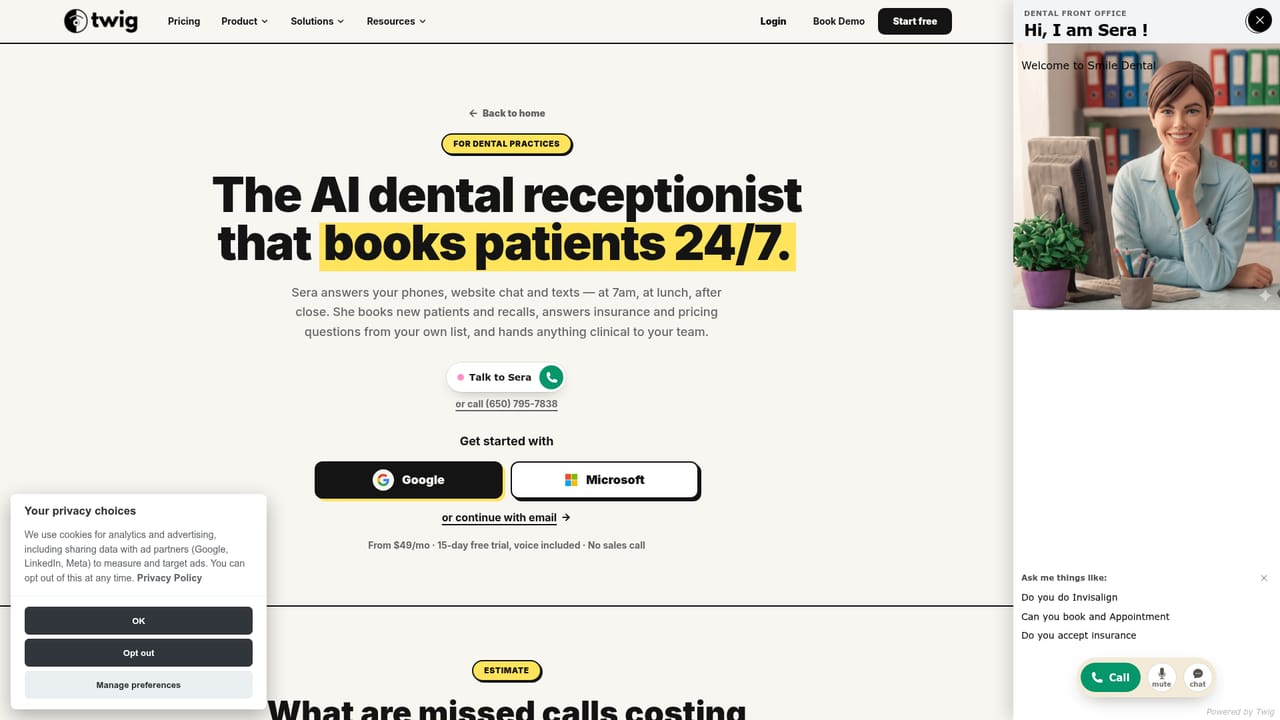
Twig AI is built around Sera, an AI receptionist that picks up phone calls, text messages and website chats around the clock. Instead of routing a caller to voicemail after hours or during a lunch rush, Sera answers, asks whatever questions the business needs answered, and puts the appointment on the team calendar. The product is pitched squarely at owner-operated and small front-desk operations: insurance agencies, dental practices, mortgage teams and B2B SaaS sales organizations all get a scenario built for their call patterns. In practice the setup is deliberately light. A business pastes in its website content, forwards its phone line, and most accounts are described as live in under 30 minutes. From there Sera handles the conversation flow: checking an insurance list before confirming network status at a dental office, collecting purchase type and price range on a mortgage pre-approval call, or answering a pricing-page question from stored content and booking the right account executive. Each plan tier sets its own ceiling on AI chats and voice minutes, and the pricier Growth tier adds appointment booking, missed-call text-back, live transfers to a human and multi-language conversations. Where Sera differs from a general chatbot builder is the scope of refusal. The company states that when Sera cannot answer she does not guess: she captures the details and hands the conversation to the team with a full transcript. Industry scenarios reinforce this, with the receptionist explicitly declining to quote insurance premiums, bind coverage, or state mortgage rates and terms. That restraint matters for regulated verticals, though it also means Sera collects and routes rather than closes. Among alternatives, Twig sits between a plain website chatbot and a full contact-center platform. It covers voice, SMS and chat in one agent, which many FAQ bots and form-based lead capture tools do not, but it is not a deep helpdesk suite. Buyers who want conversational volume handled without adding headcount will find the fit obvious; teams needing complex routing trees or heavy CRM orchestration should check the details first.
Every plan starts with a 15-day free trial with voice included and no credit card required.
Learn moreStarter is $49/mo with 500 AI chats a month and voice minutes included. Growth is $499/mo with 2,000 AI chats plus 300 voice minutes, booking, missed-call recovery, human handoff, multi-language support, advanced analytics and priority support. Appointment booking, missed-call text-back, live transfers and multi-language conversations require Growth or above.
Learn morePriority support is listed on the Growth plan. A separate help centre is available for setup and product questions.
Learn moreSera answers calls, texts and website chats 24/7, qualifies the caller and books appointments on the calendar. Growth adds booking, missed-call text-back, live transfers to a human and multi-language conversations. Advanced analytics and priority support are also on Growth. When Sera cannot answer she takes the details and hands off with the full conversation rather than guessing.
 AI Angels400+ customizable AI girlfriends for NSFW chat, voice calls, and roleplay
 Candy AIExperience the future of companionship with AI friends who chat, role-play, and connect with you on a human level.
 ourdream.aiA vast AI roleplay platform with millions of characters for chat, images, video and voiceAI Angels400+ customizable AI girlfriends for NSFW chat, voice calls, and roleplayCandy AIExperience the future of companionship with AI friends who chat, role-play, and connect with you on a human level.ourdream.aiA vast AI roleplay platform with millions of characters for chat, images, video and voice


