Twin Pics

A daily prompt-writing game that teaches kids AI literacy

Beginner
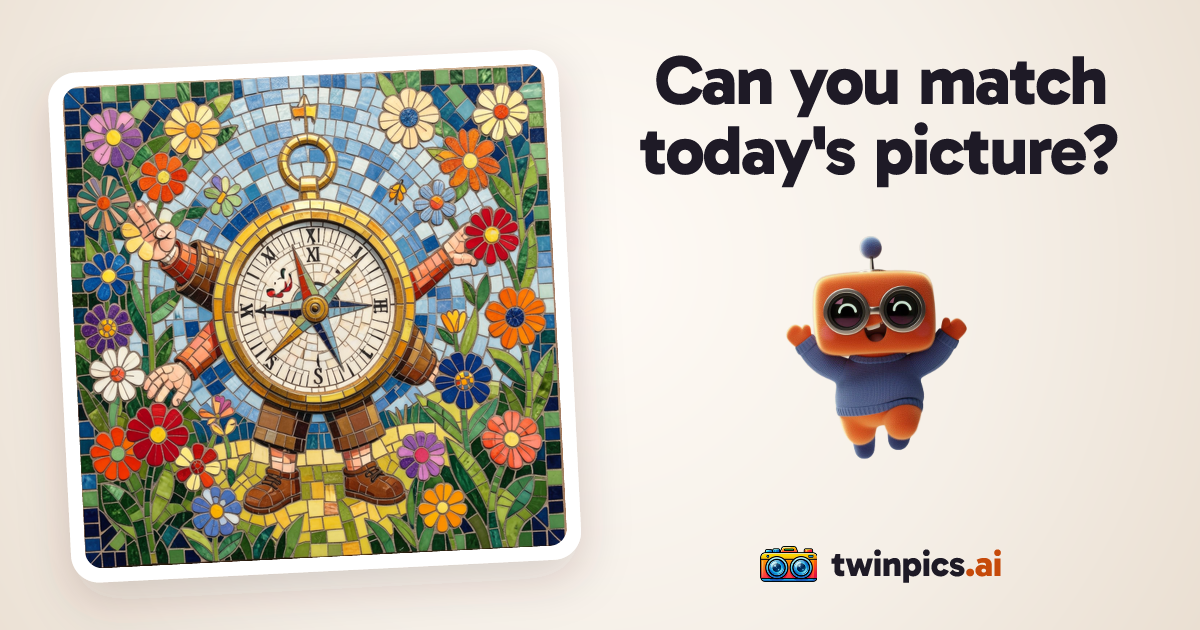
Screenshot of Twin Pics, A daily prompt-writing game that teaches kids AI literacy

What is Twin Pics?

Twin Pics is a daily web game where players write a prompt to recreate a target AI image and receive a similarity score out of 100. It includes a classroom mode for teachers and aims to build ethical AI literacy in kids.

Twin Pics is a browser game built around a single daily challenge. Every player sees the same target picture, which an AI generated from a hidden prompt. The player writes their own prompt, the service turns it into an image, and an AI judge compares the two pictures and returns a similarity score out of 100. Each player gets one try per day, so the game rewards careful wording over repeated guessing. The site positions itself as a way to teach children ethical AI literacy, and that framing shapes the product. Rather than offering an open-ended image generator, it uses a constrained puzzle: study the picture, work out what the secret prompt might have said, and describe it precisely. The score gives immediate feedback on how clearly a description translates into an image. A short animated sequence (reading the words, framing, developing, scoring) walks through the generation and comparison, and a mascot character called Ditto acts as the player's twin. The homepage also shows a live count of players for the day and a gallery of other players' results, all based on the same challenge. A separate classroom mode targets teachers. A teacher creates a classroom and invites students to join through a dedicated join page. According to the site, students do not need accounts or personal information, which lowers the barrier for school use. A "For teachers" page explains how educators can use the game with a class. Twin Pics sits between casual games and educational tools. It is not a replacement for professional image generators such as Midjourney or DALL-E, and it offers no editing or export workflow of that kind. Its closest comparisons are prompt-writing games and classroom AI literacy activities, where the value lies in practising how to describe things clearly and in understanding how image models interpret language. Families and teachers who want a short, repeatable daily exercise are the natural audience, while users who need production-ready artwork should look elsewhere.

How do you use Twin Pics?

  1. 1Open today's challenge
    Visit the homepage to see the daily picture, which is numbered and dated. Everyone plays the same image, and the prompt behind it stays hidden until you play.
  2. 2Write your prompt
    Study the target image and describe it in your own words in the prompt box. Be specific about subject, style, and details, since the closer the match, the higher the score.
  3. 3Generate and get scored
    Press Create Image and wait while the AI reads your words, renders the picture, and compares it with the target. You receive a similarity score out of 100.
  4. 4Set up a classroom
    Teachers can create a classroom from the homepage and share it with students. The For teachers page explains how the game fits into lessons.
  5. 5Join as a student
    Students use the join page to enter a classroom. The site states that no student accounts or personal information are required.

Pros and cons

Pros

  • Clear daily format: one shared picture and one try keeps sessions short and fairAI
  • Instant similarity score gives concrete feedback on how well a prompt was writtenAI
  • Classroom mode lets teachers invite students without student accounts or personal dataAI
  • Focus on ethical AI literacy suits school and family settingsAI
  • Live player count and gallery of other players' results add a social, competitive elementAI

Cons

  • Only one attempt per day, so there is little room for practice or experimentationAI
  • Not a general image generator, so it does not produce usable artwork for projectsAI
  • Pricing and any paid tiers are not stated on the homepageAI
  • Scoring depends on an AI comparison, which may not always match human judgment of similarityAI

How much does Twin Pics cost?

Features

Daily shared image challenge, one try per day, prompt-to-image generation, AI similarity scoring out of 100, a live count of daily players, a gallery of other players' results, and a classroom mode for teachers with no student accounts needed.

Learn more

Frequently asked questions about Twin Pics

  • How do you use Twin Pics?
    The walkthrough on this page covers 5 steps: 1. Open today's challenge 2. Write your prompt 3. Generate and get scored 4. Set up a classroom 5. Join as a student.
  • What platforms does Twin Pics support?
    Twin Pics is available on Web App.
  • What are the limitations of Twin Pics?
    Only one attempt per day, so there is little room for practice or experimentation. Not a general image generator, so it does not produce usable artwork for projects. Pricing and any paid tiers are not stated on the homepage.

Status

StatusActive
Views0
Outbound clicks0
Added10/20/2026

Platforms

Web App

Pricing

Free