Pricing
A free plan is advertised on the homepage for getting started, and paid plans are listed on a separate pricing page. Per plan limits and AI quotas are not stated on the homepage.
Learn moreAI social scheduler built for writers, teams, and threads

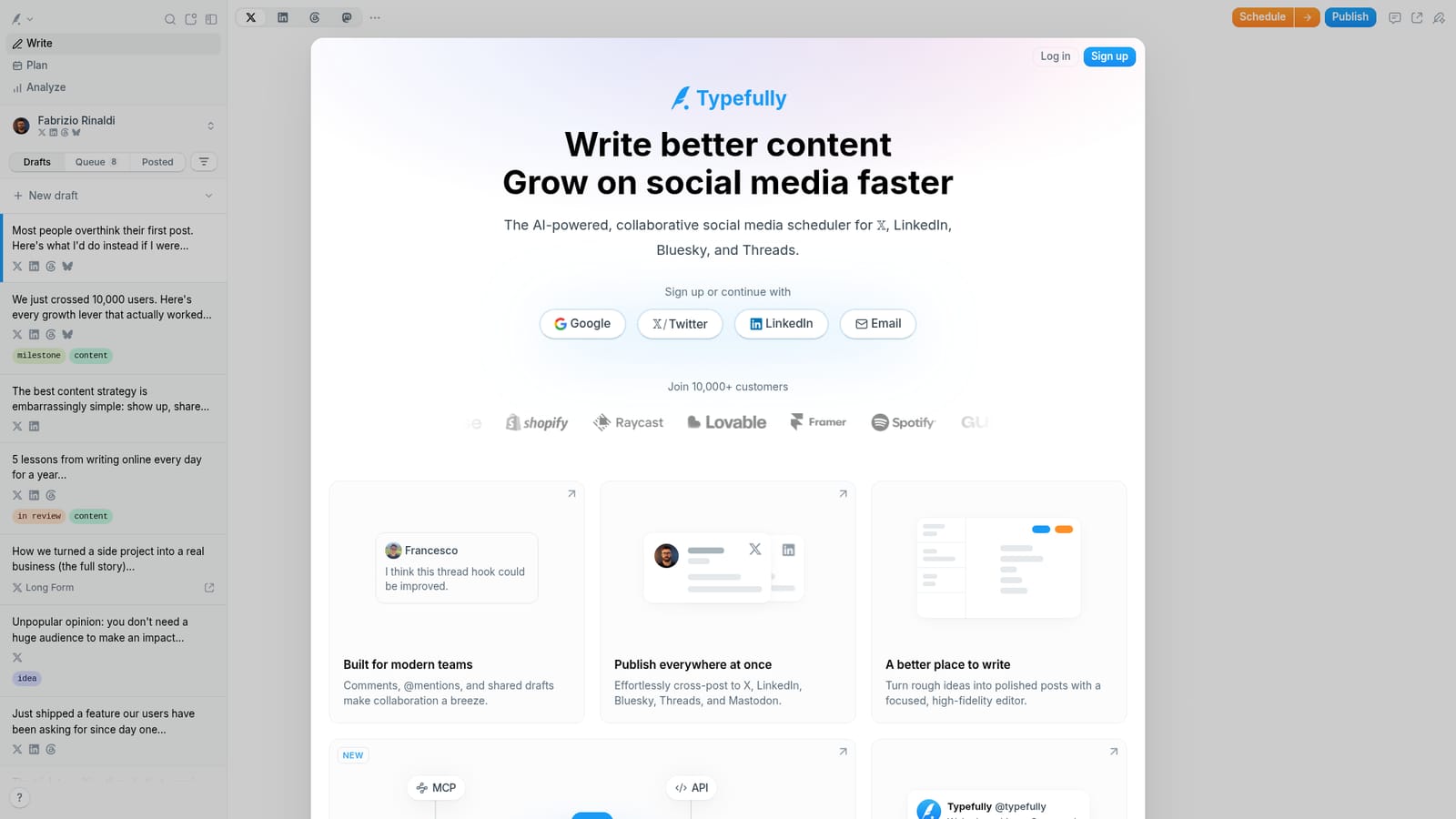
Typefully is an AI assisted social media scheduler for X, LinkedIn, Bluesky, Threads, and Mastodon, combining a focused writing editor, team collaboration, and a publishing calendar.
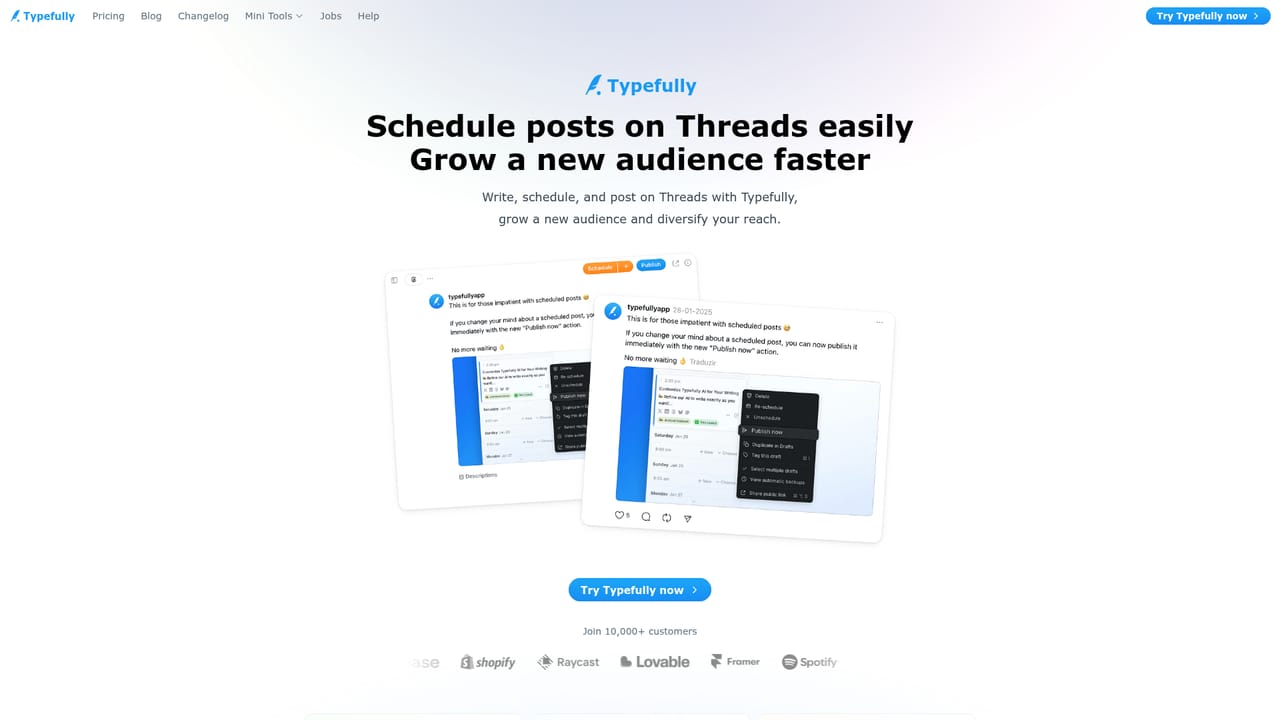
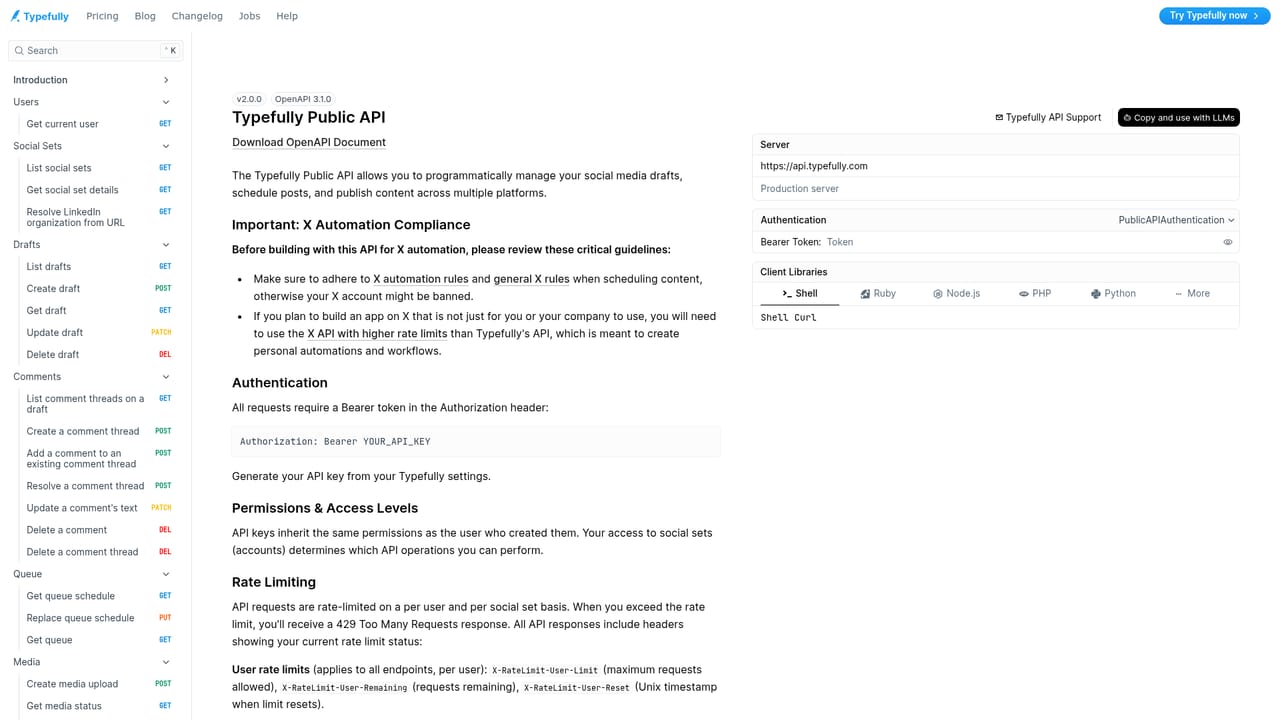
Typefully is a social media scheduling and writing workspace for X (Twitter), LinkedIn, Bluesky, Threads, and Mastodon. The product is built around a focused editor rather than a dashboard of forms: posts are drafted in a high fidelity composer that previews exactly how a thread, mention, or attached image will appear once published. From there, content moves into a calendar view that shows what is scheduled, what is waiting on review, and what is queued to go live across the whole team. The writing layer is where the AI sits. Assistants brainstorm angles, rewrite existing drafts, expand short notes into full threads, and generate alt text, with the stated goal of learning how an individual writer actually sounds rather than producing generic copy. A chat interface, polls, shareable draft links, LinkedIn PDF carousels, Auto Plug and Auto Retweet, tags and pins, a thread finisher, natural language scheduling, and a Mac app round out the feature list. The tool is aimed at creators, founders, and marketing teams who post consistently and want collaboration without handing drafts around in a doc. Comments, @mentions, and shared drafts let an editor mark up a hook while the author approves it, and scheduled posts can be coordinated so a team publishes in sync with Slack notifications when they go live. Analytics close the loop, showing which posts performed and where patterns repeat. Typefully positions itself as a middle ground between bare scheduling utilities and heavyweight social suites. Its public comparison pages set it against Buffer, Hypefury, Tweet Hunter, and Ordinal, and it leans on an API, an MCP server, Zapier automation, and agent support for teams that want their own tooling to queue drafts or manage the calendar programmatically. A free plan is offered for getting started, with paid tiers listed separately. Distinctly, the product treats AI agents as collaborators in the workspace alongside people, which matters for teams already wiring assistants into their publishing flow.

A free plan is advertised on the homepage for getting started, and paid plans are listed on a separate pricing page. Per plan limits and AI quotas are not stated on the homepage.
Learn moreA help centre at support.typefully.com hosts setup and feature articles, alongside an in app changelog and blog for product updates.
Learn morePublishing targets include X, LinkedIn, Bluesky, Threads, and Mastodon. Elsewhere there is a public API, an MCP server, Zapier automation, Slack notifications, and support for AI agents such as Claude.
Learn moreA high fidelity editor with thread previews, cross-posting to X, LinkedIn, Bluesky, Threads, and Mastodon, a scheduling calendar with review states, team comments and @mentions, AI rewriting and alt text, analytics, polls, shareable drafts, LinkedIn PDF carousels, Auto Plug and Auto Retweet, tags, a thread finisher, natural language scheduling, keyboard shortcuts, and a Mac app.
Learn more AI Angels400+ customizable AI girlfriends for NSFW chat, voice calls, and roleplay
 Candy AIExperience the future of companionship with AI friends who chat, role-play, and connect with you on a human level.
 ourdream.aiA vast AI roleplay platform with millions of characters for chat, images, video and voiceAI Angels400+ customizable AI girlfriends for NSFW chat, voice calls, and roleplayCandy AIExperience the future of companionship with AI friends who chat, role-play, and connect with you on a human level.ourdream.aiA vast AI roleplay platform with millions of characters for chat, images, video and voice


