Free trial
The page title and meta description say UGC ads can be created for free, and a set of free tool pages exists, but the homepage does not spell out the free allowance.
Learn moreAI studio for UGC video ads and image creatives from one prompt

UGC Maker AI is a web studio that generates UGC-style video ads and images from prompts or product photos, using multiple models such as Seedance, Veo and Kling, aimed at marketers and creators.
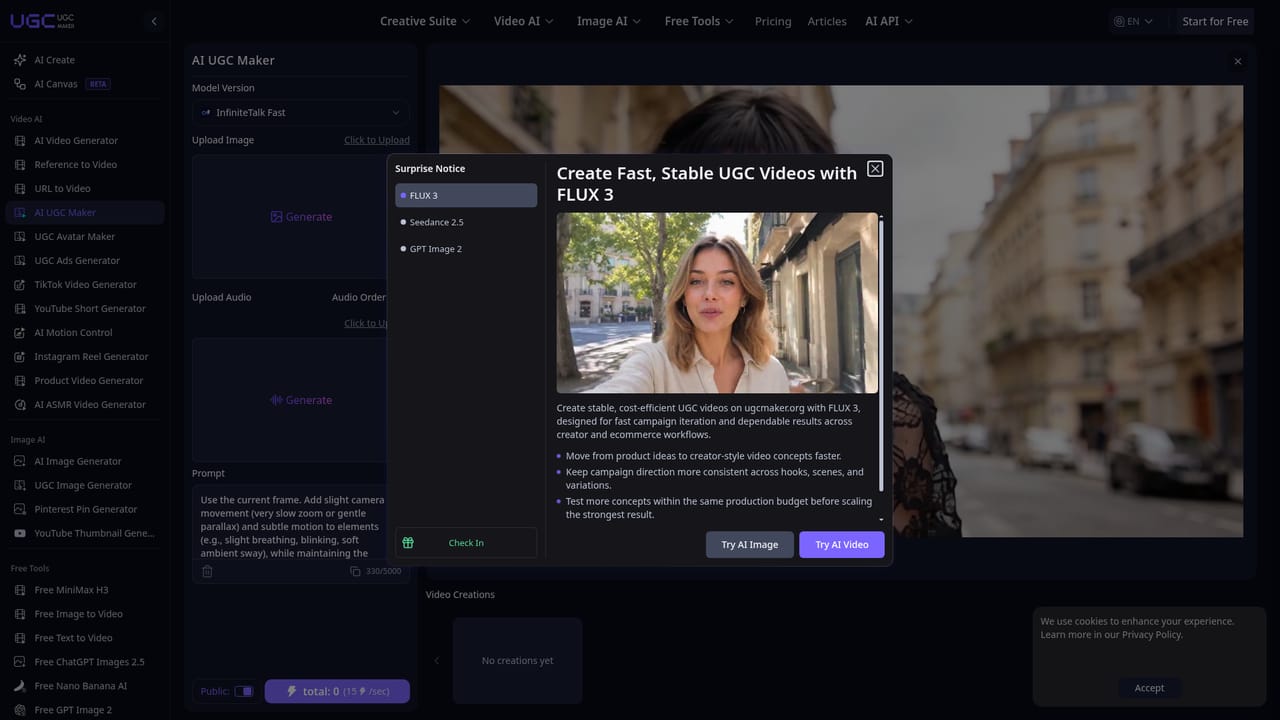
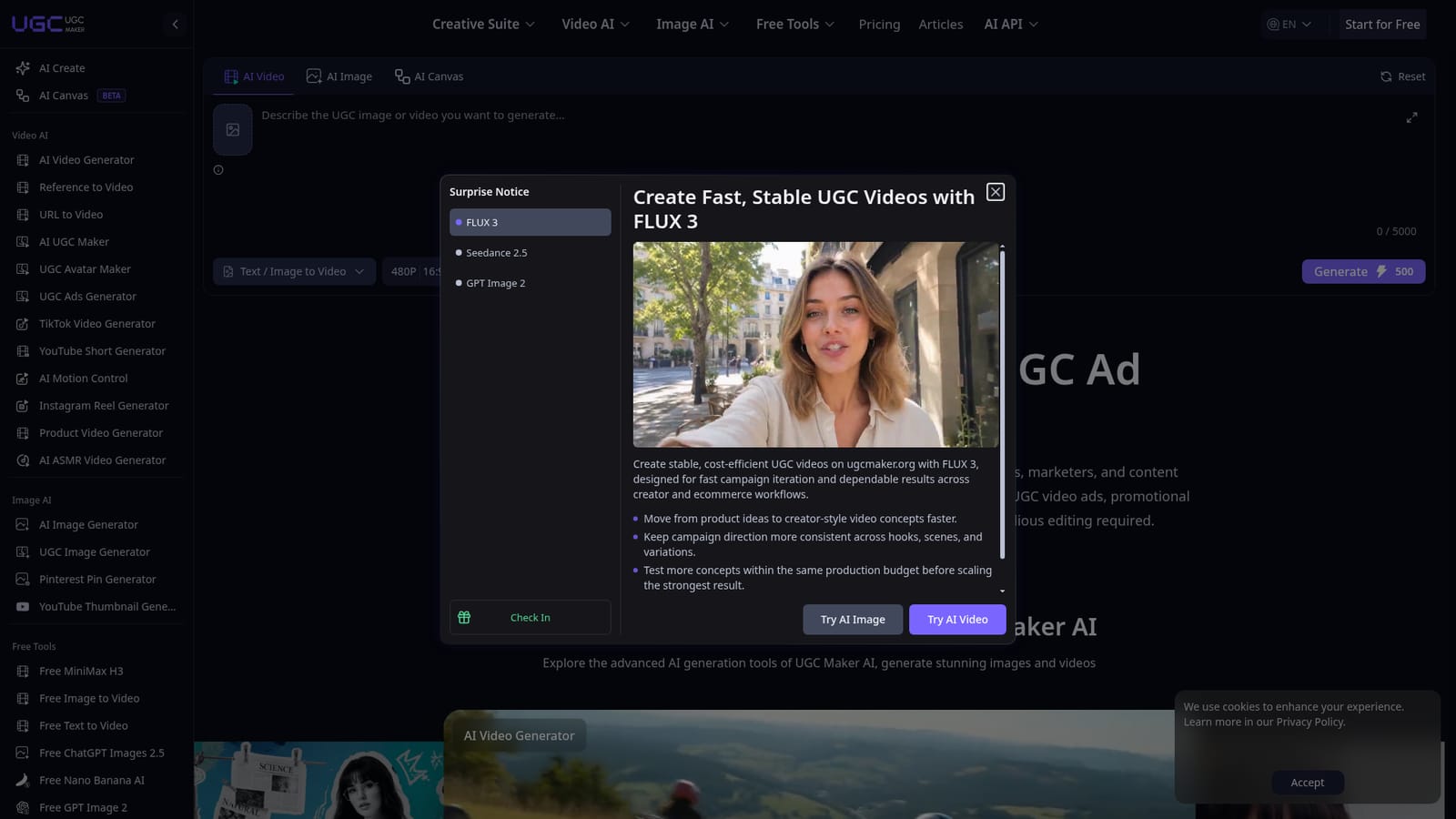
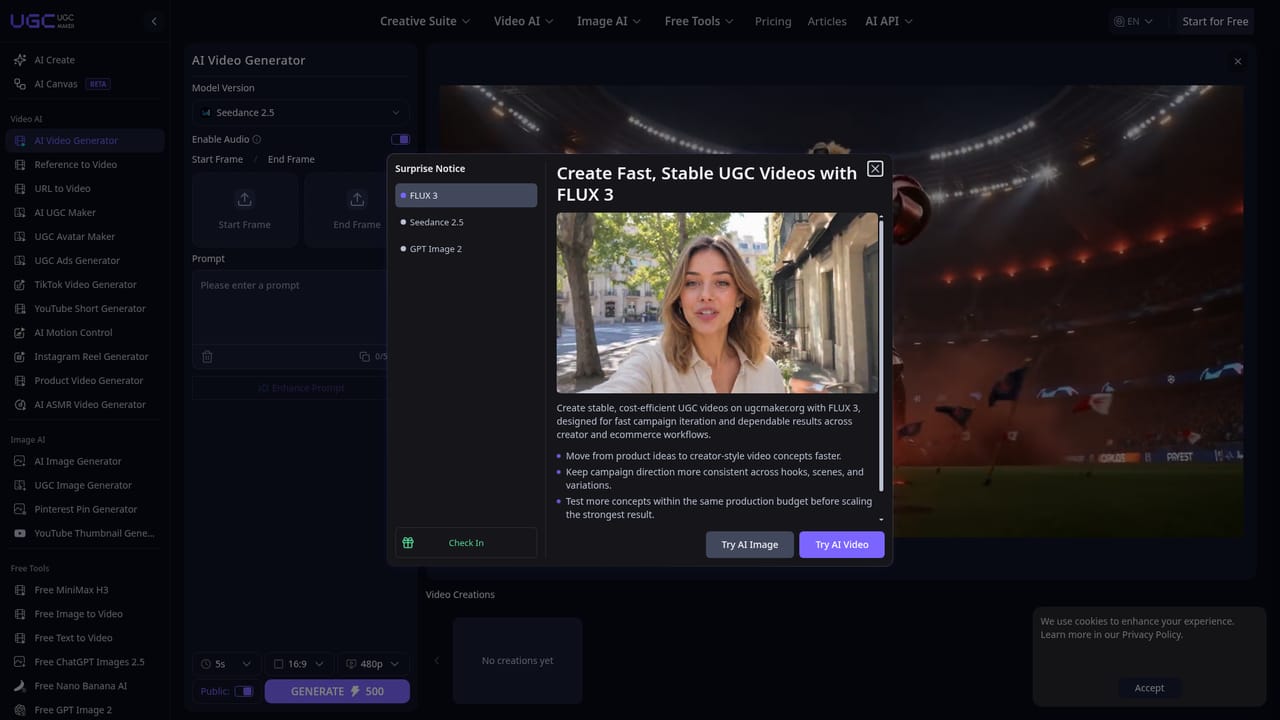
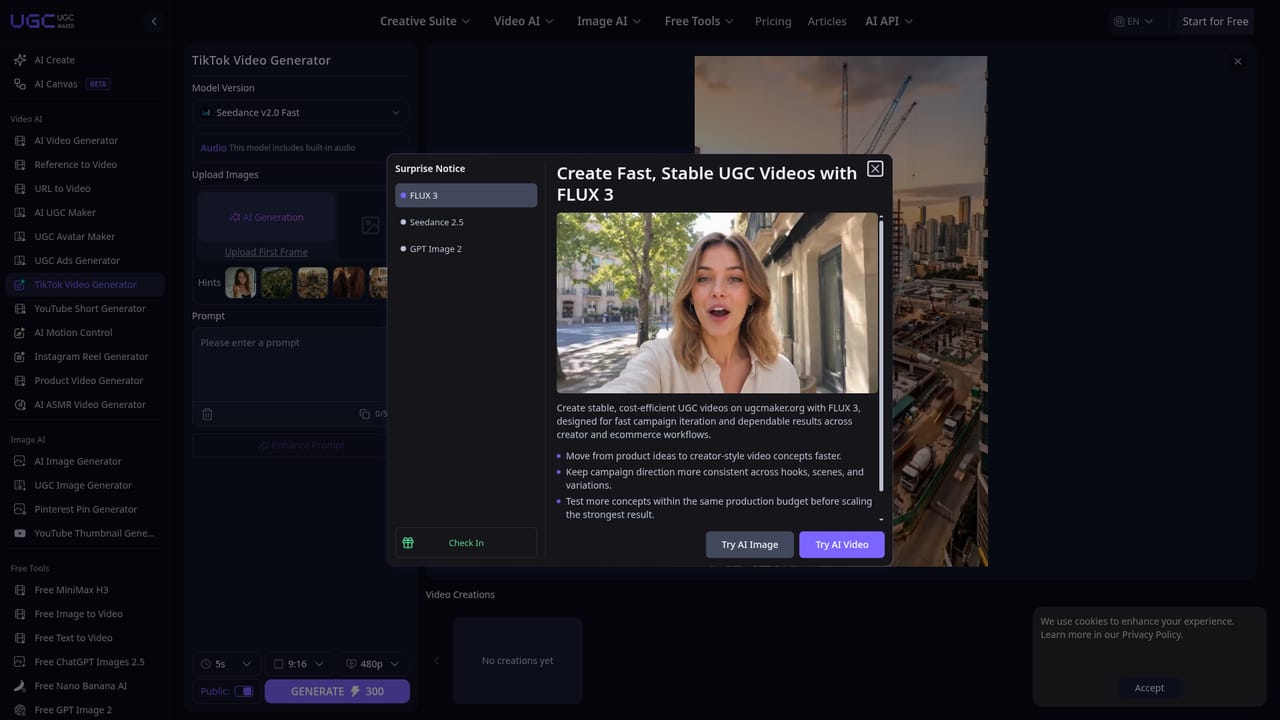
UGC Maker AI is a browser-based creative studio built for brands, marketers and content creators who need user-generated-style advertising without organising a shoot. It turns text prompts and uploaded images into short video ads, product showcase clips and still visuals, so a small team can test many ad angles in the time a single traditional production would take. The workspace is organised around a few core tools. An image-to-video generator animates a still picture from a short written prompt. An image generator produces royalty-free pictures from text or a reference image. A product-to-video tool turns product assets into showcase footage that keeps a consistent narrative and style. Beyond these, the site lists dedicated generators for TikTok videos, YouTube Shorts, Instagram Reels, Pinterest pins, YouTube thumbnails, avatar-led UGC, motion control and ASMR clips, plus prompt helpers that convert an image or an idea into a usable prompt. Built-in prompt templates and an "Inspire Me" option reduce the blank-page problem for newcomers. Rather than relying on a single in-house model, the platform exposes several third-party generators inside one interface. Video options named on the homepage include Seedance 2.0 and 2.5, Veo 3.1, Kling 3.0, Happy Horse 1.0 and InfiniteTalk, while image work can run on GPT Image 2, Nano Banana Pro, Nano Banana 2 and Seedream 5.0. Users pick a model, aspect ratio, resolution and clip length, then spend credits on each generation. A canvas workspace and an API entry in the navigation point toward more advanced, repeatable workflows. In practice, the product sits between general-purpose AI video suites and dedicated UGC ad builders. It suits e-commerce sellers, social media managers and agencies that want fast creative variations across several platforms from a single login. Its broad model menu is an advantage for experimentation, though the breadth also means output quality and cost vary by the engine chosen. Teams wanting heavy timeline editing or brand-governance features will likely pair it with a separate editor.
The page title and meta description say UGC ads can be created for free, and a set of free tool pages exists, but the homepage does not spell out the free allowance.
Learn moreThe homepage describes creation as free to start and shows a credit cost beside the Generate button. A Pricing section exists in the navigation, but plan names and prices are not stated on the homepage.
Learn moreHosts third-party generation models in one workspace, including Seedance, Veo 3.1, Kling 3.0, GPT Image 2 and Nano Banana. An AI API section appears in the navigation, though details are not on the homepage.
Text and image to video, image generation, product to video, UGC avatar videos, motion control, platform-specific generators for TikTok, Reels, Shorts and Pinterest, prompt templates, image-to-prompt tools, and photo restoration and cartoonization utilities.
Learn more


