Free trial
Creation can be started for free, per the homepage call to action. Limits on free usage are not stated.
Learn moreTurn text or images into Roblox-ready UGC accessories and clothing

UGCraft AI is a generative image tool that turns text or images into Roblox-ready UGC accessories and clothing. UGCraft AI generates Roblox UGC accessories, clothing, shirts, emotes and animations from text or image prompts in the browser, with no Blender or 3D experience needed.
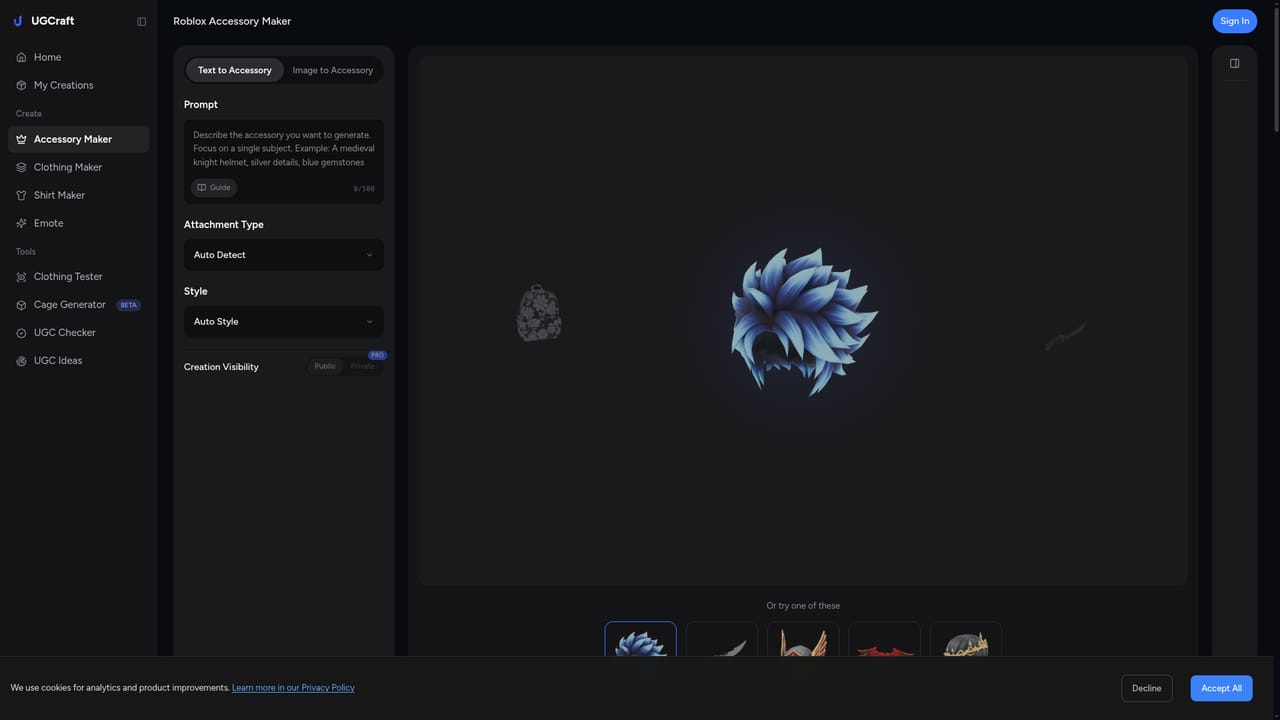
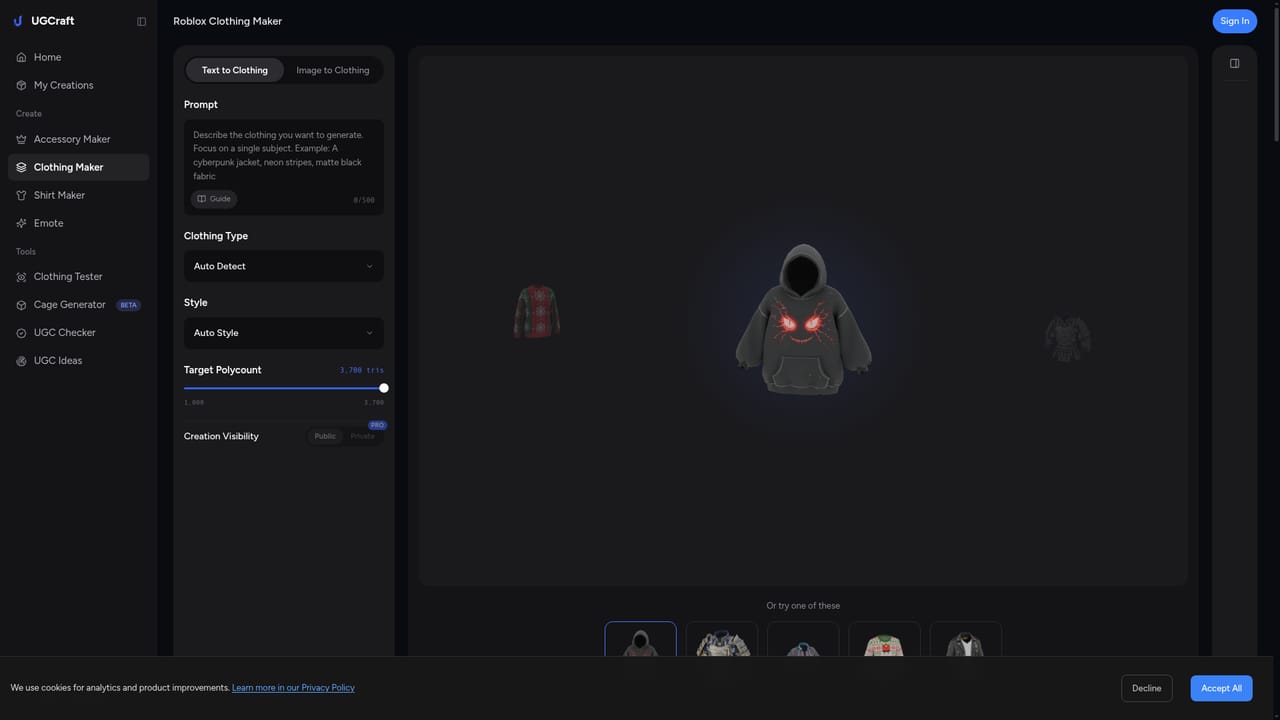
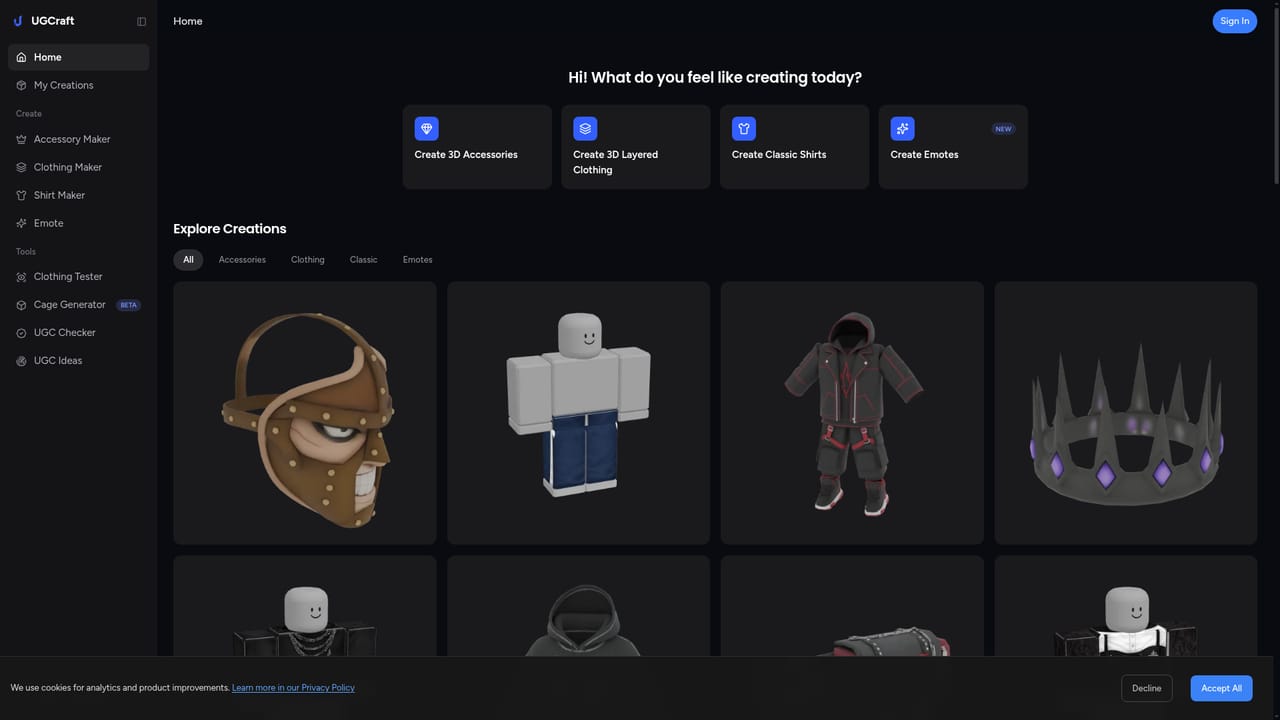
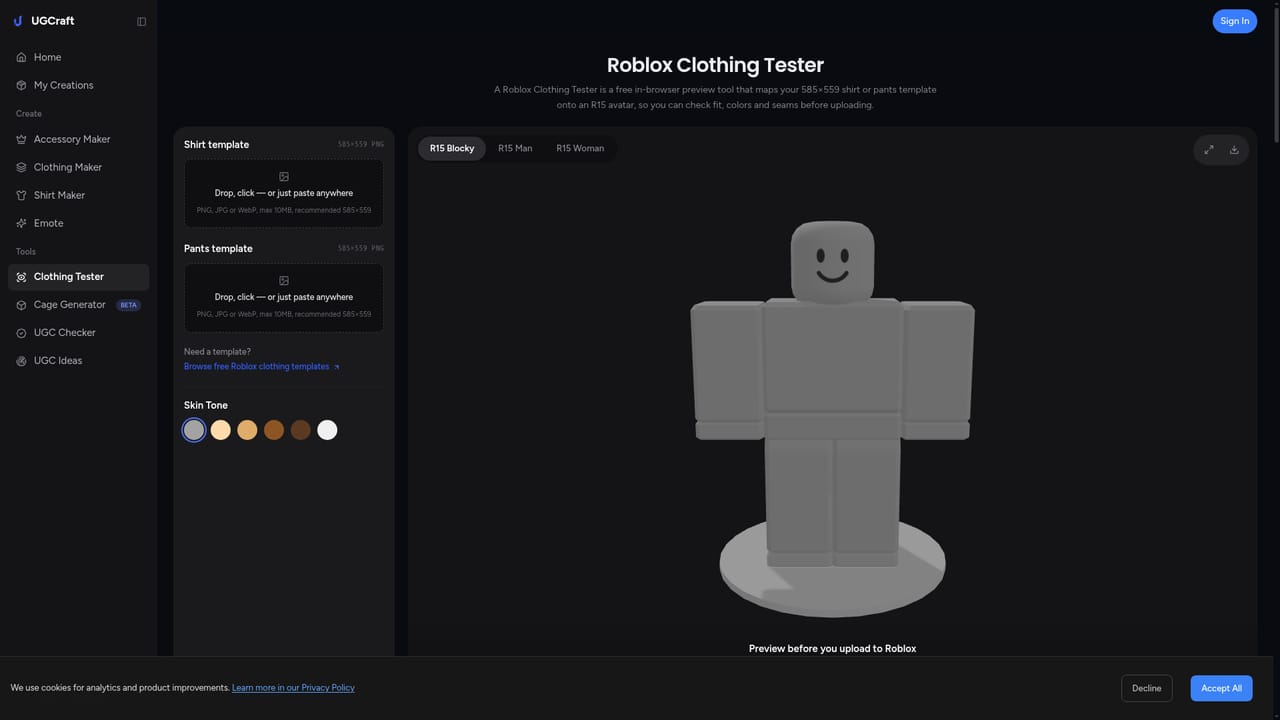
UGCraft AI is a web-based generator aimed at Roblox creators who want to produce user-generated content items without opening a 3D modeling program. The site's pitch is that a short written description of an accessory or outfit, or a reference image, is enough to get a finished item that is formatted for the Roblox marketplace. Its gallery shows the range: hats, hair, hoodies, sweaters, armor, necklaces, back items such as a scythe and an axe, and full outfits. In practice the workflow starts at a creation page, with a separate entry point for each item type. The homepage links to dedicated pages for an accessory creator, clothing maker, shirt maker, emote maker and animation maker, plus two utilities: a clothing cage generator and a clothing tester. Accessories are generated through text-to-accessory or image-to-3D modes, and each result is labeled with an attachment type such as hat, hair, back, neck or auto. Every gallery item carries a "Create Similar" action, which lets a visitor start from an existing result and adjust it rather than writing a prompt from scratch. The audience is broad on paper: beginners with no 3D background and experienced creators who want to prototype faster. The site also tracks platform policy, with a banner about Roblox's 2026 clothing update that cites an 80 Robux fee to upload classic clothing and 10 Robux to publish, and links to a guide. That makes it more of a niche, Roblox-specific production aid than a general text-to-3D service. Among alternatives, generic 3D generators and traditional Blender workflows offer more freedom but demand more skill and manual cleanup for Roblox's constraints. UGCraft trades that flexibility for a narrow, guided pipeline built around one marketplace. Creators who only need Roblox items get a shorter path, while anyone needing arbitrary 3D assets for other engines will find the scope limiting. Starting is free according to the homepage, though detailed plan terms are not spelled out there.
Creation can be started for free, per the homepage call to action. Limits on free usage are not stated.
Learn moreThe homepage offers a free start but does not list plan names, prices or credit limits.
Learn moreThe homepage links a guide on Roblox's 2026 clothing update. No help centre or support channel is described.
Learn moreThe homepage names Roblox as the target marketplace but lists no other integrations.
Text-to-accessory and image-to-3D generation for Roblox items, with attachment types such as hat, hair, back and neck. Separate creators for clothing, shirts, emotes and animations, plus a clothing cage generator, a clothing tester and a public gallery with Create Similar.
Learn more


