Free trial
A free plan provides 120 minutes of transcription per month with a basic model, 30-minute file limit, and 3 files per day. No credit card is required.
Learn moreTurn audio and video into text, summaries, and subtitles in minutes.
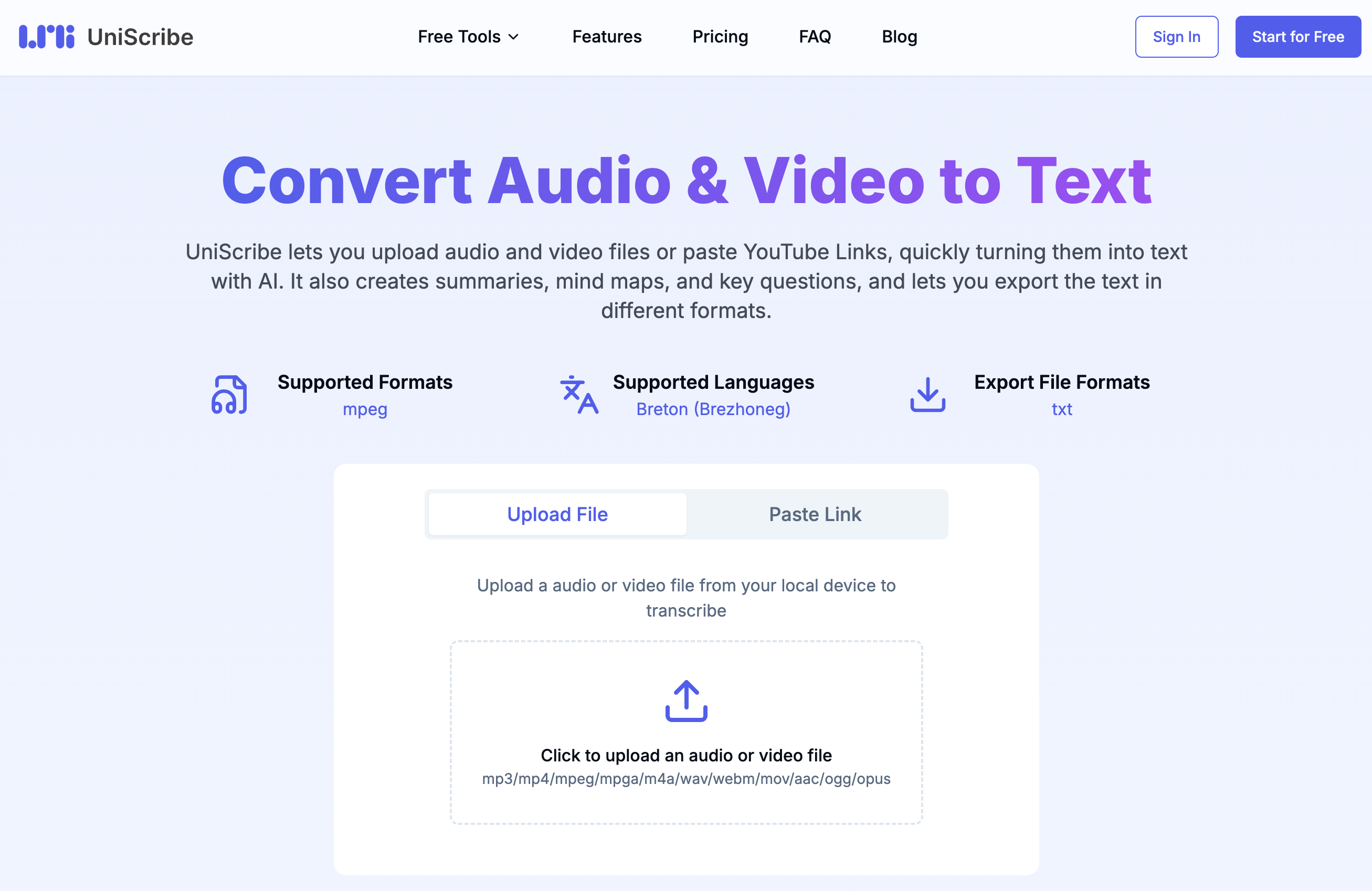
UniScribe is an AI transcriber tool that turns audio and video into text, summaries, and subtitles in minutes. UniScribe converts audio and video files into text with AI, supporting 20+ formats and 60+ languages. It adds summaries, mind maps, translation, and speaker recognition, with exports to TXT, DOCX, PDF, SRT, VTT, and CSV.
UniScribe is a browser-based speech to text service that converts uploaded audio and video files, or pasted online video links, into editable transcripts. The platform accepts more than 20 input formats, including MP3, MP4, WAV, M4A, and AAC, and handles recordings up to 5 hours long and 5 GB in size on paid plans. Transcription runs on GPU infrastructure that the company says returns results within minutes of upload, even for hour-long files. The output can be exported as TXT, DOCX, PDF, SRT, VTT, or CSV, or shared through a link for direct viewing. Beyond raw transcription, UniScribe layers on analysis features. The service generates short summaries, visual mind maps, and key question and answer highlights from the spoken content, and it offers AI translation plus speaker recognition on higher tiers. A custom vocabulary option lets users teach the engine names and jargon that would otherwise come out garbled. The free plan covers 120 minutes per month with a basic model and a 30-minute cap per file, while paid subscriptions raise both the monthly minute allowance and the per-file limits. The tool is aimed at content creators, teachers, researchers, journalists, and anyone who regularly works with recorded interviews, lectures, podcasts, or meeting audio. It competes with standalone transcription services and built-in features in video editors, but its focus on fast turnaround, broad format support, and summary generation gives it a distinct angle for people who need searchable text from media without a heavyweight editing suite. UniScribe is entirely web-based and requires an account for most actions. The interface follows a straightforward upload, transcribe, export flow, making it accessible to beginners, though the API and integrations with ChatGPT and Claude give technical users room to automate workflows.
A free plan provides 120 minutes of transcription per month with a basic model, 30-minute file limit, and 3 files per day. No credit card is required.
Learn moreFree plan: $0 with 120 minutes per month, 30-minute file cap, 3 files daily. Basic: $6/mo (annual) or $10/mo monthly, 1200 minutes. Standard: $12/mo annual or $20 monthly, 3000 minutes. Pro: $18/mo annual or $30 monthly, 6000 minutes. Add-on minutes available. One-time packages also offered.
Learn moreEmail support is included on all plans, with priority email support on paid tiers. A help centre and documentation are available, and the company responds to refund requests via email.
Learn moreClaude and ChatGPT integrations are available on paid plans, along with API access for custom workflows. Details are on the integrations and docs pages.
Learn moreTranscription in 60+ languages from 20+ audio and video formats. Supports files up to 5 GB and 5 hours on paid plans. Export to TXT, DOCX, PDF, SRT, VTT, CSV. Includes AI summaries, mind maps, speaker recognition, custom vocabulary, translation, and bulk processing. API access and Claude/ChatGPT integration available on paid tiers.
Learn more AI Angels400+ customizable AI girlfriends for NSFW chat, voice calls, and roleplay
 Candy AIExperience the future of companionship with AI friends who chat, role-play, and connect with you on a human level.
 ourdream.aiA vast AI roleplay platform with millions of characters for chat, images, video and voiceAI Angels400+ customizable AI girlfriends for NSFW chat, voice calls, and roleplayCandy AIExperience the future of companionship with AI friends who chat, role-play, and connect with you on a human level.ourdream.aiA vast AI roleplay platform with millions of characters for chat, images, video and voice







