Free trial
The homepage offers a Try for free button that leads to sign-up, but it does not state trial length or which features are included in the trial.
Learn moreAI code compliance research built on 11M+ adopted code sections.

UpCodes is an AI search tool. UpCodes Copilot is a compliance-focused AI assistant for AEC teams that answers code questions using adopted codes, project memory, document uploads and cited answers. It generates QA/QC checklists and includes inline diagrams, and is bundled with the UpCodes Professional plan.
UpCodes Copilot is a purpose-built AI research assistant for the architecture, engineering and construction (AEC) sector, designed to answer code compliance questions using a maintained library of locally adopted codes, amendments, assemblies and products rather than the open internet. It sits inside the UpCodes platform, which already hosts an extensive code library, and is tuned for the daily work of architects, engineers, spec writers, plan reviewers and building officials who need to locate and interpret enforceable requirements quickly. The assistant carries project context across sessions: it remembers jurisdiction, building type and size, and code year, so users do not re-enter the same parameters for every question. It also adapts tone and detail to the user's role, whether principal architect, spec writer or junior staff. Users can upload their own documents, such as AHJ comments, spec drafts or reports, and Copilot will tailor its answers to those project conditions. Responses come with citations that link to the exact adopted code section, and complex requirements are often illustrated with inline diagrams drawn from the UpCodes diagrams library. Beyond question and answer, Copilot can generate project-specific QA/QC checklists organized by theme and tied to code sections, replacing hours of manual checklist work. Agentic workflows for assembly selection, product suggestions and full spec drafting are listed as coming soon. Accuracy is the central claim. UpCodes reports that an expert-reviewed study of 43 real-world code questions gave Copilot a 93% weighted accuracy score across major code families, and that it was 57% more accurate than leading generic AI tools in that test. The company also cites practice exam results, though those are vendor-run tests and should be read with that in mind. Privacy terms state that conversations and documents are not used for training, and that conversations are private unless explicitly shared. Copilot is included in the UpCodes Professional plan, with limited access for Essentials users, so it works best as an upgrade within an existing UpCodes subscription rather than a standalone product. Compared with general-purpose chatbots, the advantage is grounded citation and project memory; the trade-off is that it is narrow by design and tied to UpCodes' code coverage and plan tiers.
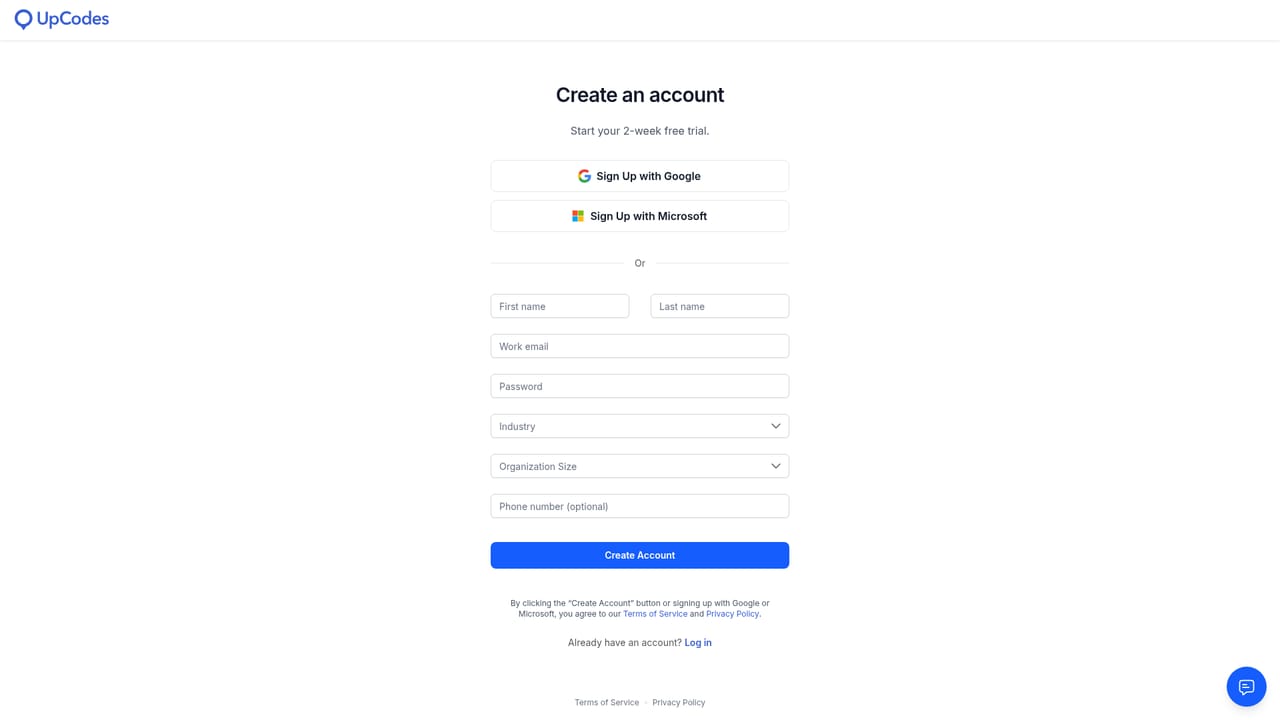
The homepage offers a Try for free button that leads to sign-up, but it does not state trial length or which features are included in the trial.
Learn moreCopilot is included in the UpCodes Professional plan. Essentials users can try it with limited access, but full capabilities are reserved for Professional subscribers. The homepage does not list specific prices.
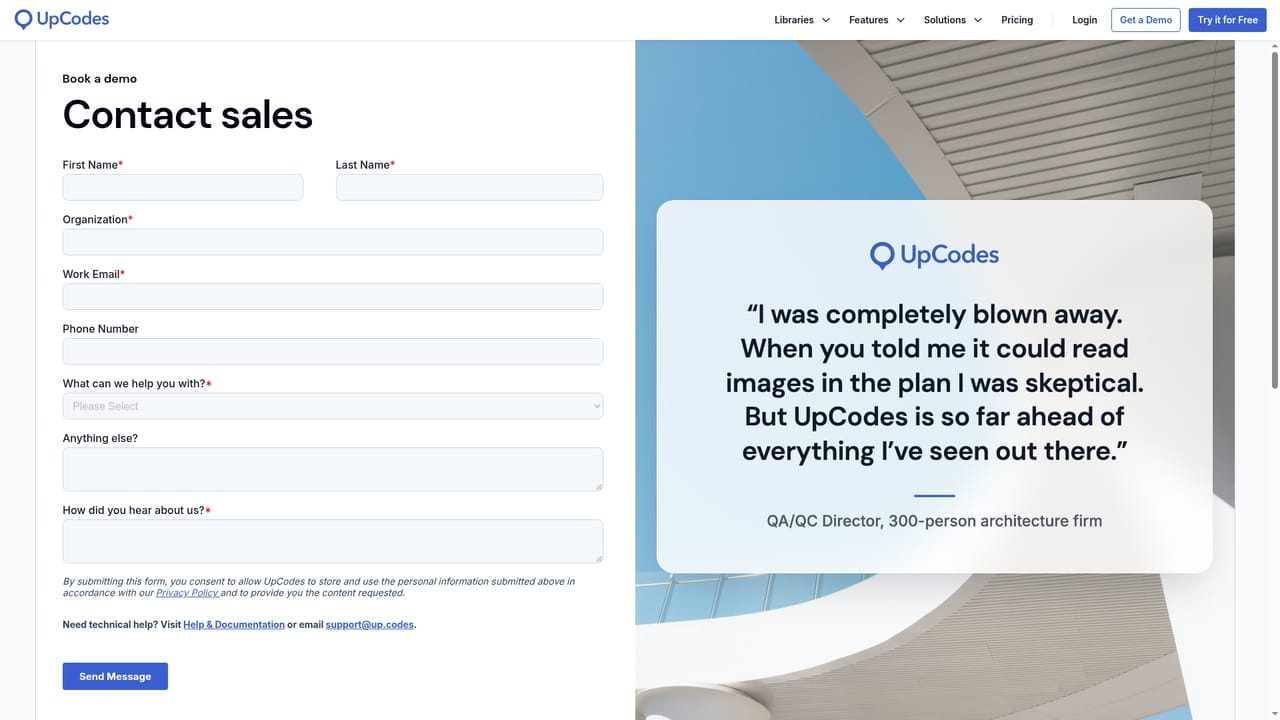
Learn moreSupport is available through the UpCodes contact page, and sales demos can be requested through the contact sales page. The homepage does not describe support hours or service levels.
Learn moreCopilot answers code questions using a library of over 11 million code sections, with citations to adopted code and inline diagrams. It remembers project jurisdiction, building type and size, and code year, adapts to the user's role, accepts uploaded documents, and generates project-specific QA/QC checklists. Agentic workflows for assembly selection, product suggestions and spec drafting are listed as coming soon.
Learn more AI Angels400+ customizable AI girlfriends for NSFW chat, voice calls, and roleplay
 Candy AIExperience the future of companionship with AI friends who chat, role-play, and connect with you on a human level.
 ourdream.aiA vast AI roleplay platform with millions of characters for chat, images, video and voiceAI Angels400+ customizable AI girlfriends for NSFW chat, voice calls, and roleplayCandy AIExperience the future of companionship with AI friends who chat, role-play, and connect with you on a human level.ourdream.aiA vast AI roleplay platform with millions of characters for chat, images, video and voice


