Free trial
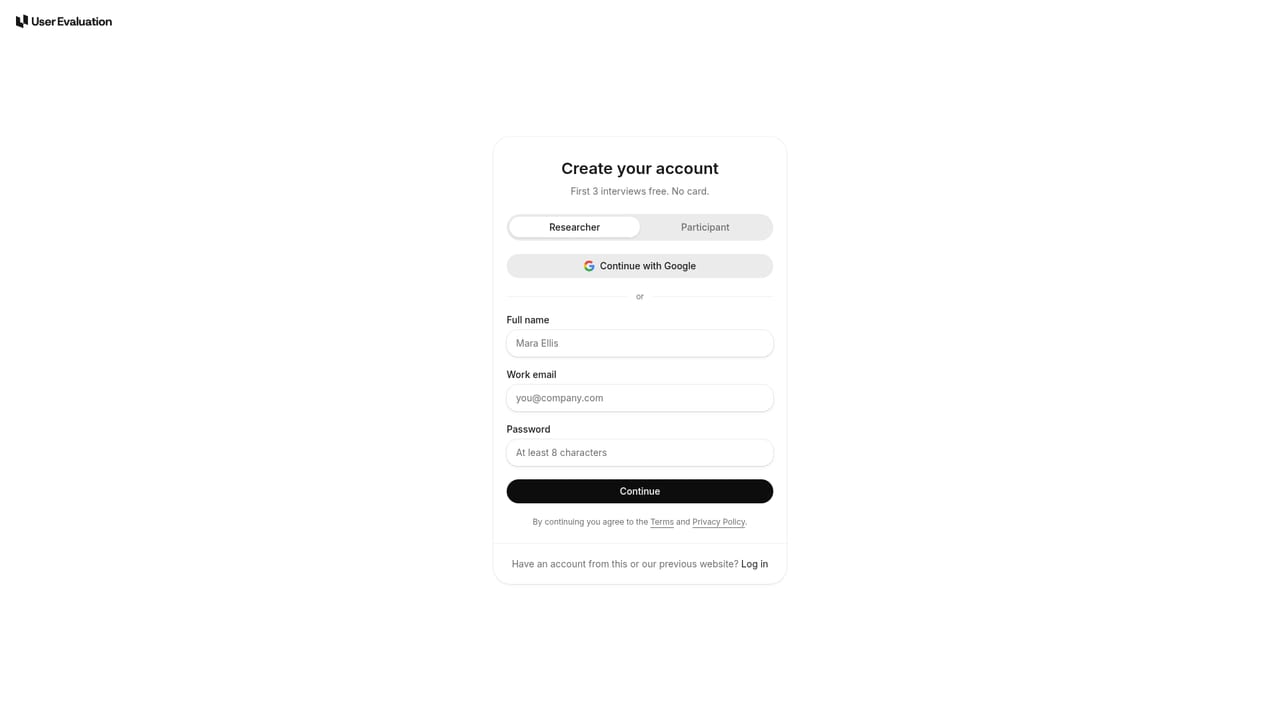
The first three interviews are free, with no credit card, demo call or minimum spend required.
Learn moreAI-moderated customer interviews where every claim links to its clip
Own User Evaluation? Verify ownership to get a dofollow link

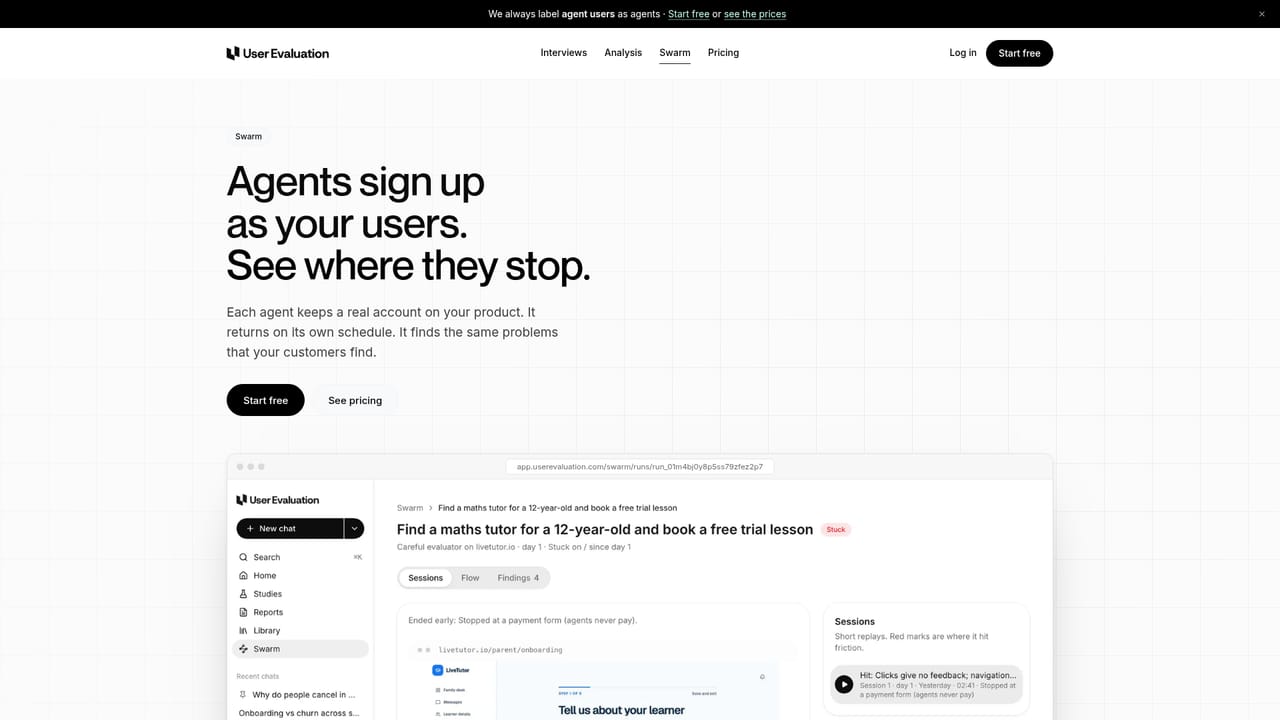
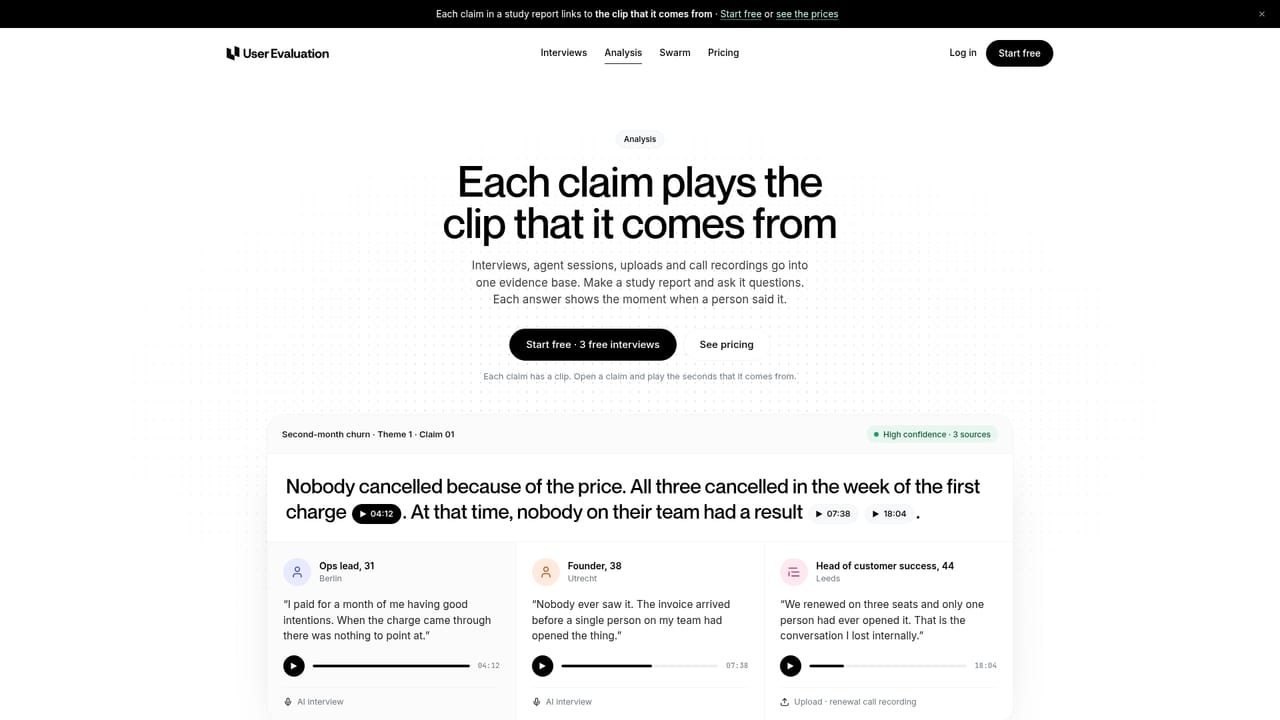
User Evaluation is a navy eval writer tool. User Evaluation pairs real, screened participants with an AI voice moderator, then delivers a study report within 48 hours in which every claim links to the clip that supports it. A companion Swarm mode registers AI agents as product users so replays can surface friction before you spend on human interviews.
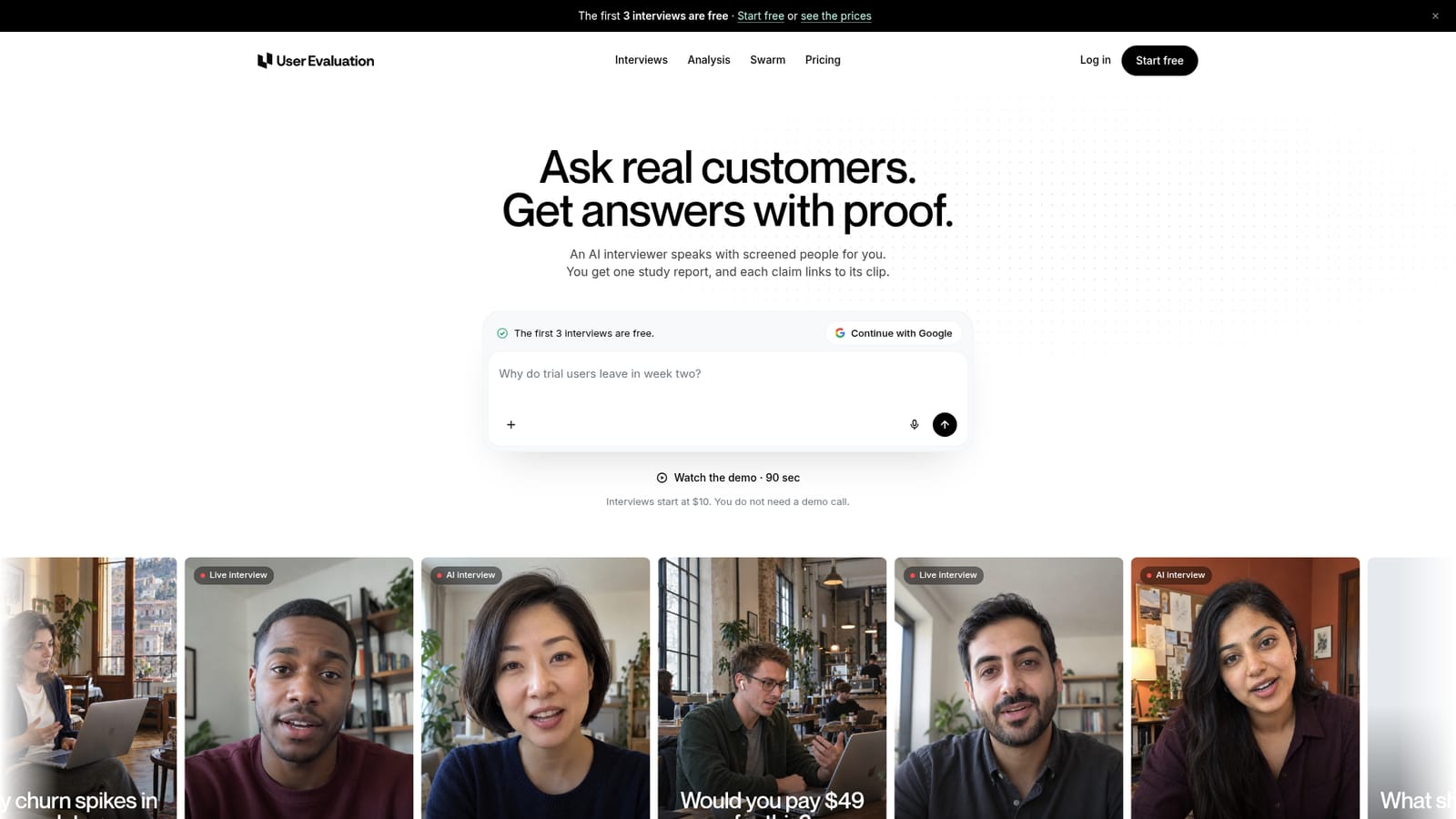
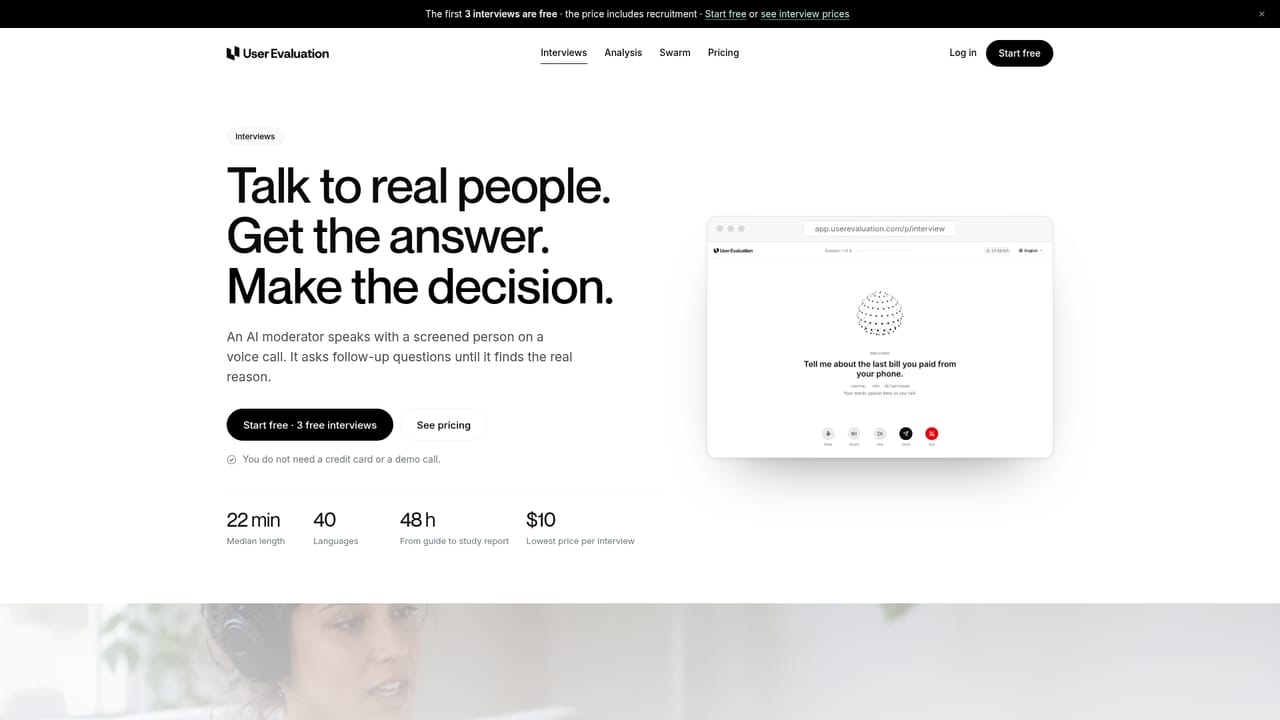
User Evaluation runs voice interviews between real, screened people and an AI moderator, then packages what they said into a single study report where each claim carries a link to the clip it came from. The company's own rule is blunt: if it cannot show a clip, it does not make the claim. Participants are paid real people, not simulated personas, and consent to recording is collected before each call begins. The workflow starts with a typed question. An assistant named Eva drafts a five-question guide plus a screener, and nothing launches until the researcher approves it. Interviews happen as live voice calls in the participant's language (40 are supported), and the moderator follows up on answers in the moment. Researchers can listen in live and swap the next question. Reports arrive within 48 hours with themes, a confidence level per theme, and suggested next tests, exportable to PPTX, DOCX, PDF, Markdown or CSV. A second product, Swarm, registers AI agents as users of a live product and keeps them returning over weeks, recording replays with red marks where an agent hit friction. All material, including agent sessions, uploaded calls, PDFs and CSVs, lands in one shared evidence base that the Analysis layer cites. Participant sources carry fixed per-interview prices: your own users, an everyday panel, or professionals screened by role and seniority. Product teams, founders and UX researchers are the obvious audience, particularly small teams that need directional answers fast and cannot wait weeks for a traditional study. The site itself is careful that three interviews reveal whether you are asking the right question, not reliable percentages. Agencies running frequent discovery will notice the per-interview billing adds up, and anyone who needs statistical rigor should treat the output as a starting point rather than a survey replacement.
The first three interviews are free, with no credit card, demo call or minimum spend required.
Learn moreInterviews start at $10 with your own participants, $39 with the screened everyday panel, and $99 with role and seniority screened professionals. Each price includes recruitment and every plan includes the full feature set. You pay per interview, and costly actions show a total for approval first.
Learn moreAn API and webhooks handle study creation and findings delivery, and an MCP server connects Claude Code or Cursor. No named third-party app integrations are listed on the homepage.
AI moderator that follows up on each answer, a screened paid panel or your own users by link, 40 languages for interviews and transcripts, speaker-labeled time-coded transcripts, clip citations on every claim, PPTX, DOCX, PDF, Markdown and CSV export, free view-only share links, agent session replays via Swarm, approval before any cost, uploads of calls, PDFs and CSVs, plus API, webhooks and an MCP server.
Learn more AI Angels400+ customizable AI girlfriends for NSFW chat, voice calls, and roleplay
 Candy AIExperience the future of companionship with AI friends who chat, role-play, and connect with you on a human level.
 ourdream.aiA vast AI roleplay platform with millions of characters for chat, images, video and voiceAI Angels400+ customizable AI girlfriends for NSFW chat, voice calls, and roleplayCandy AIExperience the future of companionship with AI friends who chat, role-play, and connect with you on a human level.ourdream.aiA vast AI roleplay platform with millions of characters for chat, images, video and voice