Free trial
A 14-day trial is offered, with sign-up through Google or email. No card details or trial limits are described on the homepage.
Learn moreProjects, tasks and docs with AI woven through the workflow

Vaiz is an AI project builder tool. Vaiz combines tasks, docs and dashboards in one work management platform, with an AI assistant that reads live project data and an MCP channel that pulls work from external coding agents back as reviewable updates.
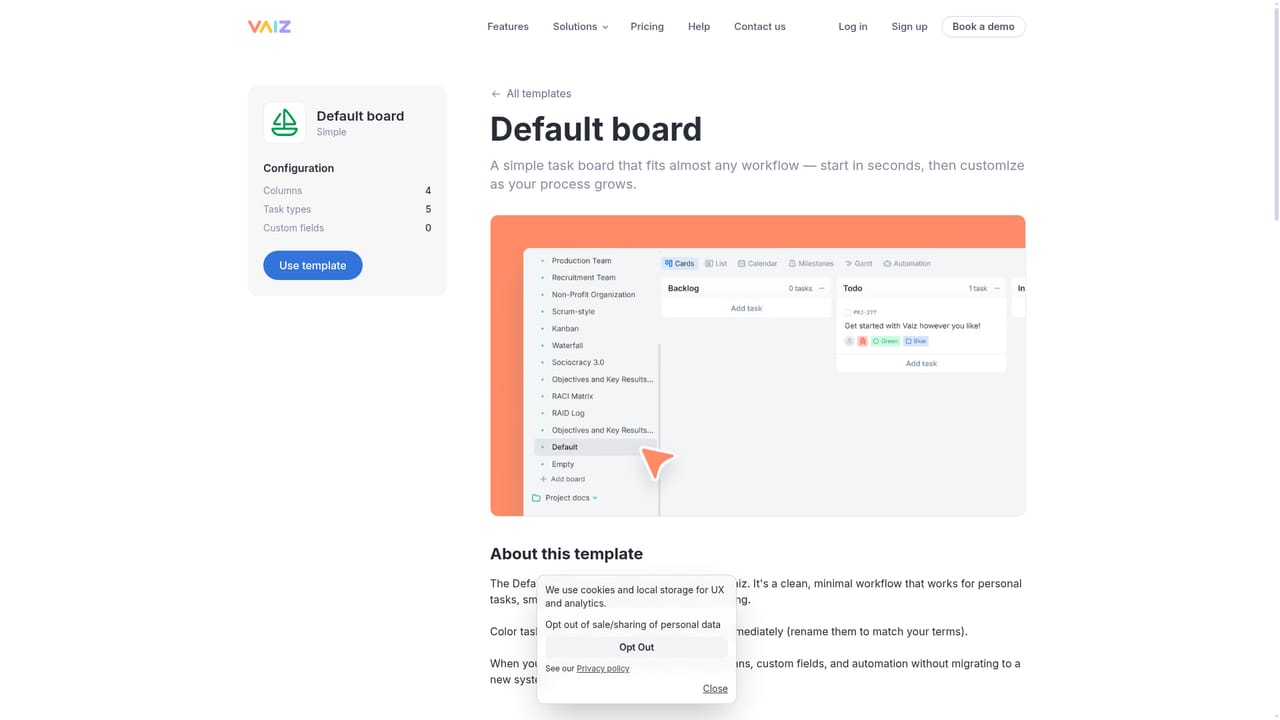
Vaiz is a work management platform that puts tasks, documents and plans in one workspace, then layers an AI assistant on top of that live project data. Rather than bolting a chatbot onto a task board, the product is built around the idea that project context, requirements and decisions should be the raw material the AI works from. Teams can ask for a QA checklist or a draft update and get something grounded in the actual release, then review it before anything changes. A second thread is external agent work. Through Vaiz MCP, coding agents such as Codex, Claude and Cursor can be pointed at the tasks and requirements they need, and whatever they produce returns to Vaiz as reviewable updates rather than disappearing into a separate chat log. Around that sits conventional project management: configurable views, custom fields, automations, boards, cross-project dashboards and a change-impact view that estimates how a scope change shifts dependencies, dates and budget before approval. The knowledge side is where Vaiz differentiates itself from plain trackers. Requirements, decision records and SOPs link directly to the tasks and milestones they shape, so documentation stays attached to execution instead of drifting into a separate wiki. Prebuilt templates cover team setups (sales, marketing, development, production, recruitment, non profit) and frameworks including Scrum, Kanban, Waterfall, OKR, RACI, RAID, risk register and lessons learned. It is aimed at small to mid-sized product, engineering, marketing, operations and agency teams, with dedicated solution pages for game development and startups, plus a lightweight CRM board for sales pipelines. The fit is strongest for teams that already use AI coding agents or want AI output tied to real project records. Buyers comparing it with mainstream trackers should note that the AI value depends on how consistently the workspace is maintained, and that public pricing figures are not stated on the homepage, so a trial or sales conversation is needed to judge cost.
A 14-day trial is offered, with sign-up through Google or email. No card details or trial limits are described on the homepage.
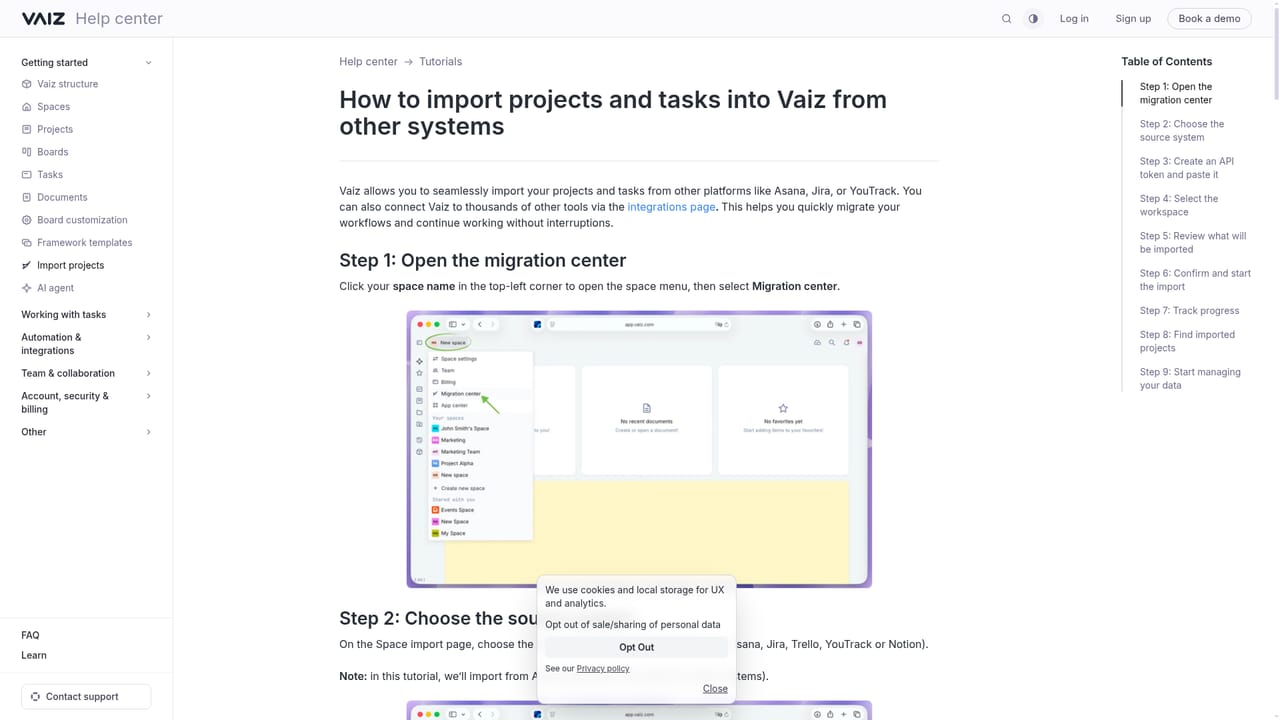
Learn moreDemo calls can be booked through the site and a help section hosts tutorials such as the project import guide. No support tiers or response times are stated.
Learn moreThe homepage names an MCP channel for external agents including Codex, Claude and Cursor, and shows a Figma reference in a design approval example. No wider app directory is listed.
Tasks, docs and plans in one workspace, with configurable views, custom fields and automations. AI works from live project data and returns analyses and task drafts for review. An MCP connection routes Codex, Claude and Cursor output back as updates. Cross-project dashboards, a scope change impact view, linked requirements and decisions, and templates for teams and frameworks.
 AI Angels400+ customizable AI girlfriends for NSFW chat, voice calls, and roleplay
 Candy AIExperience the future of companionship with AI friends who chat, role-play, and connect with you on a human level.
 ourdream.aiA vast AI roleplay platform with millions of characters for chat, images, video and voiceAI Angels400+ customizable AI girlfriends for NSFW chat, voice calls, and roleplayCandy AIExperience the future of companionship with AI friends who chat, role-play, and connect with you on a human level.ourdream.aiA vast AI roleplay platform with millions of characters for chat, images, video and voice


