VectorMind

A web studio of AI tools for vector graphics and product visuals

Beginner
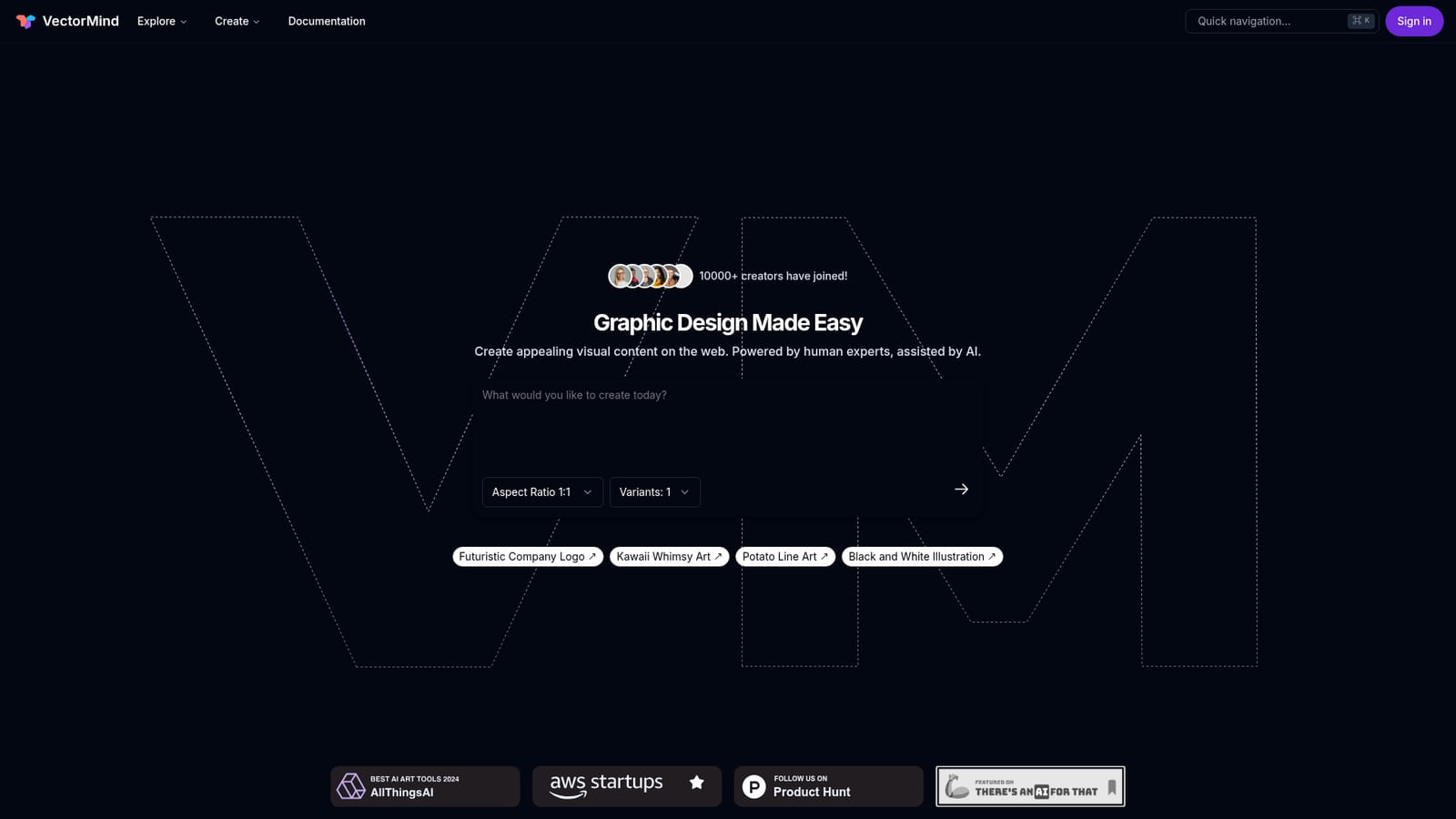
Screenshot of VectorMind, A web studio of AI tools for vector graphics and product visuals

What is VectorMind?

VectorMind is an AI image upscaler tool. VectorMind bundles an AI art generator, bitmap-to-vector converter, upscaler, background remover, in-painter, product scene generator and 3D laser art tool in one web app. It targets designers, print shops and e-commerce sellers who want vector-ready assets and mockups without juggling separate subscriptions.

VectorMind is a browser-based collection of image tools aimed at graphic designers, print shops, e-commerce sellers and social media creators who need vector-ready or listing-ready visuals without leaving the web app. The company describes itself as powered by human experts and assisted by AI, and the site was founded by former Meta and Uber AI engineers and scientists. The homepage reports more than 10,000 creators across 180 or more countries and over 100,000 artworks created. The toolkit is broader than the vector focus in the name. The AI Art Generator produces designs in multiple styles and aspect ratios, with prompt entry plus selectable ratios and variant counts. The AI Vectorizer converts bitmap images into scalable vector graphics so artwork holds quality at any size. The AI Upscaler raises detail and resolution, the AI Background Remover isolates subjects for clean cutouts, and the AI In-painter takes a mask plus a text prompt to edit details or extend artwork in a consistent style. Two tools target commerce and crafts: the AI Product Scene Generator builds mockup scenes for e-commerce listings and print-on-demand ads, and the AI 3D Laser Engraving Art Generator creates designs for custom engraved products. In practice the workflow is prompt or upload, pick a style or aspect ratio, then export as PNG or SVG. Outputs land in a gallery that can be public or private depending on plan, and public artwork collections can be browsed and downloaded for inspiration across categories such as black and white, kawaii, typography, logo, retro, watercolor, neon, pastel, anime, pattern, texture and coloring book. Compared with single-purpose vectorizers or standalone art generators, VectorMind bundles the vectorizing, cleanup, upscaling and mockup steps that usually sit in separate subscriptions, though it competes on convenience rather than depth. The free Hobby tier suits experimentation, while Pro adds commercial licensing, more credits and priority support. Teams needing custom integrations and dedicated support are routed to Enterprise sales.

How do you use VectorMind?

  1. 1Pick a tool from the create menu
    Open the site and choose the tool that matches the job: art generation, vectorizing, upscaling, background removal, in-painting, product scenes or laser engraving art.
    VectorMind — Pick a tool from the create menu
  2. 2Enter a prompt or upload an image
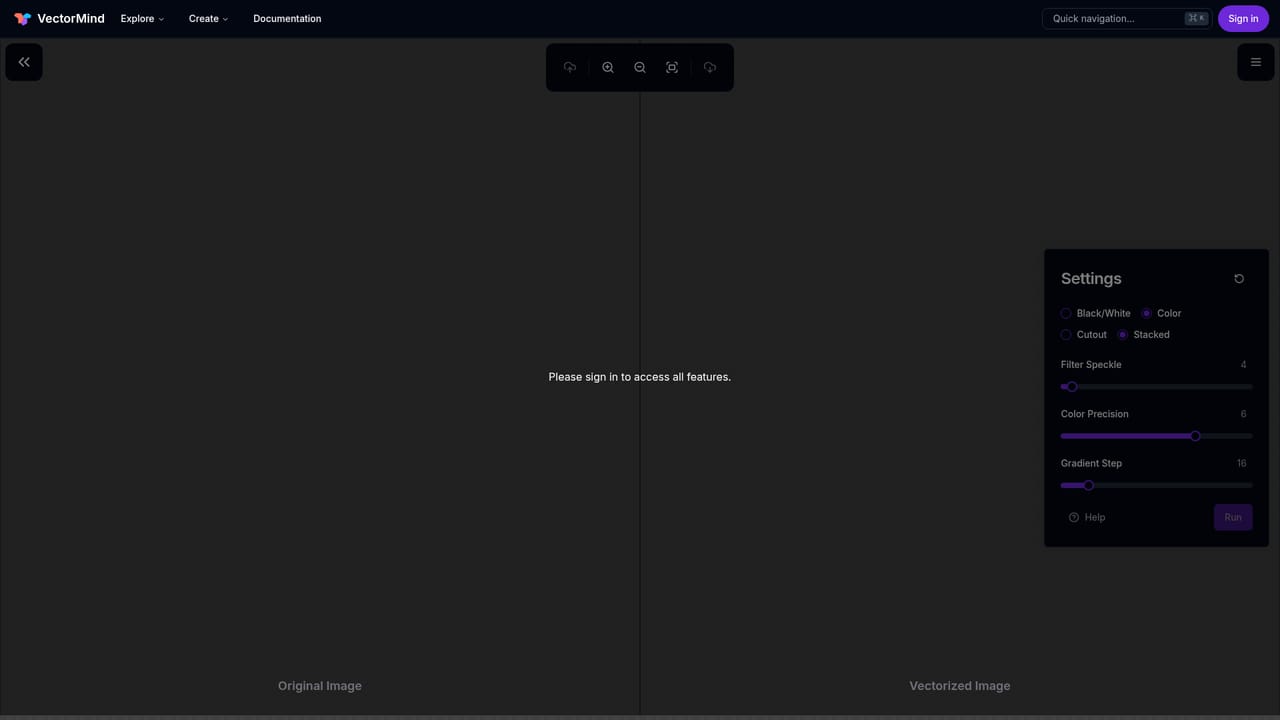
    Generative tools take a text prompt; conversion tools such as the vectorizer and upscaler take an uploaded bitmap file instead.
    VectorMind — Enter a prompt or upload an image
  3. 3Set style, aspect ratio and variants
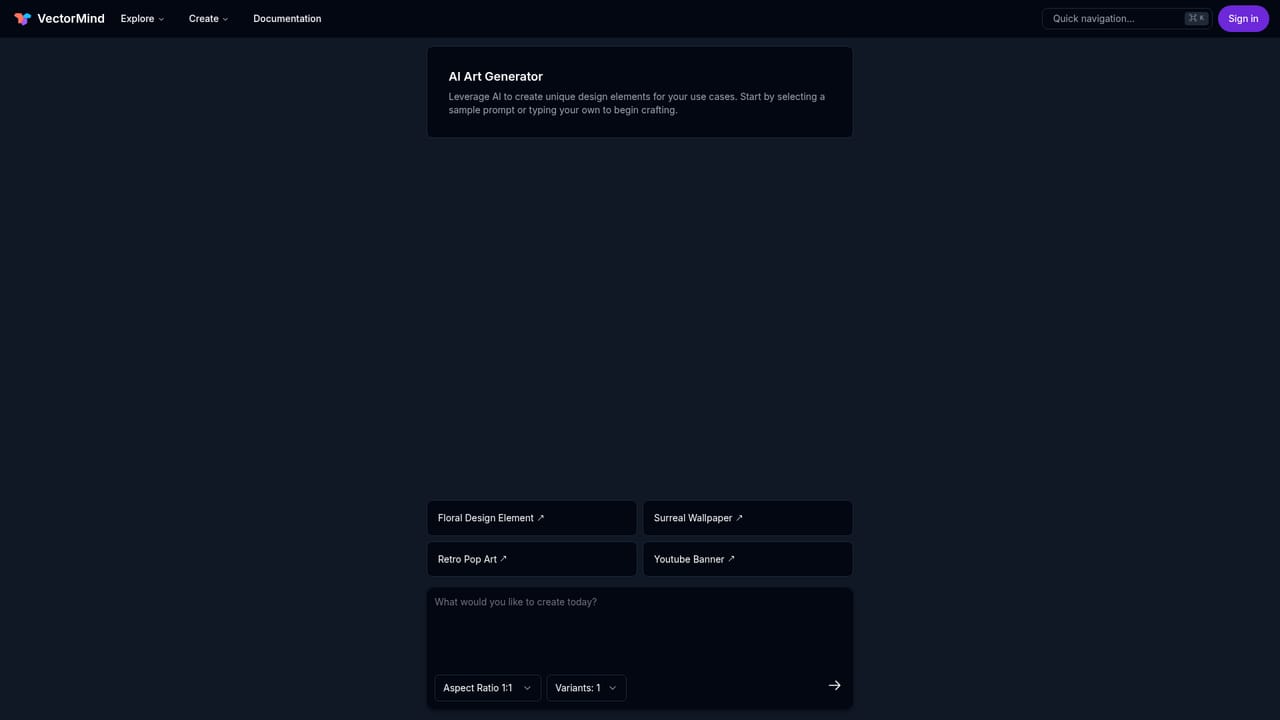
    On the art generator, choose an aspect ratio and how many variants to produce per prompt before sending the request.
    VectorMind — Set style, aspect ratio and variants
  4. 4Prepare e-commerce mockups
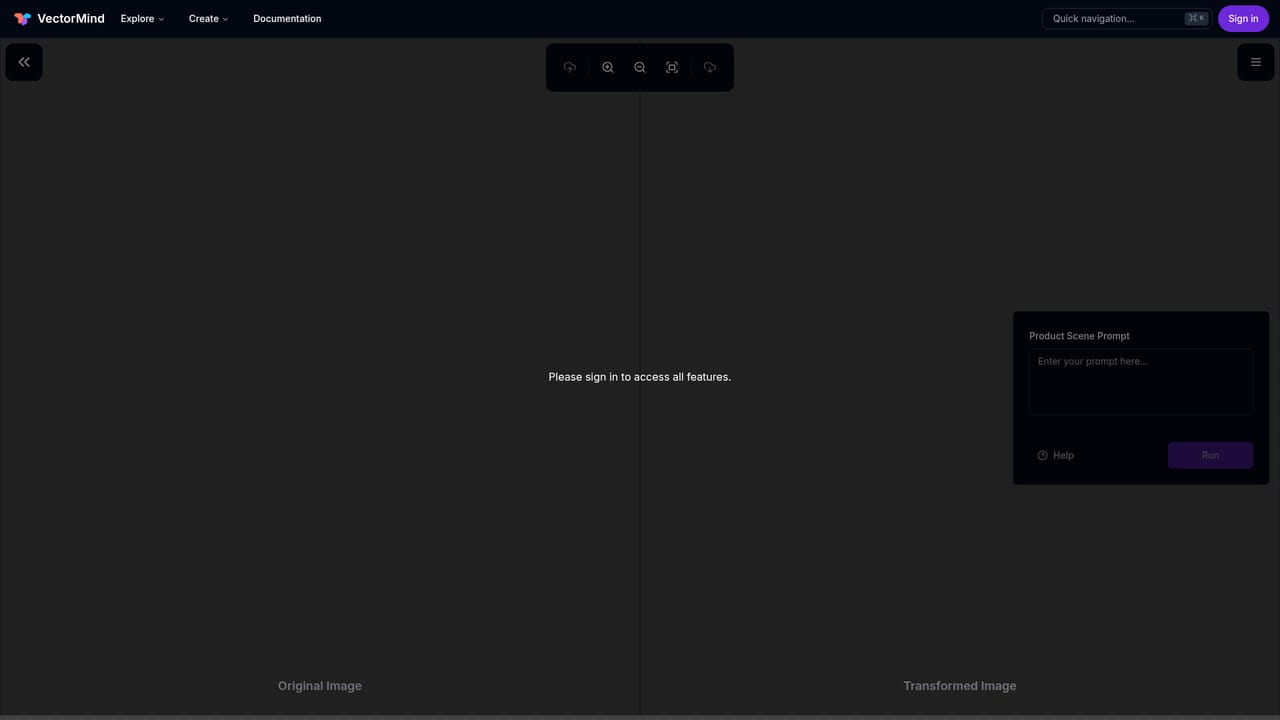
    Upload the product design and let the scene generator place it in mockup settings for listings and print-on-demand advertisements.
    VectorMind — Prepare e-commerce mockups
  5. 5Export the result
    Download finished assets as PNG or SVG, choosing the plan gallery setting (public or private) that matches the license in use.
  6. 6Check the guides
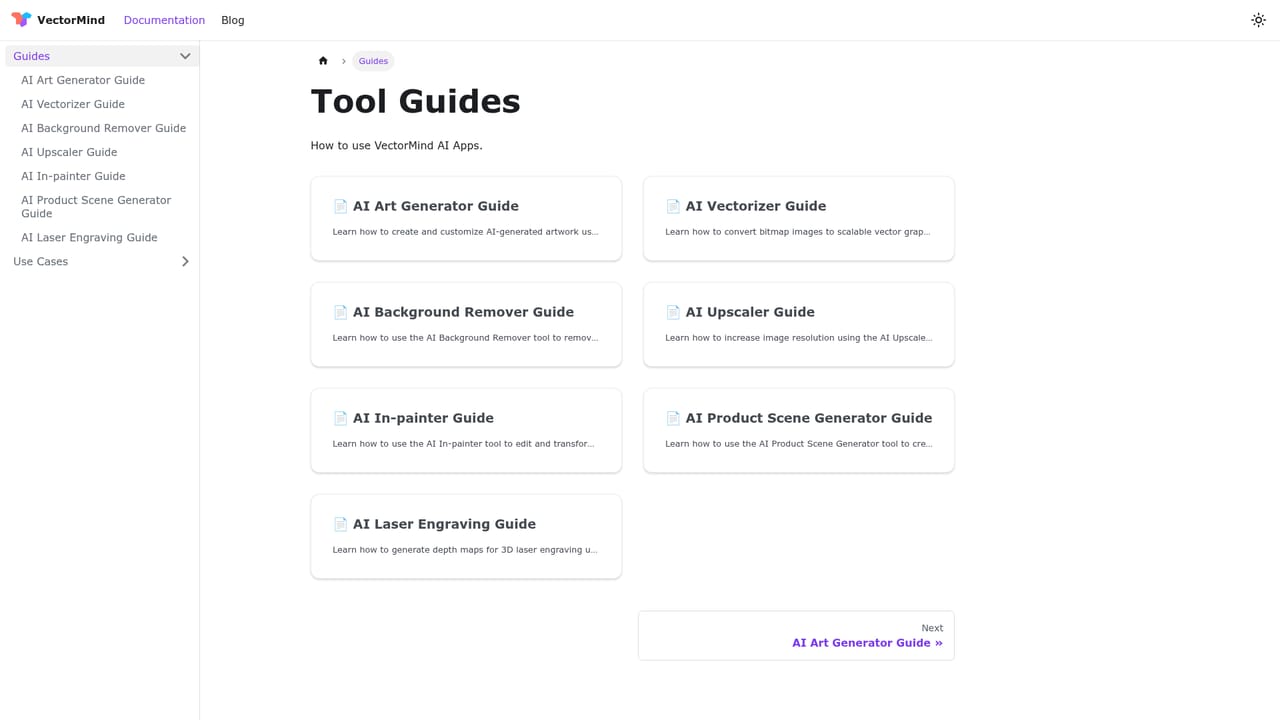
    The documentation site explains each tool in more detail, and the blog covers updates and workflow tips.
    VectorMind — Check the guides

Pros and cons

Pros

  • Seven distinct tools cover art generation, vectorizing, upscaling, background removal, in-painting, product mockups and laser art in one accountAI
  • SVG export is included on both the free and Pro plans, which matters for print and scalable design workAI
  • Product Scene Generator is aimed squarely at e-commerce and print-on-demand sellers rather than generic image needsAI
  • Pro removes attribution requirements and grants a commercial use license, which the free tier does notAI
  • Public gallery collections span many styles, giving a quick way to see output quality before committingAI

Cons

  • Hobby tier grants only 30 one-time credits and single-variant generation, so meaningful testing runs out fastAI
  • Published works on the free plan require attribution and are limited to personal use, which blocks most client workAI
  • The site does not state per-tool credit costs, so users cannot predict how far 300 monthly Pro credits stretchAI
  • No API or third-party integration details are published, and Enterprise integrations require contacting salesAI
  • Pro is a flat monthly price with no visible usage tiers, so overage handling is unclearAI

How much does VectorMind cost?

Pricing

Hobby is free with 30 one-time credits, single-variant art generation, all tools, PNG and SVG export, public gallery, attribution, personal use only. Pro costs $19.99 with 300 credits per month, multiple variants, priority model access, commercial license, optional private gallery, no attribution. Enterprise is priced by sales contact. Monthly and yearly billing offered.

Learn more

Support

Community support and documentation on the free Hobby plan, basic email support, plus priority email and chat support on Pro. Enterprise gets dedicated support, and a contact email is listed for questions.

Features

Seven AI tools: Art Generator with styles, aspect ratios and variant counts; Vectorizer for bitmap to SVG; Upscaler for detail and resolution; Background Remover; In-painter using masks plus prompts; Product Scene Generator for e-commerce and print-on-demand mockups; and a 3D Laser Engraving Art Generator. Exports in PNG and SVG, public or private galleries, curated public collections, and priority access to new models on Pro.

Frequently asked questions about VectorMind

  • How much does VectorMind cost?
    Hobby is free with 30 one-time credits, single-variant art generation, all tools, PNG and SVG export, public gallery, attribution, personal use only. Pro costs $19.99 with 300 credits per month, multiple variants, priority model access, commercial license, optional private gallery, no attribution. Enterprise is priced by sales contact. Monthly and yearly billing offered.
  • How do you use VectorMind?
    The walkthrough on this page covers 6 steps: 1. Pick a tool from the create menu 2. Enter a prompt or upload an image 3. Set style, aspect ratio and variants 4. Prepare e-commerce mockups 5. Export the result 6. Check the guides.
  • What platforms does VectorMind support?
    VectorMind is available on Web App.
  • What are the limitations of VectorMind?
    Hobby tier grants only 30 one-time credits and single-variant generation, so meaningful testing runs out fast. Published works on the free plan require attribution and are limited to personal use, which blocks most client work. The site does not state per-tool credit costs, so users cannot predict how far 300 monthly Pro credits stretch.

Status

StatusActive
Views0
Outbound clicks0
Added10/21/2026

Platforms

Web App

Pricing

FreeSubscriptionPaid






