Free trial
New accounts receive 5,000 credits and can try Task Agents and workflows without adding a payment method first.
Learn moreTask Agents plan the work, visual workflows repeat it

VectorVein is an AI project builder tool. A workflow platform pairing autonomous Task Agents with reusable visual workflows that produce reports, datasets, webpages and media. Includes organization-shared files, MCP publishing, bring-your-own model keys and an open-source desktop edition for workflows.
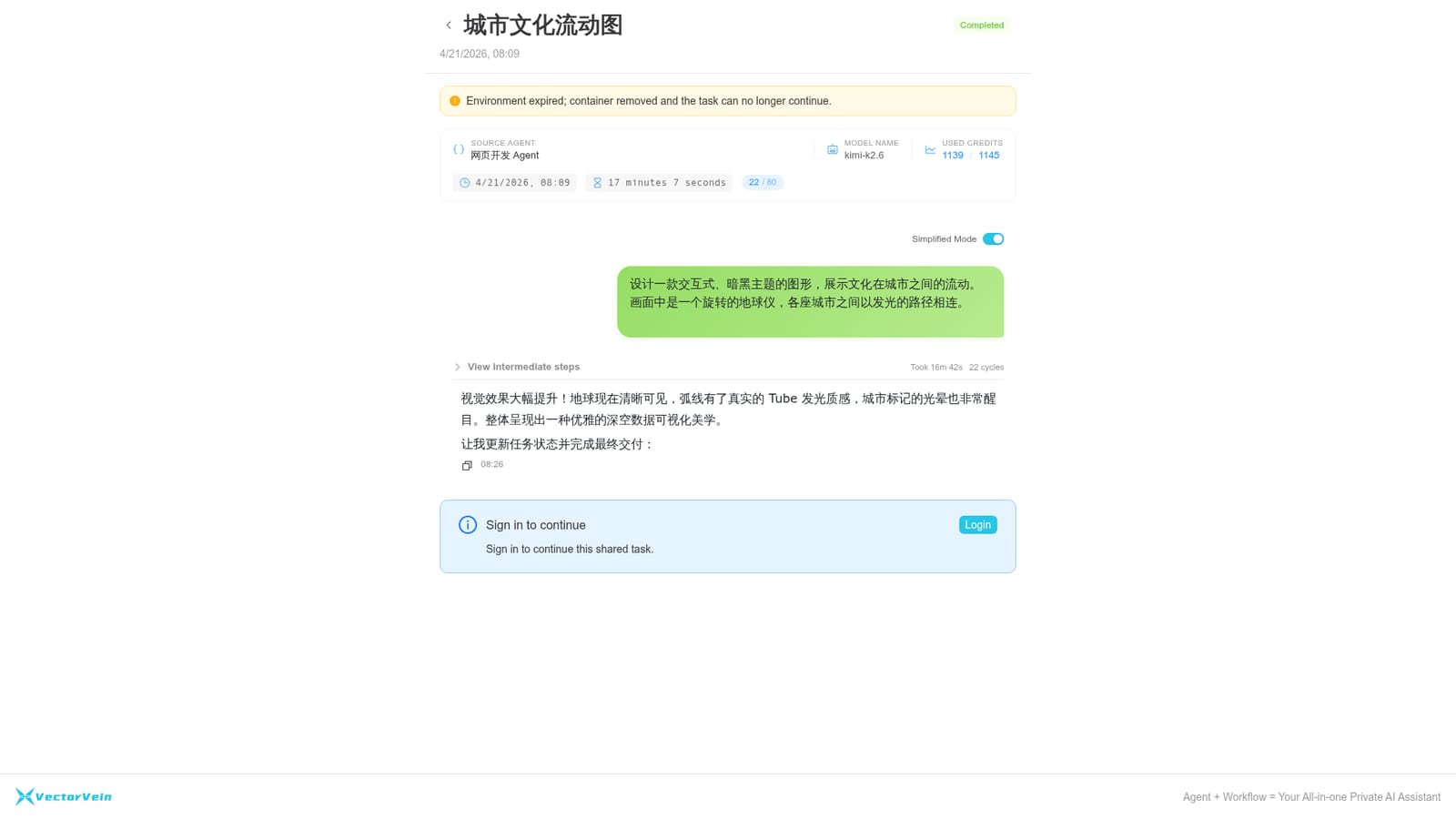
VectorVein is a workspace for multi-step AI work that ends in a concrete deliverable rather than a chat reply. Two engines sit side by side: a Task Agent that plans, acts, observes and revises its way through open-ended jobs, and a visual workflow builder for fixed input to process to output sequences that can run on a schedule. The two are not separate products. Agents can call configured workflows, and a published workflow can be exposed as an MCP Server for clients that speak the protocol. Outputs reflect the kind of work the platform targets: interactive HTML guides, flow maps, structured CSV datasets, research reports and short marketing video scripts. Public examples include a benchmark selection guide, a European accelerator and incubator database with 47 organization records, a Fed rate-cut research report, and an agent memory technology review. Files, Office and PDF documents, datasets, knowledge bases and media can all be fed into a run, and results land back in the workspace. Day to day, a run starts from a described outcome plus supporting materials. The task then breaks the work into steps, executes them in parallel where possible, retrieves material with source file paths so claims can be traced, and can be triggered by time or by task status. Anything verified can be promoted into a reusable workflow. Teams get organization, department and member management, with shared files usable directly inside Agents and workflows and outputs saved back to shared folders. Model choice is broad, spanning OpenAI, Anthropic, Gemini, DeepSeek, Qwen, Kimi, MiniMax, Zhipu GLM, Mistral, FLUX, Sora, Veo, Kling and Suno. Bringing your own API keys means those calls consume no platform credits. Entry points include a browser extension, an iOS app, a developer API, VApp publishing and the open-source desktop edition, which covers visual workflows only. Competitive ground is split with coding agents like Codex and Claude Code: VectorVein handles reports, datasets, webpages and media, and the two camps can be combined. For a single short answer, an ordinary chat tool is simpler.

New accounts receive 5,000 credits and can try Task Agents and workflows without adding a payment method first.
Learn moreCredit based. Creating and configuring Agents and editing workflows is free; runs consume credits according to the platform models and paid tools used. Calls made with your own third-party model keys do not use platform credits, though your provider bills you directly. New accounts start with 5,000 credits.
Learn moreSetup and usage guidance lives in the documentation site, with model credit pricing documented separately. The homepage does not state live chat, email or SLA support terms.
Learn moreModel providers include OpenAI, Anthropic, Gemini, DeepSeek, Qwen, Kimi, MiniMax, Zhipu GLM, Mistral, FLUX, Sora, Veo, Kling and Suno, plus Vertex, Azure and Bedrock channels. Workflows publish as MCP Servers, and a developer API and Chrome, Firefox and Edge extensions are available.
Learn moreTask Agents that plan, act, observe and revise; visual workflows that run on a schedule and can be called by Agents; organization, department and member file sharing; MCP connect and publish; VApp web app publishing; browser extension, iOS app and developer API; own-key model calls at zero platform credits; open-source desktop edition for workflows.
 AI Angels400+ customizable AI girlfriends for NSFW chat, voice calls, and roleplay
 Candy AIExperience the future of companionship with AI friends who chat, role-play, and connect with you on a human level.
 ourdream.aiA vast AI roleplay platform with millions of characters for chat, images, video and voiceAI Angels400+ customizable AI girlfriends for NSFW chat, voice calls, and roleplayCandy AIExperience the future of companionship with AI friends who chat, role-play, and connect with you on a human level.ourdream.aiA vast AI roleplay platform with millions of characters for chat, images, video and voice


