Free trial
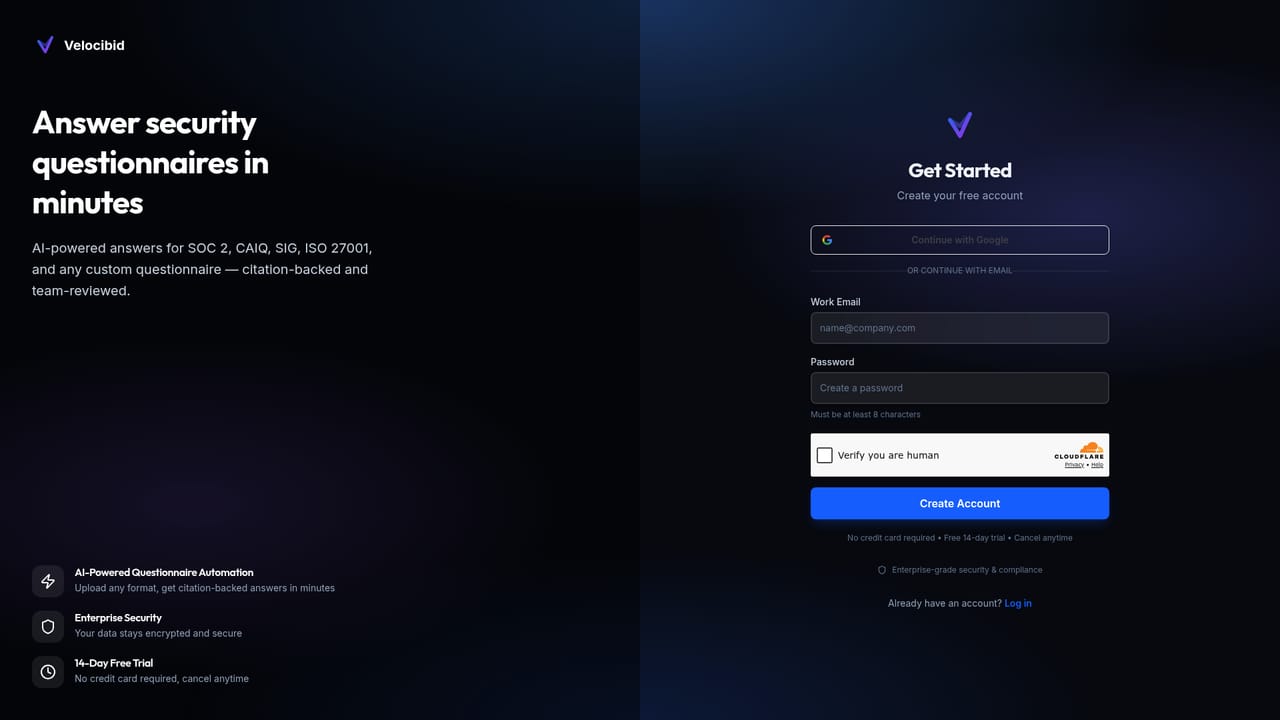
A 14-day free trial gives full access to all features with no credit card required, and setup is advertised at about 10 minutes.
Learn moreUpload your security docs once, auto-fill every prospect questionnaire

Velocibid turns security questionnaires into a review task instead of a research project. Upload your policies and compliance documents once, import any SOC 2, CAIQ, SIG or custom assessment, and get AI-drafted answers with source citations plus an approval workflow and audit trail.
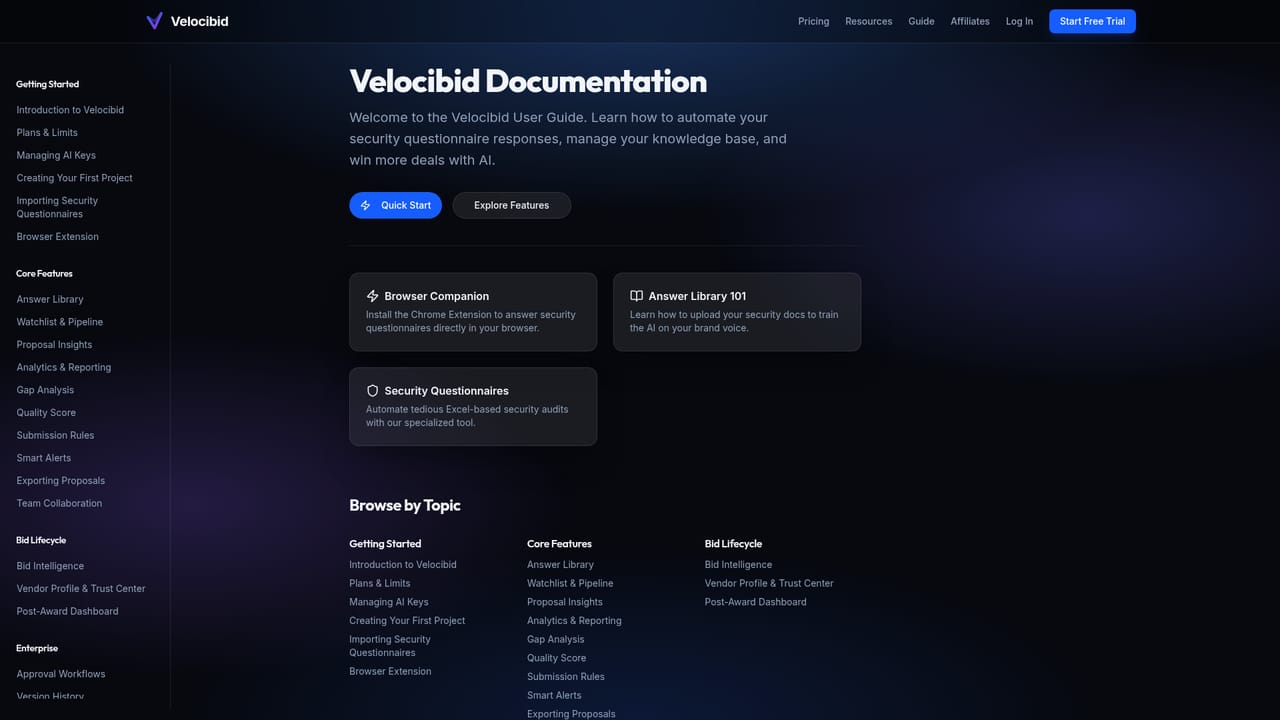
Velocibid is a questionnaire automation tool built for SaaS companies that keep getting stopped at the security review stage. Instead of assigning an engineer or compliance lead to spend a day or more digging through old policy documents, you upload your security materials once and let the platform draft responses for every assessment that arrives afterward. The workflow is deliberately simple. You load your security policies, SOC 2 report, penetration test results and compliance certificates into a knowledge base, either by direct upload or by connecting Google Drive, SharePoint or Notion. When a prospect sends an assessment, you paste a link, upload an Excel, CSV or DOCX file, or let the prospect share it directly. Velocibid then runs semantic search across your documents and drafts an answer for each question, citing the exact document and page the passage came from. The vendor claims this fills 80 percent or more of questions, with every answer grounded in your own material rather than generated from general knowledge. The review layer is where the product earns its keep for teams with real compliance obligations. Specific questions can be routed to the right teammate, approvals are tracked, and approved answers are stored in a reusable library so later questionnaires move faster. Every action is logged, which gives you an audit trail to show prospects who reviewed and approved each response. Finished assessments export back to Excel, Word or PDF in the format the prospect requested. Velocibid sits in a niche that overlaps with general RFP response tools but narrows onto security reviews specifically, supporting SOC 2, CAIQ, SIG Lite, ISO 27001, HECVAT and custom formats. It is aimed at security-conscious SaaS vendors with a small or nonexistent compliance function, and pricing scales from a solo founder tier to unlimited-user plans with SSO and custom approval flows. Larger companies with mature GRC platforms may find the feature set narrower than they need.
A 14-day free trial gives full access to all features with no credit card required, and setup is advertised at about 10 minutes.
Learn moreThree paid tiers billed monthly: Starter at $49 for 1 user, 10 questionnaires per month and 20 knowledge base documents; Team at $149 for 5 users with unlimited questionnaires, documents, review workflows and audit reports; Business at $349 with unlimited users, custom approval workflows, SSO, advanced RBAC and SLA-backed support. Enterprise pricing is available on request.
Learn moreEmail support on Starter, priority support on Team, and SLA-backed support with dedicated onboarding on Business. A contact page handles enterprise enquiries.
Learn moreKnowledge base documents can be ingested from Google Drive, SharePoint and Notion, or uploaded directly. No other integrations are listed on the homepage.
Semantic answer matching with source citations, a reusable approved-answer library, team review routing with a full audit trail, and export to Excel, Word or PDF. Supports SOC 2, CAIQ, SIG Lite, ISO 27001, HECVAT and custom questionnaires, with bulk import of past responses and document ingestion from Google Drive, SharePoint, Notion or direct upload.
 AI Angels400+ customizable AI girlfriends for NSFW chat, voice calls, and roleplay
 Candy AIExperience the future of companionship with AI friends who chat, role-play, and connect with you on a human level.
 ourdream.aiA vast AI roleplay platform with millions of characters for chat, images, video and voiceAI Angels400+ customizable AI girlfriends for NSFW chat, voice calls, and roleplayCandy AIExperience the future of companionship with AI friends who chat, role-play, and connect with you on a human level.ourdream.aiA vast AI roleplay platform with millions of characters for chat, images, video and voice


