Verla

Rubric-aware assignment generator with built-in AI detection and humanizer

Beginner
Screenshot of Verla, Rubric-aware assignment generator with built-in AI detection and humanizer

What is Verla?

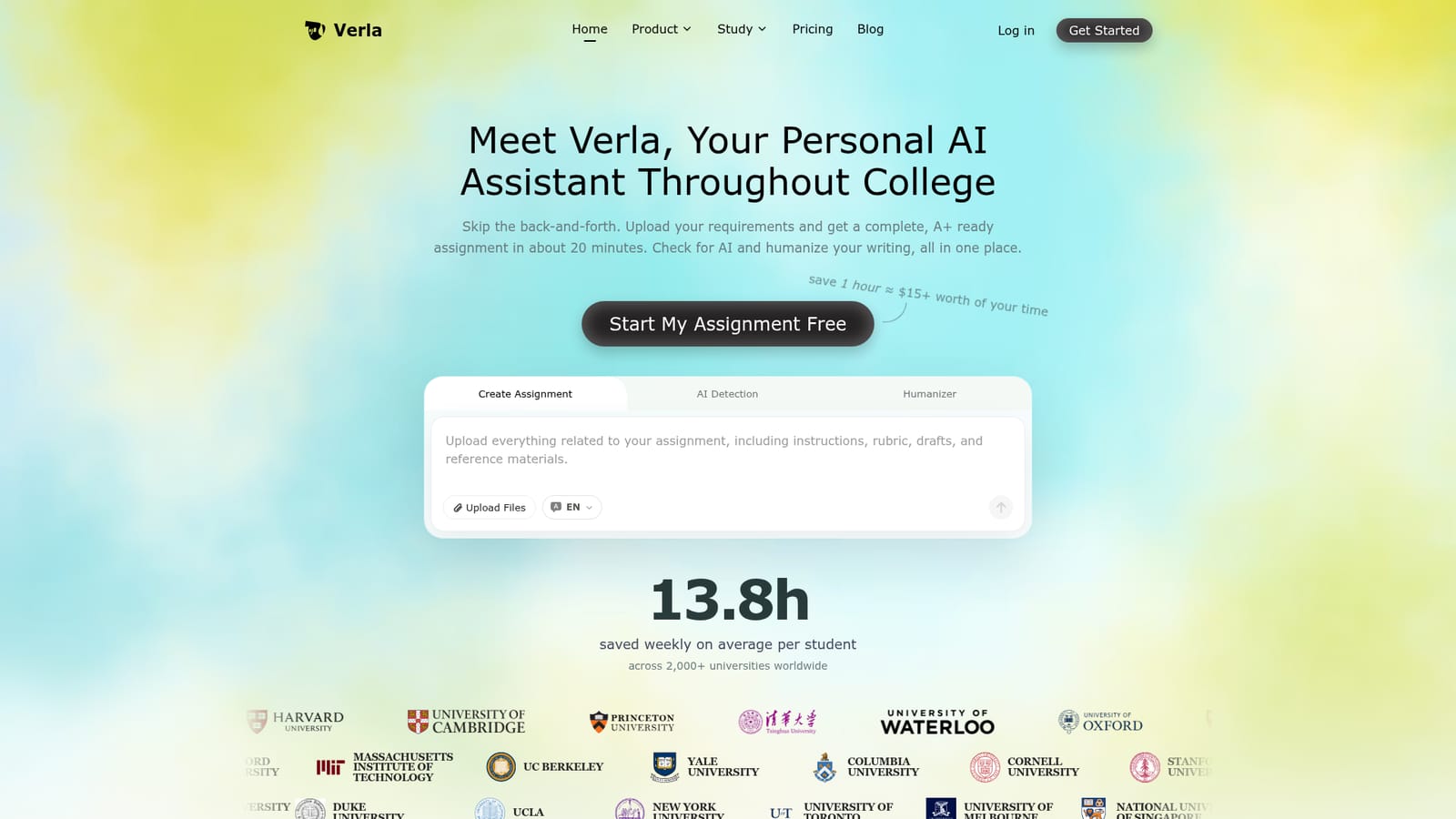
Verla is a web-based AI study assistant that turns an uploaded rubric and course materials into a complete essay, slide deck or coding assignment, then checks it for AI signals and humanizes the text in the same workflow.

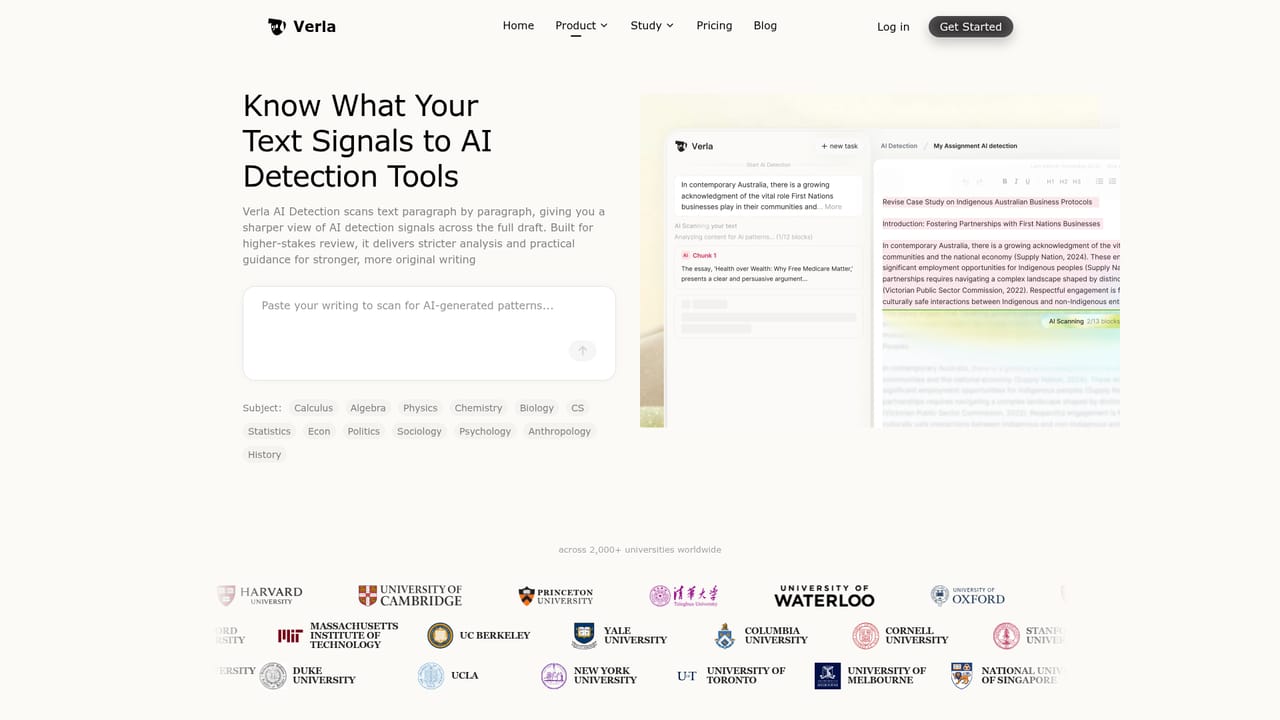
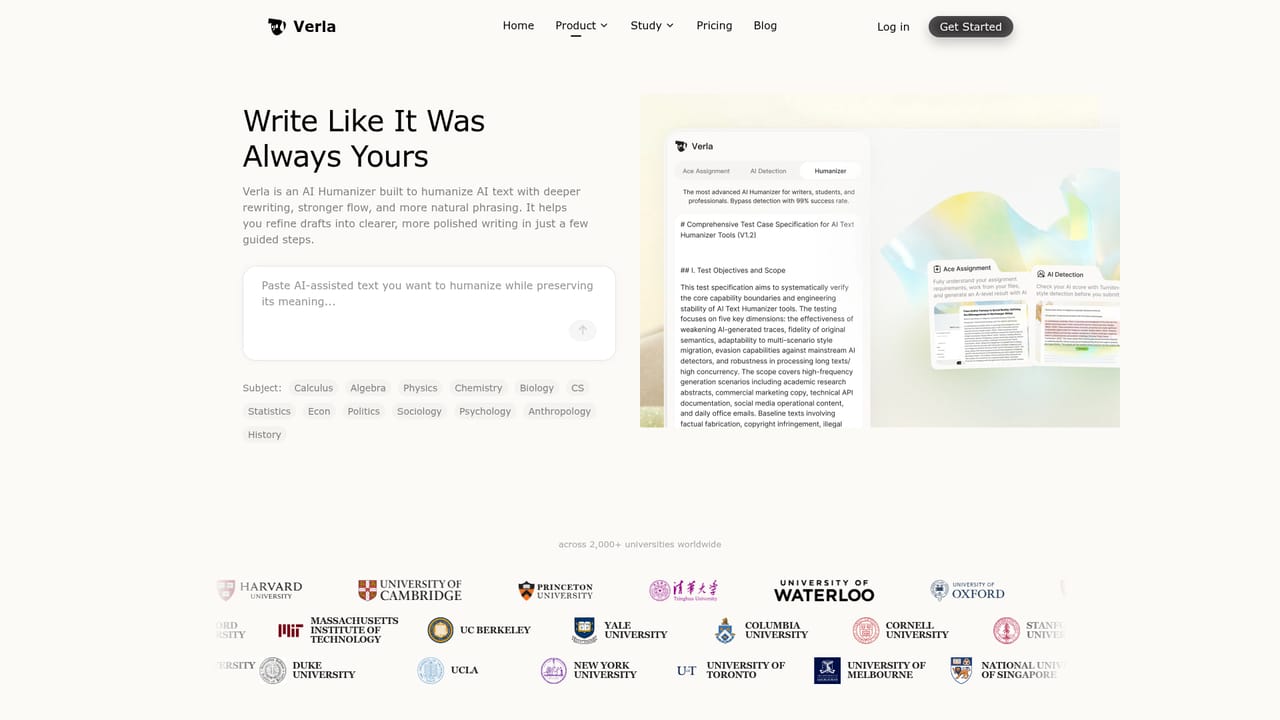
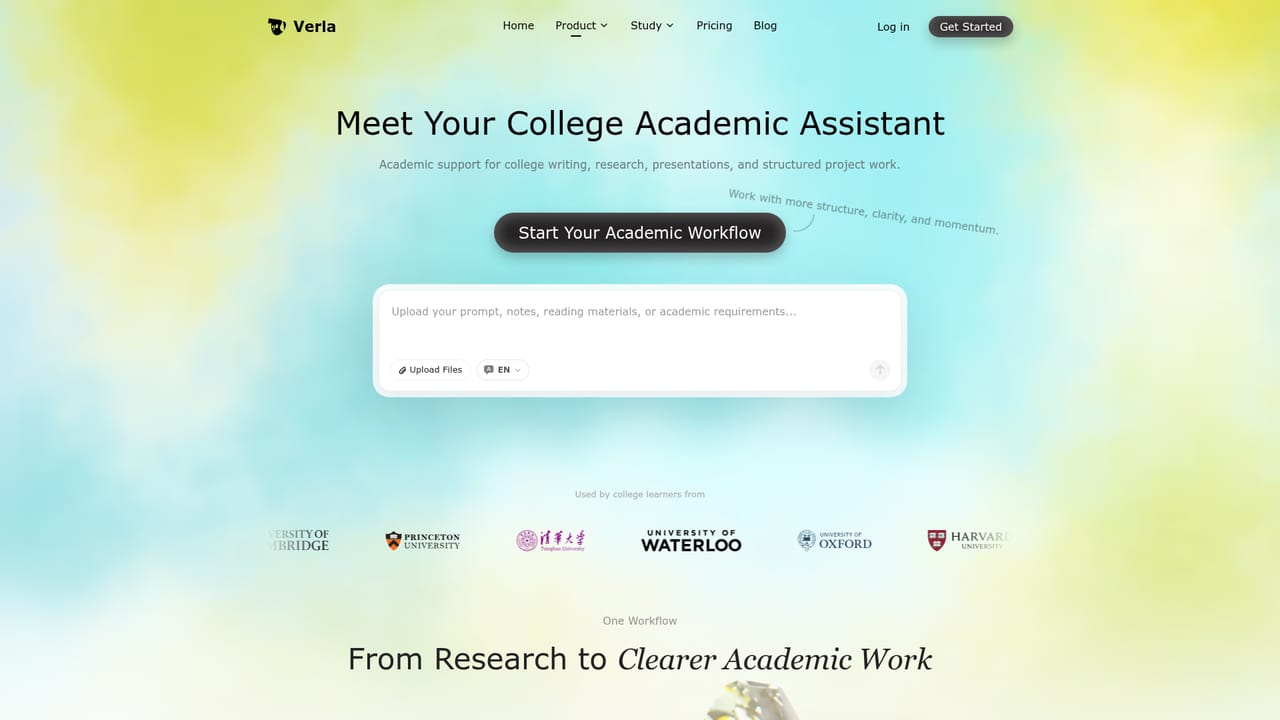
Verla is a web-based academic assistant aimed at college students who need finished coursework rather than a long chat thread. The student uploads the assignment brief, rubric, lecture notes, PDFs, books, datasets or examples, and the tool prepares a complete piece of work in a single run, which the site says takes about 20 minutes. Output covers writing tasks such as essays, research papers, lab reports and literature reviews, presentations including slide decks and speaker notes, and coding or data work in Python, R and SQL, including notebooks and visualization tasks. The workflow is built around the grading criteria. Verla reads the rubric and aligns structure, argument, evidence and formatting with it, then researches sources it describes as traceable and produces references in APA, MLA, Chicago, IEEE, Harvard and Vancouver styles. A professor-style quality check reviews clarity, evidence strength, structure, originality and tone. Results can be edited online and exported to Word, PDF, slides or code, and browser and email alerts announce when a job is finished, so the user does not have to wait on the page. Two companion tools sit in the same account. The AI detection feature gives a likelihood score with sentence and paragraph level analysis, supports more than 20 languages, and is described as closely aligned with Turnitin evaluations. The humanizer rewrites passages that read as machine generated while keeping meaning, evidence and citations in place, and it is also pitched for everyday content, not only academic papers. The site claims coverage of 50+ majors and 30+ assignment types, from business and STEM to nursing, law and the humanities. Among alternatives, Verla competes with general chatbots, standalone essay writers, citation managers and separate detector or paraphrasing tools; its distinguishing choice is bundling creation, checking and rewriting into one rubric-driven pipeline. Anyone using it should confirm that their institution's academic integrity policy permits AI assistance, since the product is explicitly built around producing submission-ready work.
How do you use Verla?

  1. 1Create an account
    Use the start button on the homepage to sign up or log in, which leads to the dashboard where assignments are created.
    Verla — Create an account
  2. 2Upload your requirements
    Add the assignment brief, rubric, lecture notes, PDFs, datasets or example files so the output follows the grading criteria.
    Verla — Upload your requirements
  3. 3Generate and review the draft
    Start the run and wait for the browser or email alert, then review the structure, citations and references and edit online.
  4. 4Check the AI score
    Paste or load the text into the detector to get a likelihood score and see which sentences and paragraphs are flagged.
    Verla — Check the AI score
  5. 5Humanize flagged passages
    Run the humanizer on the sections that read as machine written, then confirm meaning and citations are intact before exporting.
    Verla — Humanize flagged passages

Pros and cons

Pros

  • Rubric-aware generation aligns structure, evidence and formatting with the grading criteria the student uploadsAI
  • One workflow covers creating the assignment, checking AI likelihood and humanizing the final textAI
  • Handles writing, presentations and coding or data tasks across a broad list of majorsAI
  • References come in six major citation styles, with sources described as traceable and openableAI
  • Online editing plus Word, PDF, slides and code exports, with browser and email completion alertsAI

Cons

  • Built around producing submission-ready work, which may conflict with a school's academic integrity rulesAI
  • Claims such as A+ quality, Turnitin alignment and hours saved come from the vendor's own internal validationAI
  • Humanizing and detection tools do not guarantee a text will pass any specific institutional detectorAI
  • Pricing, credit limits and plan details are not stated on the homepage, making cost hard to judge in advanceAI
  • Generated citations and facts still need manual checking, since a full run leaves little room for steering mid-draftAI

How much does Verla cost?

Free trial

The homepage button reads "Start My Assignment Free", suggesting a free way to begin, but limits and duration are not stated.

Learn more

Features

Rubric-aware assignment generation for essays, papers, slides and code, traceable references in six citation styles, a professor-style quality check, sentence-level AI detection in 20+ languages, a humanizer that preserves citations, online editing, and Word, PDF, slide and code exports.

Learn more

Frequently asked questions about Verla

  • Does Verla offer a free trial?
    The homepage button reads "Start My Assignment Free", suggesting a free way to begin, but limits and duration are not stated.
  • How do you use Verla?
    The walkthrough on this page covers 5 steps: 1. Create an account 2. Upload your requirements 3. Generate and review the draft 4. Check the AI score 5. Humanize flagged passages.
  • What platforms does Verla support?
    Verla is available on Web App.
  • What are the limitations of Verla?
    Built around producing submission-ready work, which may conflict with a school's academic integrity rules. Claims such as A+ quality, Turnitin alignment and hours saved come from the vendor's own internal validation. Humanizing and detection tools do not guarantee a text will pass any specific institutional detector.

Status

StatusActive
Views0
Outbound clicks0
Added10/18/2026

Platforms

Web App

Pricing

Freemium