X-Pilot AI

Turn topics, PDFs and slides into editable course and training videos

Beginner
Screenshot of X-Pilot AI, Turn topics, PDFs and slides into editable course and training videos

What is X-Pilot AI?

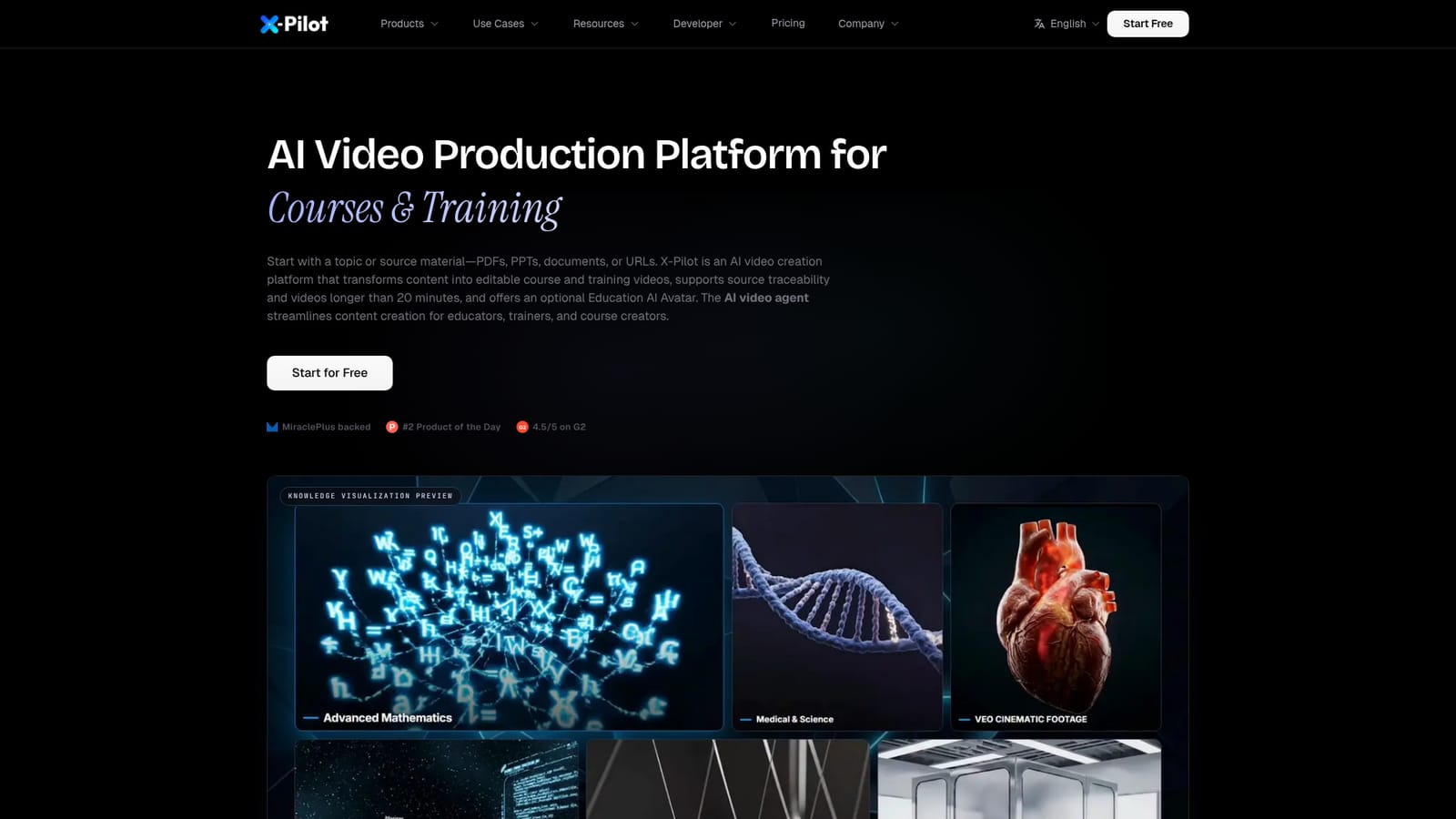
X-Pilot AI is an education tool that turns topics, PDFs and slides into editable course and training videos. X-Pilot AI converts topics, PDFs, PPTs and documents into editable, source-traceable course and training videos, from single 20-plus minute lessons to chapter series, with optional avatar and SCORM/xAPI export.

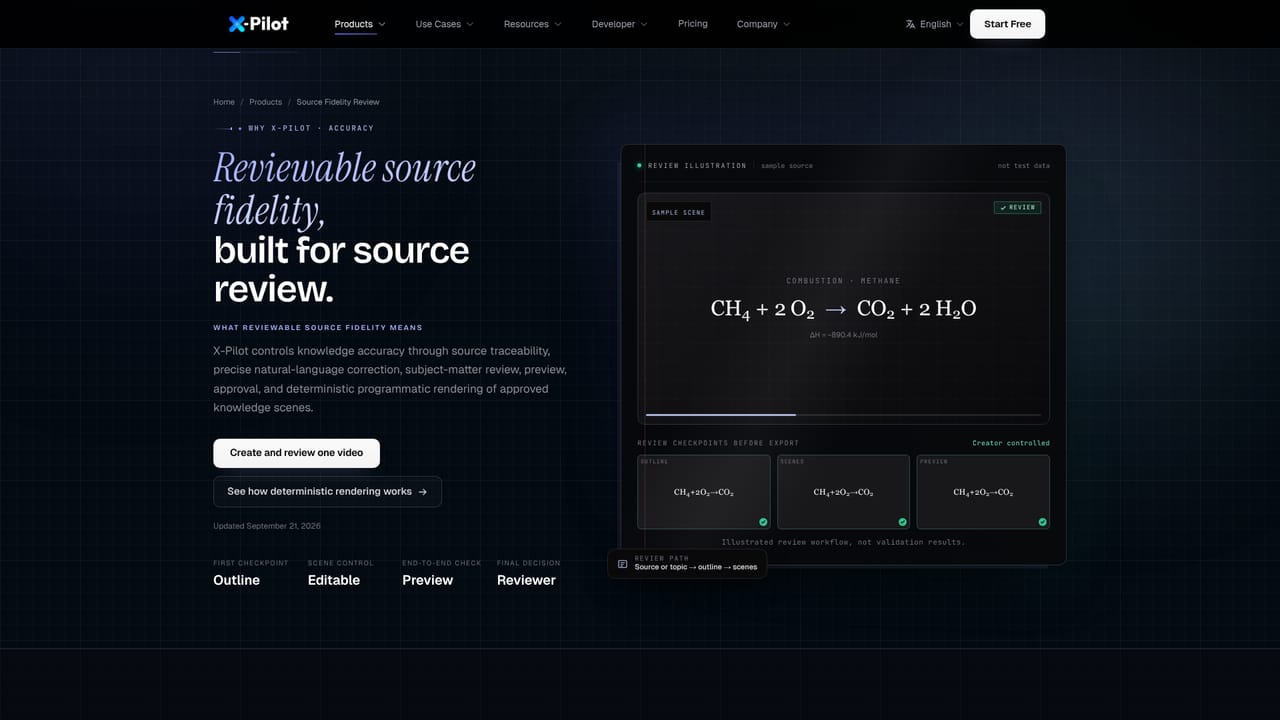
X-Pilot AI is a video production platform aimed at course and training content. A user starts with a topic or a source file (a PDF, PPT, DOCX or URL), and the system builds an outline, plans scenes, writes narration and generates diagrams, formulas and other knowledge visuals. The output can be a single lesson longer than 20 minutes or a chapter-based series in which each selected chapter becomes its own video project. The central design choice is that text, charts and diagrams are rendered from code rather than synthesized as pixels. That keeps on-screen wording exact and editable, which matters when learners would notice a wrong formula or label. Scenes can be traced back to the source material, and the platform states plainly that the user remains responsible for verifying every factual and technical claim before export. The library includes 58 built-in knowledge visualization components covering annotated figures, animated formulas, charts, code and process visuals. In practice, the workflow resembles a chat with a video agent. The user describes the course, picks a voice (including a cloned voice) and a language such as English, Spanish, Chinese or Japanese, reviews the outline, and then refines the result in plain language. Edits can target a whole project or a single element such as a title, diagram, formula or narration line, with a preview before export. Delivery options are a 1080p MP4 or a SCORM/xAPI learning package. An optional Education AI Avatar acts as a digital instructor and is included without a separate avatar plan. The audience is teachers and exam-prep tutors, certification and corporate trainers, learning and development leads, independent course creators, and SaaS teams producing product walkthroughs. Compared with general avatar-first video tools, X-Pilot leans toward structured teaching content and reviewable accuracy rather than cinematic or purely presenter-led footage. The site offers comparison pages against HeyGen, Synthesia and NotebookLM for buyers weighing those options.
How do you use X-Pilot AI?

  1. 1Choose a starting point
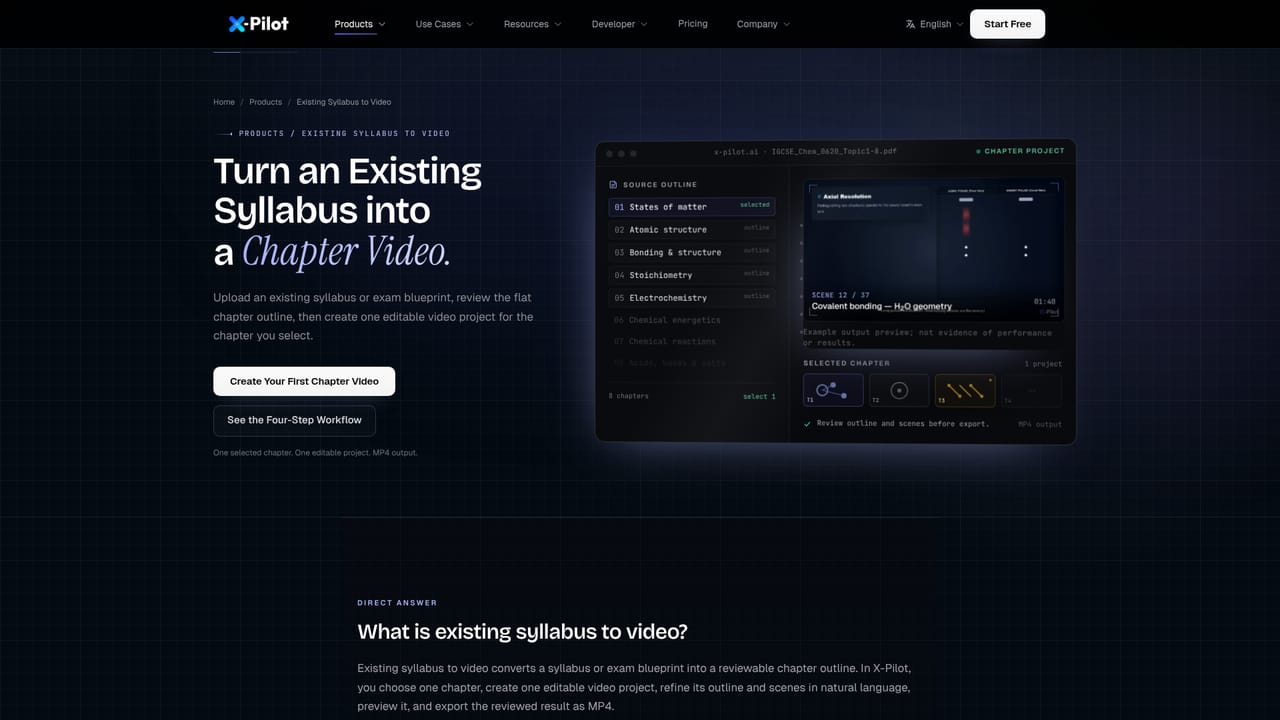
    Begin with a topic or upload a source file such as a PDF, PPT or DOCX. Each input type has its own product page on the site.
    X-Pilot AI — Choose a starting point
  2. 2Pick voice and language
    Select a narration voice, including a cloned one, and set the language and target length for the video.
  3. 3Review the outline
    Check the generated outline and scene plan before rendering, and confirm chapters if building a series.
    X-Pilot AI — Review the outline
  4. 4Refine in plain language
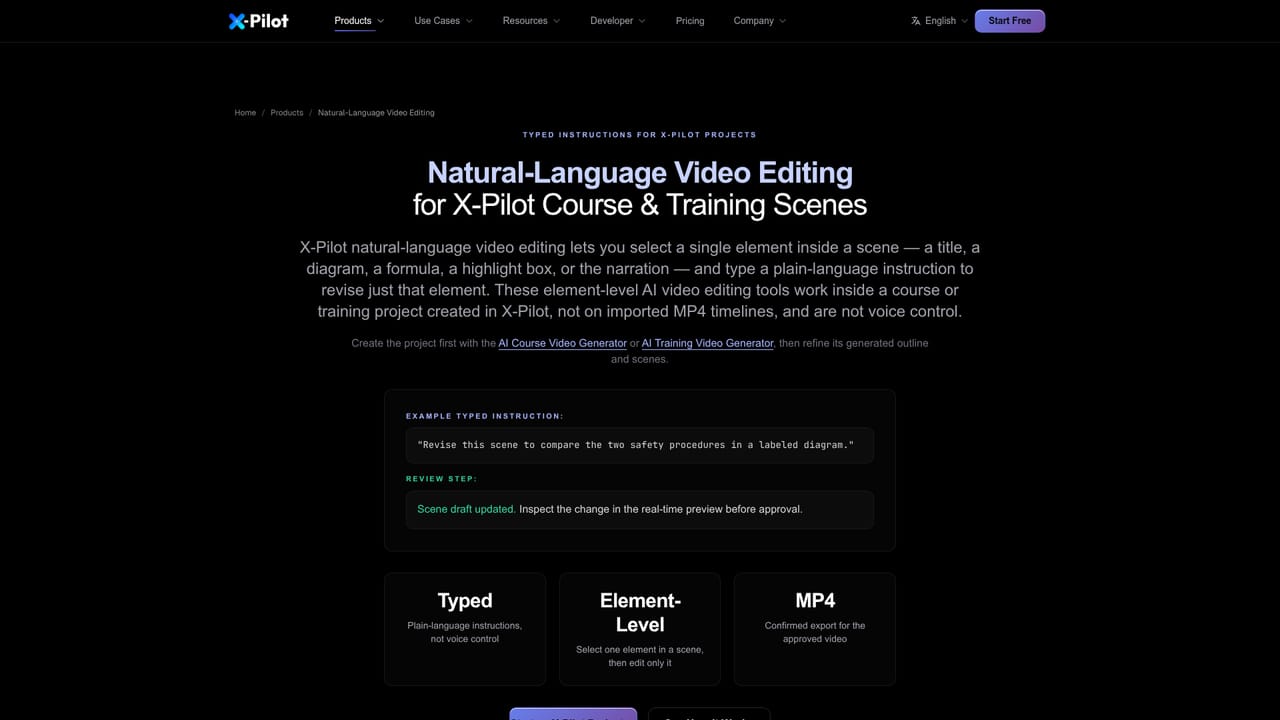
    Select a single element in a scene, describe the change in words, and preview the revised result.
    X-Pilot AI — Refine in plain language
  5. 5Verify accuracy against the source
    Trace scenes to the source material and check every factual and technical claim before export.
    X-Pilot AI — Verify accuracy against the source
  6. 6Export the finished video
    Render a 1080p MP4 or a supported SCORM/xAPI package for the learning platform.

Pros and cons

Pros

  • Accepts a topic, PDF, PPT, DOCX or URL and builds outline, scenes, narration and visualsAI
  • Text, charts and diagrams render from code, so on-screen content stays exact and editableAI
  • Plain-language edits can target a single title, diagram, formula or narration lineAI
  • Exports 1080p MP4 or a SCORM/xAPI package for learning management systemsAI
  • Education AI Avatar is included at no extra cost, with voice cloning and several languagesAI

Cons

  • The user must verify every factual and technical claim, so subject-matter review is still requiredAI
  • Code-rendered visuals suit teaching content but are not meant for people, natural scenes or cinematic footageAI
  • Narrow focus on courses and training makes it a poor fit for general marketing or social videoAI
  • Homepage gives no pricing figures or plan limits, so cost is unclear until the pricing page is checkedAI

How much does X-Pilot AI cost?

Free trial

A Start for Free call to action suggests a free entry point, but the homepage does not describe its limits or duration.

Learn more

Pricing

The homepage offers a Start for Free button and says the Education AI Avatar carries no extra cost, but it lists no plan prices. Details are on the pricing page.

Learn more

Integrations

The homepage names SCORM and xAPI learning package export, and PDF, PPT and DOCX source imports. No third-party app integrations are listed.

Features

Topic, PDF, PPT, DOCX or URL input; outline and scene planning; narration with cloned voices in English, Spanish, Chinese and Japanese; 58 knowledge visualization components; element-level natural-language editing; chapter series; Education AI Avatar; 1080p MP4 and SCORM/xAPI export.

Learn more

Frequently asked questions about X-Pilot AI

  • How much does X-Pilot AI cost?
    The homepage offers a Start for Free button and says the Education AI Avatar carries no extra cost, but it lists no plan prices. Details are on the pricing page.
  • Does X-Pilot AI offer a free trial?
    A Start for Free call to action suggests a free entry point, but the homepage does not describe its limits or duration.
  • How do you use X-Pilot AI?
    The walkthrough on this page covers 6 steps: 1. Choose a starting point 2. Pick voice and language 3. Review the outline 4. Refine in plain language 5. Verify accuracy against the source 6. Export the finished video.
  • What platforms does X-Pilot AI support?
    X-Pilot AI is available on Web App.
  • What does X-Pilot AI integrate with?
    The homepage names SCORM and xAPI learning package export, and PDF, PPT and DOCX source imports. No third-party app integrations are listed.
  • What are the limitations of X-Pilot AI?
    The user must verify every factual and technical claim, so subject-matter review is still required. Code-rendered visuals suit teaching content but are not meant for people, natural scenes or cinematic footage. Narrow focus on courses and training makes it a poor fit for general marketing or social video.

Status

StatusActive
Views0
Outbound clicks0
Added10/18/2026

Platforms

Web App

Pricing

Freemium