Free trial
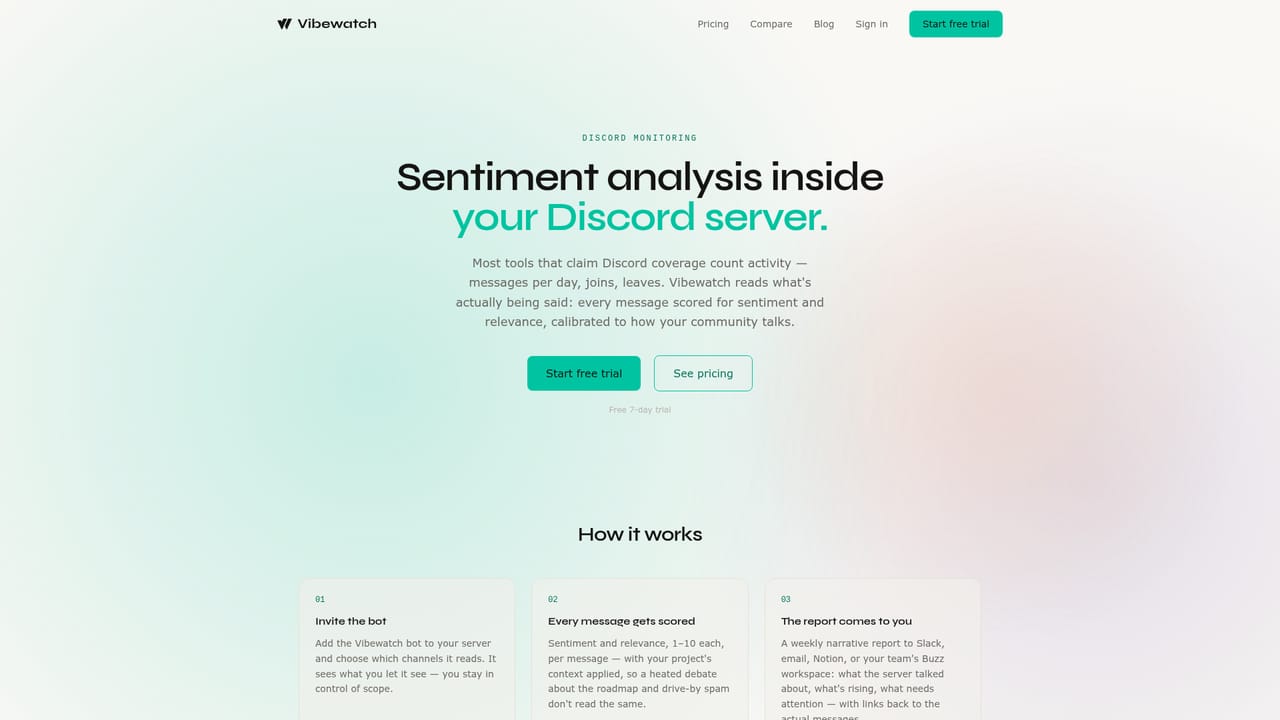
A 7 day free trial is available at sign up, and the homepage states no credit card is required.
Learn moreCommunity sentiment reports for web3 teams, across every channel.

Vibewatch turns Discord, Telegram, X and other web3 community channels into a single weekly sentiment report, complete with ranked trends, cited messages and token market context. Reports ship to email, Slack, Notion or a webhook, and MCP access lets Claude or ChatGPT query the data.
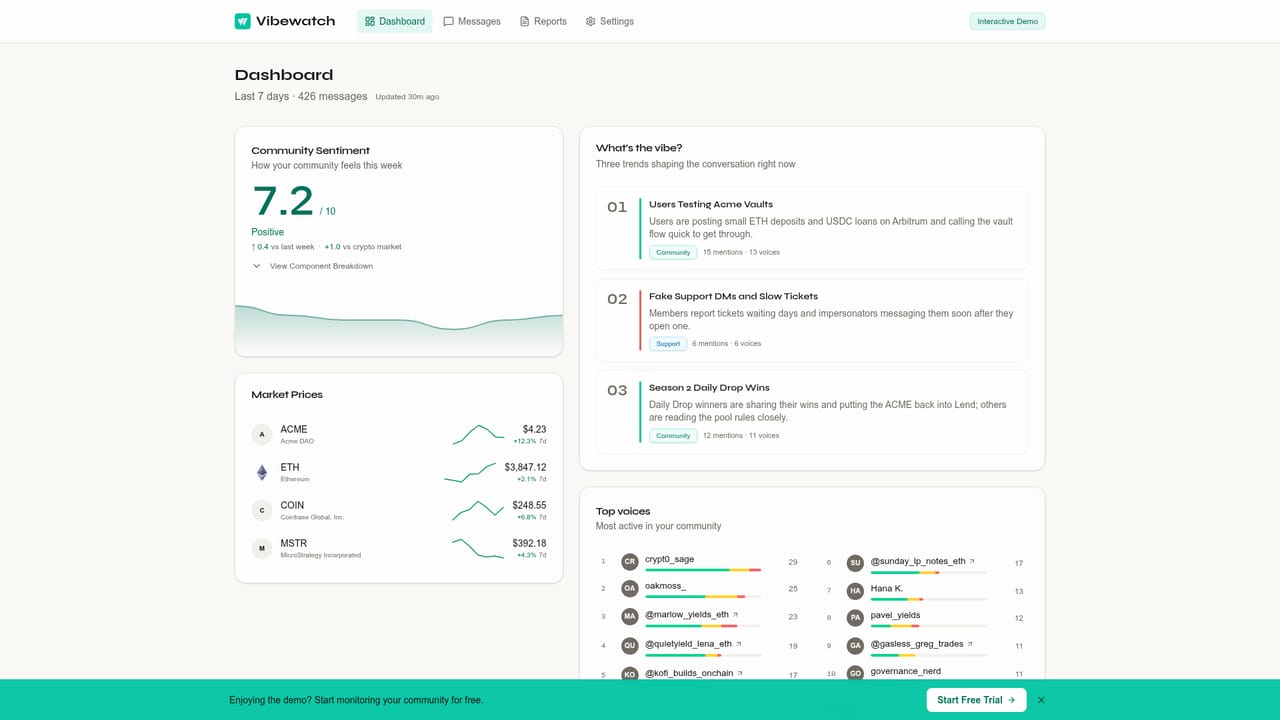
Vibewatch is a community intelligence tool built for web3 teams who need to know how their members feel without reading every channel by hand. It connects Discord, Telegram, X, Bluesky, Farcaster, Lens, Nostr, Snapshot, Ballot.gg, GitHub Discussions, YouTube, Discourse and Reddit, then condenses the message flow into a composite sentiment score with week over week comparison. The score sits next to market context: asset prices and the crypto Fear & Greed index, so a team can tell whether a mood swing came from its own product or from a rough week across the market. The product is aimed at DAO operators, protocol marketing leads and community managers who currently split their attention between a dozen tabs. Each weekly report opens with a short narrative summary, a source by source breakdown of message volume and sentiment, and three ranked trends shaping the conversation. Trends carry audience tags (Community, Support, Engineering, Trading) plus quoted messages with links back to the original posts, and an addressing section turns recurring questions into suggested write ups. A top voices table flags rising members, champions and long term critics. Delivery is where Vibewatch separates itself from dashboards nobody opens. Reports arrive by email, Slack, Notion, Buzz or a custom webhook, and hourly insights are available for teams that cannot wait a week. MCP access is included on every plan, so Claude or ChatGPT can query the connected community data directly for ad hoc summaries. A public demo DAO report shows the full layout before any account is created. Against general social listening suites, Vibewatch trades breadth for web3 specificity: onchain governance, token prices and crypto market sentiment are first class rather than bolted on. Teams that only run a Discord server may find the platform list larger than their needs, and anyone expecting real time alerting should note the weekly cadence is the default.
A 7 day free trial is available at sign up, and the homepage states no credit card is required.
Learn morePlans start at $19/mo per the meta description, and the site presents this as the entry point rather than a single flat price. A 7 day free trial is offered without a credit card. Source limits, seats and history length per tier are not stated on the homepage.
Learn moreDiscord, Telegram, X, Bluesky, Farcaster, Lens, Nostr, Snapshot, Ballot.gg, GitHub Discussions, YouTube, Discourse and Reddit (beta). Instagram and Threads are coming soon. Report delivery goes to email, Slack, Notion, Buzz or any webhook, and MCP connects to Claude or ChatGPT.
Composite sentiment score with week over week and versus market comparison, three ranked trends with audience tags and cited messages, source level message and sentiment breakdown, top voices ranking, an addressing list of recurring questions, governance vote tracking from Snapshot and Ballot.gg, token price and Fear & Greed context, scheduled reports and MCP access for external assistants.
 AI Angels400+ customizable AI girlfriends for NSFW chat, voice calls, and roleplay
 Candy AIExperience the future of companionship with AI friends who chat, role-play, and connect with you on a human level.
 ourdream.aiA vast AI roleplay platform with millions of characters for chat, images, video and voiceAI Angels400+ customizable AI girlfriends for NSFW chat, voice calls, and roleplayCandy AIExperience the future of companionship with AI friends who chat, role-play, and connect with you on a human level.ourdream.aiA vast AI roleplay platform with millions of characters for chat, images, video and voice