Free trial
No free trial is offered. The site directs buyers to the recorded demo and sample transcripts instead, and invites anyone concerned about price to make contact.
Learn moreA one-time-purchase desktop app that turns video and audio into text offline
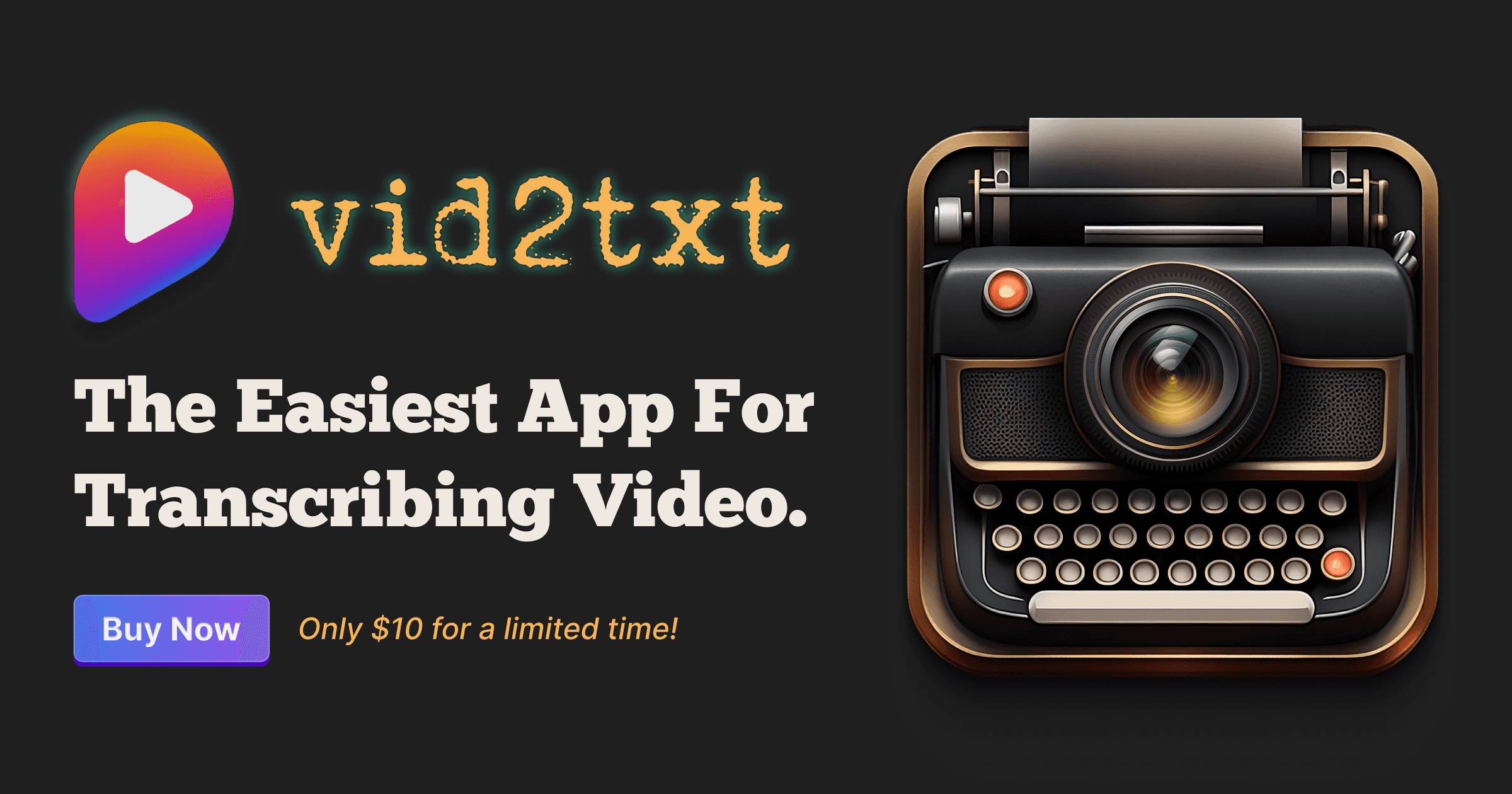
Vid2txt is an offline desktop transcription app for Mac and Windows that turns video and audio files into .txt, .srt, and .vtt transcripts. It is sold as a one-time purchase with no subscriptions or quotas, works in English only, and stores nothing in the cloud.
Vid2txt is a desktop transcription utility for macOS and Windows that converts video and audio files into plain text, SRT, and VTT output without sending anything to a server. The premise is deliberately narrow: drag a file in, let the app process it locally, and take away a transcript. There is no editor suite, no project dashboard, and no cloud library to manage. The developer describes it as a single-purpose utility that does one job rather than a platform. The supported formats cover the common container types (mp4, mov, wmv, mkv, avi, flv) alongside audio files such as wav, mp3, and m4a. Because processing happens on the machine, there are no per-minute quotas, no upload wait, and no account required to generate a transcript. The output set is practical rather than creative: a .txt version for reading and searching, an .srt for subtitle tracks, and a .vtt for web players. The app transcribes English only, which is a meaningful limit for anyone working with multilingual footage. The site pitches the tool at six broad groups: content creators captioning videos and podcasts, journalists working through voice memos, students turning recorded lectures into notes, business users transcribing meetings and webinars, hearing-impaired viewers who want readable transcripts of shows, and researchers who need to search spoken content as text. For all of them the appeal is the same: a fixed cost instead of a monthly seat, and files that never leave the local drive. Against cloud transcription services, Vid2txt trades language coverage and collaboration features for privacy and price predictability. There is no team sharing, no browser access, and no editing interface beyond the generated text files, so anyone needing collaborative review will still look elsewhere. Buyers should also note the refund stance: if the app fails to transcribe, the developer commits to fixing it or refunding the purchase price.
No free trial is offered. The site directs buyers to the recorded demo and sample transcripts instead, and invites anyone concerned about price to make contact.
Learn moreSold as a one-time purchase priced at $10 for a limited time, with no subscription and no transcription quotas. Future feature upgrades, if any are built, would be offered to existing customers at 50% off the sale price.
Learn moreSupport is handled by email at vid2txt@davidsuriano.com. The developer states that if the app fails to transcribe a file, the team will work to fix it or refund the purchase price.
Local, offline transcription of video and audio files with no data collection. Accepts mp4, mov, wmv, mkv, avi, flv, wav, mp3, and m4a inputs, then generates .txt, .srt, and .vtt outputs. English only. Unlimited transcriptions with no quotas or hidden fees under a one-time purchase.
 AI Angels400+ customizable AI girlfriends for NSFW chat, voice calls, and roleplay
 Candy AIExperience the future of companionship with AI friends who chat, role-play, and connect with you on a human level.
 ourdream.aiA vast AI roleplay platform with millions of characters for chat, images, video and voiceAI Angels400+ customizable AI girlfriends for NSFW chat, voice calls, and roleplayCandy AIExperience the future of companionship with AI friends who chat, role-play, and connect with you on a human level.ourdream.aiA vast AI roleplay platform with millions of characters for chat, images, video and voice







