Free trial
The first 5-second AI video is free with a source clip of up to 5 seconds, and no credit card is required. Free or promotional credit outputs are for personal, non-commercial evaluation only.
Learn moreRestyle real clips into anime, cinematic or ad variants with motion intact

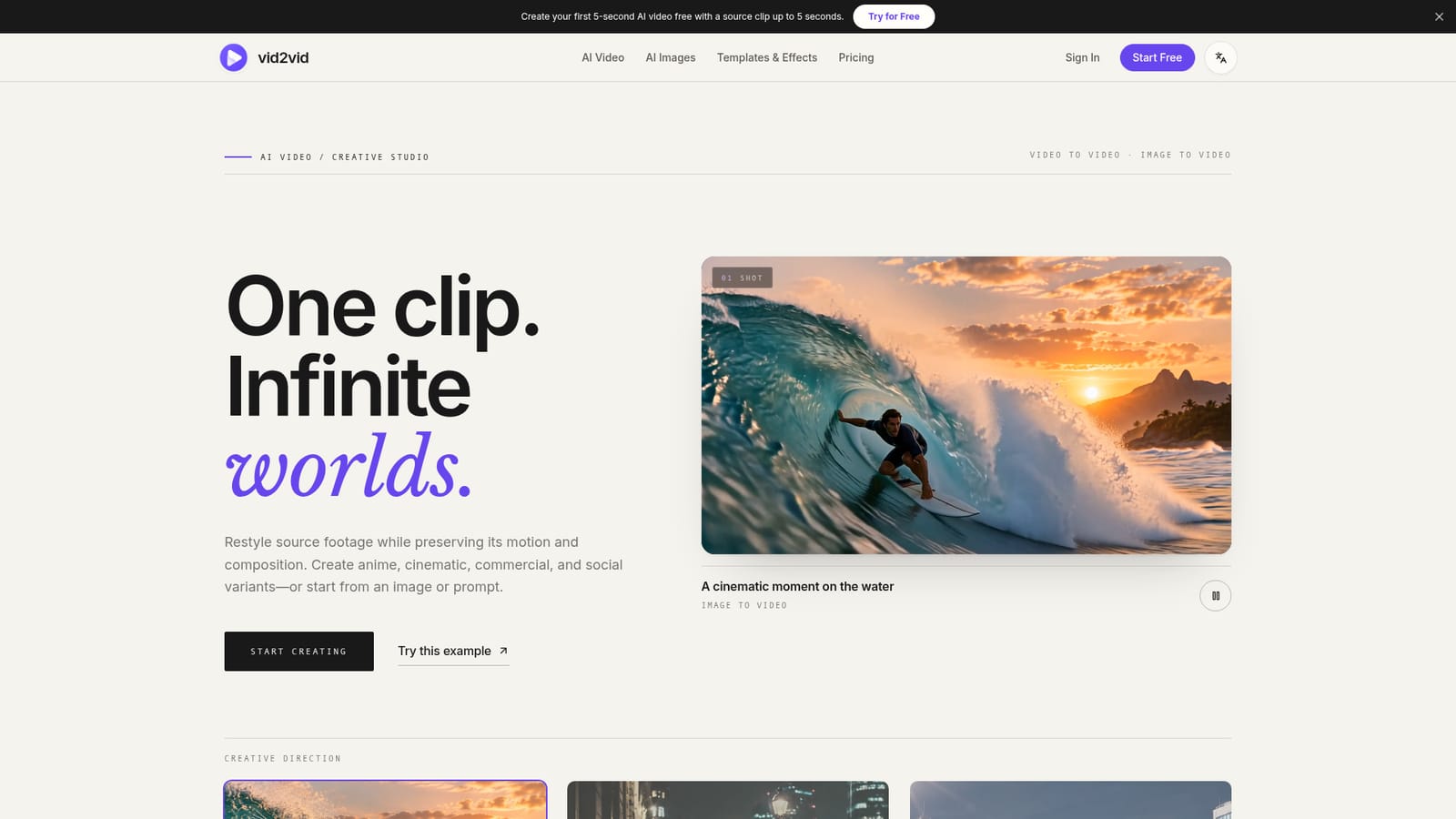
Vid2vid is a web studio that restyles uploaded clips into anime, cinematic, ad or social variants while preserving motion and composition. It also animates images and text prompts, and offers several third-party video models behind one credit-based interface.
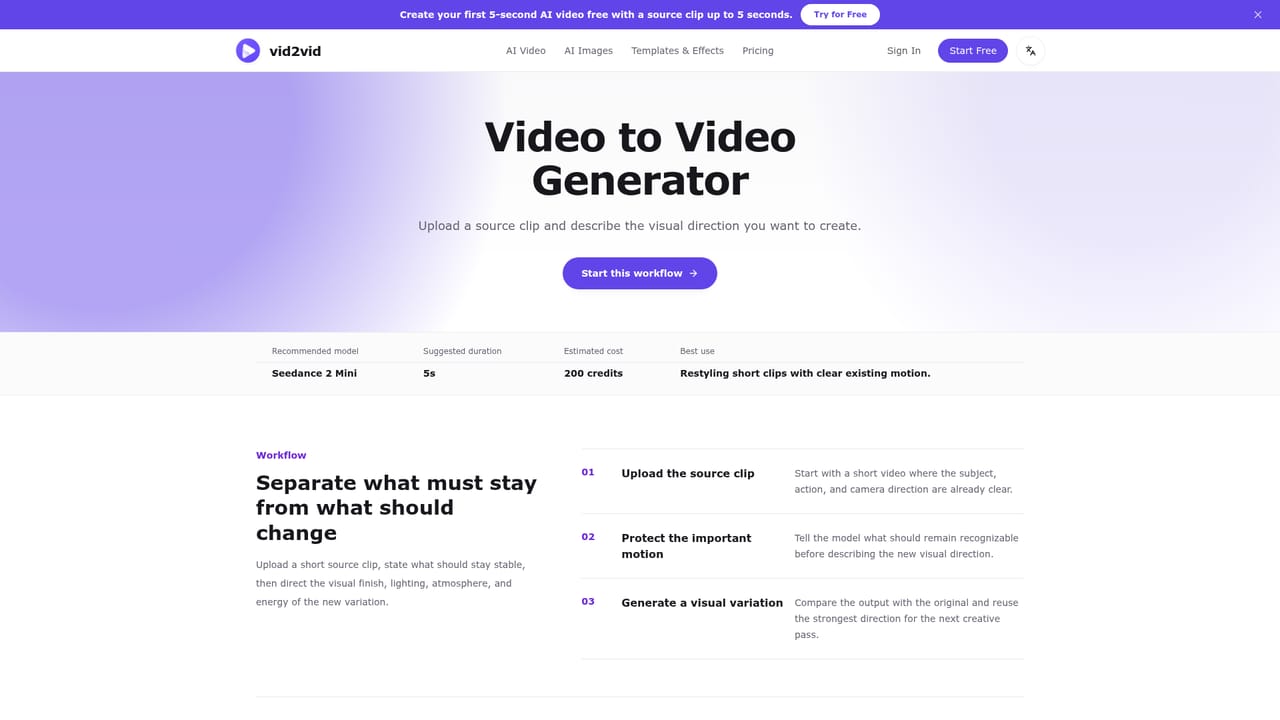
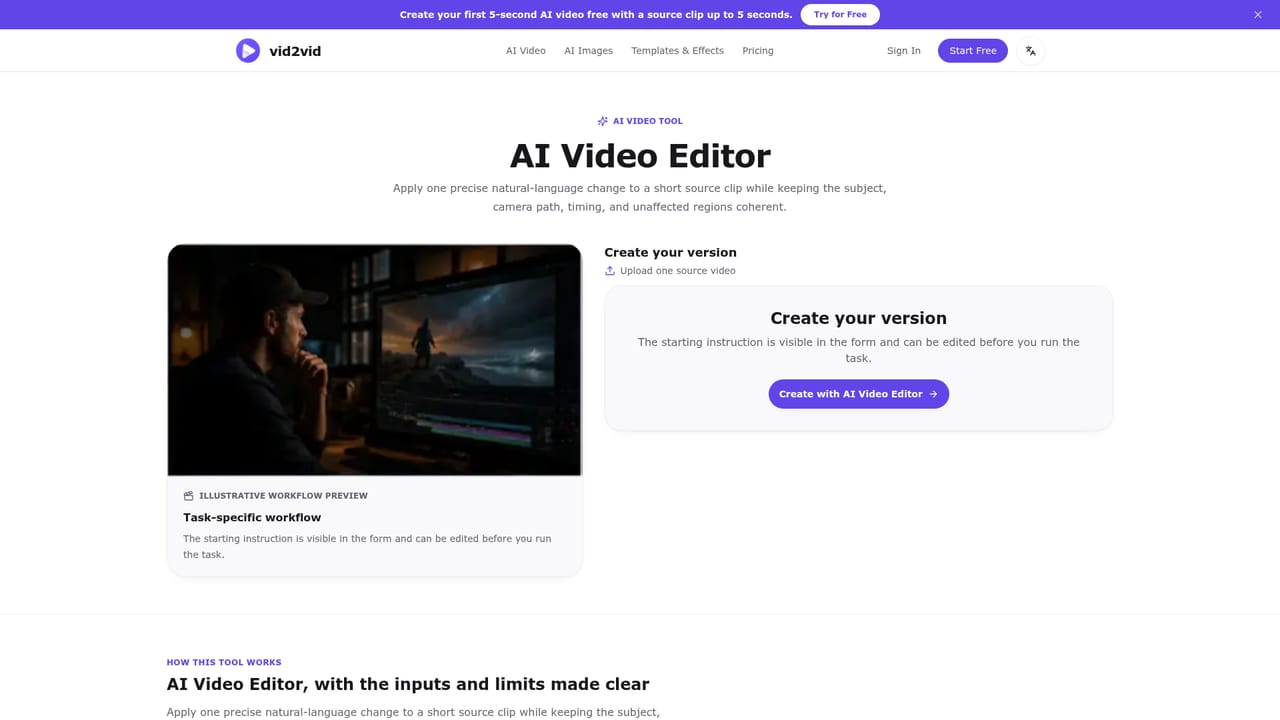
Vid2vid is a browser-based creative studio built around video-to-video generation. A user uploads a source clip, describes a new look, lighting or setting in a prompt, and the tool produces a fresh version that keeps the original motion, framing and timing as a guide. The same footage can become an anime action scene, a cinematic rainy night, a product ad or a social cut. The studio also accepts a still image or a plain text prompt for people who have no footage to start from. The service is aimed at marketers, social content creators, indie filmmakers and hobbyists who want several stylistic variants of one shot without reshooting. Beyond the main restyle flow, it offers narrower tools: Motion Control, which transfers the moves from a 2 to 15 second reference clip onto a character image; an AI video editor for changing a single element such as an object or color while the rest of the clip stays untouched; and dedicated pages for product ads, anime restyling, 3D animation, origami-style scenes and a two-photo rap duo concept called Hotel Lobby AI. An image generator and editor sits alongside the video tools. In practice, the user chooses an input type, picks a model, writes a prompt and checks the credit estimate shown beside the Generate button before submitting. Tasks are followed from a workspace. Rather than training its own engine, vid2vid works as a front end to models from several vendors, including Seedance versions from ByteDance, MiniMax H3, Wan from Alibaba, Google's Gemini Omni, Kling 3.0, Grok Imagine and OpenAI's image models, with the list of available models changing by workflow. Among alternatives, it competes with single-model video generators and full editing suites by concentrating on restyling existing footage and offering model choice in one place. The first short video is free, later generations draw on credits from plans or packs, and paid plans carry commercial usage rights under the site's terms.
The first 5-second AI video is free with a source clip of up to 5 seconds, and no credit card is required. Free or promotional credit outputs are for personal, non-commercial evaluation only.
Learn moreGenerations use credits from a plan or credit pack, and the estimate beside Generate shows the cost before submitting. Paid subscriptions and credit packs include commercial usage. Specific prices are not stated on the homepage.
Learn moreThe homepage offers a Q&A covering pricing, models, file limits and commercial use. Generation status can be followed from the workspace. No dedicated support channel is described.
Works with video and image models from several vendors: Seedance 2.5, 2.0 and 2 Mini, MiniMax H3, Wan 3.0 and 2.7, Gemini Omni, Kling 3.0, Grok Imagine, and OpenAI's GPT Image 2.5 and Image 2. Available models vary by workflow.
Video-to-video restyling that preserves motion, image-to-video and text-to-video, Motion Control for transferring reference moves onto a character, an AI video editor for single changes, product ad, anime, 3D animation and origami presets, plus an AI image generator and editor.
Learn more


