Free trial
The FAQ says a free trial is offered to try the motion swap and motion sync workflows before committing to a premium plan. Trial limits are not specified.
Learn moreTransfer motion from a reference video onto a still person while the scene stays put
Own Viyou AI Motion Control? Verify ownership to get a dofollow link

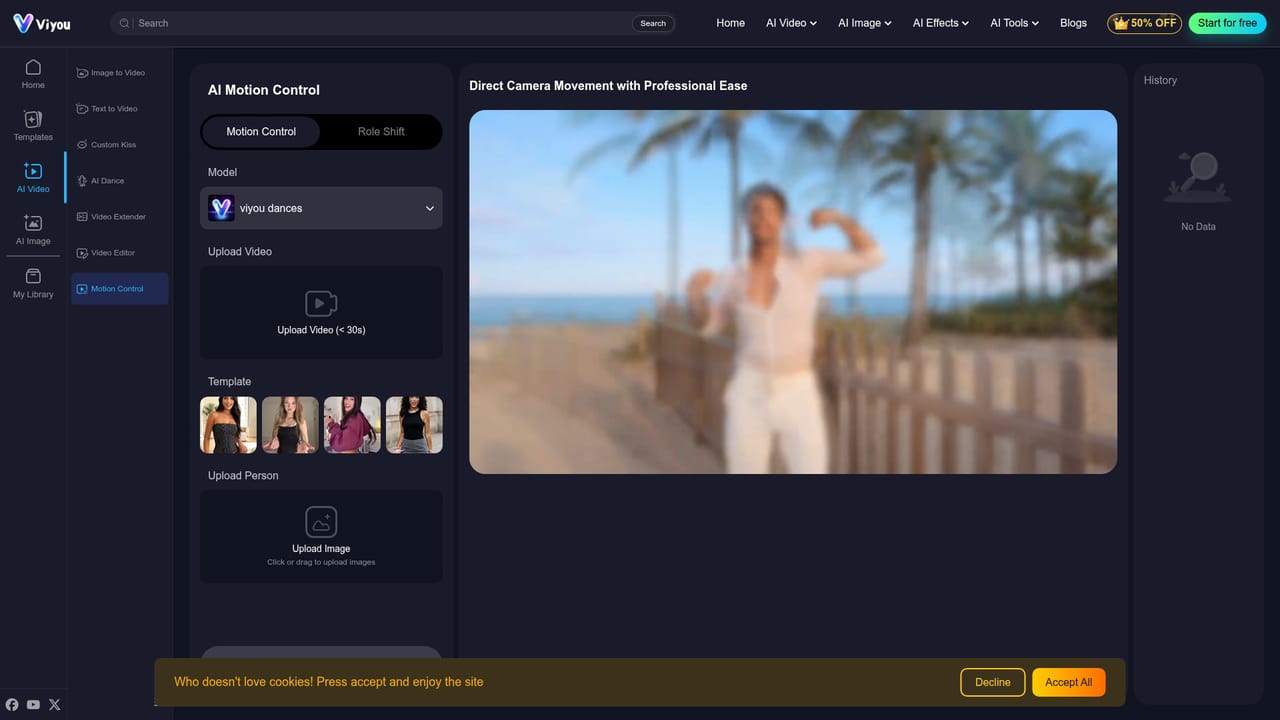
Viyou AI Motion Control is an animation tool. Viyou AI Motion Control copies movement from a reference video under 30 seconds onto a person in an uploaded photo, keeping the original background and lighting intact. It runs in the browser and is part of the wider Viyou video and image suite.
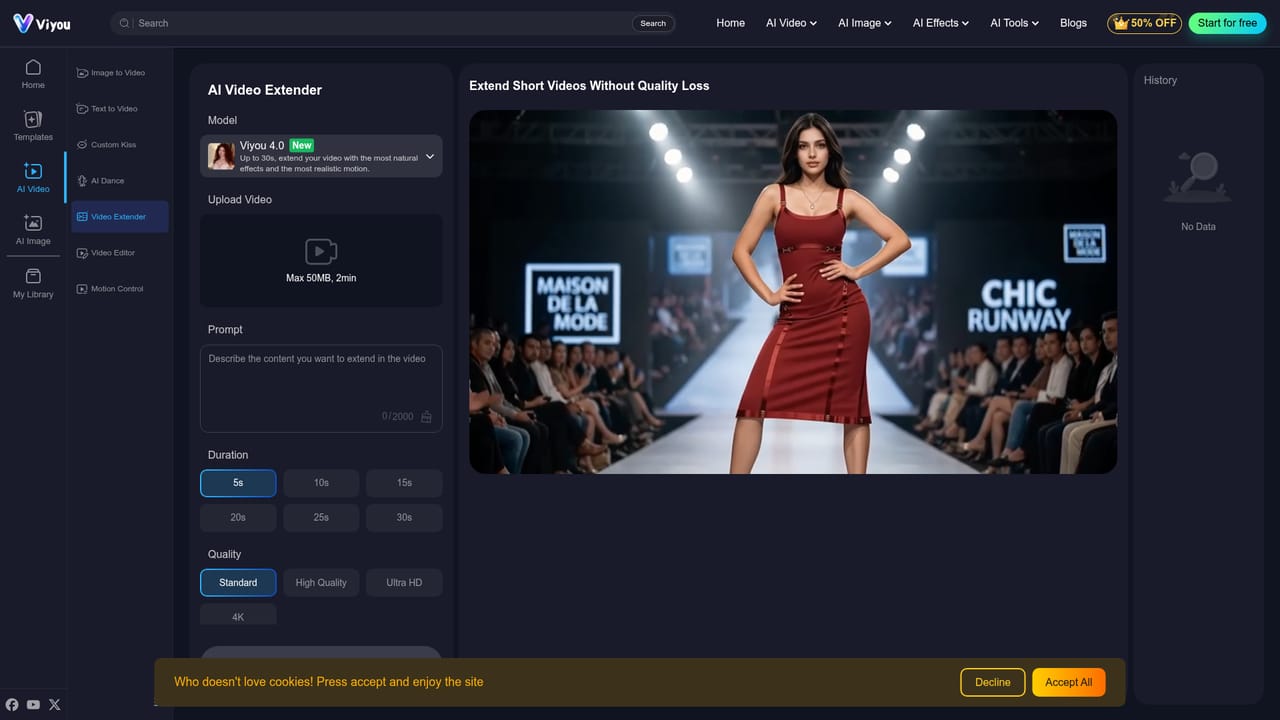
Viyou AI Motion Control is a web-based motion transfer tool from Viyou, an AI video and image generator. It takes the movement from a short reference video and applies it to a person shown in an uploaded photo, so the subject performs the same action while the original environment stays stable. The page frames this as pure action with no scene change, which separates it from standard character swaps that regenerate the whole frame. The workflow is built around a few inputs. Users pick a model, upload a reference video under 30 seconds or choose from a set of templates, then upload an image of the person to animate. A Create button starts the job, which draws on a credit balance (800 coins per generation is shown on the page), and finished clips collect in a History panel. The page also mentions that motion can be mapped onto different styles, including anime characters, 3D avatars and custom digital models, and that interactions such as hugs or kisses can be replicated while background and lighting are kept locked. The intended audience is social media creators, marketers who need brand consistency, and anyone prototyping character animation quickly without a technical setup. The site describes the tool as working without ControlNet, meaning no node graphs or local installs are involved. Viyou states that a free trial exists for its motion swap features and that a Pro plan removes built-in style restrictions, though specific plan prices are not listed on this page. Within the wider Viyou suite, motion control sits alongside image to video, text to video, an AI dance generator, a video extender, a video editor, a background remover and an outfit generator. The platform exposes a long list of third-party and in-house video models such as Seedance, Kling, Wan, Veo and Sora. Compared with general video generators, this tool is narrower and aimed at one job: copying movement faithfully. Buyers who want full creative generation from prompts will likely use its sibling tools, while those who already have a reference performance and a target character get the most from it.
The FAQ says a free trial is offered to try the motion swap and motion sync workflows before committing to a premium plan. Trial limits are not specified.
Learn moreGeneration is credit-based, with 800 coins shown per motion control run and a Pro membership advertised at a discounted 400 coins. Full plan prices are not listed on this page.
Learn moreThe site lists a contact page, an AI tools FAQ and a refund policy, and links Facebook, YouTube and X accounts. Support response times are not stated.
Learn moreNo third-party integrations are listed. The tool sits inside the Viyou suite and exposes many video and image models such as Seedance, Kling, Wan, Veo and Sora.
Learn moreMotion transfer from a reference video (under 30 seconds) or template onto an uploaded person image, with background and lighting preserved. Supports anime, 3D avatar and custom character styles, couple interactions, a model selector, and a generation history.
Learn more


