Integrations
Social publishing handoff for finished videos is described, along with source pages from Shopify, Amazon, and TikTok Shop. No named integrations or API are documented on the homepage.
Turn a product URL into a narrated video ad, no timeline needed.

VideoSnack is a content tool that turns a product URL into a narrated video ad, no timeline needed. VideoSnack converts a public product, website, or article URL into a scripted, narrated video ad.
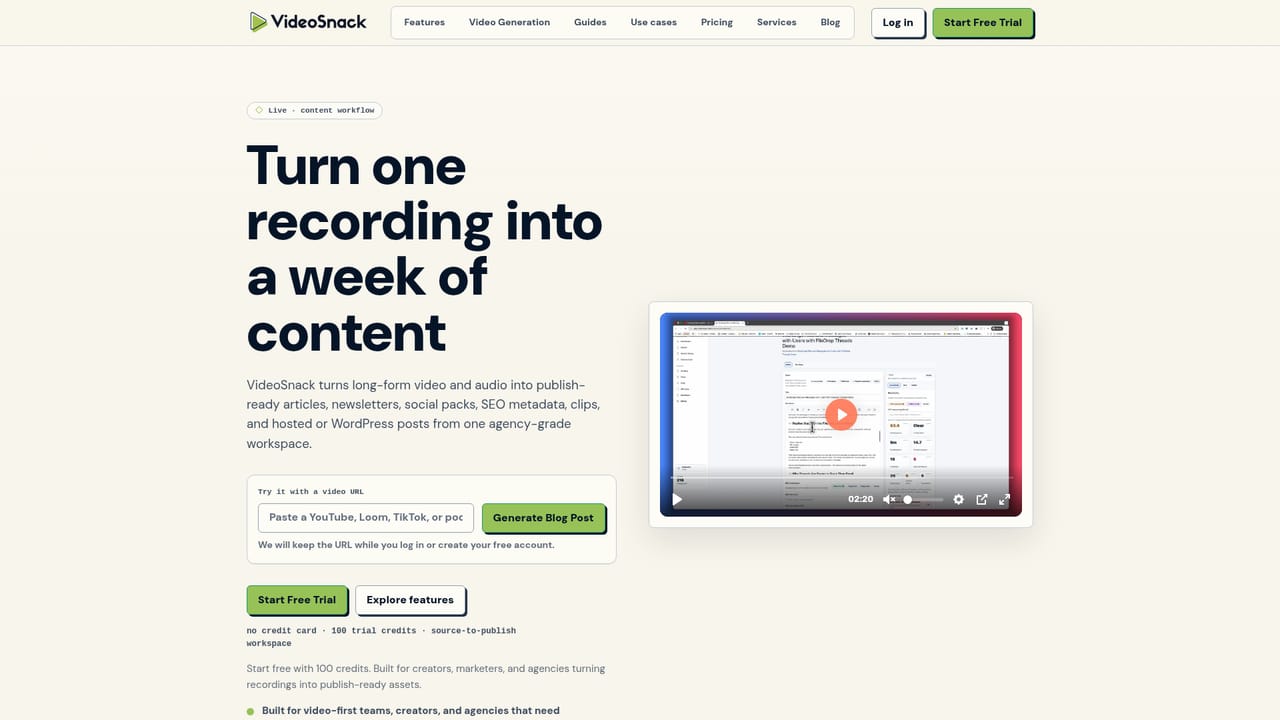
VideoSnack is a browser-based video generator built around a single input: a public web page. Paste a product page, website, article, or reference URL and the VideoSnack AI Agent reads the source, pulls out usable claims and phrasing, then plans a scene structure, writes a script fitted to your chosen runtime, and renders a narrated composition. No script draft and no editing timeline are required to get a first version. The workflow is deliberately staged. Generation starts from source analysis, moves into narrative planning (the agent picks an angle and maps scenes such as problem, reveal, benefit, close), then shifts into creative controls where you set video type, aspect ratio, visual style, length, captions, and language. Screenshots can be attached, up to five JPG, PNG, or WebP files, each with a short description so the right product evidence lands in the right scene. Three video types are offered, product or website promos, product tutorials, and faceless explainers, across portrait 9:16, landscape 16:9, and square 1:1 canvases, in 30, 45, 60, 75, or 90 second runtimes. Ecommerce marketers are the obvious audience, particularly teams selling through Shopify, Amazon, or TikTok Shop who need paid and organic variants of the same product story. The five destination presets (ads, organic social, websites, launches, sales presentations) adjust pacing, proof, and the closing call to action, which is where the tool separates itself from template libraries. Product teams can use it for feature walkthroughs built from pages they already maintain, and creators can produce faceless explainers without appearing on camera. It sits between template-driven editors and full production suites: less manual control than a timeline tool, more narrative direction than a slideshow template. After rendering you can preview, edit supported on-screen text, re-render within a revision allowance, download the MP4, or push to social publishing. An existing video can also be imported through a separate workflow.
Social publishing handoff for finished videos is described, along with source pages from Shopify, Amazon, and TikTok Shop. No named integrations or API are documented on the homepage.
Source-aware generation from any public product, website, or article URL; narrative planning that selects an angle and maps scenes to the runtime; creative controls for video type, format, visual style, length, language, and captions; up to five described screenshots for product evidence; preview, on-screen text edits, re-renders, MP4 download, and a social publishing handoff.
 AI Angels400+ customizable AI girlfriends for NSFW chat, voice calls, and roleplay
 Candy AIExperience the future of companionship with AI friends who chat, role-play, and connect with you on a human level.
 ourdream.aiA vast AI roleplay platform with millions of characters for chat, images, video and voiceAI Angels400+ customizable AI girlfriends for NSFW chat, voice calls, and roleplayCandy AIExperience the future of companionship with AI friends who chat, role-play, and connect with you on a human level.ourdream.aiA vast AI roleplay platform with millions of characters for chat, images, video and voice


