Free trial
The homepage offers a free start with no credit card required and a 'Get 3 free videos' entry point, so the tool can be tried on a few recordings before any commitment.
Learn moreTurn one video into clips, blog posts, and podcast notes

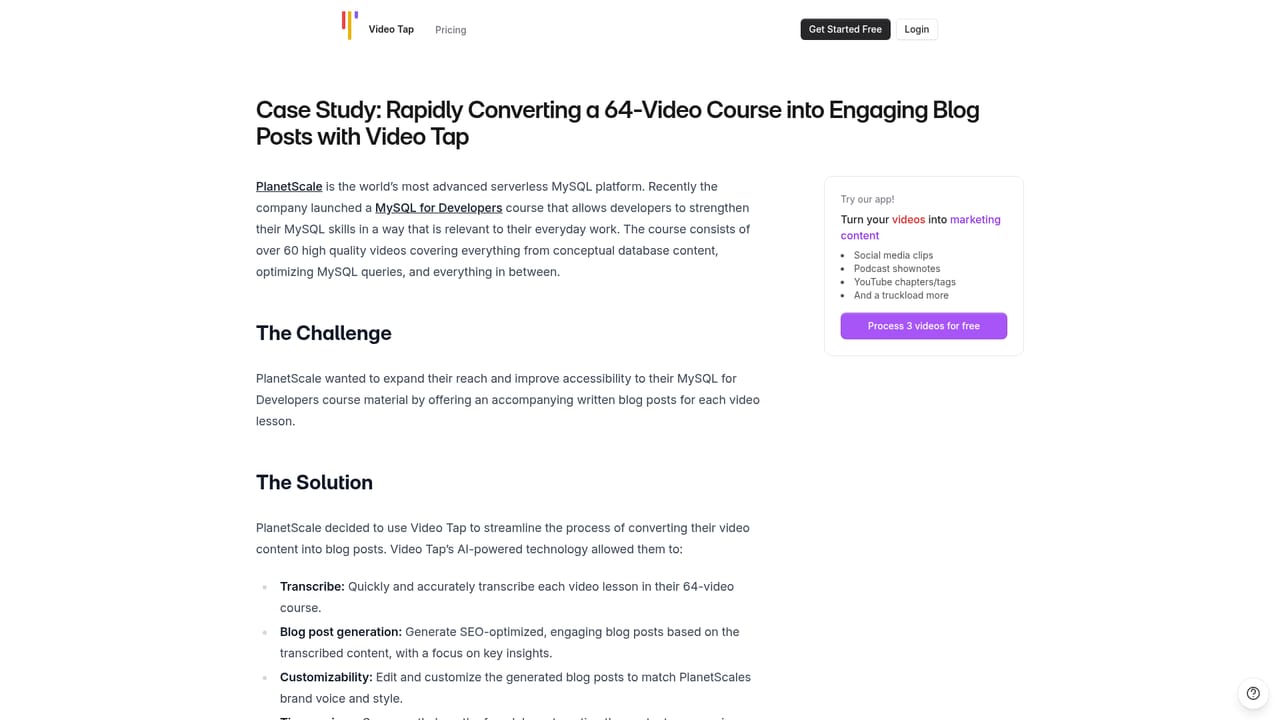
Videotap is an AI video talk tool that turns one video into clips, blog posts, and podcast notes. Videotap converts a single long video into short social clips, SEO blog posts, podcast notes, chapters, transcripts, subtitles and social copy, then schedules them into a publishing calendar.
Videotap is a video repurposing platform that takes a single recording and turns it into a batch of marketing assets. You upload long-form footage (a podcast episode, a YouTube video, a course module, a webinar) and the system produces short social clips, SEO-oriented blog articles, podcast show notes, chapters, timestamps, titles, tags, transcripts, subtitles, email blurbs, tweets and LinkedIn posts. The pitch is arithmetic: one video in, ten or more pieces of content out, on the claim that a job which takes an editor and a writer two or more hours collapses into roughly twenty minutes. The workflow is deliberately shallow. Add your videos, let the AI run, then export to social platforms or your own site. On top of generation sits a scheduling layer, so clips and posts for a given video can be queued across YouTube, X, LinkedIn, Instagram and email over days or weeks rather than published one at a time. Team members can be invited into the same workspace, and the tool is marketed around the idea that its output learns your voice, so blog posts and transcripts do not read like generic summaries. It lands in the same conversation as tools like Opus Clip or Descript, though the emphasis differs: Videotap leans harder on written repurposing (long blog posts, notes, chapters) than on pure clip editing. Its stated audiences are real estate agents, YouTubers, marketing teams, podcasters and churches, which maps to people with footage but no editing or copywriting capacity. Translation support for subtitles and blog posts is included, aimed at teams publishing in more than one language. Custom prompt writing is listed as coming soon, so today the output formats are the ones the product defines. The site reports 37,137 creators, 48,350 videos analyzed and 725,250 pieces of content generated.
The homepage offers a free start with no credit card required and a 'Get 3 free videos' entry point, so the tool can be tried on a few recordings before any commitment.
Learn moreThe homepage offers a support email address that can be copied from the page, and several reviewers note fast, friendly responses to feature requests and questions.
Turns one video into short social clips, SEO blog posts, podcast show notes, chapters, timestamps, titles, tags, transcripts, subtitles, email copy, tweets and LinkedIn posts. Includes multilingual translation, a per-platform scheduling calendar across YouTube, X, LinkedIn, Instagram and email, team collaboration, and AI tuned to your own voice. Custom prompt writing is listed as coming soon.
 AI Angels400+ customizable AI girlfriends for NSFW chat, voice calls, and roleplay
 Candy AIExperience the future of companionship with AI friends who chat, role-play, and connect with you on a human level.
 ourdream.aiA vast AI roleplay platform with millions of characters for chat, images, video and voiceAI Angels400+ customizable AI girlfriends for NSFW chat, voice calls, and roleplayCandy AIExperience the future of companionship with AI friends who chat, role-play, and connect with you on a human level.ourdream.aiA vast AI roleplay platform with millions of characters for chat, images, video and voice