Pricing
Viewoo is described as free to use, with no sign-up, subscription or payment mentioned anywhere on the site.
Learn moreBrowse public TikTok stories, videos and comments anonymously, no account or app required.

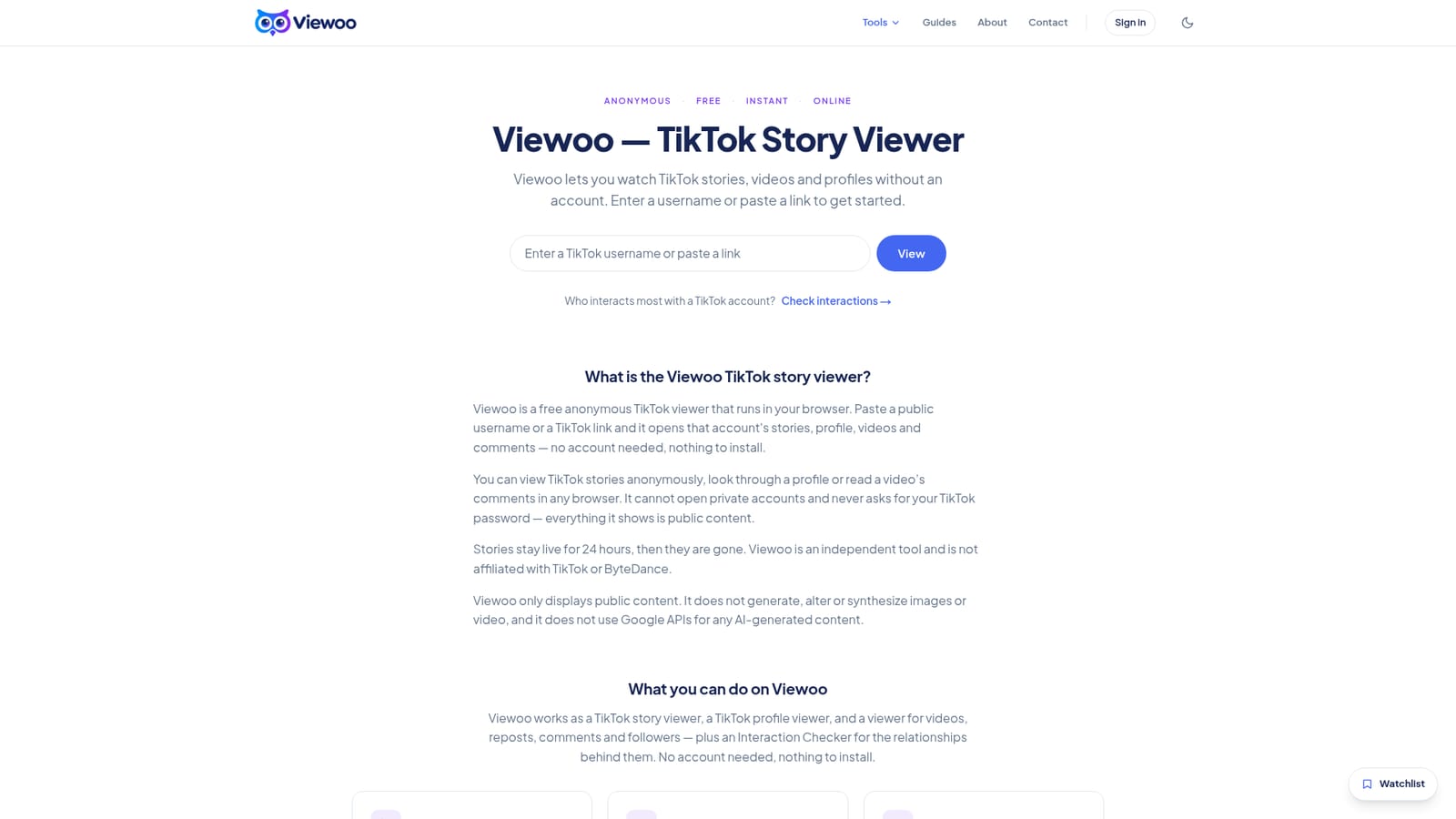
Viewoo is a free, browser-based viewer for public TikTok stories, profiles, videos, comments and followers, usable without creating an account or installing an app.
Viewoo is a browser-based viewer for public TikTok content. Instead of opening the TikTok app and signing in, a visitor types a username or pastes almost any TikTok link (a profile, a video, a photo post, a story, or a shortened vm.tiktok.com link) and Viewoo pulls up that account's public stories, profile, videos and comments on a plain web page. There is no sign-up step, no password to hand over, and nothing to install, because the entire lookup happens in the browser the visitor already has open. The tool is built around five viewers: Stories, Videos, Reposts, Comments and Followers, plus an Interaction Checker that surfaces who comments, likes, replies to or reposts around a given account, or how two accounts relate to each other. Because Viewoo never logs in on the user's behalf, a lookup leaves no trace on TikTok's side: no follow, no notification to the account owner, no social graph to join just to see one story or read one comment thread. This suits a narrow but recurring set of situations rather than everyday TikTok browsing. People without a TikTok account, or who were sent a single link and don't want to install an app for it, can open the content directly. Social media managers and creators can check a competitor's posts and comment threads without following them. Researchers and journalists get a normal, shareable web page for each lookup instead of an in-app view tied to a personal account. School and work devices that block app installs are not a barrier, since Viewoo is simply a website. Viewoo only surfaces content that is already public. It cannot open private accounts, does not generate or alter media, and stories disappear from view after TikTok's own 24-hour window, the same as on the platform itself.
Viewoo is described as free to use, with no sign-up, subscription or payment mentioned anywhere on the site.
Learn moreA Contact page is available for questions; the site also publishes guides covering common lookup issues such as empty results or videos that stop playing.
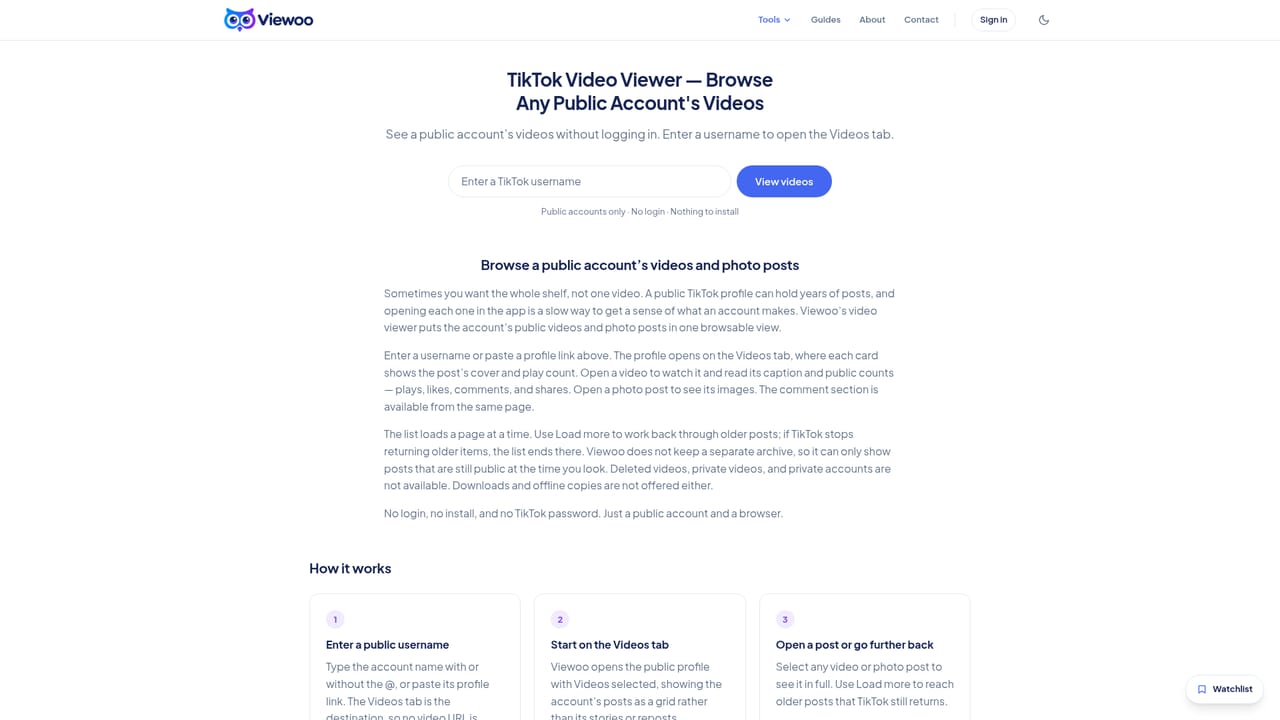
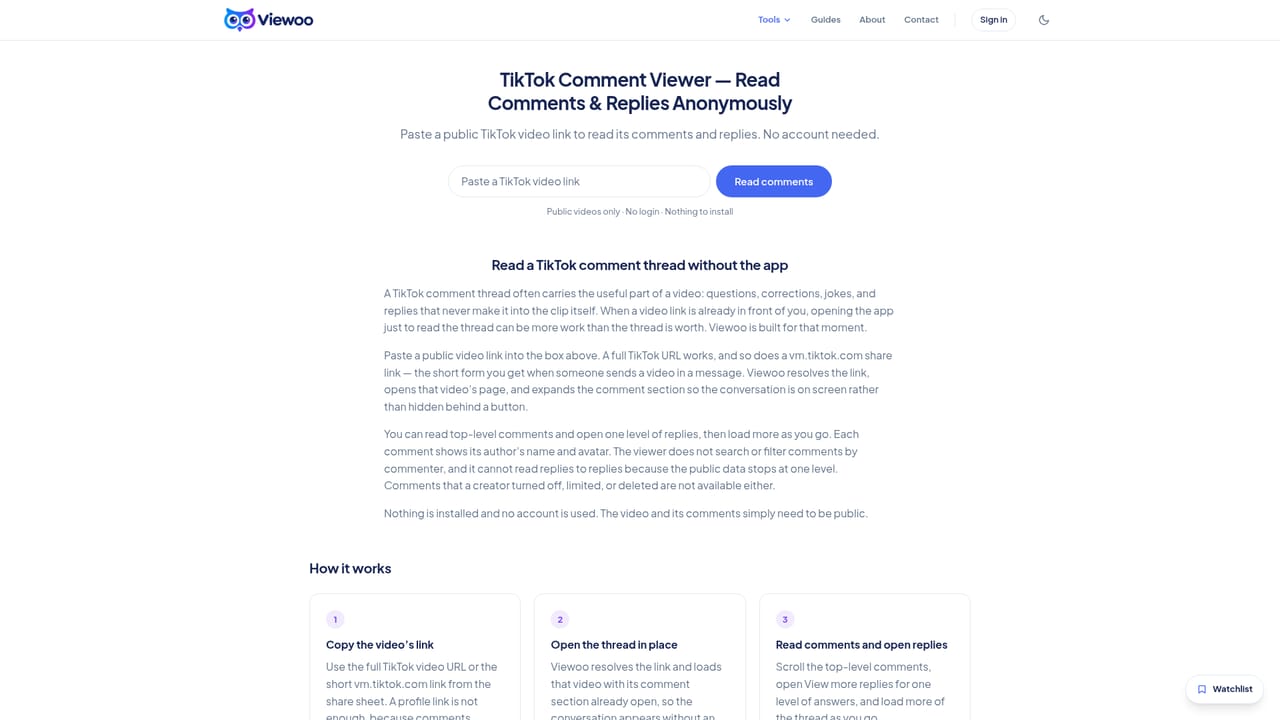
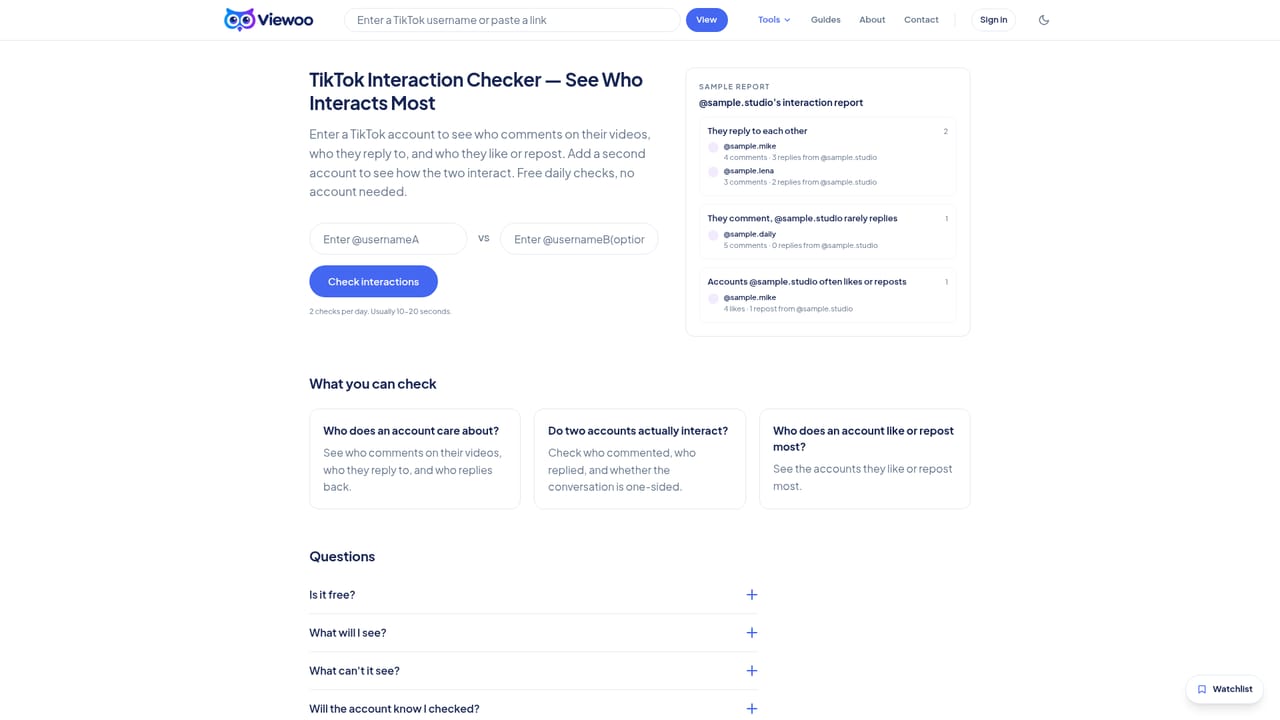
Learn moreSeparate viewers for public TikTok stories, profiles, videos and photo posts, reposts, comments and followers, plus an Interaction Checker that surfaces who engages most with an account or how two accounts relate.
 AI Angels400+ customizable AI girlfriends for NSFW chat, voice calls, and roleplay
 Candy AIExperience the future of companionship with AI friends who chat, role-play, and connect with you on a human level.
 ourdream.aiA vast AI roleplay platform with millions of characters for chat, images, video and voiceAI Angels400+ customizable AI girlfriends for NSFW chat, voice calls, and roleplayCandy AIExperience the future of companionship with AI friends who chat, role-play, and connect with you on a human level.ourdream.aiA vast AI roleplay platform with millions of characters for chat, images, video and voice


