Pricing
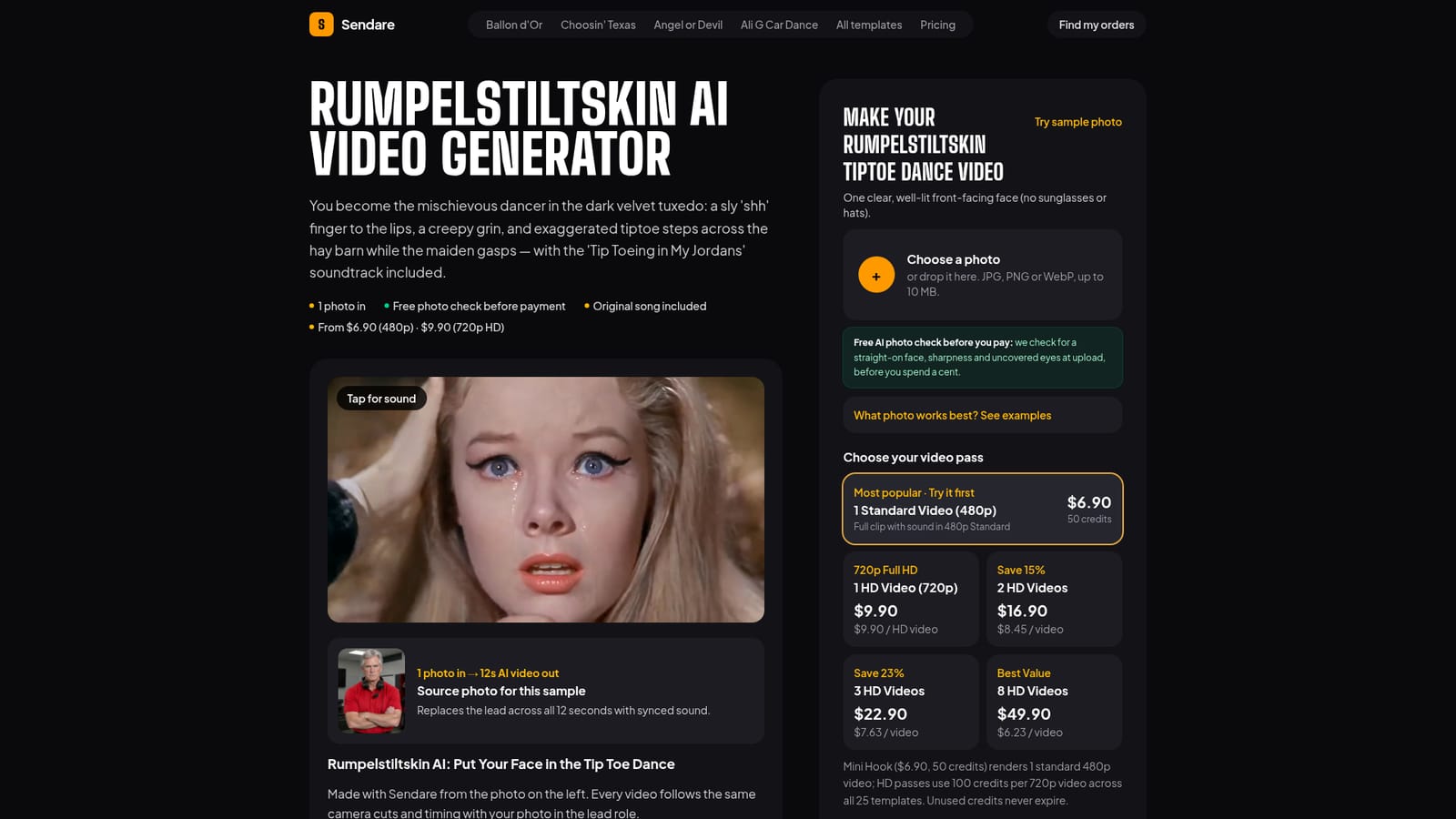
One-time credit passes with no subscription: $6.90 for one 480p standard video (50 credits), $9.90 for one 720p HD video, scaling down to $6.23 per HD video in an 8-video pack at $49.90. Unused credits never expire.
Learn moreTurns one photo into a 12-second viral dance or filter video with synced sound.

Sendare AI Studio is a dance generator tool that turns one photo into a 12-second viral dance or filter video with synced sound. Sendare AI Studio converts a single uploaded photo into a 12-second AI video matching one of 25+ viral TikTok and Reels trends, using the Seedance 2.5 model with synced original audio and a free pre-payment photo check.
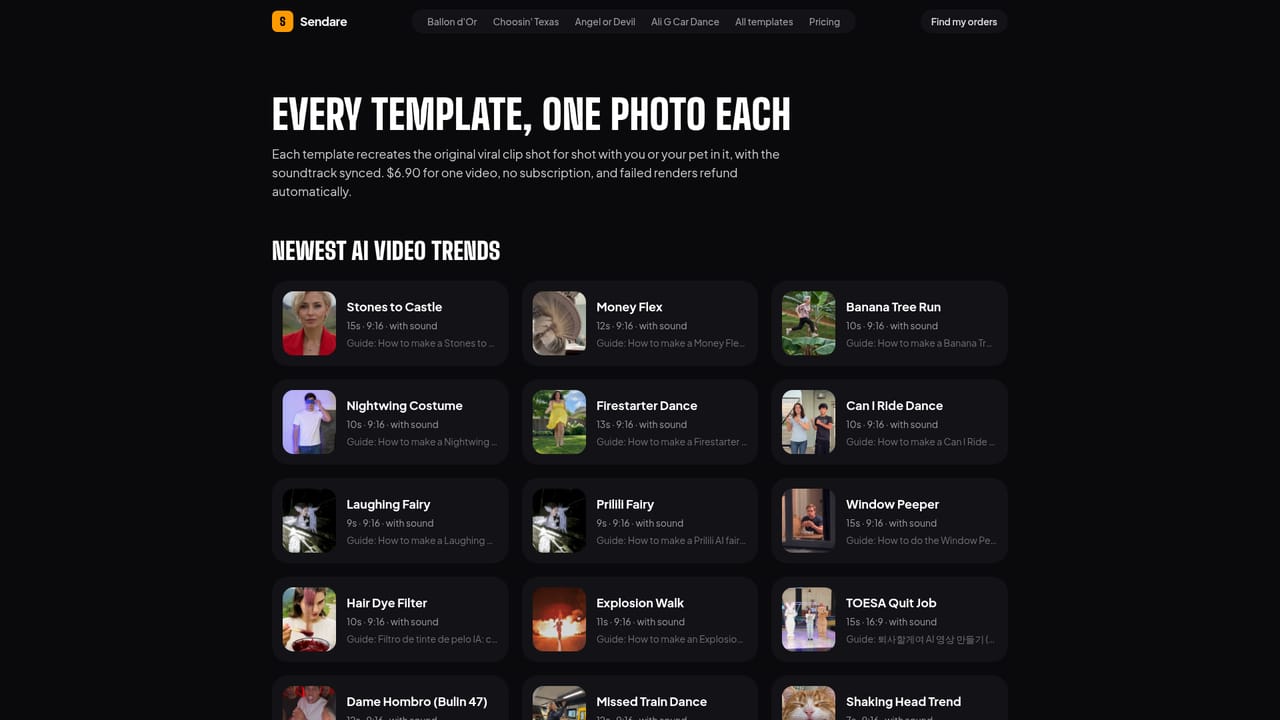
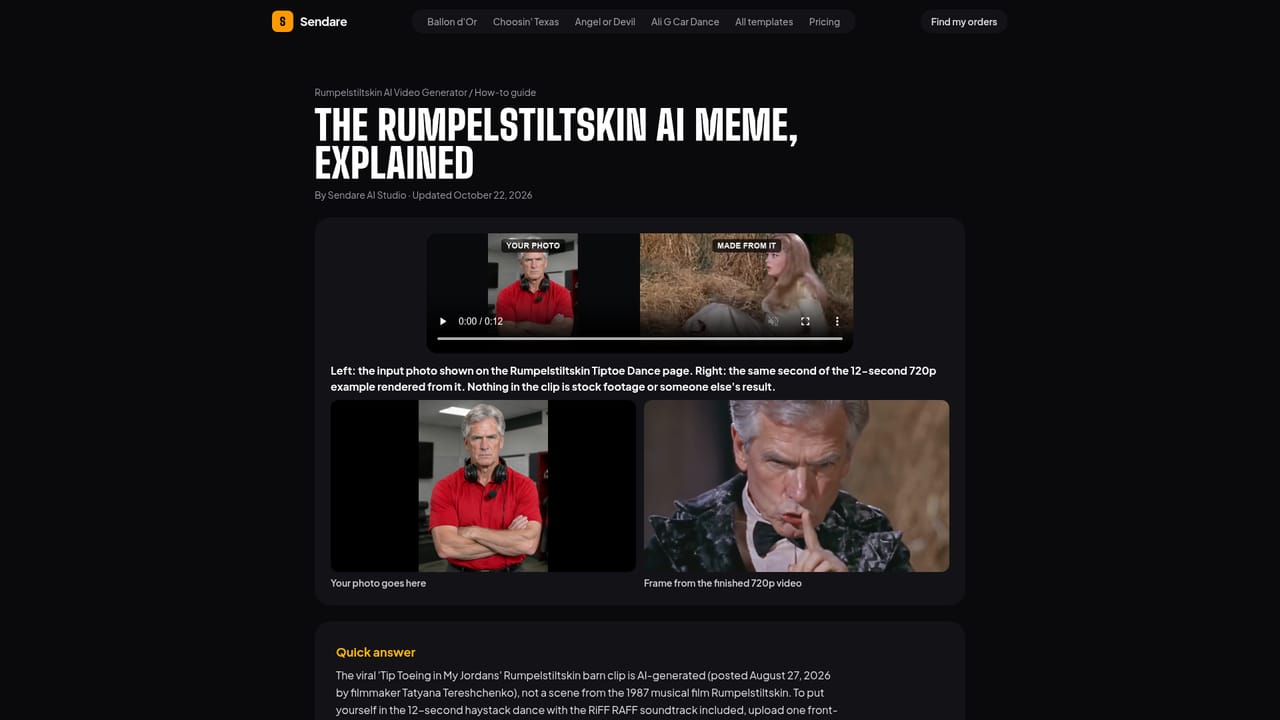
Sendare AI Studio is a photo-to-video tool built around a library of more than 25 viral TikTok and Instagram Reels trends, such as the Ali G Car Dance, Stones to Castle, Angel or Devil Filter and the Rumpelstiltskin tiptoe barn dance. A user uploads a single front-facing photo of themselves, a pet, or another consenting adult, and the platform runs a shot-for-shot recreation of the original viral clip using ByteDance's Seedance 2.5 model, swapping the lead character's face, skin tone and hairstyle into every frame while keeping the original camera cuts, timing, costume and co-stars intact. The tool is aimed at everyday social media users and casual content creators who want to jump on a trending format without learning a video editor or writing prompts. Because each template hardcodes the scene, wardrobe and camera work of the trend it mimics, the only creative input required is a usable portrait photo. Before any money changes hands, Sendare runs a free automated check on the uploaded photo for angle, lighting, sharpness and visible eyes, flagging unsuitable images so credits are not wasted on a poor face swap. In practice, a finished clip runs 12 seconds at up to 720p and arrives as an MP4 with the trend's original soundtrack already synced to the movement, plus a silent version for adding platform-native audio inside TikTok or Reels. Rendering typically takes a few minutes, and failed generations automatically return their credits. There is no account or password: a private order page and email link hold the video and any unused credit balance. Compared with general-purpose AI video generators that require prompt writing and scene setup, Sendare trades flexibility for speed and reliability on a fixed set of meme formats. It fits users chasing a specific trending look rather than those needing open-ended video generation or longer-form content.
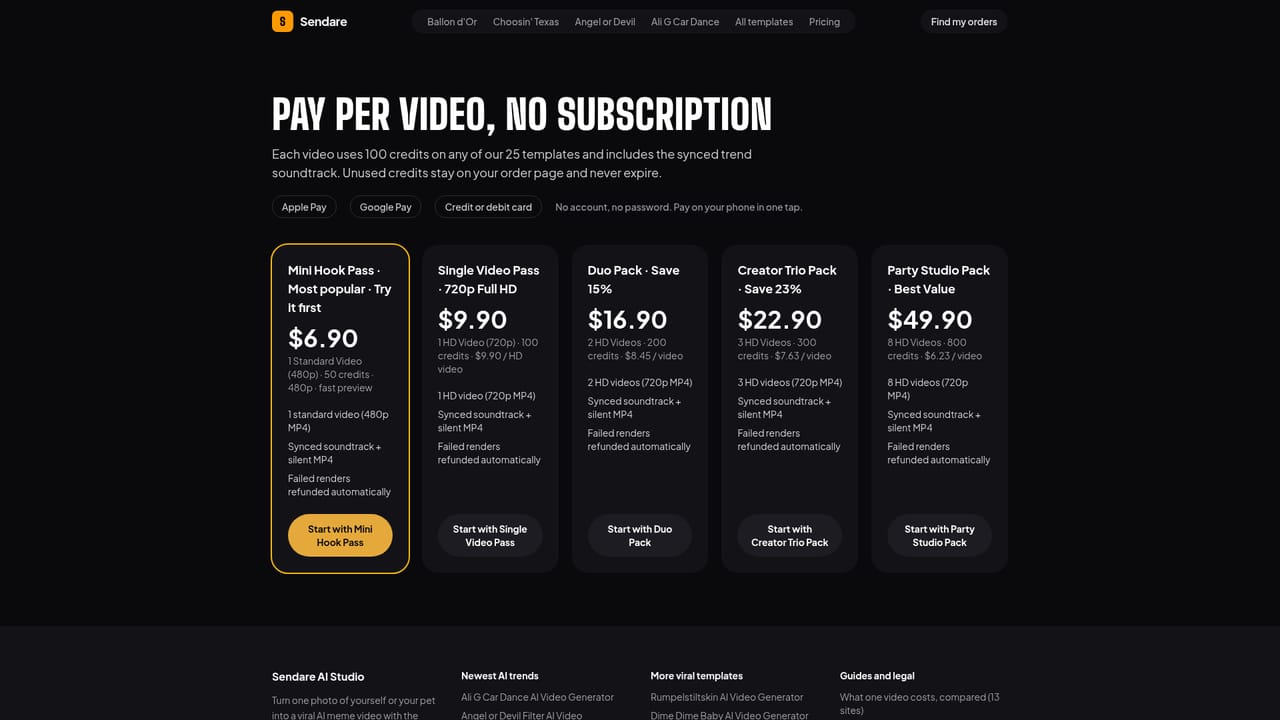
One-time credit passes with no subscription: $6.90 for one 480p standard video (50 credits), $9.90 for one 720p HD video, scaling down to $6.23 per HD video in an 8-video pack at $49.90. Unused credits never expire.
Learn moreSupport is handled by email at support@sendare.co, with a 14-day refund window for unused packs or billing errors and automatic credit return when a render fails or is rejected by the safety filter.
Learn moreOne photo in, 12-second 720p MP4 out, powered by ByteDance Seedance 2.5 across 25+ trend templates. Includes a free pre-payment photo quality check, synced original trend audio with a silent MP4 option, and automatic credit refunds on failed renders.
Learn more AI Angels400+ customizable AI girlfriends for NSFW chat, voice calls, and roleplay
 Candy AIExperience the future of companionship with AI friends who chat, role-play, and connect with you on a human level.
 ourdream.aiA vast AI roleplay platform with millions of characters for chat, images, video and voiceAI Angels400+ customizable AI girlfriends for NSFW chat, voice calls, and roleplayCandy AIExperience the future of companionship with AI friends who chat, role-play, and connect with you on a human level.ourdream.aiA vast AI roleplay platform with millions of characters for chat, images, video and voice


