Free trial
A free start is advertised on the homepage and signup page; the length and limits of the free tier are not stated in the available content.
Learn moreAn AI employee that lives in Slack and Teams and finishes the work.

viktor.com is an AI task generator tool. Viktor is an AI employee for Slack and Microsoft Teams that executes tasks across 9,800+ connected tools, from reports and dashboards to code and campaigns, with approval gates before irreversible actions.
Viktor is an AI employee rather than a chat assistant. He installs into Slack or Microsoft Teams, appears like any other teammate, and takes on tasks end to end instead of returning advice. The product's own framing is blunt: a chatbot answers questions, Viktor delivers finished output such as a PDF report, an updated CRM record or a deployed app. He runs in a persistent cloud workspace with his own computer, writes and executes code there, and reports results back in the channel where the work started. The practical workflow is conversational. Someone assigns a job in a channel, Viktor researches it, acts across connected business tools, and posts a deliverable. Recurring requests can be scheduled, so a weekly metrics check or an ad spend audit runs on its own. Connections cover over 9,800 tools, including Salesforce, HubSpot, Linear, Notion, Jira, Stripe, GitHub and Google Drive, and the company says unsupported tools can be bridged with a custom integration. Over time Viktor records processes, decisions and preferences as internal notes it refers to as skills, which shapes later recommendations. Control is the design centre. Viktor asks for approval before irreversible actions, pushes back when a request looks risky, and only reads channels it has been invited to. Each user gets an isolated compute environment, data is encrypted in transit and at rest, and the company states it does not train on customer data. Compliance claims include SOC 2, GDPR and CCPA. Viktor suits small teams and operators who need throughput without headcount, and technical teams that want incidents triaged or tickets created in their existing stack. It competes less with writing assistants than with workflow automation and internal tooling, and its value depends on how many systems you connect and how clearly you scope work.
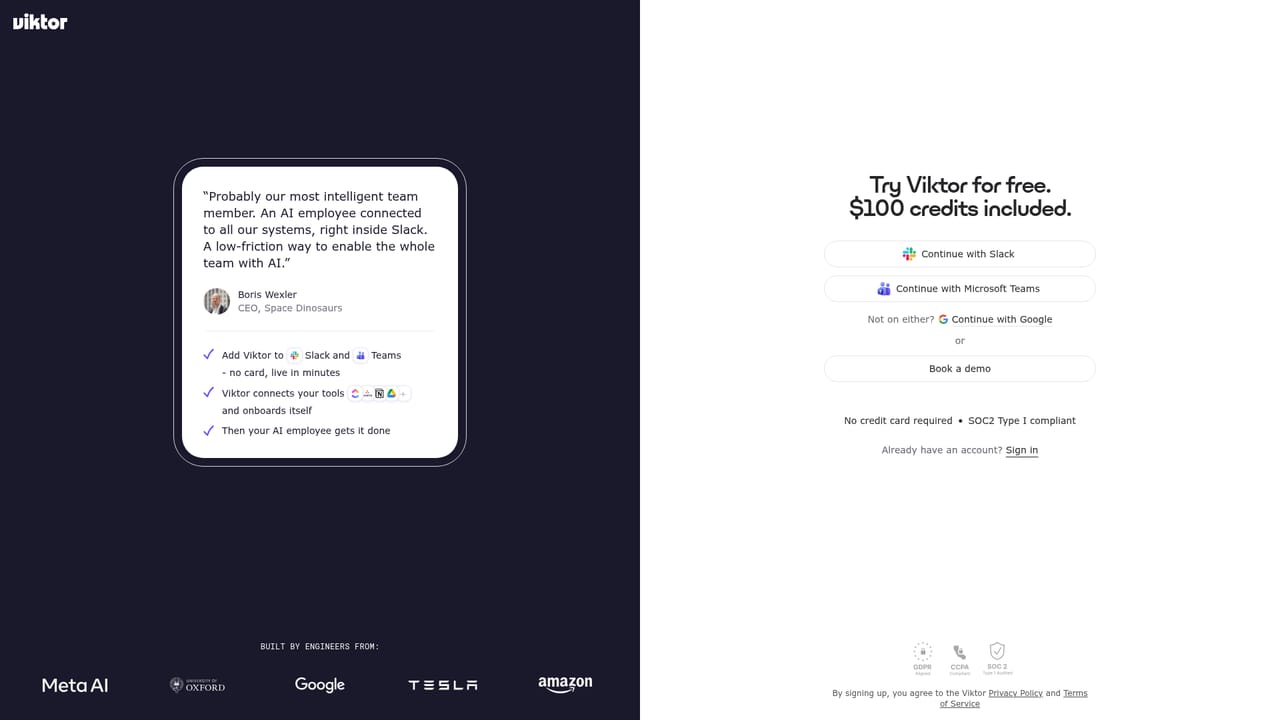
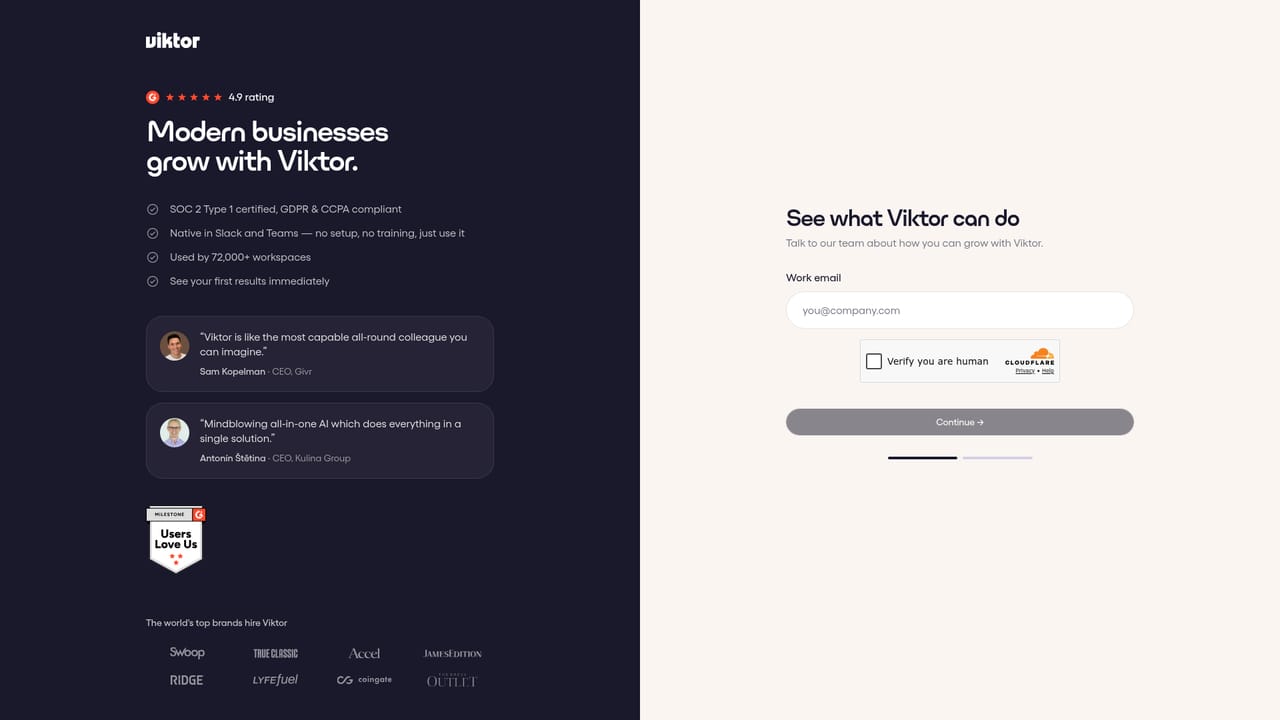
A free start is advertised on the homepage and signup page; the length and limits of the free tier are not stated in the available content.
Learn moreOver 9,800 integrations, including Salesforce, HubSpot, Linear, Notion, Jira, Stripe, GitHub, Google Drive, Slack and Microsoft Teams. Unsupported tools can be handled through a custom integration.
Task execution across connected business tools, including reports, dashboards, code, campaigns and ticket creation. Recurring scheduled workflows, data reconciliation, ad spend audits, web app building and competitor research. Persistent memory stored as skills, approval gates on irreversible actions, per-person permissions, and channel-level visibility limited to invites.
Learn more AI Angels400+ customizable AI girlfriends for NSFW chat, voice calls, and roleplay
 Candy AIExperience the future of companionship with AI friends who chat, role-play, and connect with you on a human level.
 ourdream.aiA vast AI roleplay platform with millions of characters for chat, images, video and voiceAI Angels400+ customizable AI girlfriends for NSFW chat, voice calls, and roleplayCandy AIExperience the future of companionship with AI friends who chat, role-play, and connect with you on a human level.ourdream.aiA vast AI roleplay platform with millions of characters for chat, images, video and voice


