Vintefy

Turn phone photos of clothes into studio-quality model shots

Beginner
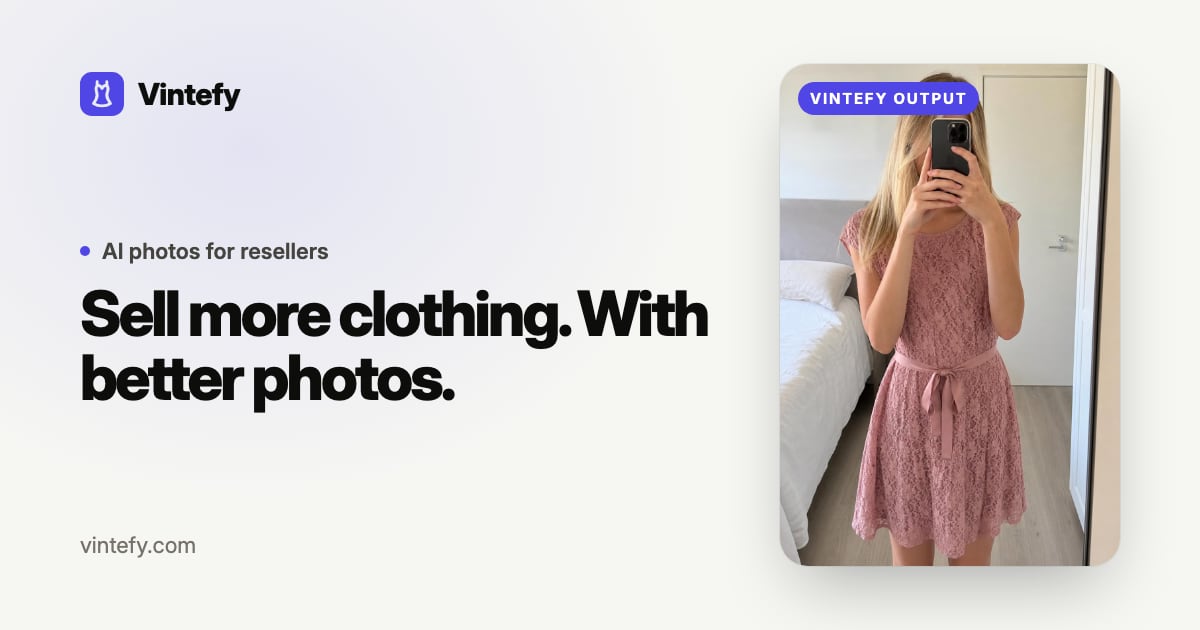
Screenshot of Vintefy, Turn phone photos of clothes into studio-quality model shots

What is Vintefy?

Vintefy is a change clothes tool that turns phone photos of clothes into studio-quality model shots. Vintefy generates studio-style model photos from ordinary clothing snapshots, aimed at resale and Vinted sellers. It offers studio and clone modes, optional model instructions, downloadable and listing-ready output, plus free tools for photo scoring, photo refreshing, description writing and account appeals.

Vintefy is a photo tool built around one job: turning an ordinary snapshot of a garment into a polished model shot that looks like it came from a studio. A seller photographs a jacket, hoodie or dress on a hanger or a bed, uploads it, and the service generates a new image with the clothing worn by a model. The pitch is straightforward retail logic: better photos stop the scroll and close sales faster, and the homepage frames the whole product around that outcome rather than around image generation as a craft. Two generation modes are offered. Studio mode produces a clean, professional presentation of the garment. Clone mode appears to work from the uploaded photo itself, letting the seller keep the look and feel of their original shot while upgrading its finish. Both modes accept an optional set of model and instruction inputs, so the seller can guide the result instead of accepting whatever the model produces by default. Finished images can be downloaded or pushed straight into a listing, and a public gallery shows before and after pairs across t-shirts, jackets, cardigans, jerseys and puffers so new users can judge output quality on garments similar to their own. The core audience is second-hand and resale sellers, especially the Vinted crowd the marketing speaks to directly. Around that core, Vintefy bundles four free utilities: a photo checker that scores a listing image out of 100 on light, sharpness, framing and background with fix suggestions, a photo refresher that shifts rotation, crop and color so relisted photos register as new (run entirely in the browser), a listing description generator that returns a title, body, hashtags and a suggested price, and an appeal builder for restricted accounts. Against general image generators, Vintefy is narrower and more workflow-aware: it assumes clothing, assumes resale platforms, and assumes the seller wants a listing asset rather than a picture to admire. The homepage reports adoption by more than 2,400 sellers. Pricing tiers are not published on the page, so cost has to be checked in the app.

How do you use Vintefy?

  1. 1Upload a clothing photo
    Start on the homepage and upload a phone photo of the garment. Plain backgrounds and even light give the generator the cleanest starting point.
  2. 2Pick studio or clone mode
    Studio mode produces a fresh professional presentation. Clone mode keeps closer to the original photo's look while upgrading the finish.
  3. 3Add model and instructions (optional)
    Optionally describe the model or how the garment should be shown. Leaving this blank lets the tool choose defaults.
  4. 4Generate, download or send to listing
    Run the generation, then download the image or use the listing action to move it into a listing.
  5. 5Score or refresh existing photos
    Use the free photo checker to rate a listing image out of 100 on light, sharpness, framing and background, or the refresher to shift rotation, crop and color before relisting.
  6. 6Write the listing copy
    Upload the garment photo to the description generator for a title, description, hashtags and a suggested price, then copy the text into the listing.

Pros and cons

Pros

  • Purpose-built for clothing resale rather than general image generationAI
  • Before and after gallery covers many garment types, so quality is easy to judge firstAI
  • Clone mode aims to keep the original shot's look while improving its finishAI
  • Four free utilities (photo checker, refresher, description generator, appeal builder) surround the paid productAI
  • Photo checker and refresher both run on the user's device according to the homepageAI

Cons

  • No pricing information on the homepage, so cost per photo is unclear until sign-upAI
  • Generated model shots can misrepresent fit and drape, which matters for buyer trust and disputesAI
  • Narrow focus on clothing means no use for other product categoriesAI
  • Sellers on platforms that require real photos of the actual item may not be able to use outputAI
  • No documented API or integration details publishedAI

How much does Vintefy cost?

Features

Studio and clone generation modes turn a single clothing photo into a model shot. Optional model and instruction inputs steer the result. Output can be downloaded or sent to a listing. Free extras include a listing photo score out of 100 covering light, sharpness, framing and background, a browser-based photo refresher for relisting, a description generator producing title, body, hashtags and suggested price, and an appeal letter builder.

Frequently asked questions about Vintefy

  • How do you use Vintefy?
    The walkthrough on this page covers 6 steps: 1. Upload a clothing photo 2. Pick studio or clone mode 3. Add model and instructions (optional) 4. Generate, download or send to listing 5. Score or refresh existing photos 6. Write the listing copy.
  • What platforms does Vintefy support?
    Vintefy is available on Web App.
  • What are the limitations of Vintefy?
    No pricing information on the homepage, so cost per photo is unclear until sign-up. Generated model shots can misrepresent fit and drape, which matters for buyer trust and disputes. Narrow focus on clothing means no use for other product categories.

Status

StatusActive
Views0
Outbound clicks0
Added10/21/2026

Platforms

Web App

Pricing

Freemium