Free trial
A free account comes with free credits to test generation before paying, though free-tier credits do not roll over between months.
Learn moreFaceless shorts factory: script, voice, visuals and auto-posting in one place

Virvid generates faceless short videos end to end: AI scripts, trending visual styles, 80+ voice avatars in 20+ languages, music, captions, an editor, and automated daily posting to TikTok, Instagram and YouTube.
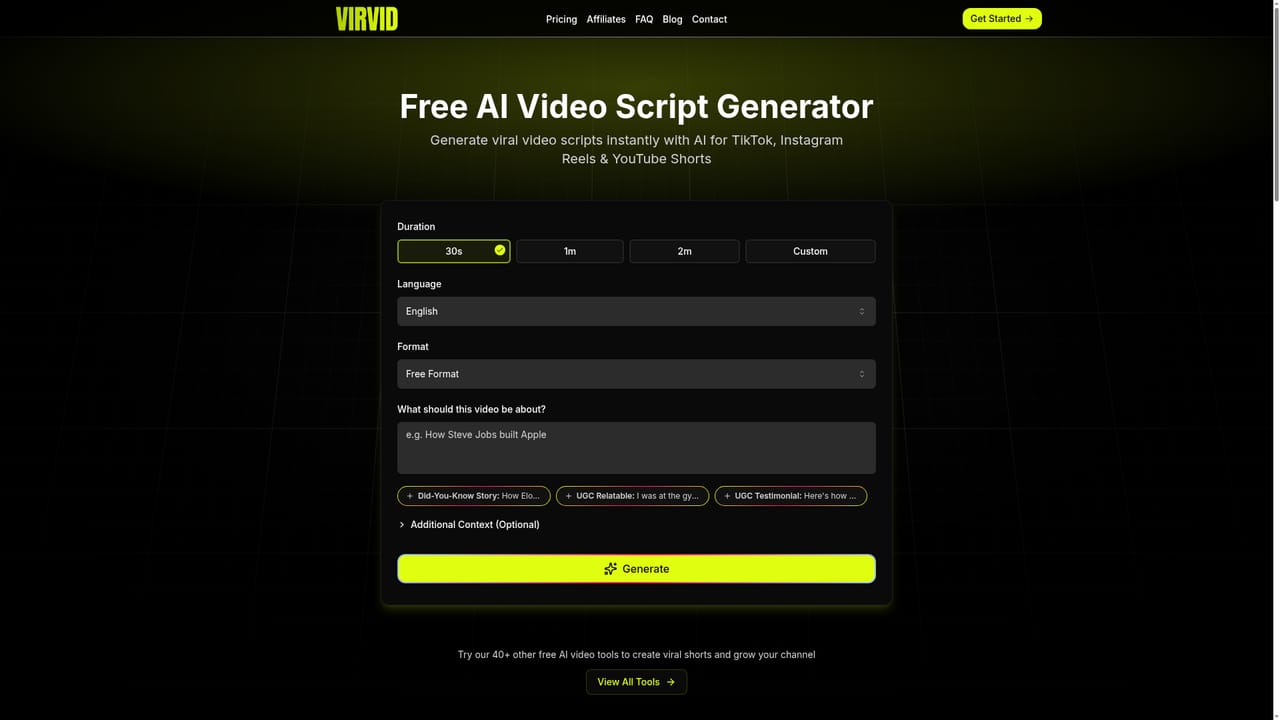
Virvid is a web app for producing faceless short videos and pushing them to social platforms on a schedule. The workflow starts with a topic: the built-in script generator writes a draft in familiar short-form formats (UGC, did-you-know story, ranking list, true crime, documentary, scary story and others), and the same text can be refined conversationally before any visuals exist. From there the tool picks AI-generated images or clips in a chosen visual style and animates them, then layers on captions, transitions, music and a synthetic voiceover. The voice library is one of the larger parts of the product: more than 80 voice avatars across 20 or more languages, pitched at either a casual creator tone or a professional narrator read, with the option to record your own audio instead. Background music comes from a library of over 1,000 tracks sorted by mood, all described as copyright-free, and custom uploads are accepted. Videos can run from 15 seconds up to 10 minutes, and the site claims a full generation takes under two minutes. A built-in editor handles the fine adjustments for anyone who wants them. The feature that separates Virvid from plain text-to-video tools is automated series. You connect TikTok, Instagram and YouTube accounts, define a niche once, and the system generates and publishes a fresh video daily at a chosen time. Multiple accounts per platform are supported, so several channels or niches can run in parallel. That makes the product a fit for channel operators, affiliate marketers and small brands that want consistent output without a camera, an editor or a freelancer, rather than for studios doing bespoke creative work. Competitors in this space tend to split into script-only assistants, avatar video platforms and raw generative video models. Virvid bundles all three stages plus distribution, which is convenient but means you are trusting its style presets and trend updates rather than directing each shot. Quality and differentiation depend heavily on those presets, and the credit system means heavier settings cost more per video than the headline short count suggests.


A free account comes with free credits to test generation before paying, though free-tier credits do not roll over between months.
Learn moreThree monthly tiers: Lite at $39 (60 shorts, 1 daily series, 400 credits), Standard at $69 (180 shorts, 2 series, 1,200 credits) and Pro at $129 (400 shorts, 4 series, 2,400 credits). Yearly billing gives 2 months free. All plans include HD exports, the editor and no watermark; credits roll over while subscribed.
Learn moreHuman support is listed as available 7 days a week on all plans, described as direct contact with the development team and the founder. No separate help centre is linked from the homepage.
Learn moreDirect connections to TikTok, Instagram and YouTube for scheduling and automated posting, with multiple accounts supported per platform. No other integrations are listed on the homepage.
AI script generation in formats like UGC, story, ranking, true crime and documentary; trending visual style presets with consistent characters; image-to-video animation; 80+ voice avatars in 20+ languages or your own voice; 1,000+ copyright-free tracks; caption editor and animation effects; videos from 15 seconds to 10 minutes; unlimited HD exports without watermark; scheduled and automated daily posting to TikTok, Instagram and YouTube.
Learn more AI Angels400+ customizable AI girlfriends for NSFW chat, voice calls, and roleplay
 Candy AIExperience the future of companionship with AI friends who chat, role-play, and connect with you on a human level.
 ourdream.aiA vast AI roleplay platform with millions of characters for chat, images, video and voiceAI Angels400+ customizable AI girlfriends for NSFW chat, voice calls, and roleplayCandy AIExperience the future of companionship with AI friends who chat, role-play, and connect with you on a human level.ourdream.aiA vast AI roleplay platform with millions of characters for chat, images, video and voice


