Free trial
A Free plan is available and no paid plan is required to try the AI video generator, according to the product page.
Learn moreTurn scripts, PDFs, audio or a brief into a finished video draft

Visla is an audio to video tool that turns scripts, PDFs, audio or a brief into a finished video draft. An AI video generator that turns ideas, scripts, blog URLs, PDFs, audio, and existing footage into editable video drafts with stock visuals, music, voiceover, and subtitles, plus AI avatars for on-camera presence without filming.
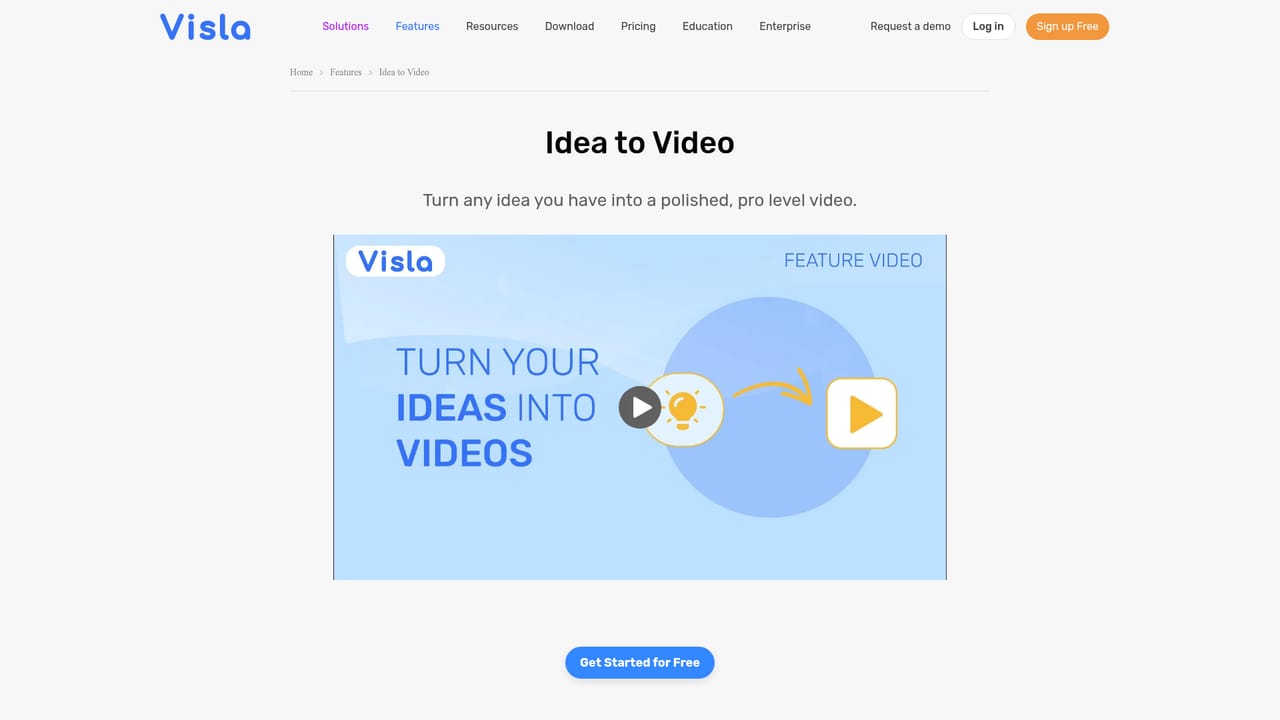
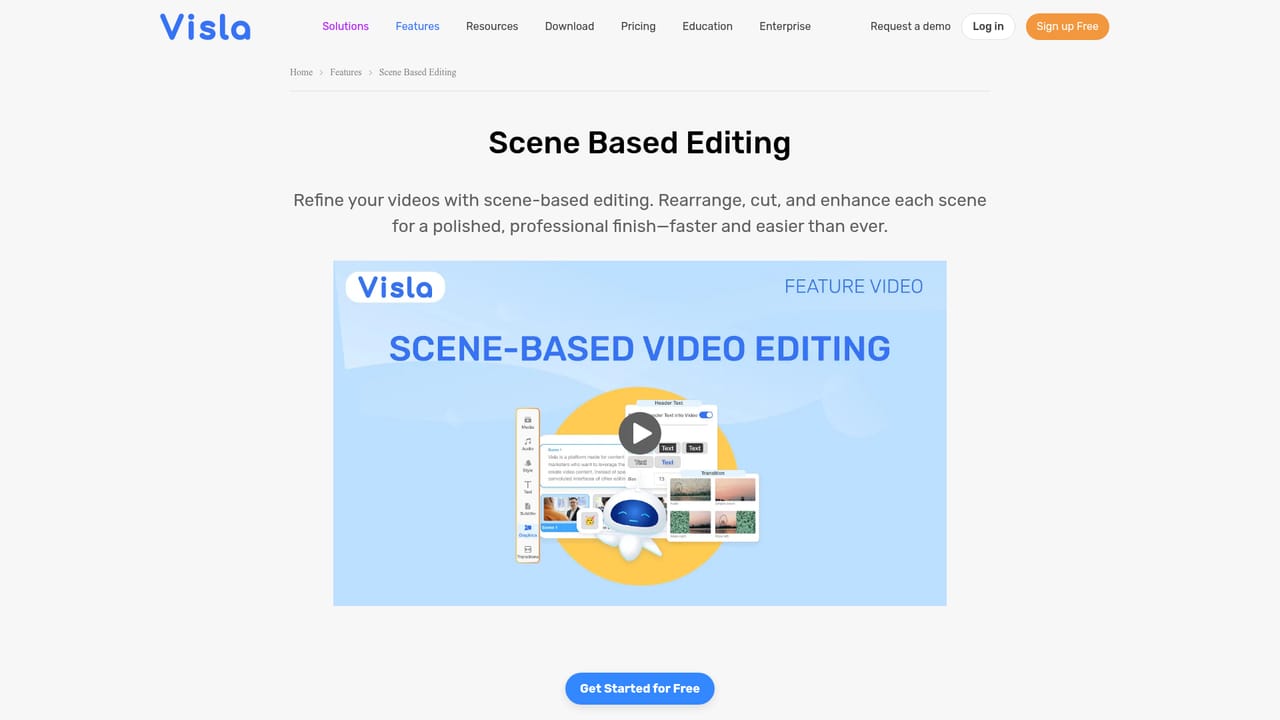
Visla is an AI video generator built around a simple premise: most teams already have the raw material for a video, they just lack the time or editing skill to assemble it. The tool accepts a wide range of inputs, including a typed idea, a full script, a blog URL, a PDF or slide deck, a voice recording, uploaded footage, or a folder of images. The AI analyzes whatever it receives and returns a first draft complete with stock footage, background music, an AI voiceover, and subtitles. In practice the workflow runs in five moves. You prompt the generator and attach your material, then set the parameters that matter: language, voice, video length, pacing, visual style, music, aspect ratio, and layout. The AI assembles the draft, and you land in a scene-based editor where scenes can be reordered, footage swapped, graphics and animations added, and voiceovers adjusted. From there the video can be downloaded, embedded, or shared directly. An AI avatar option lets you put a presenter on screen without filming, generated from an uploaded photo or a short prompt and customized for look and voice. The tool is pitched at marketing, sales, education, customer success, product, and HR teams, which is a fair read of its strengths: it is strongest where content already exists in text or audio form and needs to become watchable quickly. Support for summarizing long interviews, meetings, and podcasts into short recaps, plus montage and narrative video modes, widens the use case beyond pure marketing output. Compared with professional editing suites, Visla trades fine-grained control for speed and a low learning curve. The draft is the starting point, not the finished product, so teams that care about a distinctive look will still spend time in the editor. Those who need frame-level precision or complex compositing should look elsewhere.
A Free plan is available and no paid plan is required to try the AI video generator, according to the product page.
Learn moreA Free plan is offered, with Pro and Business plans starting at $9 per month billed annually. Higher tiers add more credits, premium footage, and branding tools. Exact credit allowances per tier are not listed on the homepage.
Learn moreInput modes cover idea to video, script or text to video, webpage to video, audio to video, montage creation, and narrative storytelling from uploaded media. Generated drafts include stock footage, music, voiceover, and subtitles, with AI avatars and a scene-based editor for refinement, plus collaboration and branding controls.
 AI Angels400+ customizable AI girlfriends for NSFW chat, voice calls, and roleplay
 Candy AIExperience the future of companionship with AI friends who chat, role-play, and connect with you on a human level.
 ourdream.aiA vast AI roleplay platform with millions of characters for chat, images, video and voiceAI Angels400+ customizable AI girlfriends for NSFW chat, voice calls, and roleplayCandy AIExperience the future of companionship with AI friends who chat, role-play, and connect with you on a human level.ourdream.aiA vast AI roleplay platform with millions of characters for chat, images, video and voice