Free trial
A monthly free allowance of up to 3,000 words covers the free TTS voice, with premium voices and podcast-style narration requiring premium credits.
Learn moreTurn PDFs and other documents into sentence-by-sentence audio you can question
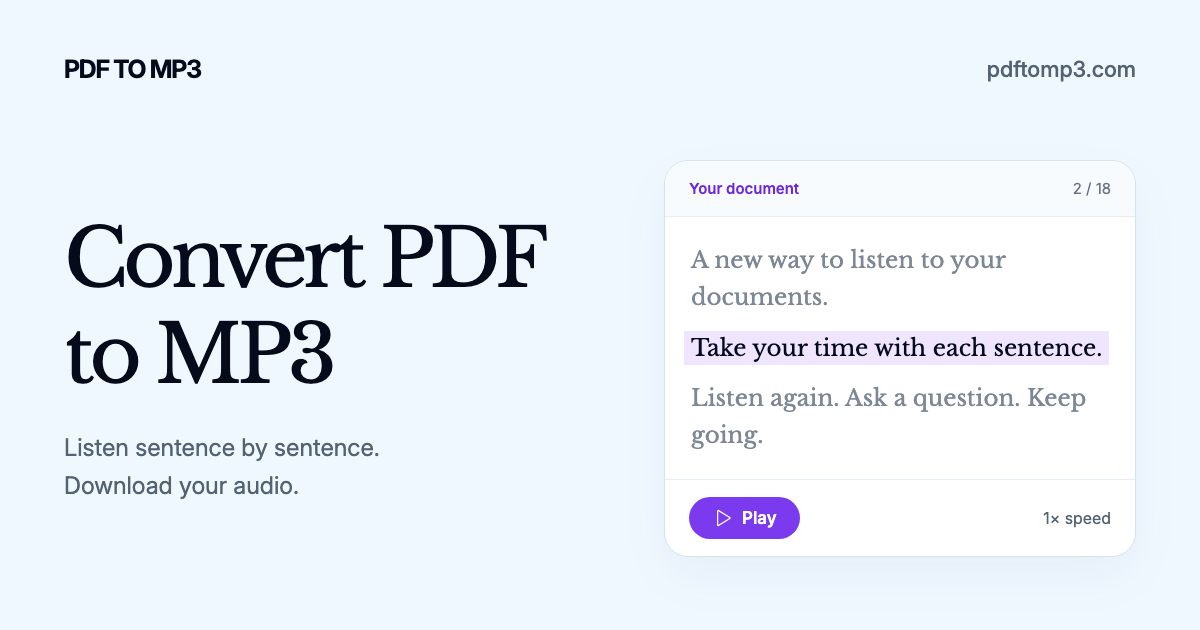
PDFToMP3 is an AI narration tool that turns PDFs and other documents into sentence-by-sentence audio you can question. A document player that converts PDFs, DOCX, EPUB and other files into audio and lets listeners replay, question and simplify the text sentence by sentence, with voice, speaker and language options.
PDFToMP3 is a document listening tool that turns written files into audio and then adds a layer most audiobook conversions leave out: control over the text itself. Users upload a PDF, DOCX, EPUB, TXT or Markdown file (or paste a website link) and the service renders it as speech. Playback is built around individual sentences rather than long continuous tracks, so the listener can repeat a line, skip ahead, or switch to automatic play whenever the material feels comfortable. What separates it from a straight text to speech converter is the questioning layer. The Ask button opens a conversation about the sentence currently being read, which can mean a deeper explanation or a translation into another language. The Explain button returns a simpler restatement of that sentence in the context of the surrounding page. The premise is that passive audio makes it easy to drift, while active listening with pausing, re-hearing and follow-up questions produces a firmer grasp of the content. In practice this suits dense material: academic papers, technical documentation, reports and long-form nonfiction that rewards comprehension over background listening. On the audio side, the configuration panel exposes several choices. Listeners pick an original or explained rendering of the document, a free or premium voice, a single narrator or a multi-speaker podcast style, and the output language, with translation applied when the selected language differs from the source. Auto Play can be disabled to allow thinking time between sentences. Generation can run across every chapter at once or be deferred until later. The tool competes with ordinary PDF readers, audiobook converters and general AI chat assistants. Its edge is the combination of sentence-level navigation and per-sentence AI dialogue inside a single player. The tradeoff is that its value depends on how much the listener wants to interrogate a text, and the free allowance is capped, so heavy users will run into voice credit limits.
A monthly free allowance of up to 3,000 words covers the free TTS voice, with premium voices and podcast-style narration requiring premium credits.
Learn moreThe site separates a free TTS voice from a premium TTS tier that offers more credits, and gives every user up to 3,000 free words each month. No specific prices or plan names are published on the homepage.
Learn moreDocument upload (PDF, DOCX, EPUB, TXT, Markdown, website links), sentence-by-sentence playback with optional auto play, Ask and Explain tools for questions, simpler explanations and translation, free and premium TTS voices, single or multi-speaker narration, language selection, and MP3 download.
 AI Angels400+ customizable AI girlfriends for NSFW chat, voice calls, and roleplay
 Candy AIExperience the future of companionship with AI friends who chat, role-play, and connect with you on a human level.
 ourdream.aiA vast AI roleplay platform with millions of characters for chat, images, video and voiceAI Angels400+ customizable AI girlfriends for NSFW chat, voice calls, and roleplayCandy AIExperience the future of companionship with AI friends who chat, role-play, and connect with you on a human level.ourdream.aiA vast AI roleplay platform with millions of characters for chat, images, video and voice


