Free trial
A free signup with 50 credits is offered on the homepage, which is enough to test one short episode before committing to a paid plan.
Learn moreTurn documents, links and notes into audio and video podcasts with AI hosts

PodcastorAI is an AI narration tool that turns documents, links and notes into audio and video podcasts with AI hosts.
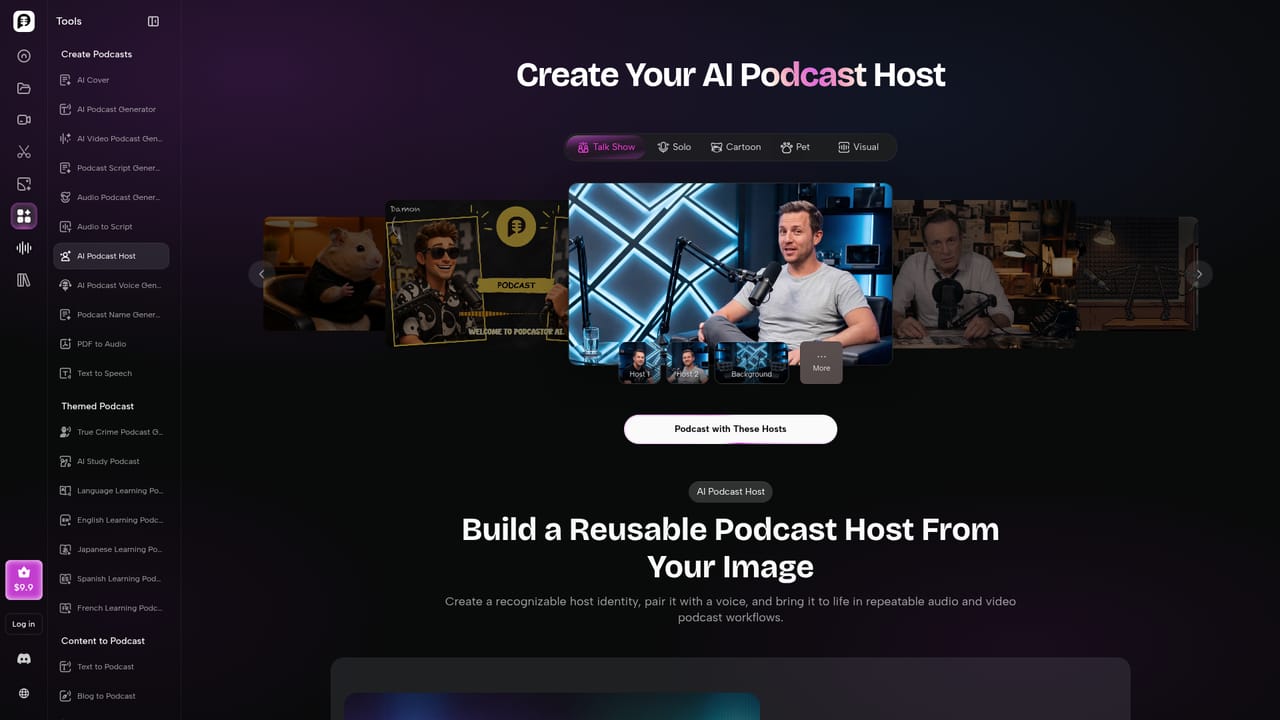
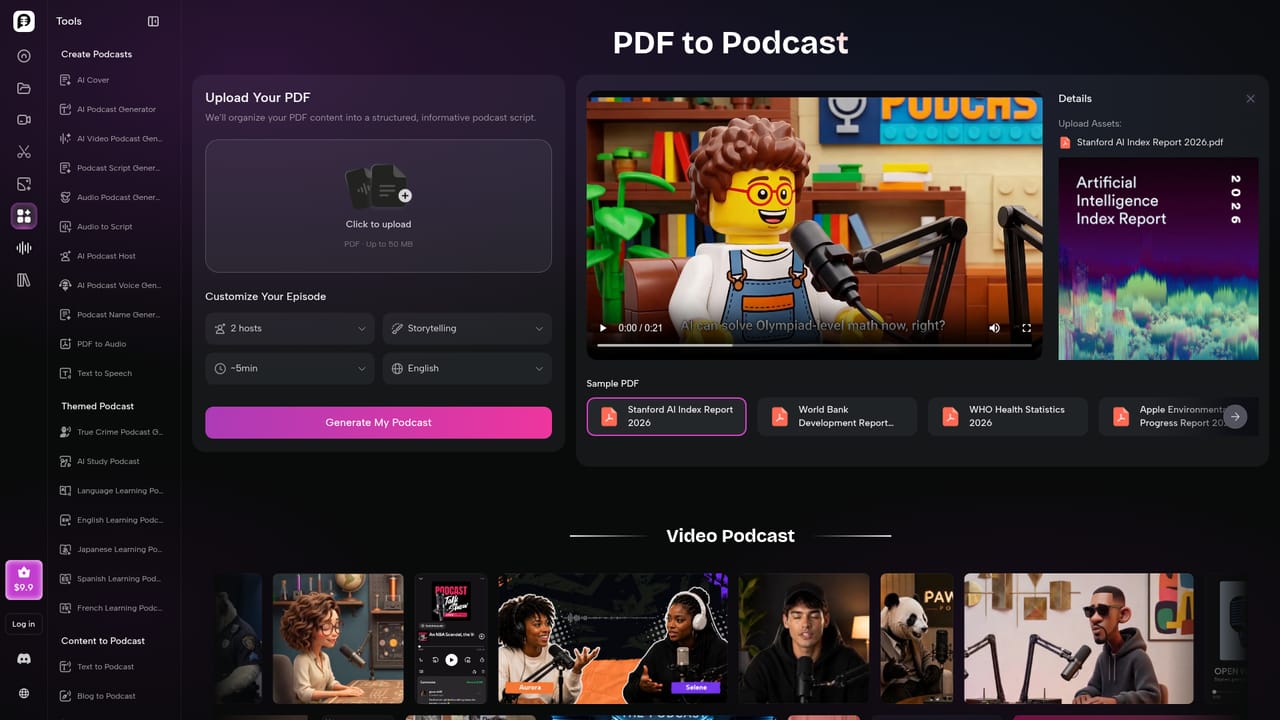
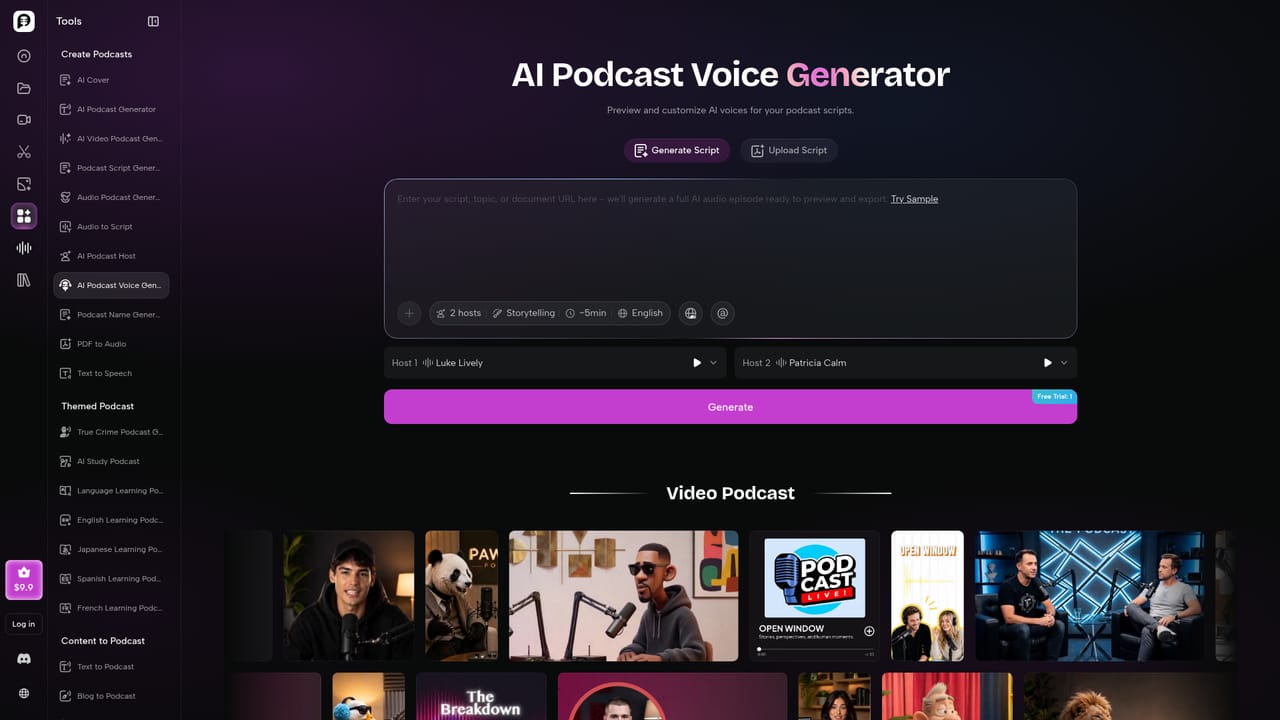
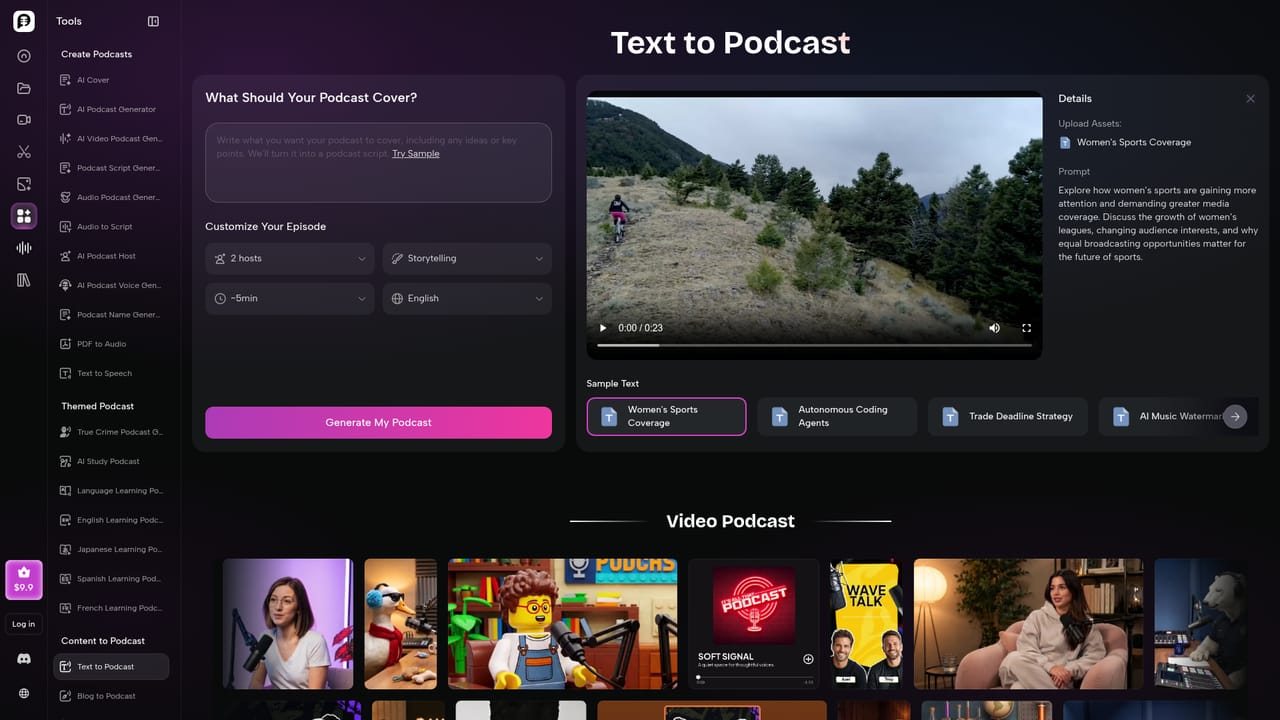
PodcastorAI is an AI podcast studio that converts source material into finished episodes, both audio and video, without a microphone, a camera or an editing suite. The input can be a PDF, a document, a web URL, a set of notes, a blog post, a slide deck, an audio recording or a YouTube link. The platform reads the material, pulls out the key points and restructures them into a conversational script, then assigns voices and renders the episode. On the video side, the distinctive feature is the AI host. A user uploads a photo and the platform builds a personalized avatar that presents the episode, and the same face can carry across a whole series or change episode by episode. Layouts cover solo shows, two shot setups, talk shows, split screen discussions, cartoon hosts and pet hosts, with a selectable background. Voices can come from the built-in library or from a cloned version of the user's own voice, so a two person conversation is possible without a second person in the room. In practice the workflow is short: create the host, import the source, generate the audio, then render the video and export with captions in formats sized for YouTube, Spotify, Apple Podcasts and TikTok. Repurposing is the main draw. One webinar, report or lesson can become a long form audio episode, a video version and shorter clips. The audience is broad rather than professional podcasters. Creators use it to turn written material into episodes, educators convert lessons and study notes into audio for review, and marketing teams reformat webinars and product updates into branded content. Dedicated language learning pages for English, Spanish, French and Japanese suggest a study niche as well. Compared with plain text to speech tools, PodcastorAI goes further by writing the dialogue and producing the visuals, though teams wanting granular audio mastering or multi track editing will still need separate software.
A free signup with 50 credits is offered on the homepage, which is enough to test one short episode before committing to a paid plan.
Learn moreThe site advertises a free signup with 50 credits and points to a pricing page for plans, but no subscription tiers or per episode costs are listed on the homepage, so exact figures need to be checked on that page.
Learn moreA Discord community, X and YouTube channels are linked from the site, alongside an FAQ, a blog and an about page. No dedicated help centre or support ticket system is described.
Learn moreNo direct integrations with publishing platforms or cloud storage are described. Episodes are exported and shared to YouTube, Spotify, Apple Podcasts and TikTok rather than synced through connected accounts.
AI host creation from an uploaded photo, script generation from PDFs, documents, URLs, notes, blogs, slides and audio, selectable and cloned voices, solo, talk show and split screen video layouts, cartoon and pet hosts, background selection, caption export and repurposing into short clips for YouTube, Spotify, Apple Podcasts and TikTok.
Learn more AI Angels400+ customizable AI girlfriends for NSFW chat, voice calls, and roleplay
 Candy AIExperience the future of companionship with AI friends who chat, role-play, and connect with you on a human level.
 ourdream.aiA vast AI roleplay platform with millions of characters for chat, images, video and voiceAI Angels400+ customizable AI girlfriends for NSFW chat, voice calls, and roleplayCandy AIExperience the future of companionship with AI friends who chat, role-play, and connect with you on a human level.ourdream.aiA vast AI roleplay platform with millions of characters for chat, images, video and voice


