Free trial
The site invites visitors to start for free and mentions signing up for a free trial, though the duration and included usage are not stated on the homepage.
Learn moreAI video translation, dubbing and lip sync for 160+ languages

Vozo is an AI video localization platform covering dubbing in 160+ languages, lip sync, subtitle translation and translated on-screen text. It offers two dubbing modes (voice cloning or native-sounding delivery), glossary and prompt controls, plus side tools for talking photos, voiceovers and short clips.
Vozo is a browser based video localization studio built around one core job: taking a finished video and making it feel native in another language. The product combines AI dubbing, lip sync, subtitle translation and on-screen text translation in a single editor. The homepage positions it for creators, marketers and educators, and cites a base of more than 7 million creators and companies across 40+ countries, alongside a 4.6/5 rating on G2 and a Product Hunt product of the month badge. The localization pipeline covers more than the spoken track. AI dubbing reproduces the speaker's delivery with pronunciation and accent in the target language, and lip sync adjusts each speaker's mouth movements to the translated audio. Subtitle translation can produce separate subtitle files or burn subtitles into the video. Visual Translate, which the site describes as exclusive to Vozo, detects on-screen text such as titles, labels, callouts and slide copy, erases it, translates it and rebuilds it while keeping the layout, styling and animation intact. That matters for product demos, tutorials and drama content where meaning lives on screen as much as in the voice. Two dubbing modes split the workflow by intent. VoiceREAL clones the original speaker's voice and keeps emotion, intonation and pacing, which suits vlogs, interviews and series. VoiceNATIVE optimizes for local-sounding speech instead, aimed at ads, product demos and training videos. The editor adds professional controls: proofreading and real-time edits to text, dubbing and timing, glossary support for consistent product names and terminology, custom translation prompts to steer formality and style, plus SRT/VTT uploads and OCR extraction of hard-coded subtitles as alternative source text. Adjacent tools round out the suite: standalone lip sync, Talking Photo for animating still images into speaking characters, Voice Studio for rewriting and redubbing voiceovers from text, and Long to Shorts for cutting a long video into short clips. Ecommerce, learning and development, YouTuber, drama and social media use cases each have dedicated pages, and an API page signals a route for embedding localization into a product. Anyone choosing between this and a generic captioning service should know the depth here sits in dubbing and visual text rather than in editing timelines.
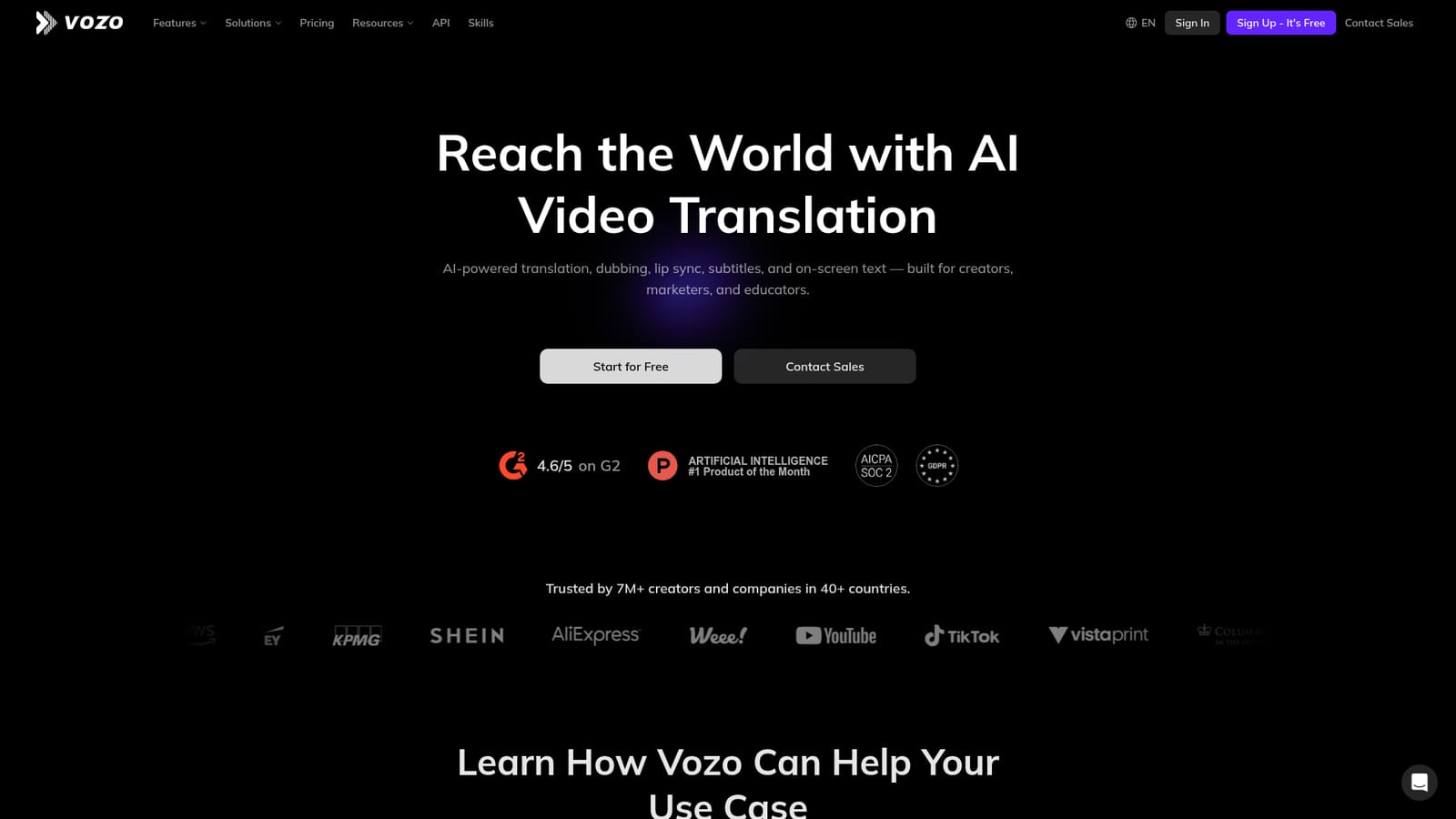
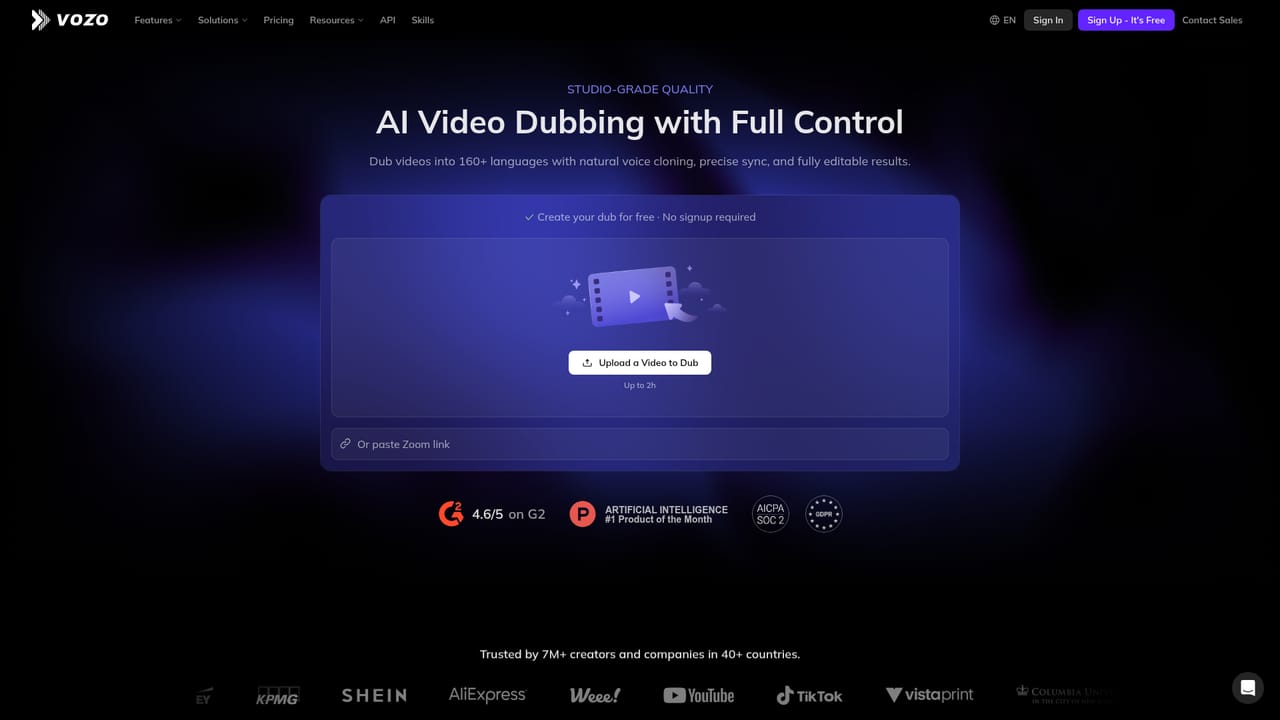
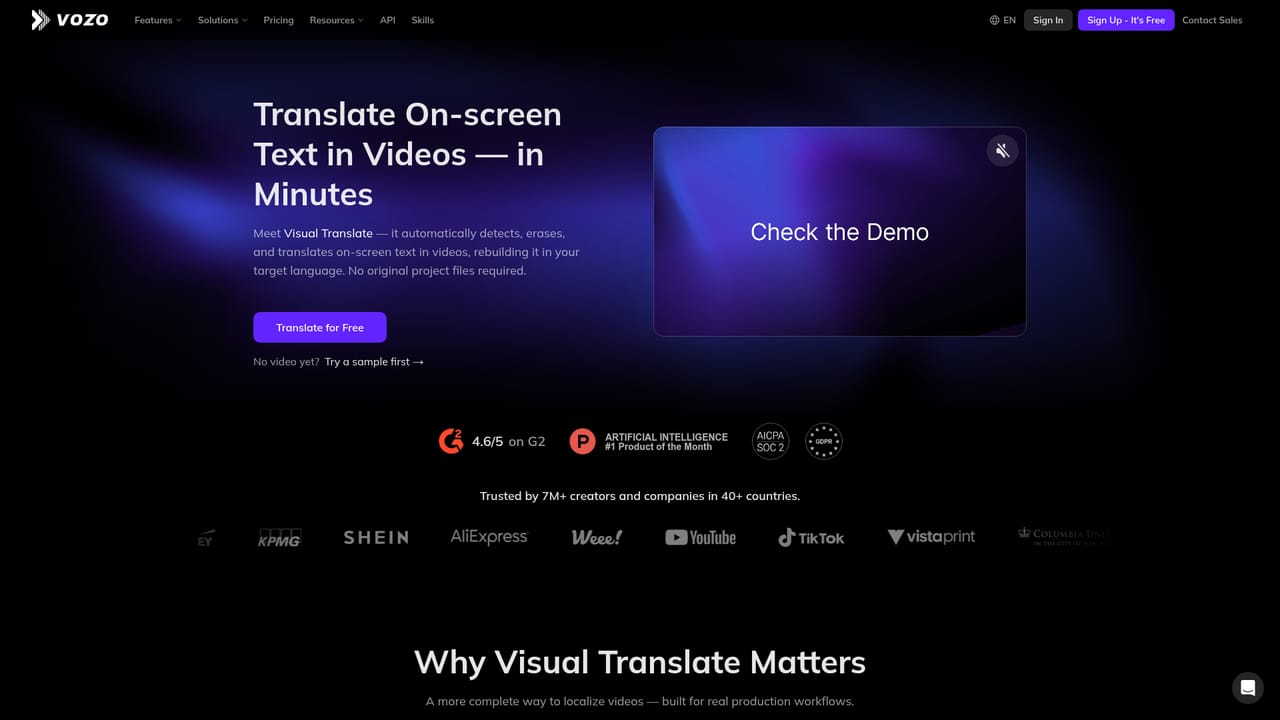
The site invites visitors to start for free and mentions signing up for a free trial, though the duration and included usage are not stated on the homepage.
Learn moreContact sales is offered from the homepage, and the site hosts dedicated solution pages for ecommerce, learning and development and creator use cases; no help centre or support tiers are described.
An API page exists on the site, indicating a developer route for embedding Vozo, but no specific third-party integrations are listed on the homepage.
Learn moreCore features include AI dubbing in 160+ languages, automatic lip sync, subtitle translation with file export or burned-in subtitles, and Visual Translate for on-screen text. Two dubbing modes (VoiceREAL and VoiceNATIVE), glossary support, custom translation prompts, SRT/VTT uploads and OCR of hard-coded subtitles sit alongside side tools: Talking Photo, Voice Studio and Long to Shorts.
Learn more AI Angels400+ customizable AI girlfriends for NSFW chat, voice calls, and roleplay
 Candy AIExperience the future of companionship with AI friends who chat, role-play, and connect with you on a human level.
 ourdream.aiA vast AI roleplay platform with millions of characters for chat, images, video and voiceAI Angels400+ customizable AI girlfriends for NSFW chat, voice calls, and roleplayCandy AIExperience the future of companionship with AI friends who chat, role-play, and connect with you on a human level.ourdream.aiA vast AI roleplay platform with millions of characters for chat, images, video and voice


