Pricing
Priced as a one-off Steam purchase. The store page flags In-App Purchases, and the homepage gives no prices, tiers or subscription details.
Learn moreAn AI co-host that watches, listens and reacts on stream
Own Vtuber Assistant? Verify ownership to get a dofollow link

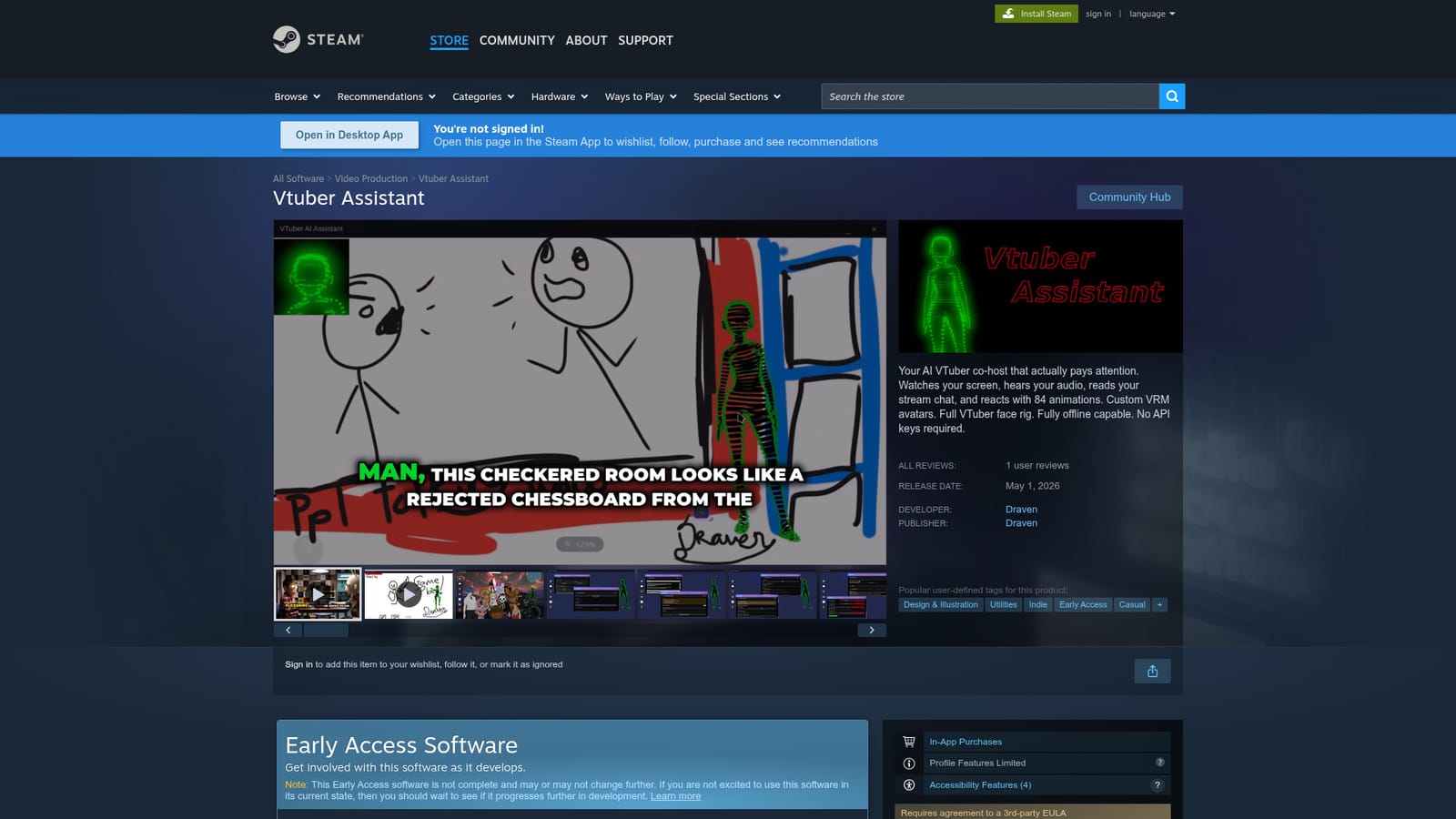
Vtuber Assistant is an avatar chatbot tool. A Steam app that gives streamers an AI VTuber co-host with 84 animations and a full face rig. It watches the screen, hears stream audio, reads chat and reacts, supports custom VRM avatars, and runs offline with no API keys.
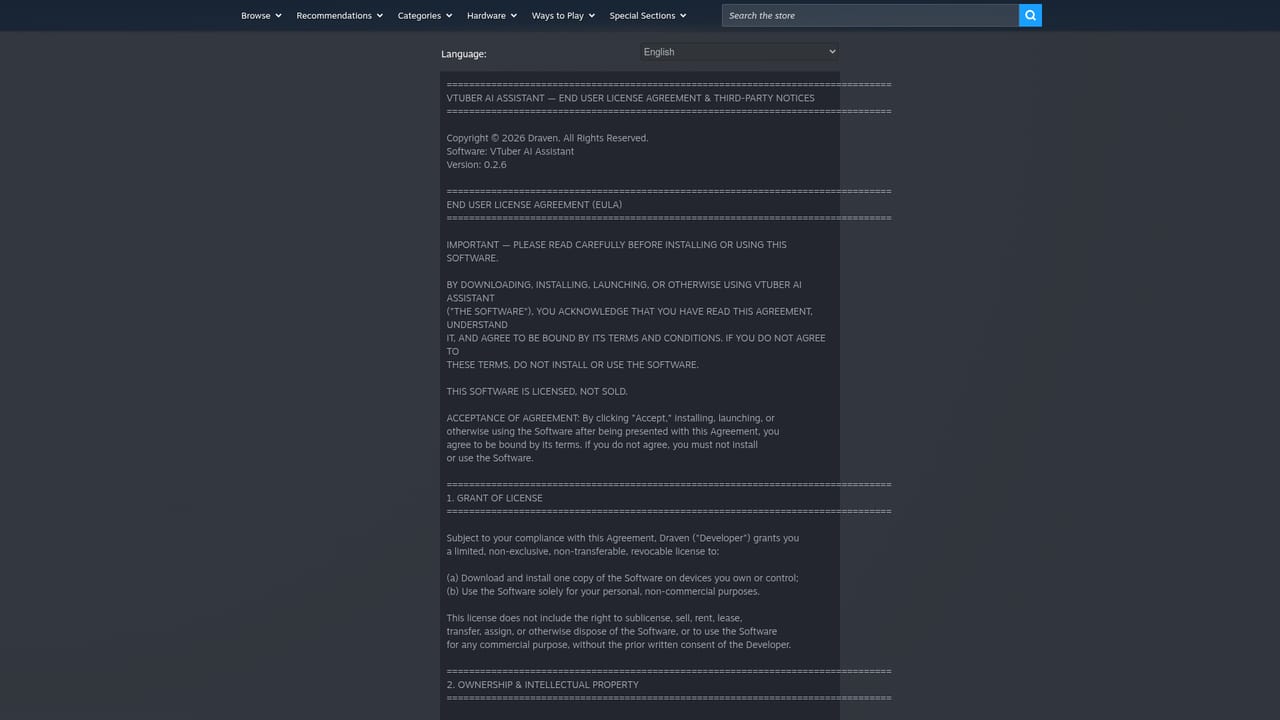
Vtuber Assistant is a Windows application sold on Steam that puts an AI co-host beside a human streamer. Rather than sitting in a chat window waiting for typed prompts, the assistant is built to follow what is happening on stream: it watches the screen, listens to the audio, reads the live stream chat and responds with one of 84 built-in animations. A full VTuber face rig drives the reactions, and custom VRM avatars can be loaded so the co-host matches the streamer's own model rather than arriving as a fixed character. The intended audience is streamers and VTuber creators who want a second on-screen presence without splitting attention or hiring a co-host. It also suits creators who run solo shows and want reactions to gameplay, chat messages or spoken commentary. Because the assistant monitors several input channels at once, the practical workflow is to launch it alongside the usual capture and broadcast software, load an avatar, and let it sit in the scene as a reacting partner while the stream proceeds. Offline operation is a stated capability and no API keys are required, which separates it from assistants that bill per call or depend on a hosted model account. That design makes the cost predictable and keeps the tool usable without setting up third party accounts. The trade is that offline behaviour depends on whatever the installed build ships with, so buyers should treat conversation quality as something to verify in the Early Access period rather than assume. Custom VRM avatars and the animation library are the main reasons to pick it over a generic avatar app or a chat bot layered onto an existing overlay. The product released in Early Access on May 1, 2026, from developer and publisher Draven, and it carries the In-App Purchases and Online interactivity notices. Interface and subtitles are offered in English, Indonesian, Japanese and Korean. Steam lists it under casual, simulation, animation, audio production and utilities, and accessibility tags confirm speech-to-text and text-to-speech in chat plus playability at your own pace. Buyers should weigh a very short review history, an early build and a third party EULA before committing.
Priced as a one-off Steam purchase. The store page flags In-App Purchases, and the homepage gives no prices, tiers or subscription details.
Learn moreScreen watching, stream audio listening and live chat reading feed an AI co-host that reacts through 84 animations and a full VTuber face rig. Custom VRM avatars are supported, the app runs offline, and no API keys are required.
 AI Angels400+ customizable AI girlfriends for NSFW chat, voice calls, and roleplay
 Candy AIExperience the future of companionship with AI friends who chat, role-play, and connect with you on a human level.
 ourdream.aiA vast AI roleplay platform with millions of characters for chat, images, video and voiceAI Angels400+ customizable AI girlfriends for NSFW chat, voice calls, and roleplayCandy AIExperience the future of companionship with AI friends who chat, role-play, and connect with you on a human level.ourdream.aiA vast AI roleplay platform with millions of characters for chat, images, video and voice