Support
Documentation and API reference, a changelog, a Slack community, a status page and a trust centre are linked from the site. A demo request form is available for teams evaluating the platform.
Learn moreReal-time interactive video avatars that give your AI agent a face
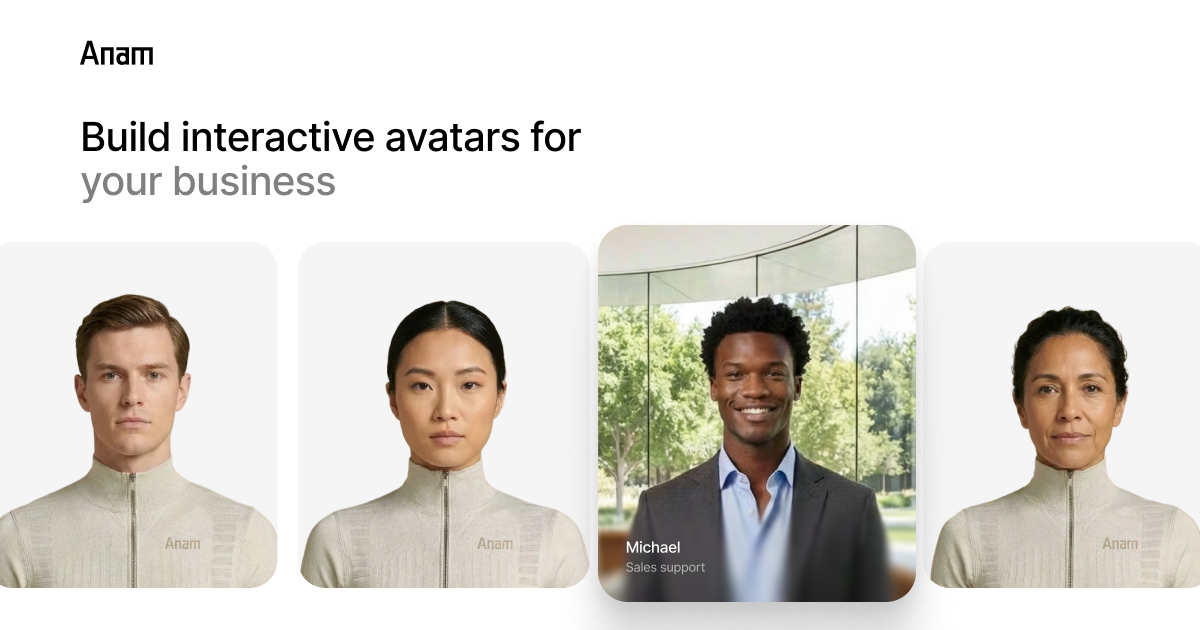
Anam AI turns conversational agents into real-time video avatars. Photorealistic or stylised faces, 70+ languages, low latency replies and a developer API for support, sales and training use cases.
Anam AI is an API-first platform for turning conversational agents into real-time video characters. Instead of a text bubble or a disembodied voice, the agent appears as a moving, speaking face that listens, replies and reacts in a live session. The company positions the product as the visual layer for existing agents: the language model, the voice and the business logic stay yours, while Anam supplies the avatar rendering, lip sync and turn-taking mechanics. The build path splits in two. Teams that want speed use the no-code lab to pick an avatar from a library (photorealistic, 3D, anime or comic book styles), assign one of more than 70 voices or upload their own, and publish through a widget. Engineering teams take the API route with JavaScript, Python, LiveKit and Pipecat SDKs, wiring the avatar into an existing stack. Captured facts worth noting for buyers: a median reply latency of 1.24 seconds and a median connection time of 1.42 seconds, measured across the full pipeline. Those numbers matter because the gap between turns is what makes an avatar feel like a conversation rather than a recorded clip. The intended users are product and CX teams in customer support, sales, language tutoring, skills training and medical services, plus regulated industries. Anam states HIPAA compliance and SOC 2 certification, offers model versioning for pinning an avatar release, and routes to any LLM including GPT-4o, Claude, Mistral or a private model. Tool calling and knowledge base retrieval let the avatar act on external systems instead of only talking. Where competitors such as Tavus and HeyGen sit in the same conversational-video space, Anam leans on its own head-to-head benchmark, which reports 72 percent positive overall experience ratings against 54 percent for the nearest rival. The honest caveat is that Anam is infrastructure, not a finished app. There is no public list of tiers or prices on the homepage, so budgeting requires a conversation or a visit to the pricing page.
Documentation and API reference, a changelog, a Slack community, a status page and a trust centre are linked from the site. A demo request form is available for teams evaluating the platform.
Learn moreJavaScript and Python SDKs, LiveKit and Pipecat pipelines, and routing to external language models including GPT-4o, Claude, Mistral or your own model. Starter projects are published on GitHub.
Learn moreReal-time avatar video with photorealistic, 3D, anime and comic styles; library avatars or uploaded images; 70+ languages and voices including custom voice upload; expression control for emotional delivery; tool calling and knowledge base retrieval; runtime configurability; any-LLM routing; model versioning; multiregion deployment with high concurrency; no-code widget plus JavaScript, Python, LiveKit and Pipecat SDKs.
Learn more AI Angels400+ customizable AI girlfriends for NSFW chat, voice calls, and roleplay
 Candy AIExperience the future of companionship with AI friends who chat, role-play, and connect with you on a human level.
 ourdream.aiA vast AI roleplay platform with millions of characters for chat, images, video and voiceAI Angels400+ customizable AI girlfriends for NSFW chat, voice calls, and roleplayCandy AIExperience the future of companionship with AI friends who chat, role-play, and connect with you on a human level.ourdream.aiA vast AI roleplay platform with millions of characters for chat, images, video and voice