Free trial
A 7-day free trial is available at signup with no credit card required, and plans can be cancelled at any time from account settings.
Learn moreAI social publishing and comment automation, driven from your assistant

Wavos is an instagram comments tool. Wavos connects Claude, ChatGPT or another MCP agent to a social scheduling and comment automation backend. Posts are queued from chat or uploaded manually, then published with optional first comments and keyword-triggered DM replies on Instagram and LinkedIn, with unlimited contacts on a flat monthly plan.
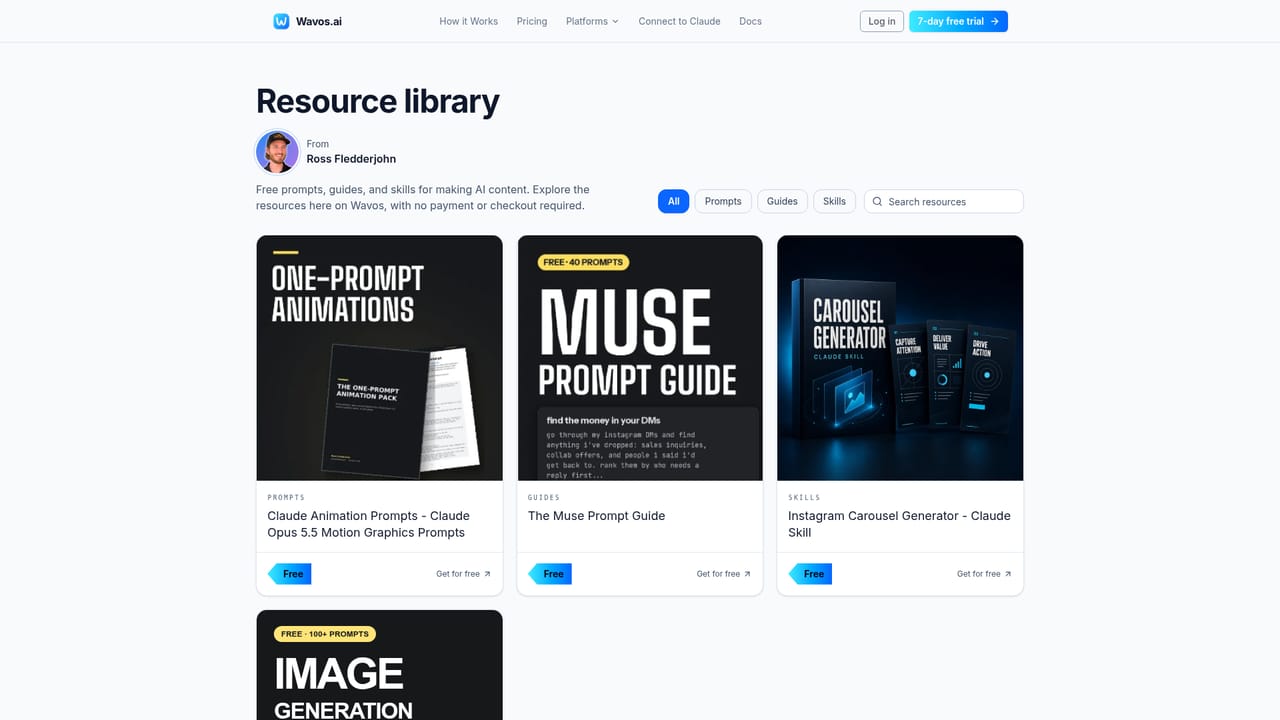
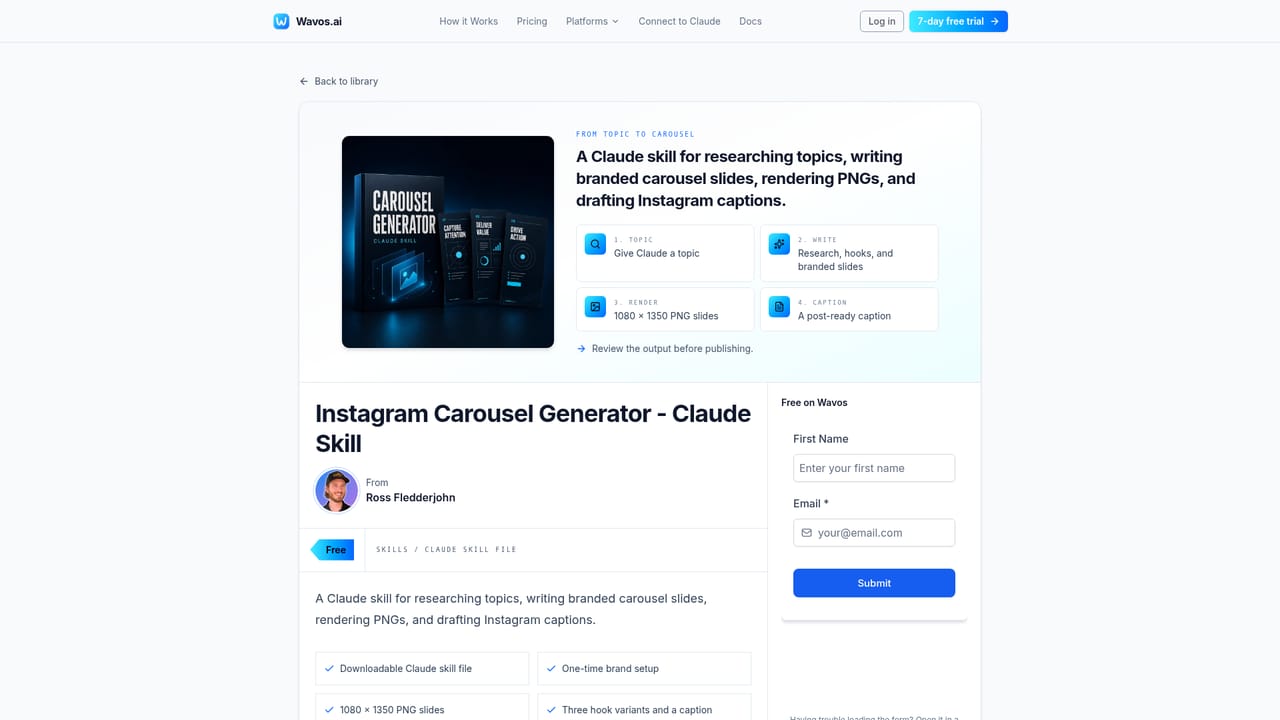
Wavos is a social media scheduling and engagement automation service built around a single idea: content gets made in an AI assistant, and Wavos handles everything after that. It connects to Claude, ChatGPT or any MCP-compatible agent as a connector, so prompts that finish an image, carousel or caption can be followed by a scheduling command without leaving the chat. Wavos then publishes at the chosen time, maintains a calendar of queued posts, and can attach a first comment automatically. Manual uploads and scheduling inside the Wavos app work too, so the AI connector is optional rather than compulsory. The second half of the product is comment-to-DM automation. A creator defines a keyword, for example FREE, along with a public reply and a private message containing a link or lead magnet. When someone comments that word on an Instagram, X or TikTok post, Wavos posts the public reply and sends the DM automatically. Contacts, DMs and comment replies are unlimited on the plan rather than metered, which is the main commercial argument against per-contact tools like ManyChat. Wavos also states that automation runs within Instagram's official API limits with rate controls and human-like timing. It suits solo creators, small businesses and social media managers who already draft content in an AI assistant and want the publishing step absorbed into that conversation. Teams with several accounts per client will feel the ceiling quickly: Pro covers two connected accounts, one user seat and Instagram and LinkedIn publishing. X and TikTok are listed as coming soon, and the keyword automation copy references those networks while publishing support does not yet extend to them. Anyone whose workflow depends on TikTok or X scheduling should treat that as a gap, not a roadmap promise. The free prompt and skill guides (an Instagram carousel skill, Claude animation prompts) lower the entry cost but are content resources, not product features.
A 7-day free trial is available at signup with no credit card required, and plans can be cancelled at any time from account settings.
Learn moreOne Pro plan. Regular price is $29 per month; launch pricing for the first 25 customers is $5 per month, billed monthly. The plan includes 2 connected accounts, 1 user, unlimited scheduled posts, unlimited contacts and DMs, MCP access and 100 AI content creation credits.
Learn moreEvery plan includes access to human support by email rather than a ticket queue alone, and the site states that setup help is provided during onboarding.
Wavos connects as an MCP server to Claude, ChatGPT and any MCP-compatible agent, including Grok via a custom connector. Social publishing runs through Instagram and LinkedIn accounts.
Publishing and scheduling for Instagram and LinkedIn, with X and TikTok listed as coming soon. MCP connector for Claude, ChatGPT and other agents, post calendar, first comment scheduling, keyword-triggered comment replies with automated DMs, AI response drafting, unlimited contacts and 100 content creation credits.
 AI Angels400+ customizable AI girlfriends for NSFW chat, voice calls, and roleplay
 Candy AIExperience the future of companionship with AI friends who chat, role-play, and connect with you on a human level.
 ourdream.aiA vast AI roleplay platform with millions of characters for chat, images, video and voiceAI Angels400+ customizable AI girlfriends for NSFW chat, voice calls, and roleplayCandy AIExperience the future of companionship with AI friends who chat, role-play, and connect with you on a human level.ourdream.aiA vast AI roleplay platform with millions of characters for chat, images, video and voice


