Free trial
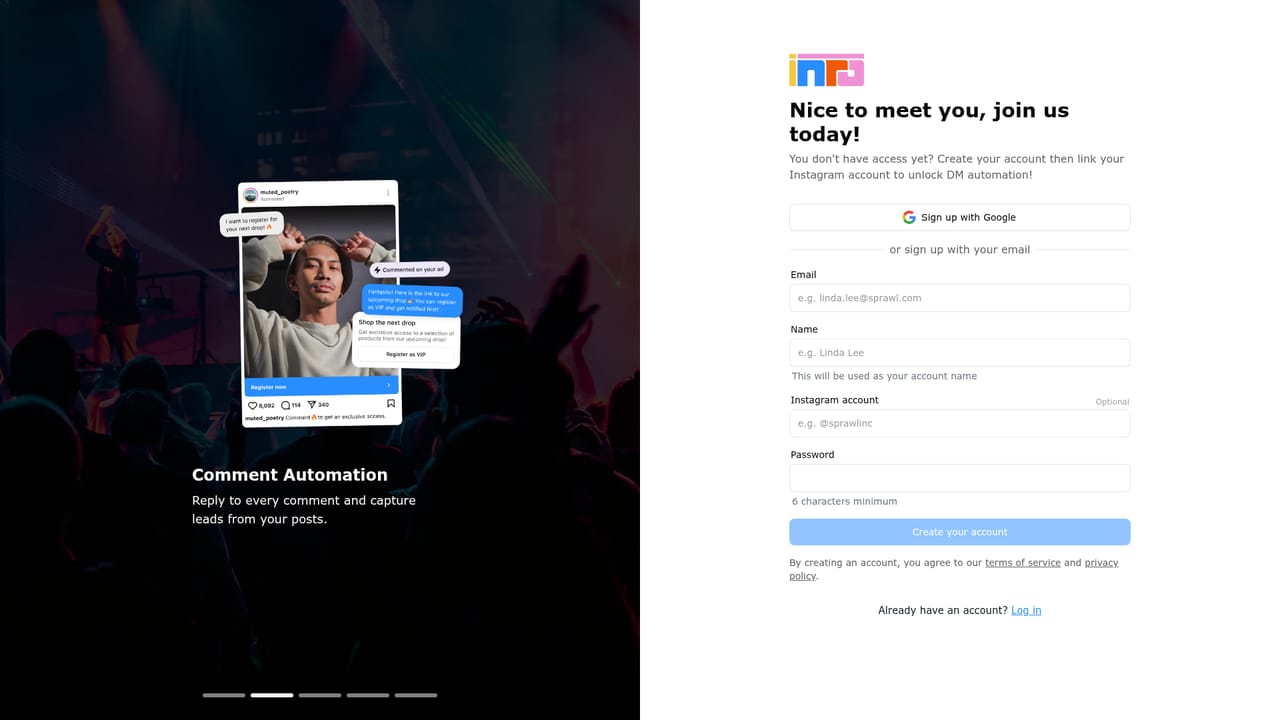
The homepage promotes a free start with no credit card detail given, and the product is marketed as live in five minutes.
Learn moreInstagram DM automation with an AI agent trained on your own voice

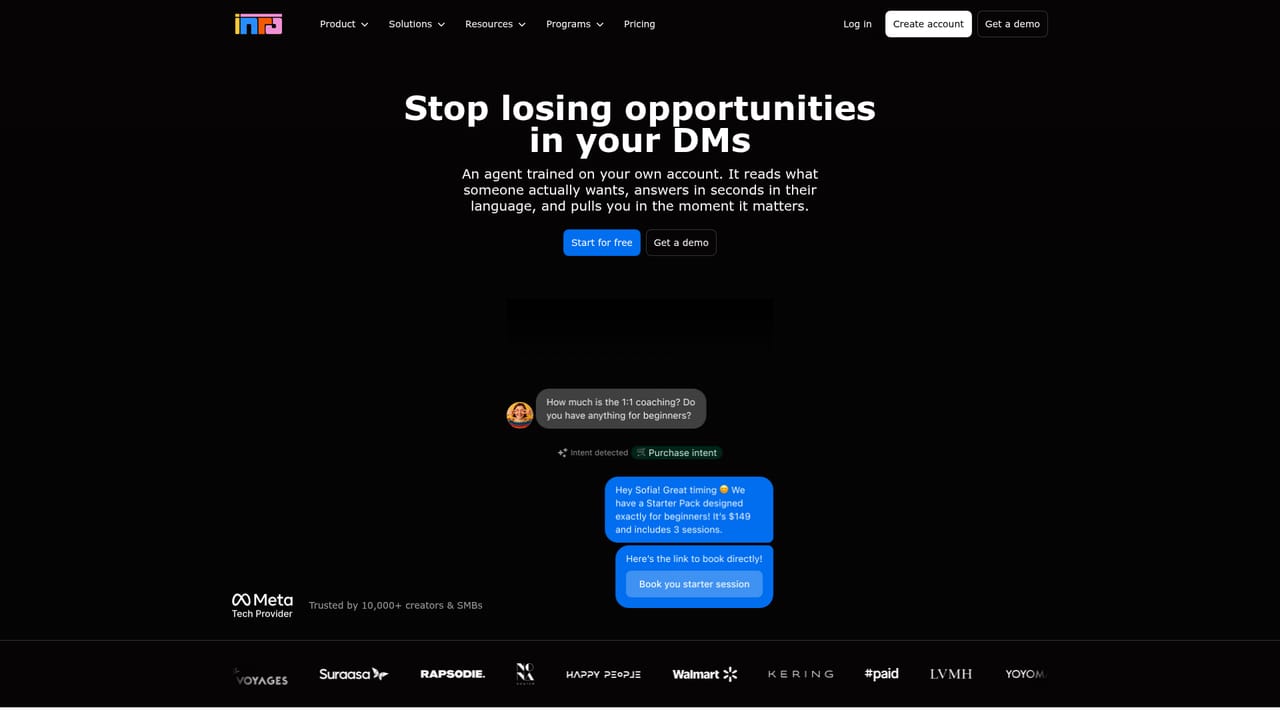
Inr Social is an instagram comments tool. Inrō is an Instagram DM automation tool with an AI agent trained on your own past conversations. It answers repetitive questions, captures contact details inside the chat, runs outbound DM campaigns and comment-to-DM flows, and stores every lead in a free, unlimited contact CRM.
Inrō is an Instagram automation platform built around the private message rather than the landing page. It bundles four related jobs into one workspace: an AI agent that answers DMs in the account holder's tone, outbound DM campaigns aimed at contact segments, comment-to-DM flows that hand people a link in private, and a smart inbox with a contact database attached. The premise is that Instagram is the inbox people actually open, so the tooling should live there instead of pushing traffic toward email or a form. The AI agent is the centrepiece. It learns from the account's existing conversations, the website, the FAQ and the price list, then handles repetitive questions about price, shipping, availability or opening hours, including messages that arrive in another language. It can also collect details such as email, phone, city or budget during the exchange and store them on the contact record. Routing is configurable: reply to everyone, react only to specific intents, or mute chosen folders so friends, suppliers and active clients stay out of reach. When a conversation needs a human, the agent hands it over. The tool is aimed at creators, small ecommerce brands and social teams that already get meaningful Instagram traffic and lose enquiries in the inbox. Larger organisations appear in the customer roster too, which suggests agency and enterprise use. Setup is framed as quick, and the platform is a Meta Tech Provider, a detail that matters for anyone weighing the compliance risk of unofficial automation. Competitively it sits against general social media schedulers that bolt on a DM feature and against outreach tools built on scraper-driven cold messaging. Inrō stays inside the official Meta surface and concentrates on inbound and list-based conversations. Budget-conscious buyers should note that the homepage does not publish a price list, so plan costs need confirming with sales before committing.
The homepage promotes a free start with no credit card detail given, and the product is marketed as live in five minutes.
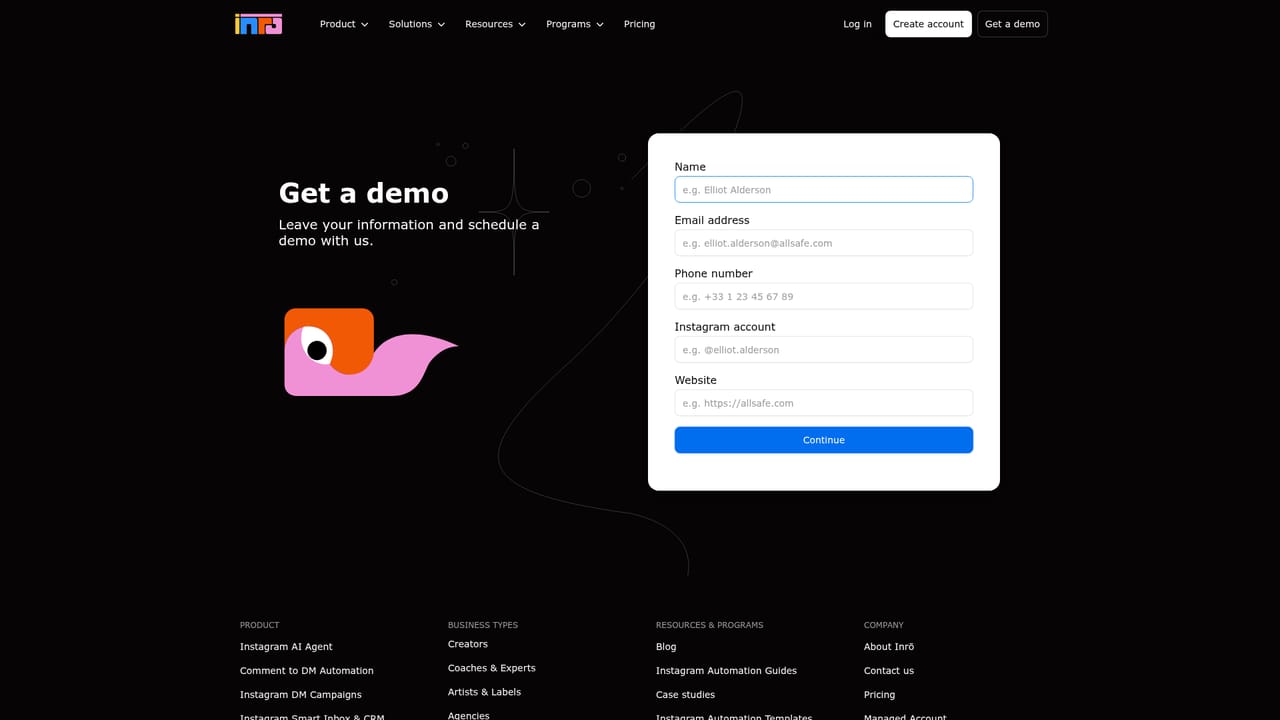
Learn moreA public help centre at help.inro.social hosts documentation, and the sales team can be reached through a demo request form. No live chat or response time commitment is stated on the homepage.
Learn moreInstagram is the core integration and Inrō operates as a Meta Tech Provider. A dedicated integrations page exists on the site, but the homepage does not enumerate the supported third-party services.
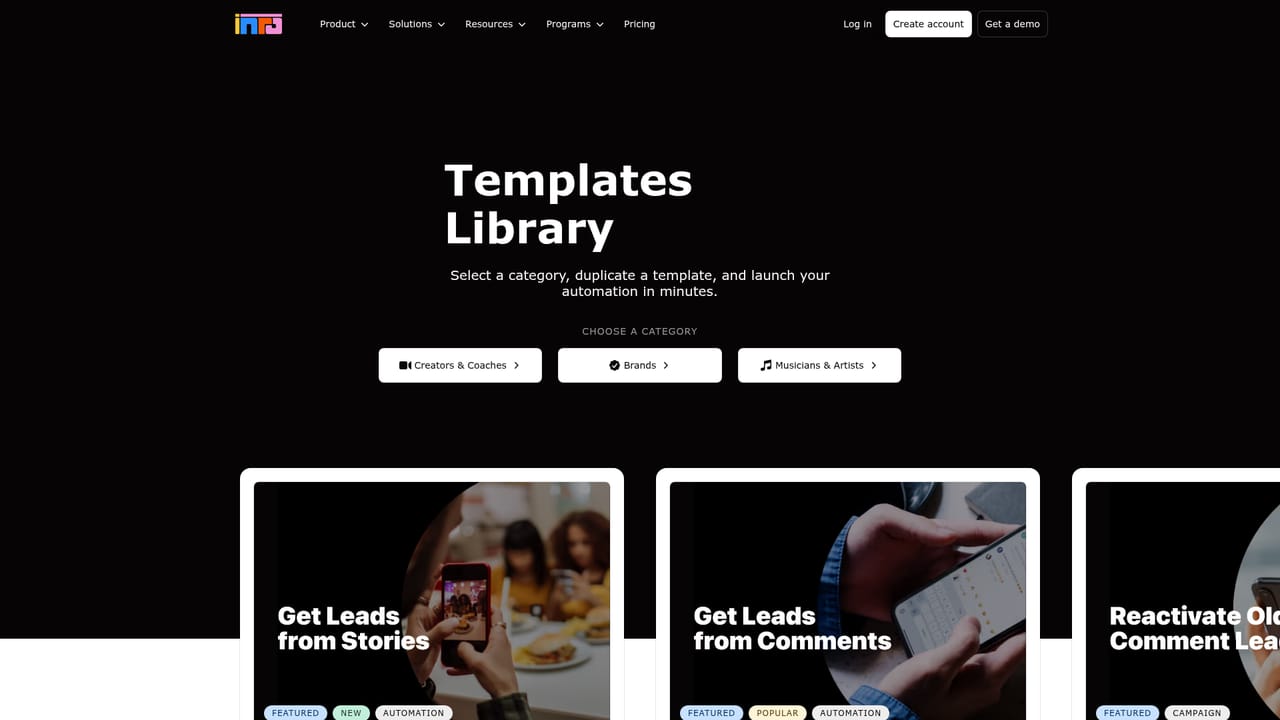
Learn moreFour modules share one workspace: an AI agent that answers DMs in your voice and collects lead fields mid-conversation, outbound DM campaigns for launches, reminders and voice notes, comment-to-DM automation that sends the link in private, and a smart inbox where contacts are stored, tagged and searchable. The agent can be trained on your site, FAQ and price list, cloned from past conversations, and restricted to specific intents or muted folders.
Learn more AI Angels400+ customizable AI girlfriends for NSFW chat, voice calls, and roleplay
 Candy AIExperience the future of companionship with AI friends who chat, role-play, and connect with you on a human level.
 ourdream.aiA vast AI roleplay platform with millions of characters for chat, images, video and voiceAI Angels400+ customizable AI girlfriends for NSFW chat, voice calls, and roleplayCandy AIExperience the future of companionship with AI friends who chat, role-play, and connect with you on a human level.ourdream.aiA vast AI roleplay platform with millions of characters for chat, images, video and voice


