Free trial
A free trial is offered through the download page, though the homepage does not state its length or limits.
Learn moreWarm up WhatsApp accounts with AI-driven, human-like conversations.

WAWarmer automates WhatsApp account warm-up using AI-generated conversations, with three matching modes, a multi-account dashboard and progress tracking for teams and agencies.
WAWarmer is a specialized tool for building activity history on WhatsApp accounts before they are used for outreach. New or reset numbers carry no trust signals, and the service addresses that gap by running automated, multi-turn conversations between accounts. The AI generates chats around trending topics rather than falling back on repetitive greeting loops, so the resulting message history resembles ordinary social exchange. Warm-up runs in the background, which means an operator can keep handling real customer conversations on the same number while the tool works. The product is built for teams and agencies that manage several WhatsApp numbers at once. Three interaction modes cover different setups: in-system self-warming for 20 to 100 accounts on a single device, a multi-device network for team collaboration, and a shared account pool for small groups that want random matching. A central dashboard lists every connected number with status, group, notes and last activity, and each warm-up task shows progress such as messages sent against a daily target. Parameters are configurable, including conversation topics, delay intervals, online duration and daily message limits. In practice, the workflow starts with linking accounts by QR code, optionally through a browser extension for multi-account handling. The operator then selects a strategy and launches the task with one click. WAWarmer recommends a progressive 7 to 15 day warm-up for new accounts, and the homepage surfaces a 20 day option as a recommended period. Progress and an account health score are visible in real time, giving a rough signal for when a number might be ready for routine outreach. The tool sits in a narrow niche between bulk messaging platforms and manual account farming. It does not send campaigns or manage conversations with real leads; it prepares numbers so that later outreach has a better starting point. Agencies running client accounts across regions, and support or sales teams with rotating numbers, are the clearest fit. Anyone expecting inbox management or CRM features will need separate software.
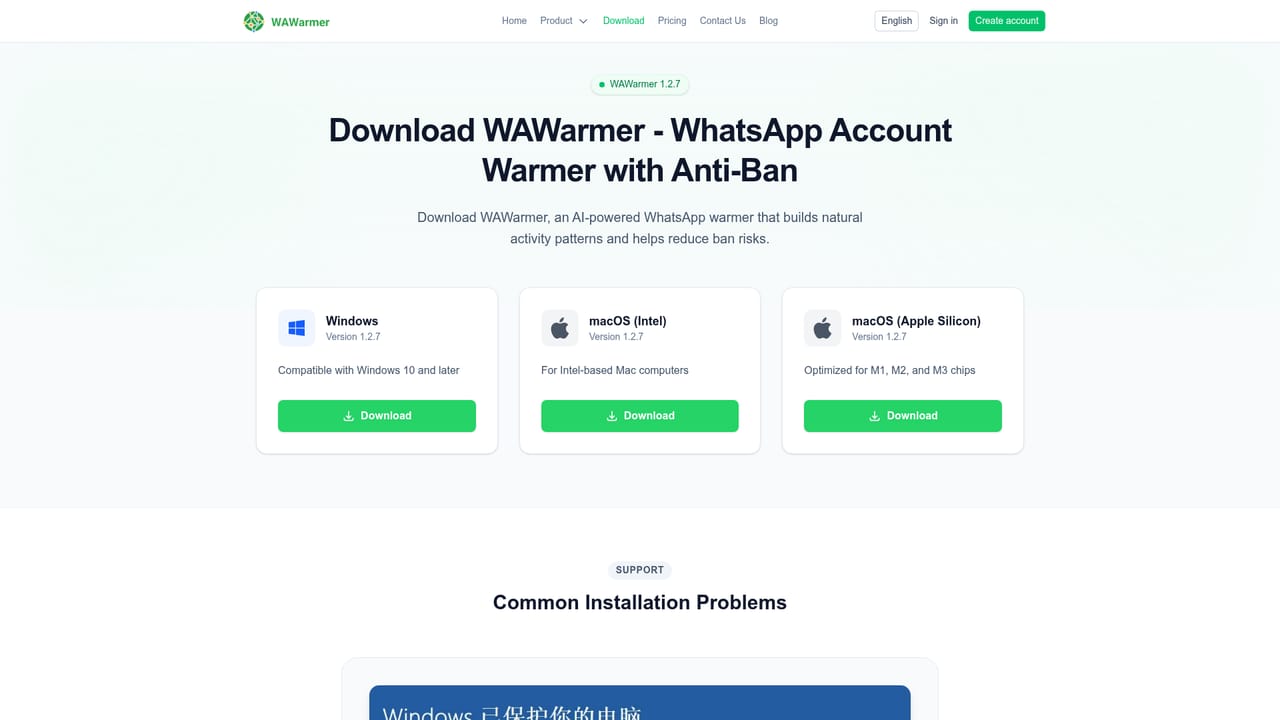
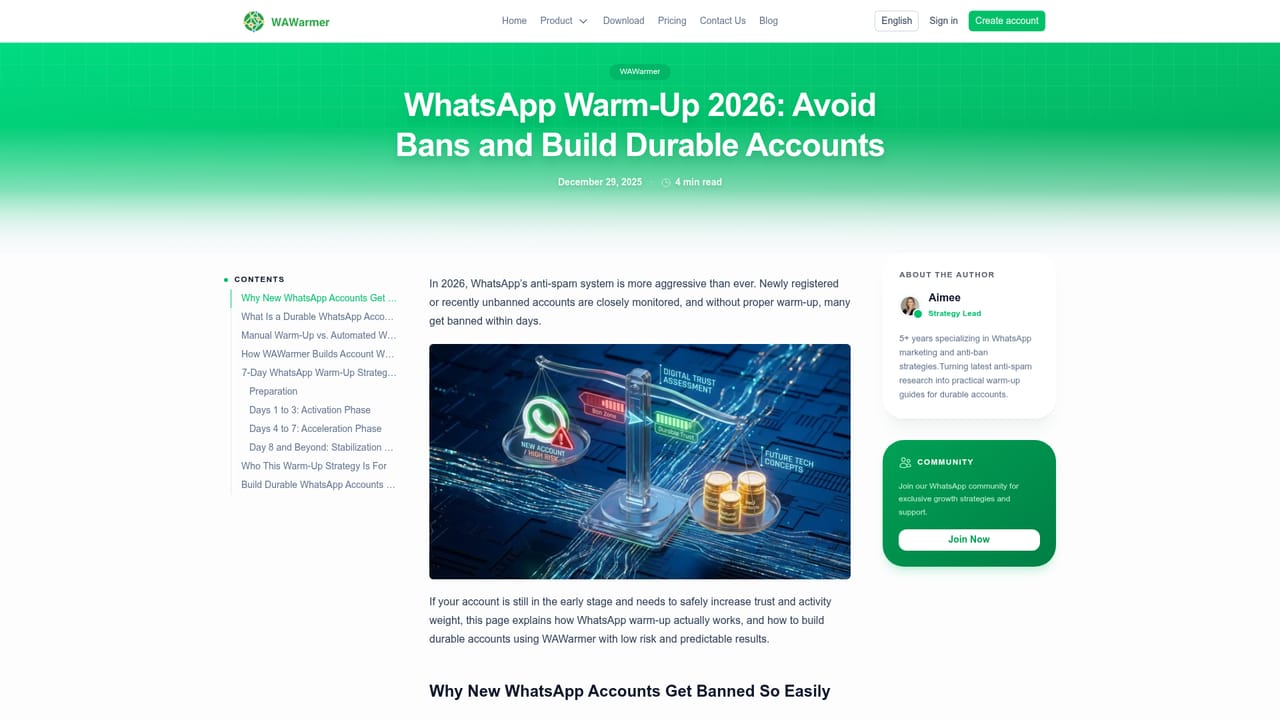
A free trial is offered through the download page, though the homepage does not state its length or limits.
Learn moreConnects to WhatsApp accounts via QR code and supports multi-account management through a browser extension. No other integrations are listed.
Core features include an AI nurturing engine for multi-turn chats, three warm-up modes (in-system, multi-device and account pool), a multi-account dashboard with real-time status and health scores, configurable intervals and daily limits, and background operation that runs alongside regular client messaging.
 AI Angels400+ customizable AI girlfriends for NSFW chat, voice calls, and roleplay
 Candy AIExperience the future of companionship with AI friends who chat, role-play, and connect with you on a human level.
 ourdream.aiA vast AI roleplay platform with millions of characters for chat, images, video and voiceAI Angels400+ customizable AI girlfriends for NSFW chat, voice calls, and roleplayCandy AIExperience the future of companionship with AI friends who chat, role-play, and connect with you on a human level.ourdream.aiA vast AI roleplay platform with millions of characters for chat, images, video and voice


