Weaviate

Open source vector database for search, RAG and agent memory

Advanced API
Screenshot of Weaviate, Open source vector database for search, RAG and agent memory

What is Weaviate?

Weaviate is an AI search tool. An open source vector database that combines vector search, built-in embeddings, a natural language Query Agent and Engram personalization memory for building RAG systems, search and AI agents. Deployment-agnostic and aimed at engineering teams running production workloads.

Weaviate is an open source vector database built for teams assembling AI-native applications. The pitch is consolidation: instead of stitching together a vector store, a separate embedding pipeline, a natural language query layer and a memory service, Weaviate bundles those into one platform that runs wherever the team already operates. The homepage frames the promise around reduced hallucination, less data leakage and avoidance of vendor lock-in, three concerns that tend to surface once a prototype becomes a production system. The stack breaks into four parts. The vector database stores, indexes and searches high-dimensional vectors at any scale and is described as the foundation for search, retrieval-augmented generation and agents. Embeddings generate vectors directly from text, images and other media inside the platform, so no external embedding service has to be wired in. Query Agent accepts questions in ordinary language and translates the intent into optimized database queries. Engram handles personalization, letting an application learn and adapt to each individual user over time. Deployment is described as agnostic, and the project is open source. In practice the tool is aimed at engineering teams rather than end users: developers building RAG pipelines, search over large document sets, recommendation features or agent workflows that need persistent memory. The case studies show the range. Loti runs 9 billion vectors in production, DocsBot holds more than 50,000 tenants in a single cluster, Finster deployed 42 million vectors in a bank research context, and MarvelX highlights security as the deciding factor. Logos on the page include Booking, Bosch, Cisco, Intuit and HPE. Compared with managed-only vector services, Weaviate's open source core and deployment flexibility are the differentiator, and the built-in embedding and query layers remove some glue code that alternatives leave to the developer. The tradeoff is that it is infrastructure: it demands engineering time, and the natural language and personalization features are only useful once someone has built the surrounding application.

How do you use Weaviate?

  1. 1Open the console and start a build
    The console is the entry point for starting a Weaviate project without provisioning infrastructure by hand. Use it to get a first instance running before deciding on a permanent deployment target.
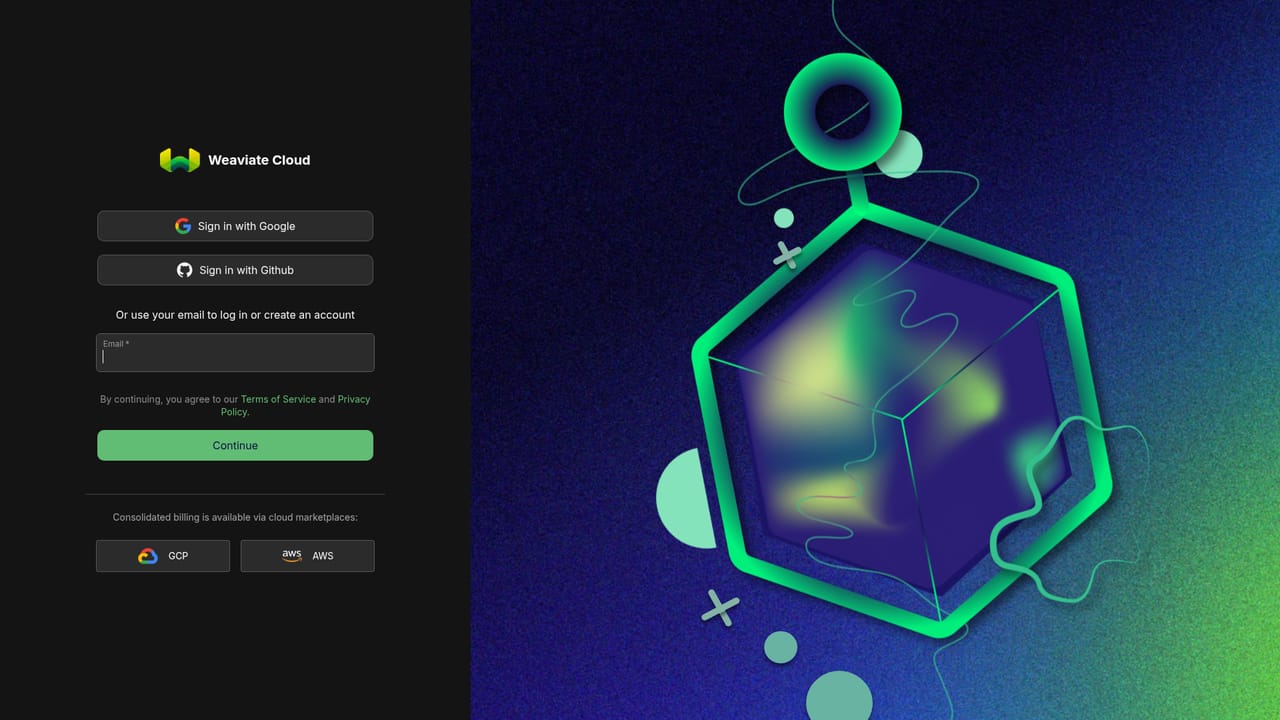
    Weaviate — Open the console and start a build
  2. 2Follow the quickstart to load your first data
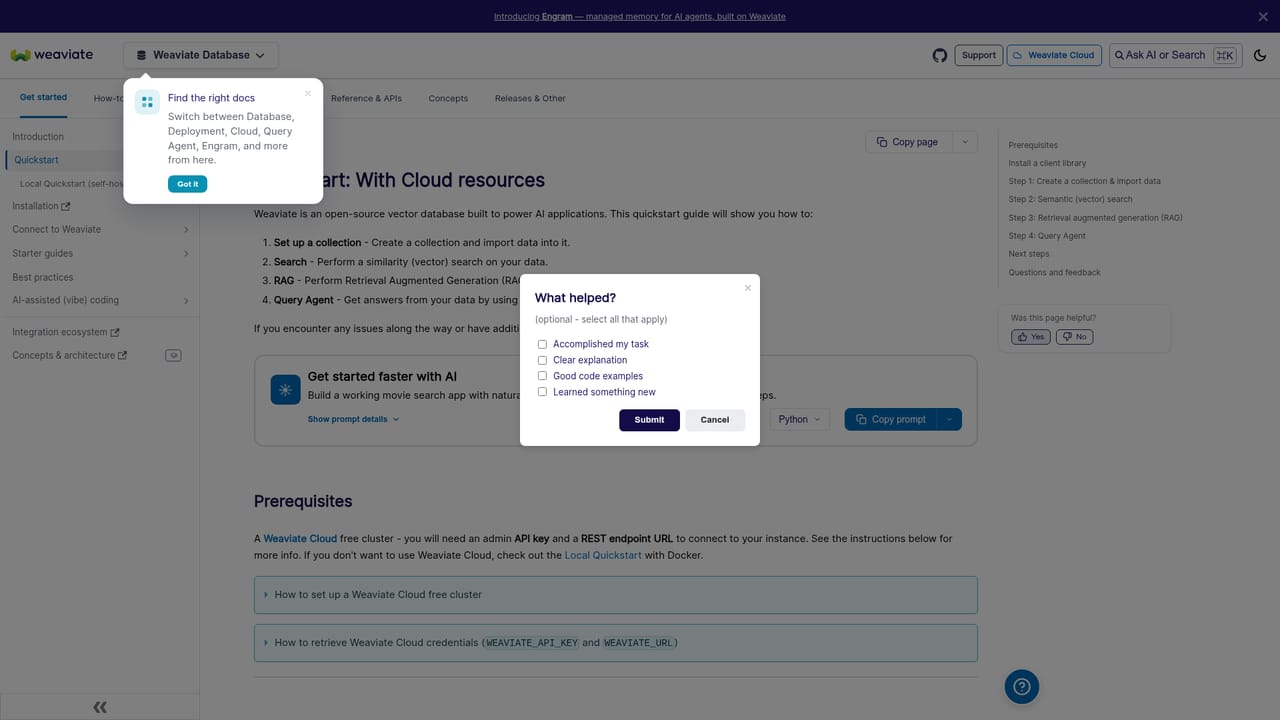
    The quickstart walks through creating a collection, generating embeddings and running an initial query so the core retrieval loop is visible end to end. It is the fastest way to see how schema, vectors and search fit together.
    Weaviate — Follow the quickstart to load your first data
  3. 3Choose your embedding approach
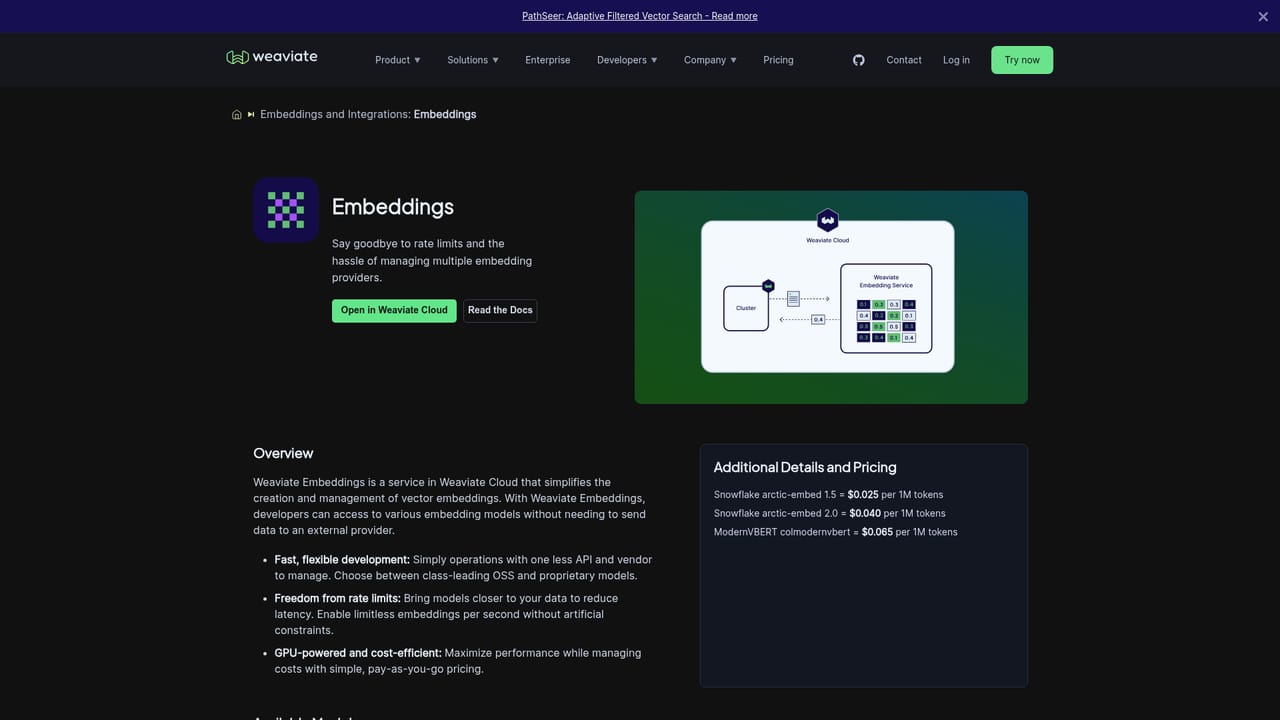
    Weaviate can generate vectors from text and images internally, so pick the model that matches your content type rather than building a separate embedding service. This step determines both retrieval quality and ongoing cost.
    Weaviate — Choose your embedding approach
  4. 4Add natural language querying with Query Agent
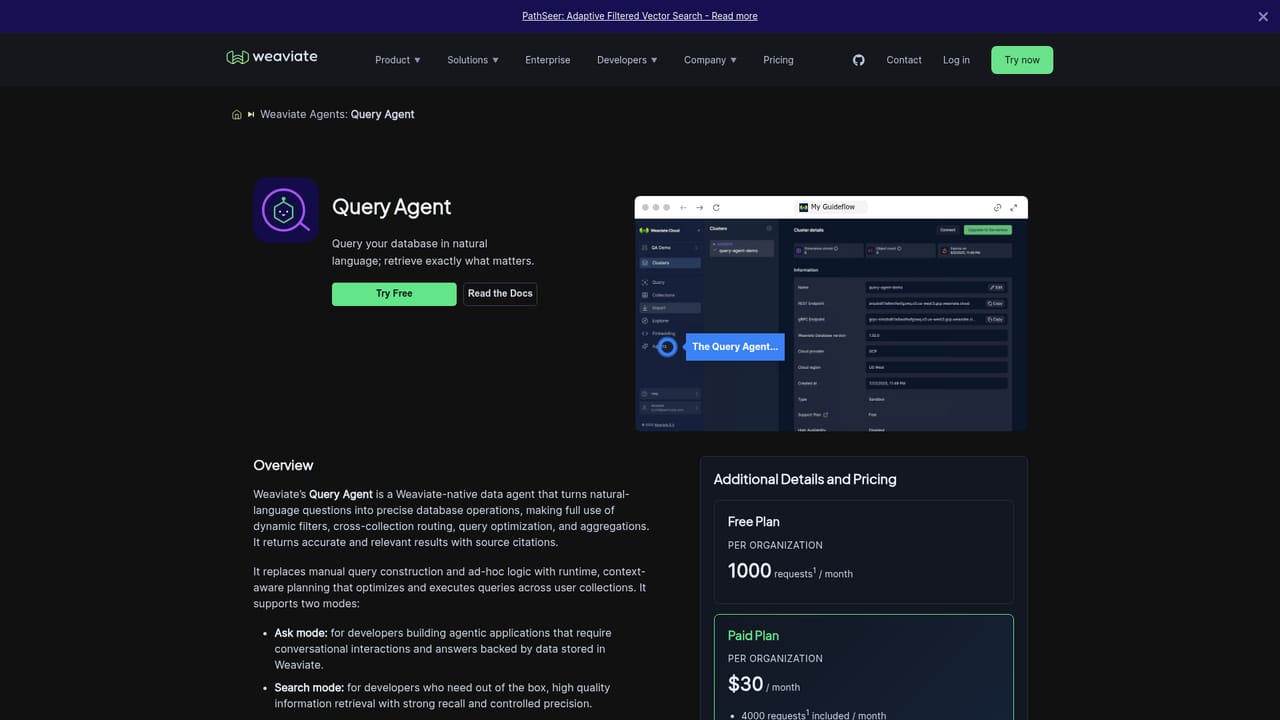
    Query Agent translates a user question into an optimized database query, which is useful when end users should not write filters or understand the schema. Wire it in after basic vector search returns sensible results.
    Weaviate — Add natural language querying with Query Agent
  5. 5Add per-user memory with Engram
    Engram lets the application retain and adapt to individual user context over time. Add it once the retrieval layer is stable and personalization is an actual product requirement.
  6. 6Review the reference docs before going to production
    The documentation covers configuration, deployment and operational topics that matter when moving off a trial instance. Check it before committing to a cluster topology.

Pros and cons

Pros

  • Open source core with an explicitly deployment-agnostic design, which limits vendor lock-in for infrastructure teamsAI
  • Four capabilities in one platform: vector database, embeddings, Query Agent and Engram personalizationAI
  • Built-in embedding generation from text and images removes the need for a separate embedding pipelineAI
  • Query Agent converts natural language questions into optimized database queriesAI
  • Production references at real scale, including 9 billion vectors at Loti and 50,000+ tenants in one DocsBot clusterAI

Cons

  • Infrastructure product, not an application: teams still have to build the search, RAG or agent layer around itAI
  • The homepage gives no concrete pricing figures, so budget planning requires a separate conversation or the pricing pageAI
  • Adoption requires engineering capacity for schema design, indexing and deployment, which rules out non-technical usersAI
  • Natural language querying and personalization depend on data quality and setup, so results are not plug-and-playAI
  • Feature surface is broad enough that small projects may be better served by a simpler hosted vector storeAI

How much does Weaviate cost?

Features

Four capabilities in one platform: a vector database that stores, indexes and searches high-dimensional vectors at any scale; built-in embeddings for text, images and other media; Query Agent, which translates natural language questions into optimized database queries; and Engram for personalized AI experiences that adapt to each user over time. Deployment is described as agnostic and the core is open source.

Learn more

Frequently asked questions about Weaviate

  • Does Weaviate have an API?
    Yes, Weaviate offers an API.
  • How do you use Weaviate?
    The walkthrough on this page covers 6 steps: 1. Open the console and start a build 2. Follow the quickstart to load your first data 3. Choose your embedding approach 4. Add natural language querying with Query Agent 5. Add per-user memory with Engram 6. Review the reference docs before going to production.
  • What platforms does Weaviate support?
    Weaviate is available on Web App, Linux, MacOS and Windows.
  • What are the limitations of Weaviate?
    Infrastructure product, not an application: teams still have to build the search, RAG or agent layer around it. The homepage gives no concrete pricing figures, so budget planning requires a separate conversation or the pricing page. Adoption requires engineering capacity for schema design, indexing and deployment, which rules out non-technical users.

Status

StatusActive
Views0
Outbound clicks0
Added10/21/2026

Platforms

Web AppLinuxMacOSWindows

Pricing

FreemiumSubscription