Pricing
The browser tool is free to use and requires no account. Daily request controls are applied to keep the service stable for all users; no paid tiers are described on the homepage.
Learn moreFree username search that maps public handles across the web

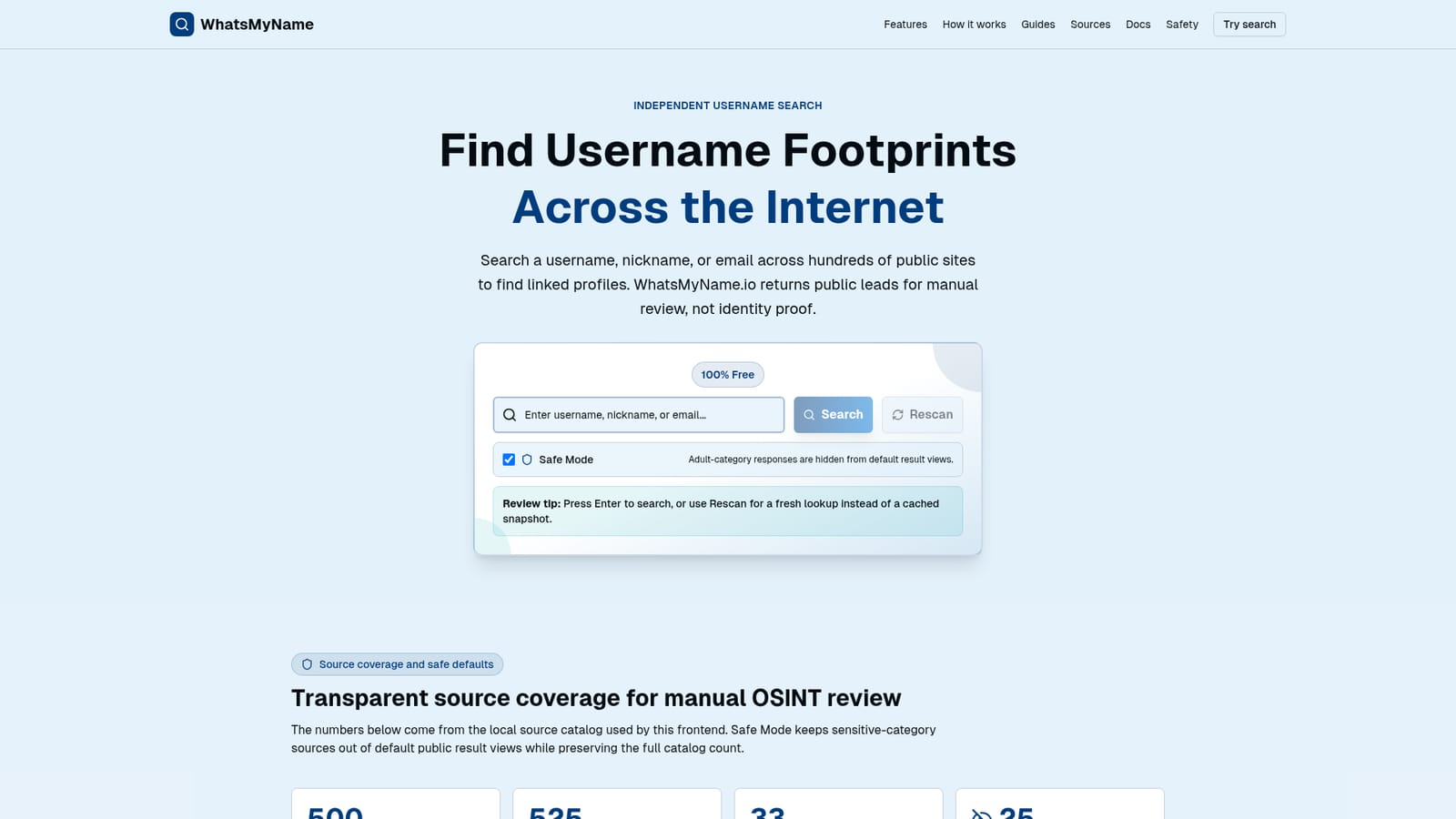
WhatsMyName is a deep search people tool. A free web tool that checks one username against hundreds of public sites at once, returning found and not-found leads for manual review. Built for digital footprint audits, fraud triage, and responsible OSINT work, with Safe Mode filtering, freshness controls, and an explicit no-identity-proof stance.
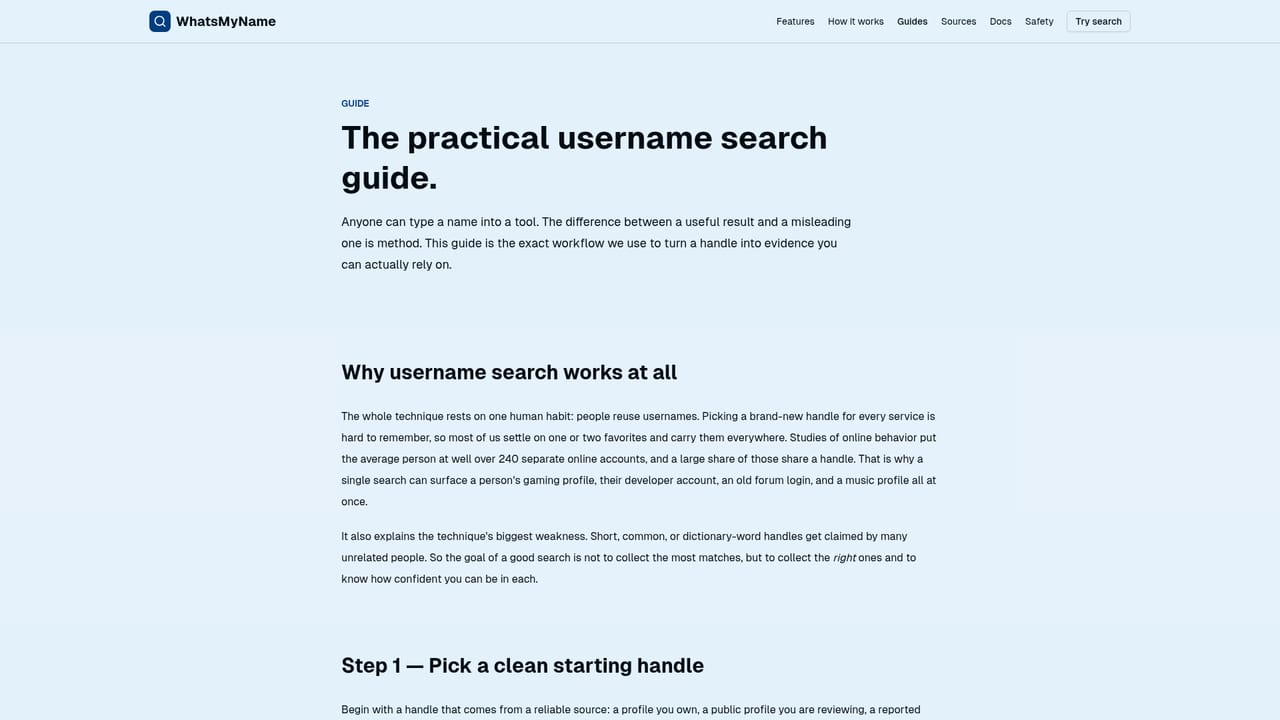
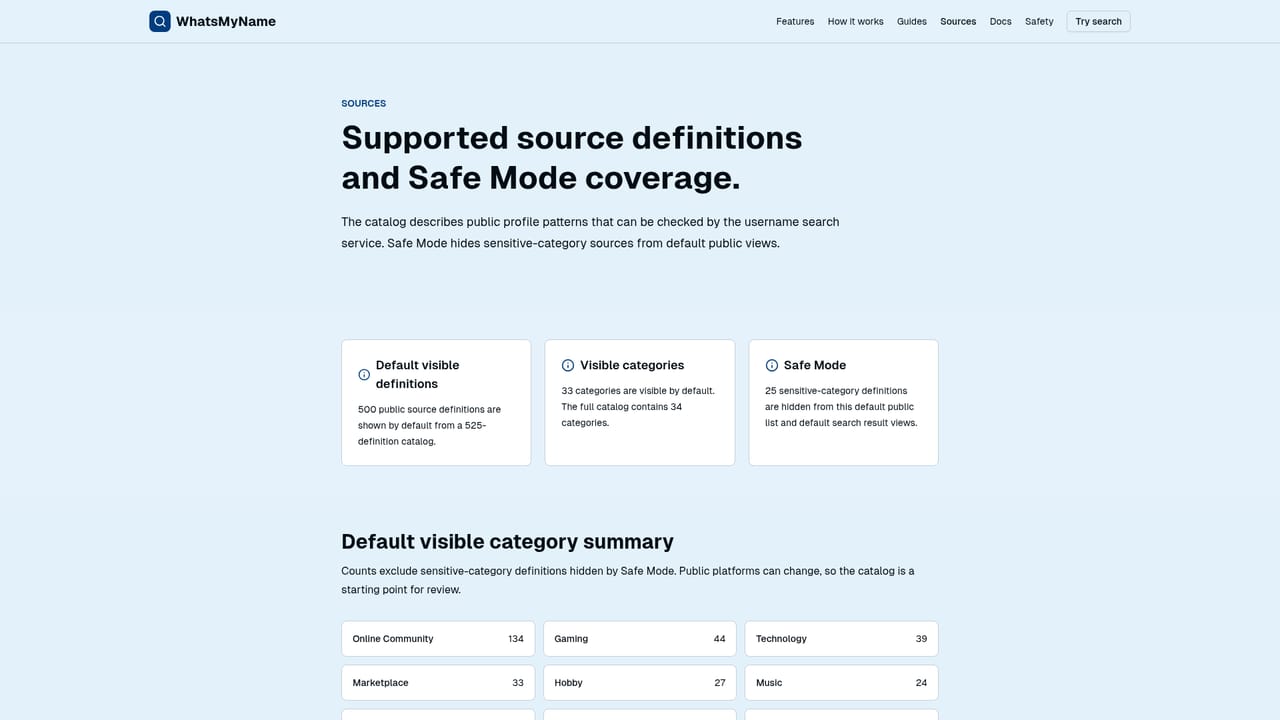
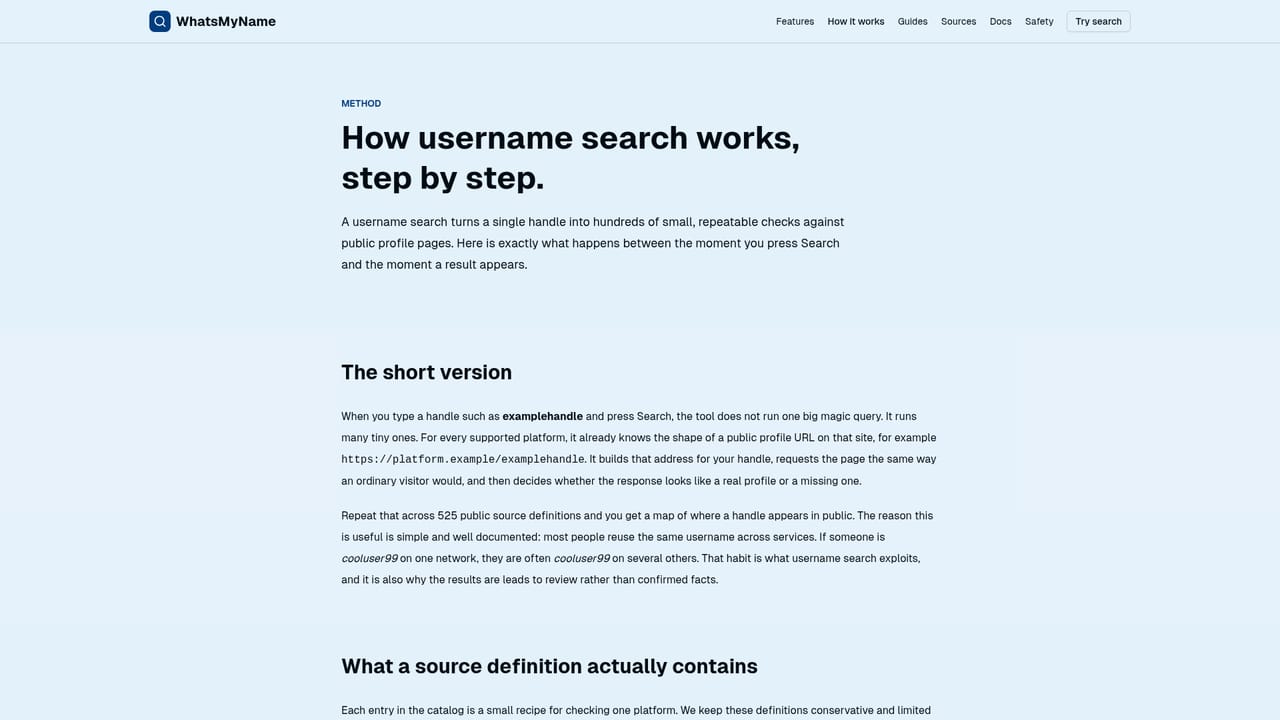
WhatsMyName.io is a free, browser-based username search tool built for public-source research. You enter a handle, nickname, or email address once, and the service checks it against the public profile address patterns of hundreds of platforms at the same time. Results come back as an organized list of found and not-found badges, each pointing to a URL you can open and review yourself. The site's own framing is deliberately narrow: it tells you where to look, not what to conclude. The tool is aimed at people doing careful, legitimate open-source work. Security and fraud teams treat handle matches as one early signal inside a larger investigation. Journalists and researchers use the output as a set of public leads they can document with clear notes about uncertainty. Individuals use it to audit their own digital footprint and find old accounts worth securing or closing. The interface is straightforward enough for a beginner, but the site repeatedly stresses that reading results honestly takes discipline. In practice you start with the exact handle to establish a baseline, then test only the variations you have a reason to check, such as dots, underscores, or number suffixes. Safe Mode hides adult-category sources from default results, and filters for found, not-found, and category help you work through large result sets. Snapshot timing is shown where available, and a Rescan button requests a fresh lookup instead of a cached one. You then open each hit and compare profile context before trusting anything. The catalog is presented transparently: 525 total source definitions, 500 shown by default with Safe Mode, across 33 visible categories, with online communities, gaming, technology, and marketplaces among the largest groups. WhatsMyName.io is an independent site, unaffiliated with the well-known open-source WhatsMyName GitHub project, and its definitions derive mainly from Sherlock and Maigret. It occupies the free, single-purpose end of the OSINT market: it does not attempt identity resolution or automated reporting, so it complements rather than replaces a full investigation platform.
The browser tool is free to use and requires no account. Daily request controls are applied to keep the service stable for all users; no paid tiers are described on the homepage.
Learn moreGuidance lives in on-site documentation: a username search guide, a how-it-works explanation, a digital footprint check page, and an OSINT ethics guide. No ticket system or contact channel is described on the homepage.
Learn moreUsername, nickname, and email lookups across a catalog of 525 source definitions (500 visible with Safe Mode), 33 visible categories, found and not-found filtering, snapshot timing with rescan, and Safe Mode hiding of adult-category results. Results are public profile leads for manual review only.
Learn more AI Angels400+ customizable AI girlfriends for NSFW chat, voice calls, and roleplay
 Candy AIExperience the future of companionship with AI friends who chat, role-play, and connect with you on a human level.
 ourdream.aiA vast AI roleplay platform with millions of characters for chat, images, video and voiceAI Angels400+ customizable AI girlfriends for NSFW chat, voice calls, and roleplayCandy AIExperience the future of companionship with AI friends who chat, role-play, and connect with you on a human level.ourdream.aiA vast AI roleplay platform with millions of characters for chat, images, video and voice


