Free trial
A 7 day free trial is offered, promoted on the homepage and entered through the download page. The homepage does not state whether a card is required or what limits apply during the trial.
Learn moreWhisper AI transcription that turns recordings into content and clips
Own WhisperTranscribe? Verify ownership to get a dofollow link

WhisperTranscribe is an AI transcriber tool. Whisper AI transcription for podcasts, videos and meetings, with speaker detection, 55+ languages, subtitle exports, 57+ generated content types and an AI assisted clip editor for social media.
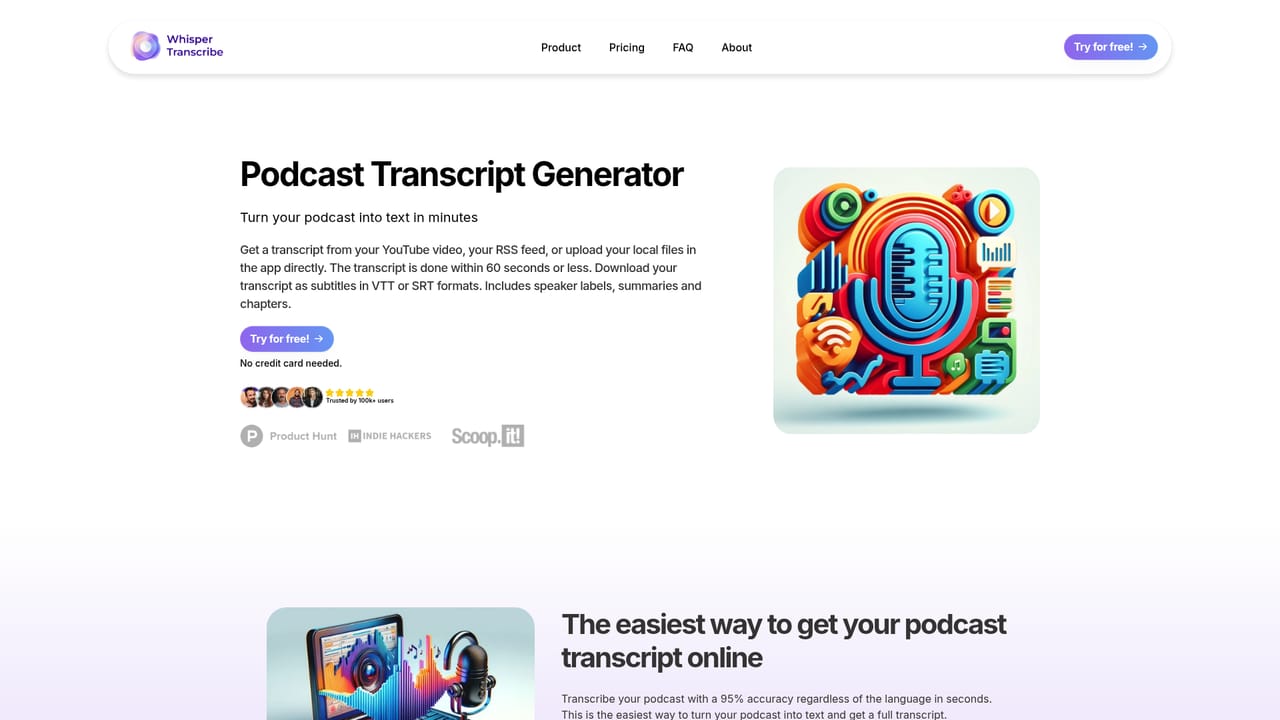
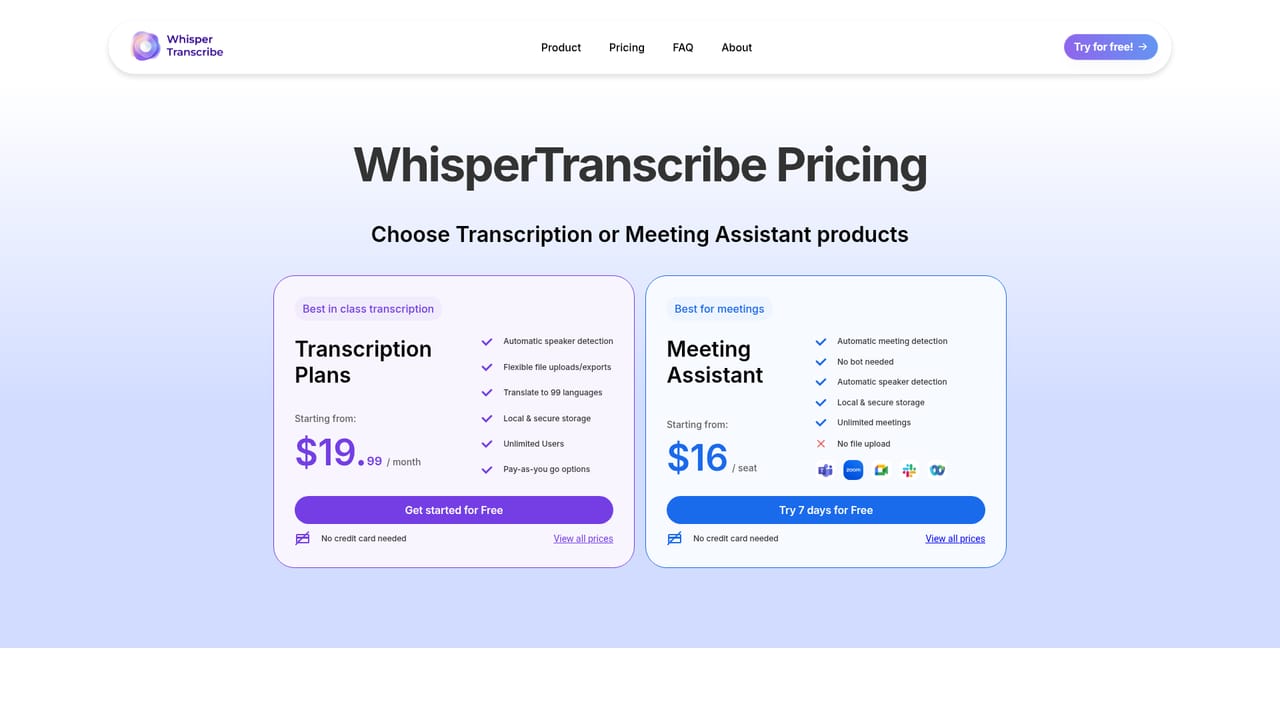
WhisperTranscribe is a transcription and repurposing workspace built on Whisper AI models. Users upload audio or video, and the service returns a written transcript that claims roughly 95 percent accuracy, including material with accents and background noise. Smart speaker detection separates voices in interviews and panel conversations, and the engine handles 55 or more languages with instant translation of finished transcripts. Exports are available as SRT, VTT, TXT or Word files with formatting preserved, so subtitles and documents can move straight into other tools. The transcript is treated as raw material rather than the end product. From a single recording the platform generates more than 57 content types, covering social posts, summaries, newsletters, marketing copy, reports and blog posts, and it can be trained to mirror a writer's existing style. A set of dedicated generators handles podcast transcripts, chapters, episode descriptions, summaries, subtitles, titles and quote finding, plus blog posts and newsletters. A Magic Chat panel lets users question a transcript directly instead of rereading it. A text based clip editor converts long recordings into 10 or more short vertical clips aimed at TikTok, YouTube and LinkedIn. The AI clip finder proposes the most engaging moments, and users mark selection boundaries in the transcript rather than scrubbing a timeline, so no video editing background is needed. Meetings are recorded and transcribed automatically through desktop capture, with automatic meeting detection and no bot joining the call. The product suits podcasters, YouTubers, journalists, researchers, coaches and marketing teams who record conversations and need written output fast. Compared with plain transcription services, its advantage is the content pipeline sitting on top of the transcript; compared with full video editors, it trades fine control for speed. The homepage cites more than 100,000 users and organizations including universities, Oracle, UEFA and Le Monde.
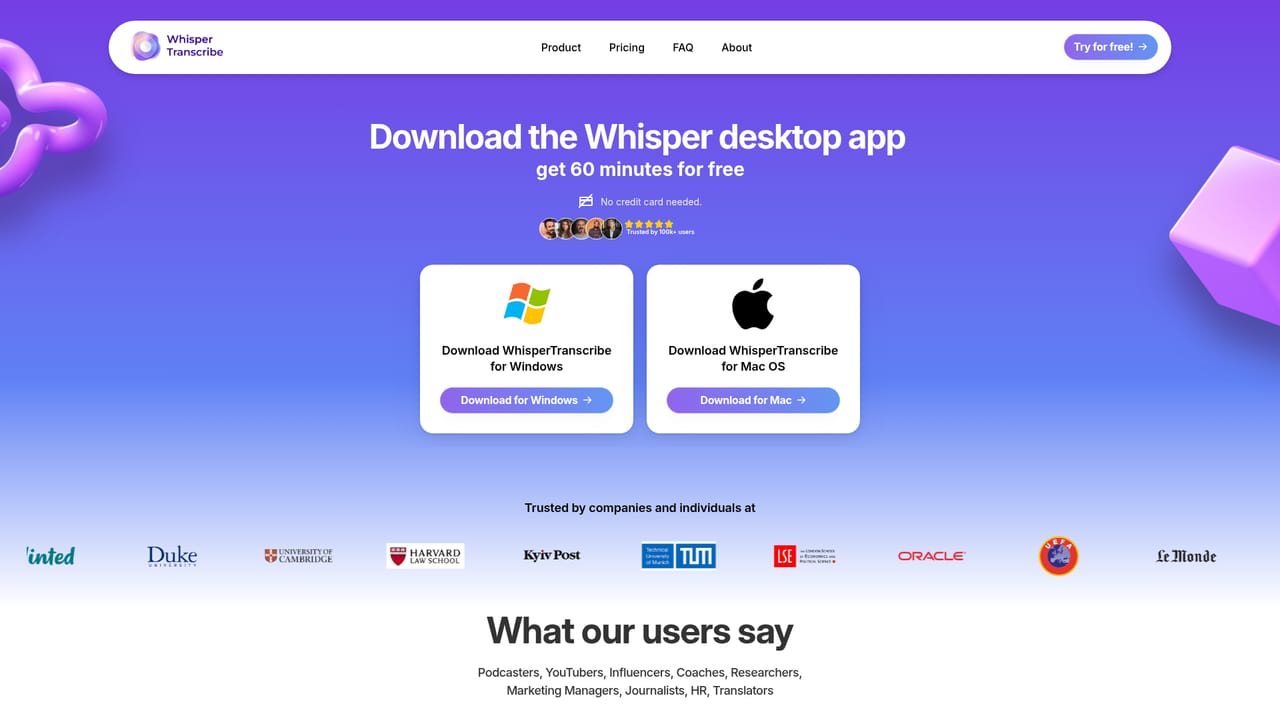
A 7 day free trial is offered, promoted on the homepage and entered through the download page. The homepage does not state whether a card is required or what limits apply during the trial.
Learn moreWhisper AI transcription with speaker detection and 55+ languages; instant transcript translation; SRT, VTT, TXT and Word exports; Magic Chat for questioning transcripts; 57+ generated content types; style matching; text based clip editor with AI clip finder; automatic meeting recording without a bot.
Learn more AI Angels400+ customizable AI girlfriends for NSFW chat, voice calls, and roleplay
 Candy AIExperience the future of companionship with AI friends who chat, role-play, and connect with you on a human level.
 ourdream.aiA vast AI roleplay platform with millions of characters for chat, images, video and voiceAI Angels400+ customizable AI girlfriends for NSFW chat, voice calls, and roleplayCandy AIExperience the future of companionship with AI friends who chat, role-play, and connect with you on a human level.ourdream.aiA vast AI roleplay platform with millions of characters for chat, images, video and voice







