Free trial
A free trial is available, and signup happens on the app domain. The homepage does not state the trial length or which features are included.
Learn moreAI-moderated B2B research with LinkedIn-verified participants.

Winware is a lead generation tool. Winware runs AI-moderated B2B research with LinkedIn-verified participants. It recruits by job title, company size and industry, asks follow-up questions automatically, and turns sessions into summaries with quotes and recommendations. Aimed at product, UX and marketing teams.
Winware is a research platform built for teams that need to hear from real B2B buyers without the overhead of traditional recruiting and moderation. It starts by sourcing participants from LinkedIn, filtering by job title, company size, industry and other criteria. Screener questions confirm that each person matches the target persona before they join a study, and every participant is LinkedIn verified, so the people behind the feedback are visible rather than hidden behind an anonymous panel. Once a group is assembled, Winware runs the session with an AI moderator. The moderator asks follow-up questions in real time, aiming to move past surface answers that come from unmoderated surveys or tests. The same workflow can be used on your own customers or internal stakeholders when external recruitment is not the right fit. Typical applications split into two tracks: product and UX teams testing designs or prototypes, and marketing teams testing homepages, landing pages, videos, blog posts, social posts, ad creative and PDF one-pagers to understand why prospects hesitate. After the sessions, Winware synthesizes the feedback into a written summary with quotes, highlight clips and recommended next steps. That output is meant to replace hours of manual note sorting and give stakeholders a concise readout they can act on. The product sits between unmoderated testing tools, which are fast but often shallow, and fully moderated interviews, which yield depth but require scheduling and trained researchers. Winware's pitch is the middle ground: moderated-style depth on a compressed timeline, with participant quality handled by LinkedIn verification rather than panel incentives alone. The tool is aimed at product managers, UX researchers and marketers at B2B companies, especially teams that run repeated studies and want a repeatable process. It reached the market as an independent product and was later acquired by ProductPlan, which is building an AI-driven product intelligence platform. The public site does not list specific integrations with other research or product tools, and support details beyond contact and compliance pages are not stated.
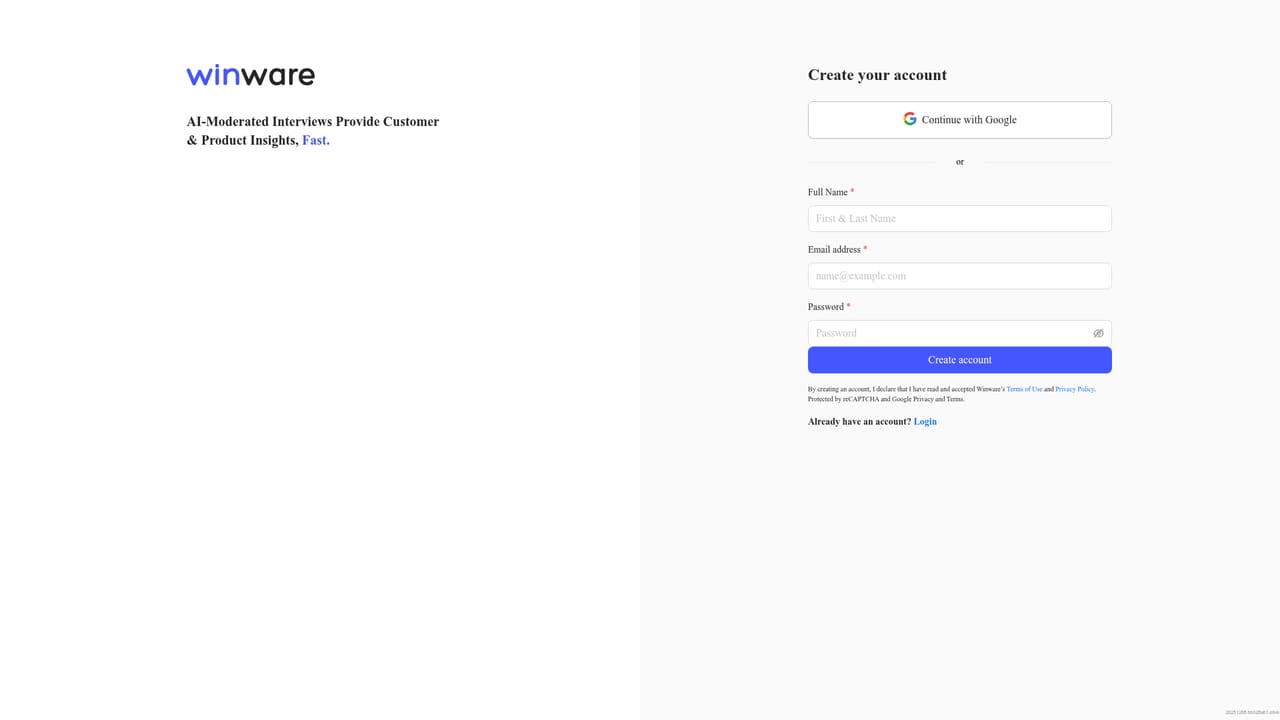
A free trial is available, and signup happens on the app domain. The homepage does not state the trial length or which features are included.
Learn moreSupport is handled through a contact page, and a compliance page covers security and policy information. No help center or live chat details are stated on the homepage.
Learn moreCore features include recruiting from LinkedIn with filters for job title, company size and industry, screener questions for persona verification, an AI moderator that asks follow-up questions, and AI synthesis into a summary with quotes, highlight clips and recommendations. The same workflow can test product designs and marketing content such as homepages, landing pages, videos, blog posts and ad creative.
 AI Angels400+ customizable AI girlfriends for NSFW chat, voice calls, and roleplay
 Candy AIExperience the future of companionship with AI friends who chat, role-play, and connect with you on a human level.
 ourdream.aiA vast AI roleplay platform with millions of characters for chat, images, video and voiceAI Angels400+ customizable AI girlfriends for NSFW chat, voice calls, and roleplayCandy AIExperience the future of companionship with AI friends who chat, role-play, and connect with you on a human level.ourdream.aiA vast AI roleplay platform with millions of characters for chat, images, video and voice


